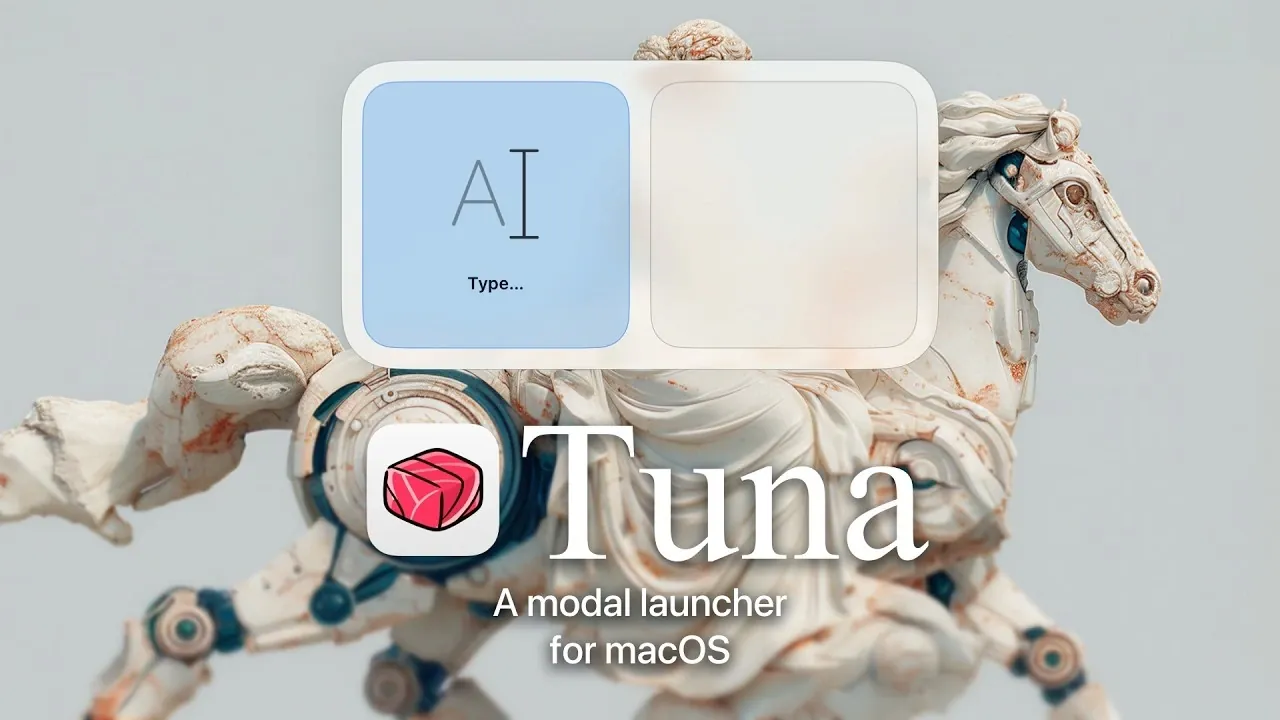
Tuna is a new macOS launcher designed to enhance task management through its modal structure and customizable workflows. According to Mikkel Malmberg, Tuna organizes activities into four modes: Fuzzy Mode, Text Mode, Leader Mode and Dictation Mode. For instance, Fuzzy Mode employs an adaptive search algorithm to simplify app launching and file navigation, improving its accuracy based on usage patterns. This structured approach offers users a clear way to manage diverse tasks effectively.
You’ll learn how to use Tuna’s four modes to streamline tasks, including app launches and voice-to-text input with privacy-focused features. You’ll also explore the “subject-action-target” framework for chaining actions efficiently and see how features like clipboard history and app extensions integrate with platforms such as Safari and Obsidian.
Innovative macOS Launcher
TL;DR Key Takeaways :
- Tuna is a modern macOS launcher featuring a modal structure with four specialized modes, Fuzzy, Text, Leader and Dictation, designed to optimize workflows and enhance productivity.
- It introduces composable actions using a “subject-action-target” framework, allowing efficient, repeatable workflows and task automation.
- Privacy-focused local dictation supports multiple models (Apple, OpenAI Whisper, Nvidia Parakeet) for secure and flexible voice-to-text processing.
- Additional tools like an emoji picker, clipboard history, color picker, app extensions and customizable themes further enhance usability and convenience.
- Available in free and Pro versions, Tuna balances accessibility with advanced features, while future updates driven by user feedback aim to expand its capabilities and personalization options.
Core Features That Set Tuna Apart
Tuna’s features are carefully crafted to enhance productivity and streamline workflows. At its foundation is a modal structure that organizes tasks into distinct modes, each tailored to specific activities. These features make Tuna a standout choice for macOS users:
- Modal Structure: Tuna offers four specialized modes, Fuzzy Mode, Text Mode, Leader Mode and Dictation Mode, each designed to handle specific tasks with precision and ease.
- Composable Actions: The “subject-action-target” framework allows users to chain actions together, allowing efficient and repeatable workflows that save time and effort.
- Local Dictation: Voice-to-text processing is performed entirely on your device, making sure privacy. Tuna supports multiple dictation models, including Apple, OpenAI Whisper and Nvidia Parakeet.
These features are designed to cater to a wide range of users, from casual individuals seeking simplicity to power users requiring advanced functionality.
Exploring the Modal Structure
The modal structure is the cornerstone of Tuna’s design, offering a tailored experience for various tasks. Each mode is optimized for specific workflows, allowing users to switch seamlessly between them. Here’s an in-depth look at each mode:
- Fuzzy Mode: This mode is ideal for quick app launching, file searching and directory browsing. Its adaptive fuzzy search algorithm learns user habits over time, making it faster and more intuitive with continued use.
- Text Mode: Designed for text-heavy tasks such as input, conversions, calculations and scripting. It’s a go-to mode for users who frequently work with text-based workflows.
- Leader Mode: Execute commands instantly using single-key shortcuts. This mode supports direct imports from Leader Key configurations, offering extensive customization for advanced users.
- Dictation Mode: Enables voice-to-text input with local processing to safeguard privacy. It supports multiple dictation models, including Apple Whisper and Nvidia Parakeet, making sure flexibility and accuracy.
This modular design enables users to optimize their workflows, reducing time spent on repetitive tasks and enhancing overall efficiency.
Meet Tuna a New, Modern, Modal Launcher for macOS

Learn more about macOS by reading our previous articles, guides and features :
- Everything You Need to Know About macOS 26.3 Tahoe
- macOS 26.2 Tahoe: The Game-Changing Update You Can’t Miss!
- macOS 26.2 Release Candidate: Key Features and Enhancements
- Apple macOS 26.2: A Complete Guide
- Top 10 New Features in macOS 26.2 Explained
- macOS Tahoe 26.2 Update: Key Features Explained
- macOS 26.3 and M5 Max MacBook Pro: Key Features Expl
- macOS 26.4 Beta 1 Tahoe Features: Battery, Safari, and More
- Apple’s M5 Pro & M5 Max MacBook Pros: Coming Next Week?
- iOS 26.2 RC2: Key Details About Apple’s Latest Update
Additional Tools to Enhance Productivity
Tuna goes beyond its core modes by offering a suite of supplementary tools that further enhance its functionality. These tools are designed to complement the modal structure and provide added convenience for users:
- Emoji Picker: Quickly access emojis without disrupting your workflow, making communication more expressive and efficient.
- Clipboard History: Manage and retrieve previously copied items effortlessly, saving time and improving organization.
- Color Picker: A built-in tool for selecting and copying colors, particularly useful for designers and developers.
- App Extensions: Seamlessly integrate with popular apps like Safari, Obsidian and GitHub, with plans to expand third-party extension support.
- Customizable Themes: Personalize Tuna’s appearance to match your preferences and aesthetic tastes.
- Text-Based Configuration: Export and import configurations with ease, making sure portability and consistency across devices.
These features make Tuna a comprehensive tool for macOS users, catering to diverse needs and preferences while maintaining a focus on usability and efficiency.
Design Philosophy: Empowering Users with Simplicity and Control
Tuna’s design philosophy emphasizes simplicity, efficiency and user autonomy. Unlike many modern tools that heavily rely on AI, Tuna minimizes this dependency, focusing instead on giving users full control over their workflows. However, for those who require it, Tuna provides quick access to external AI tools like ChatGPT, making sure flexibility without compromising its lightweight and responsive nature.
This balanced approach ensures Tuna remains accessible and intuitive while offering advanced capabilities for users who need them. It’s a tool designed to empower users, allowing them to work smarter and more effectively.
Pricing Options and Accessibility
Tuna is available in two versions, making sure accessibility for a broad audience while offering additional value for users with advanced needs:
- Free Version: Provides access to most core features but limits extensions and uses smaller dictation models, making it suitable for casual users.
- Pro Version: Available through a one-time purchase, the Pro version unlocks advanced features such as full clipboard history, support for larger dictation models and enhanced customization options.
This pricing model strikes a balance between accessibility and functionality, catering to both casual users and professionals seeking a more robust tool.
Future Developments and User-Driven Evolution
Tuna’s development is guided by user feedback, with a dedicated Discord community playing a pivotal role in shaping its evolution. Planned updates include:
- Expanding the range of app extensions and customizable themes to enhance personalization.
- Improving the composable actions framework to support more complex and dynamic workflows.
- Refining the modal structure to better align with user needs and preferences.
These updates aim to make Tuna an even more versatile and enjoyable tool for macOS users, making sure it remains at the forefront of productivity solutions.
Empowering Productivity with Tuna
Tuna redefines the macOS launcher experience with its innovative modal structure, composable actions and extensive customization options. By prioritizing user control, privacy and efficiency, Tuna offers a streamlined and enjoyable way to interact with your computer. Whether you’re a casual user seeking simplicity or a power user requiring advanced functionality, Tuna provides the tools you need to enhance productivity and simplify your workflows. With its commitment to continuous improvement and user-driven development, Tuna is poised to become an indispensable part of your macOS experience.
Media Credit: Mikkel Malmberg
Disclosure: Some of our articles include affiliate links. If you buy something through one of these links, Geeky Gadgets may earn an affiliate commission. Learn about our Disclosure Policy.
