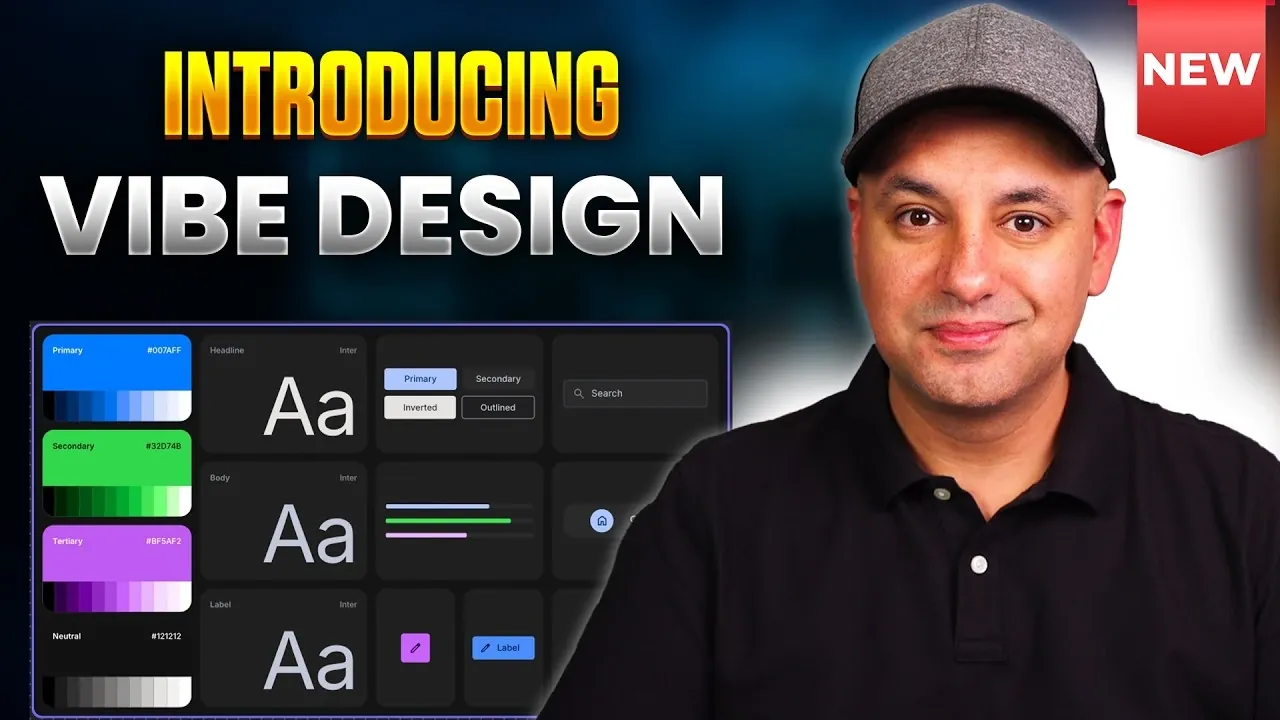
Google has introduced “Stitch,” an AI-driven platform designed to streamline the creation of user interfaces for websites and applications. By using natural language text prompts, Stitch enables users to generate and refine designs with greater efficiency. One standout feature is its Direct Edit mode, which allows real-time adjustments to design elements without relying solely on text commands. As explained by Skill Leap AI, this feature offers a practical way to handle diverse design needs, from quick tweaks to more detailed modifications.
Discover how Stitch’s Flash Model supports rapid prototyping for internal systems and dashboards, while the Thinking Model is tailored for complex, public-facing designs. Learn how its screenshot-based redesign feature updates older layouts to meet modern standards. Additionally, explore its mobile optimization capabilities and integration with platforms like Figma for exporting projects effectively.
What is Google Stitch?
TL;DR Key Takeaways :
- Google has created “Stitch,” an AI-powered design tool that simplifies UI creation using natural language text prompts, catering to both beginners and professionals.
- Stitch offers advanced features like Ideate Mode for generating design concepts, Direct Edit for real-time adjustments and Live Mode for conversational AI-driven design changes.
- Specialized design models, such as Flash Model for rapid prototyping and Thinking Model for complex applications, enhance its versatility for diverse projects.
- Seamless integration with Google AI Studio allows users to export designs for further development, reducing manual coding and accelerating deployment.
- Additional features include mobile optimization, Figma export and AI-enhanced functionality, making Stitch a comprehensive tool for modern design workflows.
Stitch is an AI-driven platform specifically designed to simplify and accelerate the process of UI creation. By using straightforward text prompts, you can quickly generate tailored design layouts for a variety of projects, such as dashboards, e-commerce platforms, or mobile applications. The tool provides extensive customization options, including color schemes, layouts and design systems, making it adaptable to the needs of both beginners and experienced designers. Its ability to balance flexibility with precision ensures that it can cater to diverse design requirements, offering a versatile solution for modern design challenges.
Key Features of Stitch
Stitch is equipped with a robust set of features that streamline the design process, from the initial brainstorming phase to the final stages of deployment. These features are designed to enhance creativity, improve efficiency and simplify complex workflows:
- Ideate Mode: Transform abstract ideas into actionable design concepts by generating product requirement documents, user flows and wireframes. This feature bridges the gap between initial ideas and tangible design outputs.
- Direct Edit: Make real-time adjustments to design elements without relying solely on text prompts. This hands-on editing capability ensures a faster and more intuitive design experience.
- Live Mode: Use conversational AI to interact with the tool and make design changes. For instance, you can instruct the AI to “resize the button” or “change the background color to green,” allowing a dynamic and responsive design process.

Explore further guides and articles from our vast library that you may find relevant to your interests in Google Stitch.
- Google Stitch Update : Gemini Agents & Vibe Design
- Google Stitch 2.0 : The Secret Weapon for Effortless UI Design
- ShadCN Guide, Stitch Prototypes and Exports to Popular AI Tools
- Will Claude Code & Google Stitch 2.0 Replace Web Designers?
- Google Stitch Update : MCP Server, Agent Skills and CLI Support
- Google Stitch Leak : Gemini AI Design Agent & React Export
- Google Stitch with Gemini 3.0 for Smarter, Consistent UI Flows
- Google Antigravity & Stitch Guide to Code-Free Full-Stack Apps
- Create High-Fidelity UIs Fast Using Google Stitch
- Google Stitch vs Figma : AI UI Design Comparison and Guide
Advanced Design Models
Stitch introduces specialized design models tailored to meet the unique demands of various projects. These models enhance its versatility and allow you to approach different design challenges with precision:
- Flash Model: Perfect for rapid prototyping, this model is ideal for creating internal tools, dashboards, or quick mockups. It emphasizes speed and efficiency without compromising on quality.
- Thinking Model: Designed for complex, public-facing applications, this model generates sophisticated designs with advanced functionality, making it suitable for high-stakes projects.
- Screenshot-Based Redesign: Upload screenshots of existing designs and the AI will analyze and update them to align with modern standards or new project requirements. This feature is particularly useful for refreshing outdated designs.
Seamless Integration with Google AI Studio
One of Stitch’s standout features is its seamless integration with Google AI Studio. This integration allows you to export your designs directly into AI Studio for further development. Once imported, your designs can be transformed into fully functional websites or applications using advanced technologies like vibe coding. By eliminating the need for manual coding, this integration significantly reduces development time and effort, allowing you to focus on refining your creative vision.
Additional Features to Enhance Your Workflow
Beyond its core capabilities, Stitch offers a range of additional features designed to optimize your workflow and enhance the overall design process:
- Mobile and Tablet Optimization: Preview and adjust your designs for various screen sizes to ensure a responsive and user-friendly experience across devices.
- Export to Figma: For those who prefer additional customization, Stitch allows you to export projects to tools like Figma, providing greater flexibility in refining your designs.
- AI-Enhanced Functionality: Add interactive elements such as user login systems, themes and more with minimal effort, streamlining the process of creating dynamic and engaging user experiences.
Complementary Innovations from Google
Stitch is part of a broader ecosystem of AI-driven tools from Google, all designed to enhance the design and development process. These complementary innovations work in tandem with Stitch to provide a comprehensive suite of resources:
- LIA AI Music Generation: Create custom background music for your apps or websites, elevating the user experience with personalized audio elements.
- Veo 3.1 Light Updates: Performance enhancements to existing AI tools ensure smoother functionality and greater efficiency, further streamlining your workflow.
Empowering the Future of Design
Google Stitch represents a fantastic step forward in AI-assisted design, offering a comprehensive toolkit that simplifies the journey from concept to deployment. With features like text-prompt generation, real-time editing and seamless integration with platforms such as Google AI Studio and Figma, Stitch enables you to create professional-grade designs with unparalleled efficiency. Whether you’re crafting a simple prototype or a complex application, Stitch provides the tools and flexibility needed to bring your creative visions to life. Its innovative approach to design ensures that you can focus on creativity while the technology handles the complexities, making it an invaluable asset in the evolving landscape of digital design.
Media Credit: Skill Leap AI
Disclosure: Some of our articles include affiliate links. If you buy something through one of these links, Geeky Gadgets may earn an affiliate commission. Learn about our Disclosure Policy.
