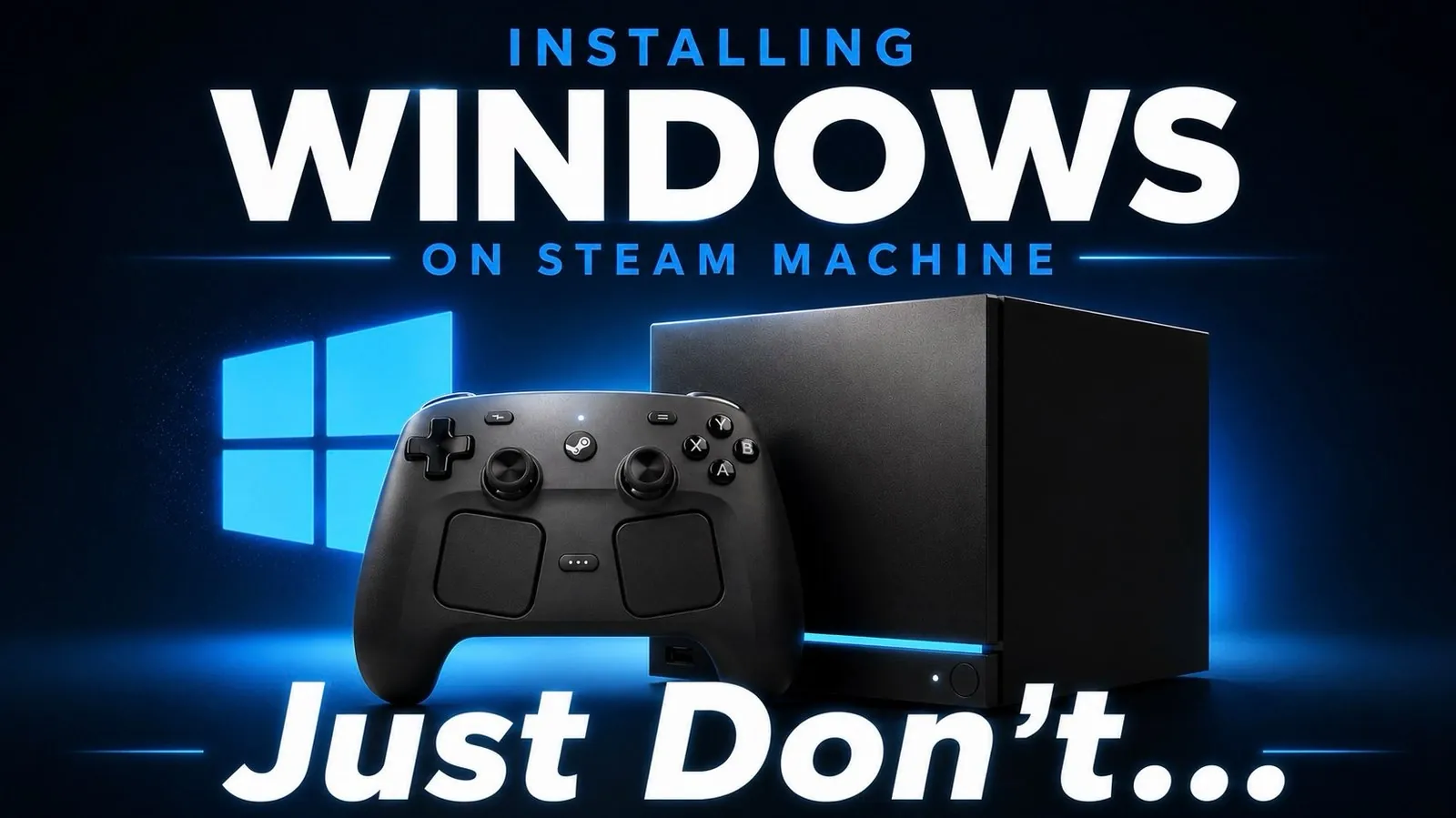
Valve’s Steam Machine has always aimed to bridge the gap between PC gaming and console convenience, but recent updates have introduced both opportunities and challenges for users. One notable development, highlighted by Deck Ready, is the release of Windows drivers for the Steam Machine. While this allows users to replace SteamOS with Windows for broader software compatibility, it comes with significant trade-offs. For example, installing Windows requires a complete OS replacement and users must rely on generic AMD graphics drivers, which can lead to reduced performance compared to the optimized SteamOS environment. These limitations underscore the importance of weighing flexibility against performance when considering this option.
Explore how these updates impact the Steam Machine’s usability and what they mean for its future. You’ll gain insight into the risks of installing Windows, including the lack of official support and potential performance drawbacks, as well as practical solutions for common hardware issues like the “Red Bar of Death.” Additionally, the analysis touches on Valve’s broader hardware ambitions, such as the upcoming Steam Frame VR headset, offering a glimpse into the company’s evolving vision for gaming. Each of these elements provides valuable context for understanding the Steam Machine’s place in an increasingly competitive market.
Installing Windows on the Steam Machine
TL;DR Key Takeaways :
- Valve has released Windows drivers for the Steam Machine, offering greater software flexibility but requiring a full OS replacement and presenting performance and support challenges.
- The “Red Bar of Death” hardware issue can often be resolved with simple troubleshooting steps like power resets and making sure proper ventilation.
- The upcoming Steam Frame VR headset promises standalone functionality and enhanced SteamOS integration, aiming to make VR gaming more accessible and user-friendly.
- The Steam Machine faces ongoing challenges, including high pricing, aging hardware and limited official support, which impact its competitiveness in the gaming market.
- Valve’s continued innovation, including the Steam Frame VR headset, reflects its ambition to redefine gaming experiences despite challenges with the Steam Machine’s adoption and longevity.
Opportunities and Limitations
Valve’s decision to release drivers for installing Windows on the Steam Machine offers users greater flexibility, allowing access to a wider range of software and games. However, this option comes with significant trade-offs that users should carefully consider:
- Complete OS replacement: Installing Windows requires erasing SteamOS entirely, leaving Windows as the sole operating system. Reverting to SteamOS would necessitate a full reinstallation process.
- Lack of official support: Valve does not provide official support for Windows on the Steam Machine, meaning users must troubleshoot issues independently.
- Performance concerns: The device relies on generic AMD graphics drivers when running Windows, which can result in lower performance compared to the optimized SteamOS environment.
For users who prioritize stability and seamless gaming performance, sticking with SteamOS remains the better choice. SteamOS is specifically designed to integrate with the Steam Machine’s hardware, making sure smoother gameplay and minimizing compatibility issues. However, for those seeking a broader software library, the Windows option may be worth exploring despite its challenges.
Addressing the “Red Bar of Death” Issue
Some Steam Machine users have reported encountering the “Red Bar of Death,” signaled by a red LED on the device. While this issue may seem alarming at first, it is often straightforward to resolve with a few simple steps:
- Power reset: Unplug the device and hold the power button for several seconds to drain any residual power.
- Cooling down: If overheating is suspected, allow the device to cool down before restarting it.
Making sure proper ventilation is critical to preventing overheating, especially during extended gaming sessions. While the “Red Bar of Death” is relatively rare, it underscores the importance of regular maintenance to keep your Steam Machine running optimally. Taking proactive steps, such as cleaning vents and avoiding obstructed airflow, can help prevent similar issues in the future.

Advance your skills in Steam Machine by reading more of our detailed content.
- Why Valve is Releasing 4 Different Steam Machine Variants
- Valve’s 2026 Steam Machine is Almost Here
- Inside Valve’s Unusual Rollout Plan for the Steam Machine
- Why Valve’s New Steam Machine Could Outperform the PS5 in Your Living Room
- Why the Upcoming Valve Steam Machine Might Be Sold at a Loss
- Valve Confirms Summer 2026 Release Window for Steam Machine and Steam Frame
- How Valve Finally Solved the Steam Machine’s Biggest Performance Bottleneck
- What Valve’s Leaked June 2026 Steam Machine Details Mean for Your Living Room
- Leaked Geekbench Scores Reveal the True Power of the $750 Steam Machine
- Valve Explains Why We Got a New Steam Controller but No Steam Machine
Steam Frame VR Headset: A New Era for VR Gaming
Valve’s upcoming Steam Frame VR headset has generated significant excitement within the gaming community. Designed to offer standalone functionality, the device aims to eliminate the need for a tethered PC, potentially making VR gaming more accessible and user-friendly.
Key features of the Steam Frame VR headset include:
- Standalone capabilities: The ability to operate independently of a PC could simplify setup and expand the device’s appeal to a broader audience.
- Enhanced SteamOS integration: Advancements in SteamOS are expected to improve the overall VR experience, offering smoother performance and better compatibility with VR content.
The success of the Steam Frame VR headset will likely hinge on two critical factors: pricing and developer support. Competitive pricing could make the device more attractive to casual and dedicated gamers alike, while robust developer backing would ensure a steady stream of high-quality VR games and applications. If Valve can deliver on these fronts, the Steam Frame has the potential to significantly influence the VR gaming landscape.
Ongoing Challenges for the Steam Machine
Despite its innovative features, the Steam Machine continues to face several challenges that limit its competitiveness in the modern gaming market:
- High pricing: Both the Steam Machine and the anticipated Steam Frame VR headset have been criticized for their premium price points, which may deter budget-conscious gamers.
- Aging hardware: The Steam Machine’s hardware is increasingly outdated, making it difficult to compete with newer gaming PCs and consoles that offer superior performance and features.
- Limited support: Valve’s shift in focus to other hardware projects, such as the Steam Deck and Steam Frame, has left the Steam Machine with minimal official support and updates.
Nevertheless, the Steam Machine community remains active and resourceful. Enthusiasts continue to find creative ways to extend the device’s lifespan, from experimenting with alternative operating systems to upgrading hardware components. This dedication reflects the enduring appeal of Valve’s vision, even as the company explores new frontiers in gaming technology.
The Road Ahead
The Steam Machine’s journey is a testament to Valve’s ambition to innovate within the gaming industry. While the introduction of Windows drivers and solutions for hardware issues provide users with new options, the device’s future depends on addressing key challenges such as pricing and hardware compatibility. Meanwhile, the Steam Frame VR headset represents an exciting opportunity to redefine VR gaming, with its standalone functionality and potential for widespread adoption.
As a user, staying informed about these developments will empower you to make the most of your Steam Machine and prepare for the innovations that Valve continues to bring to the gaming world. Whether you’re exploring new features or maintaining your current setup, the Steam Machine remains a unique platform with much to offer.
Media Credit: Deck Ready
Disclosure: Some of our articles include affiliate links. If you buy something through one of these links, Geeky Gadgets may earn an affiliate commission. Learn about our Disclosure Policy.
