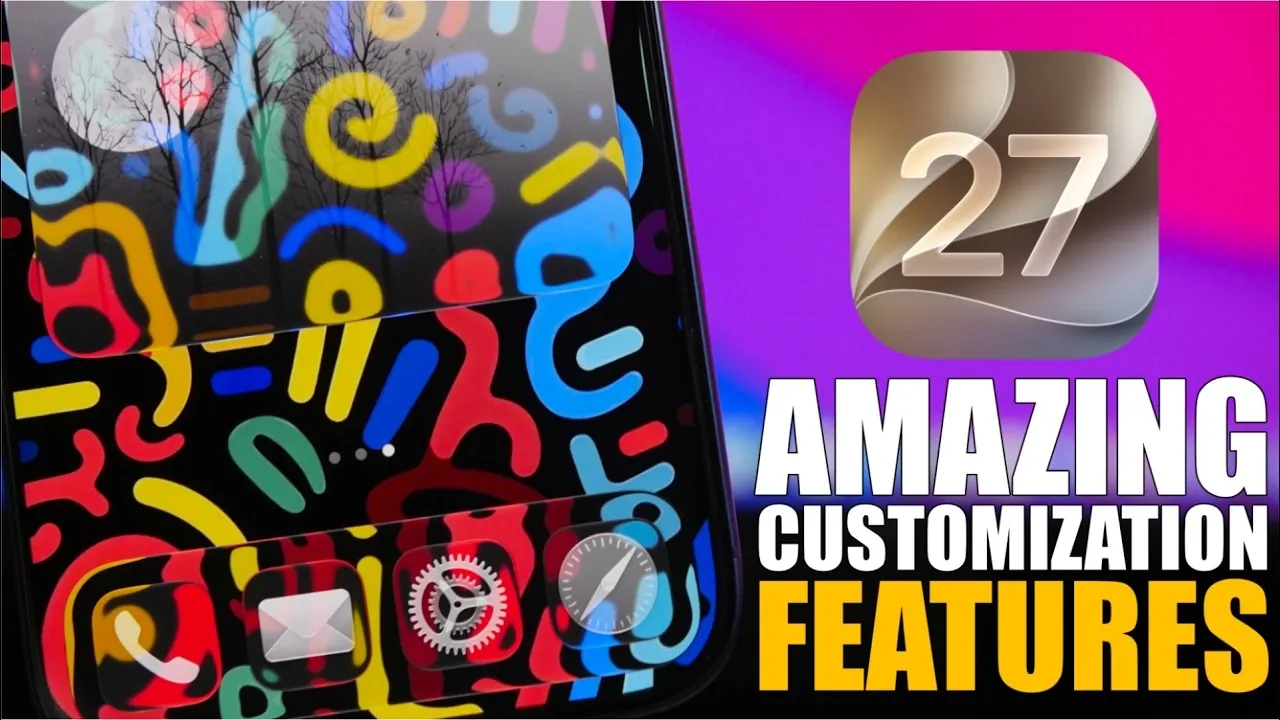
Apple’s iOS 27 brings a host of new customization features, empowering you to take greater control over your iPhone’s appearance and functionality. With enhancements ranging from interactive widgets to advanced wallpaper tools, this update strikes a balance between personalization and the sleek, intuitive design Apple is renowned for. Here are five standout features that make iOS 27 a significant step forward for iPhone users. The video below from iReviews gives us more details.

1. Interactive and Full-Screen Home Screen Widgets
Widgets in iOS 27 have been redesigned to offer enhanced interactivity and flexibility. You now have the option to dedicate an entire home screen to a single widget, creating a focused and distraction-free interface. Stock apps like Notes, Calendar, and Reminders fully support this feature, allowing you to interact with widgets directly without needing to open the corresponding app. For example, you can check off tasks in the Reminders widget or jot down ideas in Notes, all from your home screen. This streamlined functionality not only saves time but also enhances productivity by keeping essential tools readily accessible.
2. Liquid Glass Effects for App Icons
The introduction of the liquid glass effect for app icons in iOS 27 adds a modern and polished aesthetic to your device. This feature includes a new transparency slider, allowing you to adjust the opacity of app icons and other visual elements. Whether you prefer bold, vibrant icons or a minimalist, subdued look, this customization option allows you to tailor your iPhone’s interface to suit your personal style. The result is a cohesive and refined design that feels uniquely yours, enhancing both the visual appeal and usability of your device.
3. Enhanced Lock Screen Customization
iOS 27 takes lock screen customization to the next level, offering greater control over its appearance. You can now minimize or completely hide the clock display, allowing your chosen wallpaper to take center stage. This feature is particularly useful for showcasing personal photos or artistic images without unnecessary distractions. Additionally, the updated lock screen ensures that wallpapers are displayed with optimal clarity and detail, creating a visually stunning experience every time you unlock your iPhone. These enhancements transform the lock screen from a functional interface into a personalized canvas for self-expression.
4. Advanced Wallpaper Tools
The wallpaper customization tools in iOS 27 provide an unprecedented level of control over your device’s visual theme. You can adjust the color intensity of your wallpapers and choose from a wide palette of hues to match your preferences. For a cohesive aesthetic, you can synchronize your wallpaper colors with your iPhone’s system tint and app icons. Whether you prefer vibrant, high-contrast designs or soft, muted tones, these tools make it easy to create a unified and visually appealing interface. This feature ensures that your iPhone reflects your personality while maintaining a polished and professional look.
5. Custom Wallpaper Generation
One of the most exciting features in iOS 27 is the ability to generate custom wallpapers directly from your lock screen. This tool allows you to choose from various styles, such as animation, illustration, or sketch, and incorporate personal photos to create unique designs. For instance, you can apply a sketch filter to a family photo, transforming it into a hand-drawn masterpiece, or use an animated effect to bring your favorite memories to life. This feature not only adds a personal touch to your device but also ensures that your iPhone stands out with a design that is truly one of a kind.
Personalize Your iPhone Like Never Before
iOS 27 redefines iPhone customization with tools that allow you to personalize your device in meaningful ways. From interactive widgets and liquid glass effects to enhanced lock screen options and advanced wallpaper tools, these updates provide a dynamic and visually engaging user experience. Whether your priority is functionality, aesthetics, or a combination of both, iOS 27 offers the flexibility to make your iPhone truly your own. With its release scheduled for September 14th, this update promises to elevate your iPhone experience while maintaining the performance and reliability you expect from Apple.
Take a look at other insightful guides from our broad collection that might capture your interest in iOS 27.
- Apple Delaying iOS 27 Beta 5? Here’s When to Expect the Next Update
- New iOS 27 Beta 5 Release Arrives with a Big Shift Coming
- iOS 27 Beta 5 Is Late: What’s Holding Up Apple’s Next Release?
- The iOS 27 Beta 5 Release Imminent with More New Features
- Apple’s iOS 27 Beta 3 Is Just Days Away: Here’s When It Drops
- Apple iOS 27 Beta 5 Preview: a Look at the Next Release
Source & Image Credit: iReviews
Disclosure: Some of our articles include affiliate links. If you buy something through one of these links, Geeky Gadgets may earn an affiliate commission. Learn about our Disclosure Policy.
