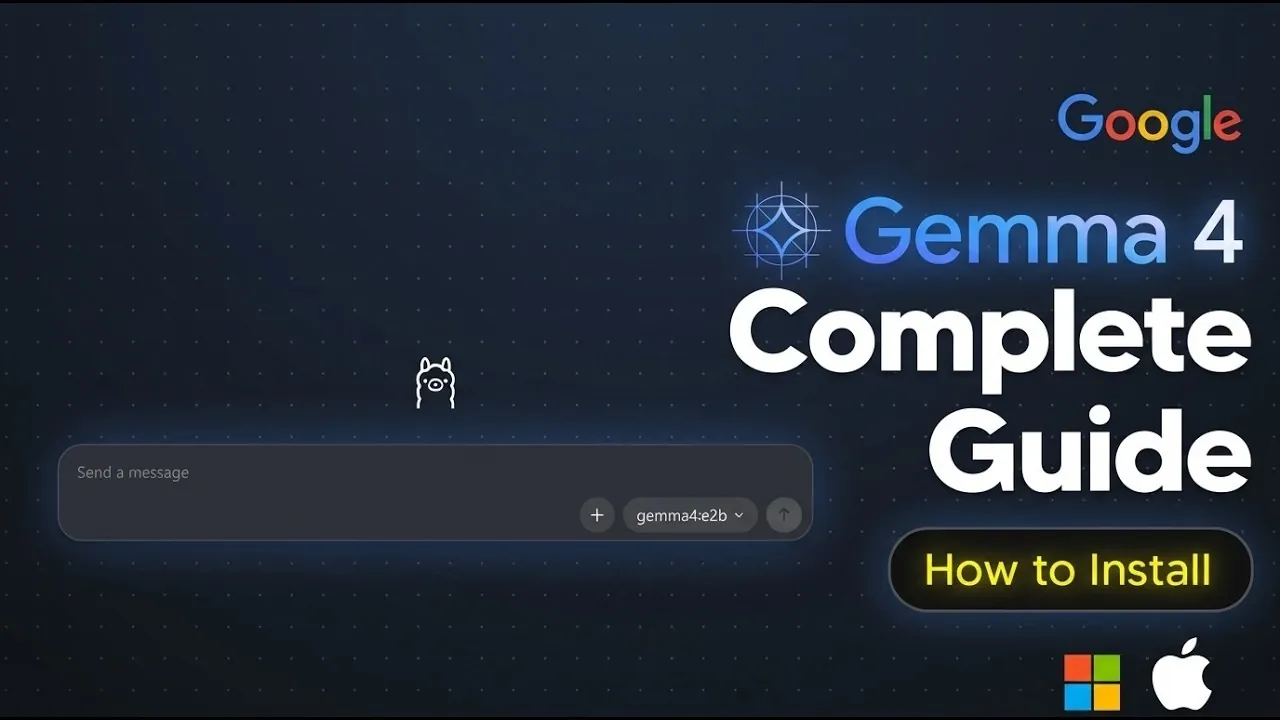
Gemma 4, developed by Google and released under the Apache 2.0 license, is designed for local AI deployment across various operating systems. Its compact structure supports users with different levels of expertise, making it a versatile option for a wide audience. AI Grid outlines the setup process, which includes running a straightforward terminal command—ollama pull gemma-4—to download the model through the Ollama platform. This approach simplifies installation while accommodating diverse technical requirements.
Explore how to check your hardware compatibility, including GPU specifications for handling different model sizes. Learn to navigate the Ollama platform for managing models effectively and gain insight into practical applications such as image recognition, video analysis and text-based tasks. This quick-start guide equips you with the steps needed to set up and begin working with Gemma 4 in your AI projects.
What Is Gemma 4?
TL;DR Key Takeaways :
- Gemma 4, developed by Google, is a compact and efficient AI model available in four sizes (2B, 4B, 26B and 31B), tailored for diverse tasks like image processing, video analysis and multi-step planning.
- Released under the Apache 2.0 license, it supports local deployment on standard GPUs, making it accessible for developers, researchers and AI enthusiasts.
- Installation is simplified via the Ollama platform, with compatibility across Windows, macOS and Linux and hardware requirements varying by model size (12GB VRAM for smaller models, 24GB+ for larger ones).
- Gemma 4 is cost-efficient, allowing local deployment to avoid expensive cloud-based API subscriptions, with the option to rent GPUs for users lacking high-end hardware.
- Its versatility spans applications like image recognition, video processing and text-based queries, making it suitable for both personal projects and enterprise-level tasks.
Gemma 4 is a family of advanced AI models designed to deliver high performance in a compact form factor. It is available in four distinct sizes, each tailored to specific use cases:
- 2B and 4B models: Optimized for lightweight tasks, such as basic data analysis or small-scale AI applications.
- 26B (Mixture of Experts): Designed for specialized applications requiring advanced capabilities.
- 31B (Dense): Best suited for high-complexity tasks, including large-scale data processing and intricate decision-making workflows.
Despite its smaller size compared to some competitors, Gemma 4 excels in efficiency and functionality. It supports multi-step planning, making it ideal for tasks that require sequential decision-making. Additionally, it delivers exceptional performance in image and video processing, allowing applications in fields like computer vision, media analysis and automated content generation. Its compact design also ensures compatibility with edge devices, such as mobile phones, IoT devices and embedded systems, broadening its usability across various platforms.
How to Install Gemma 4 Locally
Installing Gemma 4 locally is a straightforward process, thanks to the Ollama platform. Ollama simplifies the management of AI models by providing terminal-based commands for downloading, updating and organizing them. Gemma 4 is compatible with major operating systems, including Windows, macOS and Linux, making sure accessibility for a wide range of users. To get started, follow these steps:
- Download and install the Ollama platform from its official website. Follow the installation instructions specific to your operating system.
- Once installed, open your terminal and execute the command:
ollama pull gemma-4. This will download the Gemma 4 model to your local machine.
The installation process is designed to be user-friendly, allowing both beginners and experienced users to set up the model with minimal effort. Once the download is complete, the model will be ready for use on your system.
Expand your understanding of Google Gemma with additional resources from our extensive library of articles.
- Gemma 4 Models: 31B and 26B MoE with 256K Context Window
- Google Gemma 4, Anthropic’s Secret Al Agent, Qwen 3.6 & More
- Claude Operon Leak Reveals Anthropic’s Biology AI
- Meta Buys Moltbook for AI Agent Network Growth
- 5 Workflows Built with Gemini & Google Workspace
- Google Gemma 3 Outperforms Larger AI Models Like DeepSeek V3
- New Google Gemma 3: Advanced AI Models for Text and AI Vision
- Google’s new Gemma 2 9B AI model beats Llama-3 8B
- Google’s Embedding Gemma: A Breakthrough in On-Device NLP
Hardware Requirements
Before installing Gemma 4, it is essential to ensure that your hardware meets the necessary specifications. The model’s compact architecture allows it to run on a variety of GPUs, but the requirements vary depending on the model size:
- 2B and 4B models: Require GPUs with at least 12GB of VRAM, making them suitable for mid-range hardware.
- 26B and 31B models: Demand GPUs with 24GB or more VRAM, ideal for high-end systems or professional-grade setups.
If your system lacks a compatible GPU, you can still run the model on a CPU, although this will result in slower performance. Alternatively, you can rent GPUs through cost-effective cloud services, allowing you to meet the computational demands without investing in expensive hardware. To verify your GPU specifications, use commands like NVIDIA-smi on systems equipped with Nvidia GPUs.
How to Use Gemma 4
Once installed, Gemma 4 can be applied to a wide range of tasks. Whether you’re running the model locally on your machine or deploying it on virtual servers for remote access, its versatility ensures it can handle diverse applications. Key use cases include:
- Image recognition: Analyze and interpret visual data for applications in computer vision and automated tagging.
- Video processing: Perform advanced tasks such as object tracking, scene segmentation and motion analysis.
- Text-based queries: Use natural language understanding to process and respond to complex queries effectively.
To maximize performance, ensure your system meets the hardware requirements and allocate sufficient resources for the model. Start with smaller datasets or simpler queries to familiarize yourself with its capabilities before scaling up to more complex tasks. This approach allows you to optimize the model’s performance while gaining a deeper understanding of its potential.
Cost Efficiency
One of the standout features of Gemma 4 is its cost efficiency. Running the model locally eliminates the need for expensive cloud-based API subscriptions, significantly reducing long-term operational costs. For users without high-end GPUs, renting hardware on demand through cloud services offers a budget-friendly alternative. This flexibility makes Gemma 4 accessible to a wide range of users, from hobbyists exploring AI to enterprise developers managing large-scale projects. By using its local deployment capabilities, you can achieve high performance without incurring excessive expenses.
Uninstalling Gemma 4
If you need to remove Gemma 4 from your system, the Ollama platform provides simple commands for uninstallation. Follow these steps to ensure a clean removal:
- Run the command
ollama listto view all installed models on your system. - Identify the Gemma 4 model and execute
ollama rm gemma-4to delete it from your local machine.
This process ensures that your system remains organized and free of unnecessary files, allowing you to manage your resources efficiently.
Final Thoughts
Gemma 4 represents a significant advancement in the field of open AI models, offering a compact yet powerful solution for local deployment. Its support for cross-platform compatibility, cost-efficient operation and diverse applications makes it an excellent choice for developers and researchers at all levels. By following this guide, you can install, configure and use Gemma 4 effectively, unlocking its potential for a wide range of tasks. Whether you’re working on edge devices, virtual servers, or personal projects, Gemma 4 equips you with the tools to succeed in your AI endeavors.
Media Credit: TheAIGRID
Disclosure: Some of our articles include affiliate links. If you buy something through one of these links, Geeky Gadgets may earn an affiliate commission. Learn about our Disclosure Policy.
