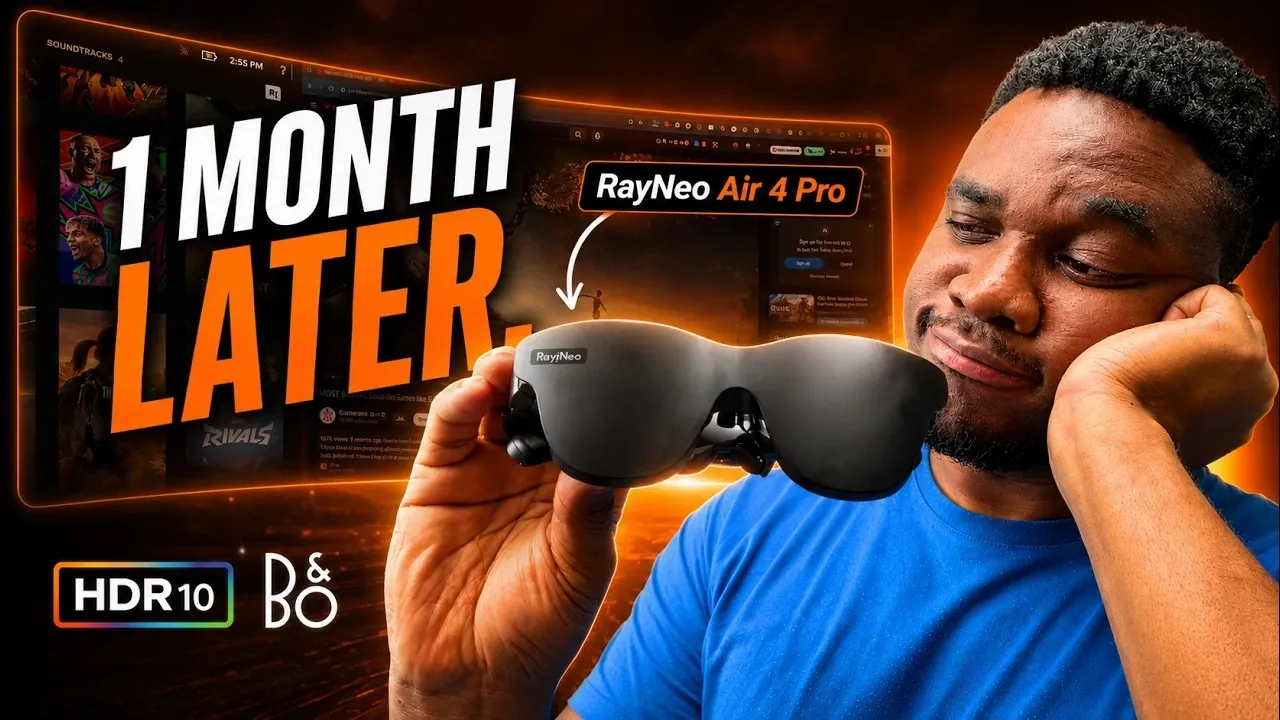
The RayNeo Air 4 Pro XR glasses have been on the market for a while now, offering features like an HDR micro-OLED display and Bang & Olufsen-tuned audio at a competitive price point. After a month of use, Gadgets Guardian examines whether these glasses live up to their promise of balancing affordability and performance. Key highlights include the vibrant 1200-nit display, which excels in moderately lit spaces and the lightweight 79-gram design that prioritizes comfort for extended wear. However, limitations such as the narrow 47° field of view and trade-offs between HDR and refresh rate may leave some users questioning their long-term value.
Dive into this breakdown to better understand how the RayNeo Air 4 Pro performs across various scenarios. You’ll gain insight into its strengths, such as its plug-and-play compatibility with devices like the Nintendo Switch, as well as its struggles with productivity tasks and app reliability. Whether you’re considering these glasses for casual entertainment or exploring XR technology for the first time, this guide will help clarify whether they’re a fit for your needs.
TL;DR Key Takeaways :
- The RayNeo Air 4 Pro XR glasses feature an HDR micro-OLED display with vibrant colors and Bang & Olufsen-tuned audio, offering solid visual and audio performance for casual entertainment.
- Weighing only 79 grams, the glasses are lightweight and comfortable, designed for extended use without discomfort.
- Key limitations include a narrow 47° field of view, capped refresh rates when using HDR and the lack of advanced XR interactivity, making them less suitable for immersive or productivity-focused tasks.
- Usability issues, such as a buggy companion app, design flaws and misleading marketing claims, detract from the overall experience and reliability.
- Best suited for casual users new to XR technology, the glasses are an affordable entry point but may disappoint those seeking advanced features or high-performance capabilities.
What the RayNeo Air 4 Pro Excels At
The RayNeo Air 4 Pro demonstrates notable strengths, particularly in its visual and audio capabilities, as well as its user-friendly design. Here’s what sets it apart:
- HDR Micro-OLED Display: The glasses offer vibrant colors and sharp contrast, making them well-suited for activities like movie watching and casual gaming. With a brightness of up to 1200 nits, they perform admirably even in moderately lit environments, making sure a clear and enjoyable viewing experience.
- Bang & Olufsen-Tuned Audio: The audio quality is immersive and well-balanced, enhancing the overall experience whether you’re streaming content or engaging in light gaming sessions.
- Lightweight and Comfortable Design: Weighing in at just 79 grams, the glasses are designed for extended use without causing discomfort, a critical factor for wearable technology.
- Plug-and-Play Simplicity: The glasses are easy to connect with devices like the Nintendo Switch or Steam Deck, offering a straightforward setup process that minimizes frustration.
- Customizable Settings: Users can adjust color profiles, audio settings and refresh rates, tailoring the experience to their personal preferences for optimal enjoyment.
- Affordability: Priced competitively and often available at discounts, the RayNeo Air 4 Pro provides an accessible entry point for those curious about XR technology without requiring a significant financial commitment.
Where the RayNeo Air 4 Pro Falls Short
Despite its appealing features, the RayNeo Air 4 Pro has several limitations that may affect its appeal, particularly for users seeking a more advanced XR experience. Key drawbacks include:
- Narrow Field of View: The 47° field of view restricts screen visibility, leading to blurry edges and a less immersive experience. This limitation is particularly noticeable during activities requiring a broader visual range.
- HDR and Refresh Rate Limitations: While the glasses support HDR10, allowing HDR caps the refresh rate at 60 Hz, preventing smoother 120 Hz performance. This trade-off may disappoint users prioritizing fluid visuals.
- Lack of Advanced Interactivity: The absence of 3° of freedom (3DoF) functionality limits the glasses’ interactivity, making them unsuitable for applications requiring advanced XR capabilities.
- Challenges with Productivity: Tasks such as reading text or working on spreadsheets are hindered by the limited field of view and optical clarity, reducing their utility for professional or productivity-focused users.
- Design Flaws: The birdbath lenses and light blockers, while intended to enhance immersion, often fall short. The light blockers are prone to misplacement and can cause distracting reflections. Additionally, the glasses’ materials attract fingerprints and the stiff arm adjustments detract from overall usability.

Explore further guides and articles from our vast library that you may find relevant to your interests in display glasses.
- How to Stream YouTube on Your Meta Ray-Ban Display Glasses
- Google’s New AI Smart Glasses Are Leaving Meta Behind
- Even Realities G2 Smart Glasses Built for Busy Professionals
- Meta Ray-Ban Display Dual-Screen Smart Glasses Set to Launch in 2026
- Meta Ray-Ban Display Glasses: Are They Worth It?
- Living with Meta Ray-Ban Displays Smart Glasses : 6 Month Review
- How Meta’s Ray-Ban Display Redefines Augmented Reality Wearables
- Ray-Ban Meta 124.0 Update Quietly Unlocks 5-Minute Video Recording
- Everything New in the Meta Ray-Ban Version 125 Firmware Update
- Meta’s Ray-Ban Gen 3 Smart Glasses to Feature Screenless Design
Usability and Practical Concerns
One of the more frustrating aspects of the RayNeo Air 4 Pro is its companion app. The app frequently suffers from bugs and reliability issues, undermining the seamless experience users might expect. This is particularly problematic for those relying on the app for advanced settings or firmware updates. Additionally, some marketing claims, such as the advertised virtual display size, fail to align with real-world performance, potentially leading to user disappointment.
These usability challenges, combined with the glasses’ limited capabilities, make them less appealing for users seeking a versatile and polished XR solution. While they may suffice for casual entertainment, they lack the refinement and functionality required for productivity or immersive gaming.
Who Should Consider the RayNeo Air 4 Pro?
The RayNeo Air 4 Pro is best suited for specific types of users. You might find them a worthwhile investment if you:
- Are new to XR technology and want an affordable, low-risk entry point.
- Primarily use XR glasses for casual entertainment, such as watching movies or playing basic games.
- Plan to pair them with portable devices like the Nintendo Switch or Steam Deck for on-the-go use.
- Value a lightweight and comfortable design for short-term or occasional use.
Who Should Avoid the RayNeo Air 4 Pro?
Conversely, these glasses may not meet your expectations if you:
- Require advanced XR features, such as full interactivity or productivity tools.
- Are a serious gamer or professional seeking high-performance XR glasses with superior specifications.
- Prioritize a wide field of view and higher refresh rates for a more immersive experience.
- Expect reliable app functionality and seamless integration with your devices.
Final Thoughts on the RayNeo Air 4 Pro
After a month of use, the RayNeo Air 4 Pro offers a mixed experience. Its affordability, lightweight design and solid audio-visual performance make it an appealing choice for casual users exploring XR technology. However, its narrow field of view, lack of advanced functionality and usability issues may leave more demanding users unsatisfied.
If your primary focus is casual entertainment and you value affordability, the RayNeo Air 4 Pro could be a practical choice. However, if you’re seeking a more robust and immersive XR experience, it may be worth exploring other options that better align with your expectations and requirements.
Media Credit: Gadgets Guardian
Disclosure: Some of our articles include affiliate links. If you buy something through one of these links, Geeky Gadgets may earn an affiliate commission. Learn about our Disclosure Policy.
