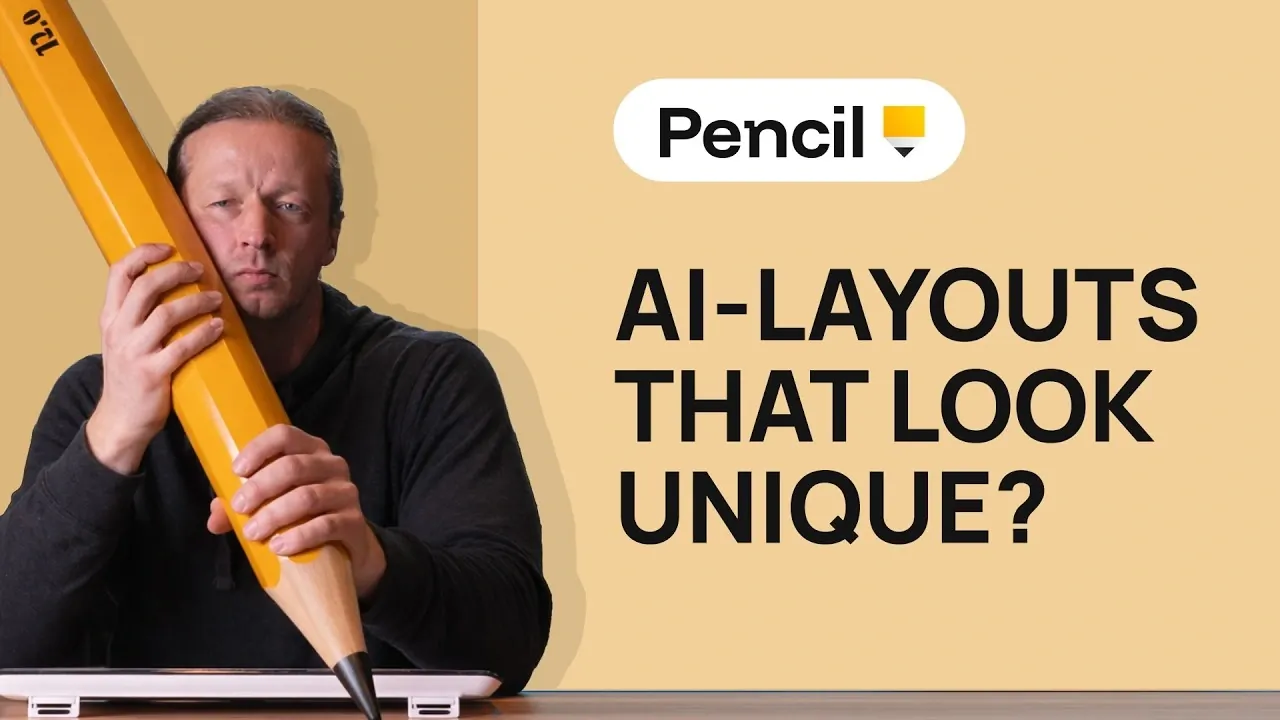
DesignCourse explores how Pencil.dev addresses the challenges of creating visually engaging yet functional layouts, often referred to as “vibe designed” layouts. By using AI-driven features like real-time layout generation and adherence to style guides, Pencil AI offers a structured approach to tackling repetitive design patterns. For example, its ability to integrate pre-built design components ensures consistency while allowing flexibility for manual adjustments. This combination of automation and creative control makes it a practical resource for designers aiming to balance efficiency with originality.
In this breakdown, you’ll gain insights into how Pencil AI simplifies tasks like maintaining visual consistency through style guide integration and exporting production-ready code. Additionally, the analysis highlights how features like custom SVG illustration generation can enhance your workflow by adding scalable, high-quality visuals to your designs. Whether you’re refining typography or addressing layout constraints, this guide provides actionable takeaways to help you optimize your design process.
Transforming Design with Pencil AI
TL;DR Key Takeaways :
- Pencil.dev is a free, AI-driven design tool that combines automation with human creativity to create unique, professional-grade user interfaces.
- Key features include real-time layout generation, pre-built design components, style guide integration, seamless code export and custom SVG illustration tools.
- The tool balances automation with manual customization, allowing designers to refine layouts, improve visual elements and maintain creative control.
- Pencil AI enhances productivity by reducing repetitive tasks, making sure visual consistency and allowing efficient transitions from design to development.
- It serves as both a practical design resource and a learning platform, empowering users to develop their skills and explore innovative design solutions.
Streamlining Design with AI-Powered Tools
Pencil.dev uses a sophisticated Multi-Cloud Platform (MCP) to deliver powerful, AI-driven functionality. This technology enables you to generate layouts in real time, using pre-built design components and integrated style guides to ensure visual consistency across projects. Whether you prefer to take full creative control or rely on AI assistance, the tool adapts to your workflow, offering a balance between automation and manual customization.
By incorporating AI-driven templates, Pencil AI significantly reduces the time spent on repetitive tasks, allowing you to focus on refining and personalizing your designs. This combination of automation and creative flexibility ensures that your projects are both efficient and tailored to your unique vision.
Key Features That Enhance Productivity
Pencil AI is equipped with a comprehensive suite of features designed to improve efficiency and deliver professional-quality results. These include:
- Pre-built design components: A library of ready-to-use elements that form the foundation of your layouts.
- Style guide integration: Tools to maintain consistency in typography, color schemes and overall visual identity.
- Real-time layout generation: Instant creation of user interfaces based on your inputs and preferences.
- Code export options: Seamless transition from design to development with HTML, CSS and JavaScript exports.
- SVG illustration generation: Tools for creating scalable, high-quality visuals that enhance your designs.
These features not only save time but also minimize errors, making sure that your designs meet professional standards while remaining visually compelling.
Deep dive into the latest in AI design by exploring our other resources and articles.
- 20 Essential AI Design Patterns for Developers and Innovators
- Best AI Tools Comparison, 14 Winners for Notes, Images & Video
- OpenAI Code Intro : Figma Links & Cloud Tasks in Codex for Teams
- How to Create Stunning Presentations & Websites with Gamma AI
- How to create vector graphics using AI
- Google Stitch Update : MCP Server, Agent Skills, and CLI Support
- Best AI Tools, Apps & Software for Maximum Productivity Daily
- Lemon AI: The Open-Source AI That Adapts to Your Needs
- How AI is transforming 3D product design
- Ai Image Generation Ideogram 3 Features.Webp
Balancing Automation with Creative Control
One of the standout aspects of Pencil AI is its ability to balance automation with customization. While the tool excels at generating layouts automatically, it also provides the flexibility to make manual adjustments. For instance, you can address specific design challenges such as improving color contrast, refining typography, or eliminating repetitive elements like overused card layouts. This ensures that the final output aligns perfectly with your creative vision and project requirements.
The tool’s ability to generate custom SVG illustrations further enhances its versatility, allowing you to create visuals that integrate seamlessly with your designs. By combining the efficiency of AI-driven automation with your creative input, Pencil AI ensures that every project is uniquely tailored and meets the highest standards of quality.
Empowering Growth and Skill Development
Pencil AI is more than just a design tool, it serves as a platform for growth and learning. By analyzing and refining AI-generated layouts, you can sharpen your problem-solving skills and deepen your understanding of core design principles. The tool encourages experimentation, allowing you to explore innovative solutions and push the boundaries of your creativity.
For those seeking to further enhance their expertise, engaging in open-ended design challenges on platforms like designcourse.com can complement Pencil AI’s capabilities. This collaborative approach between human creativity and AI fosters an environment where you can refine your skills while using the tool’s advanced features for support. By using Pencil AI as both a practical resource and a learning tool, you can achieve a deeper mastery of design.
The Role of AI in Shaping the Future of Design
AI-driven tools like Pencil AI are poised to transform the design landscape by merging the efficiency of automation with the precision of human oversight. These platforms offer a powerful solution for creating high-quality, personalized layouts while maintaining flexibility and adaptability. By emphasizing collaboration between AI and human creativity, Pencil AI ensures that technology enhances, rather than replaces, the designer’s role.
As advancements in AI continue, future iterations of tools like Pencil AI are likely to introduce even more sophisticated features, further streamlining the design process. However, the importance of human expertise remains paramount, as designers play a critical role in refining and personalizing AI-generated outputs to meet the unique needs of each project. This synergy between AI and human creativity will define the next era of design innovation.
Media Credit: DesignCourse
Disclosure: Some of our articles include affiliate links. If you buy something through one of these links, Geeky Gadgets may earn an affiliate commission. Learn about our Disclosure Policy.
