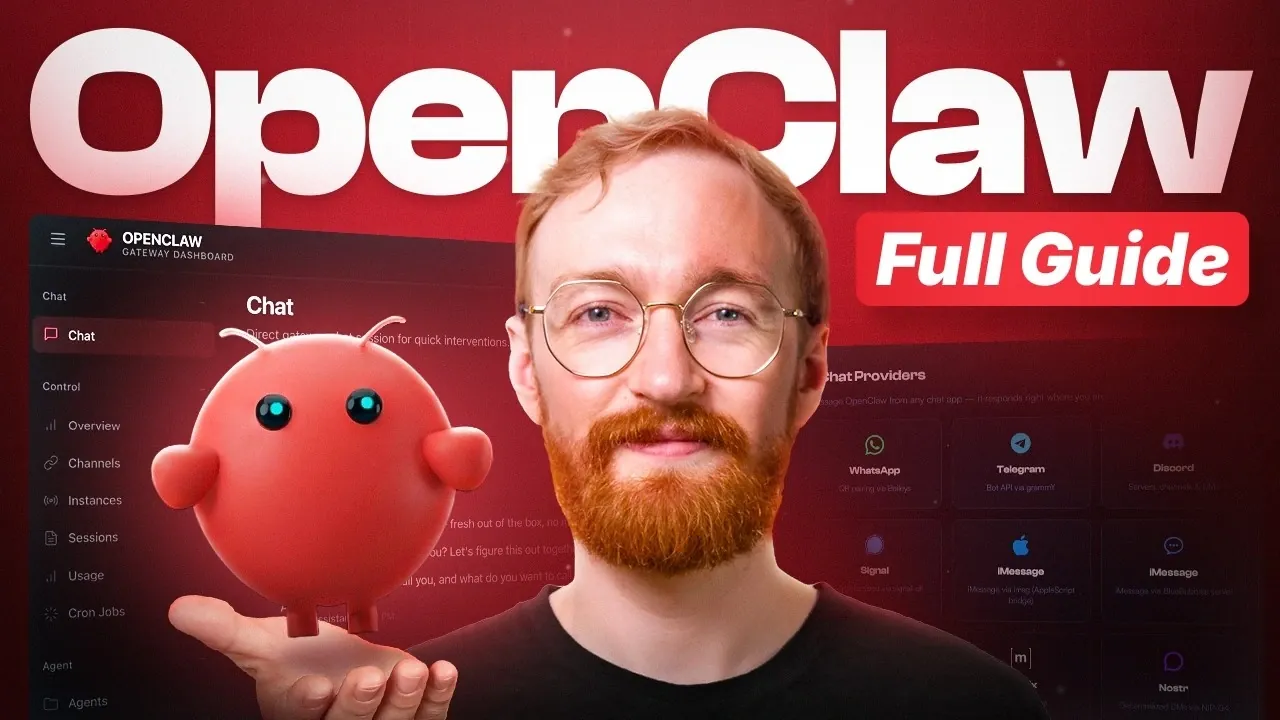
OpenClaw is an AI assistant platform designed to operate continuously, automate tasks and integrate with various applications. Unlike systems that depend on manual input, OpenClaw takes initiative to manage workflows in both personal and professional contexts. According to Metics Media, one key feature is its persistent memory, which enables it to learn and adapt over time. For example, it can handle repetitive tasks like scheduling meetings or organizing emails while gradually tailoring its functionality to your specific preferences.
Explore how to set up OpenClaw, including deployment options such as using a Virtual Private Server (VPS) for consistent uptime. Gain insight into integrating OpenClaw with messaging platforms like Telegram and Slack to enhance communication and task coordination. Additionally, learn about advanced capabilities such as subagents for handling multiple tasks simultaneously and voice interaction for hands-free operation.
What Sets OpenClaw Apart?
TL;DR Key Takeaways :
- OpenClaw is a 24/7 operational AI assistant that automates tasks, integrates with popular tools like Gmail and Slack and adapts over time through persistent memory.
- Key features include proactive automation, seamless integration and advanced functionalities like subagents, voice interaction and cron jobs for recurring tasks.
- Setup options include personal computers, dedicated hardware, or VPS hosting, with VPS being the most recommended for affordability and 24/7 uptime.
- Security measures such as safeguarding API keys, setting behavioral rules and implementing guardrails are essential for safe and efficient operation.
- Cost management strategies include using tiered AI models, monitoring usage and using free or local models to balance performance and expenses effectively.
OpenClaw stands out as a 24/7 operational AI assistant that connects to your applications, automates repetitive tasks and delivers actionable insights. Its persistent memory allows it to learn and adapt over time, making it a reliable and intelligent companion. Whether you’re managing emails, scheduling meetings, or monitoring activities, OpenClaw is designed to handle these tasks with efficiency and precision.
Key Differentiators:
- Proactive Automation: Unlike reactive tools, OpenClaw takes initiative to optimize workflows.
- Persistent Learning: Retains information to improve task execution over time.
- Seamless Integration: Works with popular platforms like Gmail, Slack and Telegram.
These features make OpenClaw a versatile tool for enhancing productivity in both personal and professional contexts.
Core Features of OpenClaw
OpenClaw offers a variety of features designed to simplify workflows and boost efficiency:
- Persistent Memory: Retains and utilizes data to improve task execution and decision-making.
- Tool Integration: Connects effortlessly with platforms such as Google Calendar, Discord and WhatsApp.
- Task Automation: Handles repetitive tasks like scheduling, monitoring and sending updates.
By centralizing communication and automating routine tasks, OpenClaw allows you to focus on higher-priority activities.

Browse through more resources below from our in-depth content covering more areas on OpenClaw.
- OpenClaw & OpenAI : Key Security Issues, Token Usage and Next Steps
- Will OpenClaw Stay Open Source After OpenAI Integrates the Platform?
- Build a Safer OpenClaw Alternative Using Claude Code
- Anthropic Bans OpenClaw : Blocks Agent SDK Apps OAuth Tokens
- OpenClaw Setup Tutorial : Security-First Beginner Guide
- Claude Code Loop vs OpenClaw for Automation: What Persists & What Resets
- Interview with Peter Steinberger, Creator of OpenClaw
- OpenClaw 3.8 Update: Telegram Topic Routing & Safer Key Handling
- Run A Full OpenClaw Al Agent on A $5 Dev Board
Setting Up OpenClaw
The setup process for OpenClaw is flexible, catering to different needs and budgets. Here are the primary deployment options:
- Personal Computer: A cost-free option but limited to when your device is powered on.
- Dedicated Hardware: Provides reliability and performance but requires a higher upfront investment.
- Virtual Private Server (VPS): The most recommended option for affordability, isolation and 24/7 uptime. VPS hosting typically costs between $5–$12 per month.
Select the deployment method that aligns with your requirements and resources. For most users, a VPS strikes the best balance between cost and functionality.
Making sure Security in Your OpenClaw Setup
Security is a critical consideration when using OpenClaw. To protect your data and prevent unauthorized actions, implement the following measures:
- Secure Tokens and API Keys: Safeguard these credentials to prevent unauthorized access.
- Set Behavioral Rules: Define runtime limits and require approvals for sensitive actions.
- Implement Guardrails: Use restrictions to avoid unintended actions or excessive costs.
By prioritizing security, you can ensure that OpenClaw operates safely and within defined boundaries.
Integrating OpenClaw with Messaging Platforms
OpenClaw integrates seamlessly with popular messaging platforms like Telegram, WhatsApp, Discord and Slack. For example, setting up Telegram involves pairing your user ID with the platform to enable secure communication. This integration allows you to:
- Send commands directly to OpenClaw.
- Receive real-time updates and notifications.
- Interact with the assistant for task management and monitoring.
These integrations enhance usability and make OpenClaw a more dynamic tool for managing tasks.
Extending Capabilities with Skills and Plugins
OpenClaw’s functionality can be expanded through skills and plugins, allowing it to perform tasks such as managing Gmail, scheduling calendar events, or conducting web searches. When using third-party plugins, it’s essential to prioritize safety:
- Verify Plugin Safety: Use tools like VirusTotal to ensure plugins are secure.
- Review Permissions: Check that plugin permissions align with your security requirements.
By carefully managing plugins, you can safely enhance OpenClaw’s capabilities while maintaining security.
Optimizing Productivity with Advanced Features
OpenClaw includes advanced functionalities that cater to complex workflows:
- Subagents: Perform parallel tasks, such as conducting research while managing emails.
- Voice Interaction: Use OpenAI Whisper for transcription and Edge TTS for text-to-speech capabilities.
- Cron Jobs: Schedule recurring tasks like daily briefings or reminders.
- Heartbeat Monitoring: Continuously track for urgent updates or changes.
These tools make OpenClaw a versatile assistant capable of handling both simple and intricate tasks with ease.
Managing Costs Effectively
While OpenClaw is designed to be cost-efficient, managing expenses is crucial for long-term use. The platform uses tiered AI models to balance performance and cost, with high-cost models handling complex tasks and low-cost models managing routine operations. To optimize costs:
- Limit Retries: Set limits for task retries to avoid unnecessary expenses.
- Use Free Models: Use free or local models as fallback options.
- Monitor Usage: Regularly track API usage to prevent excessive spending.
This approach ensures you get maximum value from OpenClaw without exceeding your budget.
Maintaining and Troubleshooting OpenClaw
Regular maintenance is essential to keep OpenClaw reliable and secure. Here are some best practices for addressing common issues:
- Stop Processes: Halt specific tasks or revoke API keys if security concerns arise.
- Backup and Restore: Use snapshot recovery to restore previous configurations if needed.
- Create Snapshots: Save system states before making major changes to ensure quick recovery.
By staying proactive, you can minimize downtime and maintain optimal performance.
Unlocking OpenClaw’s Full Potential
OpenClaw is a robust and scalable solution for automating tasks and integrating tools. By starting with its core features, experimenting with advanced functionalities and scaling up as needed, you can unlock its full potential. With proper setup, security measures and cost management, OpenClaw can become an indispensable part of your daily workflow, enhancing productivity and efficiency in meaningful ways.
Media Credit: Metics Media
Disclosure: Some of our articles include affiliate links. If you buy something through one of these links, Geeky Gadgets may earn an affiliate commission. Learn about our Disclosure Policy.
