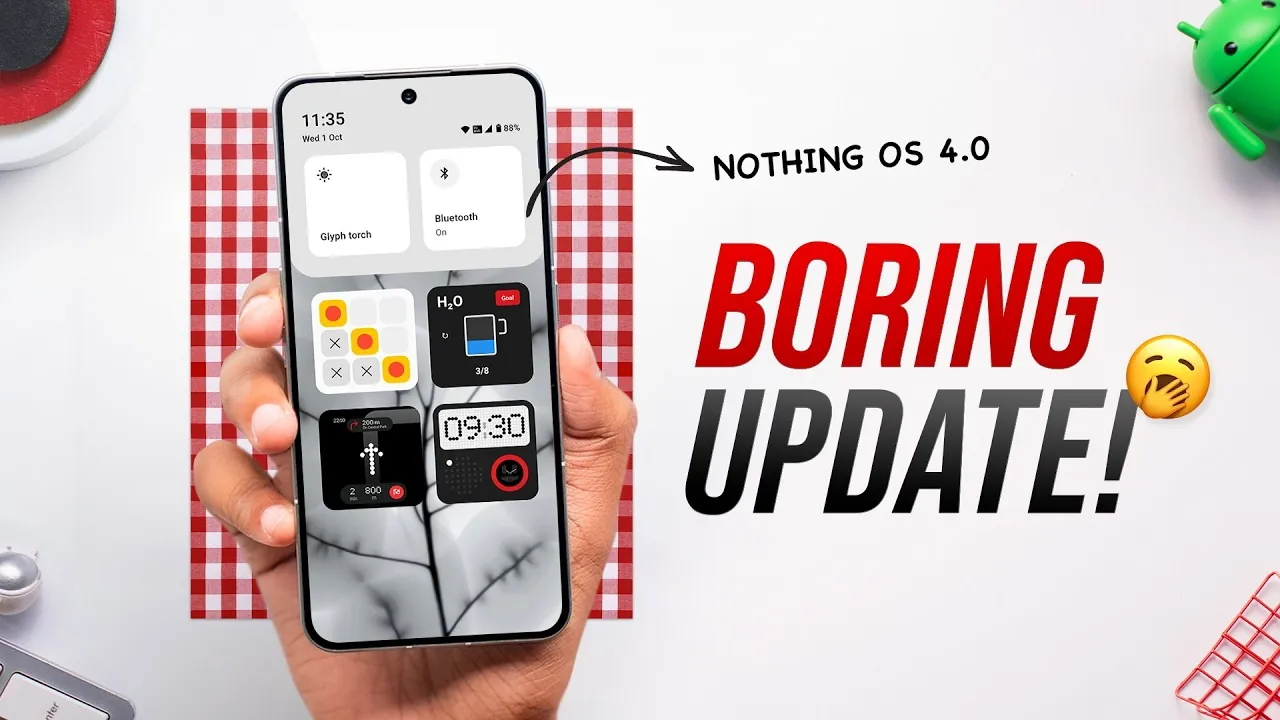
Nothing OS 4.0 brings a range of updates aimed at enhancing your overall experience. While it doesn’t introduce new changes, the focus is on refining existing features to deliver smoother animations, improved customization options, and subtle design enhancements. If you’re already using Nothing OS, these updates are designed to make your daily interactions more seamless and enjoyable, emphasizing usability and visual polish. The video below from Beebom gives us a detailed look at NothingOS 4.0 and its range of features.

Visual and Performance Enhancements
One of the most notable improvements in Nothing OS 4.0 is the focus on smoother animations. App launches and closures now feel more fluid, significantly improving the system’s responsiveness. This enhancement ensures that navigating through the interface feels more intuitive and less fragmented. Additionally, dark mode has been upgraded with pitch-black backgrounds, offering better contrast and improved energy efficiency, particularly for devices with OLED screens.
Other visual refinements include:
- A redesigned brightness slider for more precise adjustments, giving users better control over screen brightness.
- Smoother transitions between the lock screen and Always-On Display (AOD), eliminating distracting flickers and creating a more cohesive visual flow.
These updates collectively aim to create a polished and visually cohesive experience, making sure that the operating system feels modern and responsive.
Quick Settings: More Customization, Better Usability
The quick settings menu has undergone significant updates, emphasizing customization and ease of use. These changes make accessing essential functions faster and more intuitive. Key updates include:
- New 2×2 tiles for quicker access to frequently used features, reducing the time spent navigating menus.
- Vertical scrolling toggles for Bluetooth and Wi-Fi settings, simplifying navigation and improving accessibility.
- A new Wi-Fi sharing button allows you to share your connection with others effortlessly.
Additionally, subtle design adjustments, such as reduced reliance on red accents, contribute to a cleaner and more modern interface. These updates enhance both functionality and aesthetics, making the quick settings menu a more user-friendly tool.
Improved Multitasking with Pop-Up View
Multitasking capabilities receive a significant boost in Nothing OS 4.0 with updates to the pop-up app feature. You can now keep two pop-up apps open simultaneously, making it easier to manage multiple tasks without switching between full-screen apps. Gesture-based controls further streamline this experience, allowing you to hide or restore pop-up apps with a simple swipe.
This improvement is particularly beneficial for users who frequently multitask, as it reduces interruptions and enhances productivity. Whether you’re responding to messages while browsing or taking notes during a video call, the updated pop-up view ensures a smoother workflow.
New Features and Concepts
Nothing OS 4.0 introduces a new concept called “Essential Apps,” which allows users to create and share widgets. While currently limited to widgets, this feature hints at future potential for broader functionality, such as sharing app shortcuts or other personalized tools. This concept lays the groundwork for more collaborative and customizable user experiences in future updates.
The recorder app has also been redesigned with usability in mind. Key improvements include:
- A modernized interface that simplifies navigation and makes recording sessions more intuitive.
- An optional recording light indicator provides added transparency and ensures users are aware when recording is active.
These additions aim to enhance usability while offering a glimpse into the platform’s potential for innovation.
Lock Screen and Always-On Display Updates
The lock screen and Always-On Display (AOD) have received subtle yet impactful updates. Two new clock face designs, inspired by iPhone fonts, have been added, offering a fresh aesthetic while maintaining readability. These designs strike a balance between style and functionality, catering to users who value both form and practicality.
Transitions between the lock screen and AOD have also been further refined. The smoother transitions eliminate visual disruptions, creating a more cohesive and visually appealing experience. These updates ensure that the lock screen and AOD not only look better but also function more seamlessly.
Settings and AI Transparency
The settings menu has been updated to improve accessibility and transparency. A redesigned “About” page now makes device details more prominent, allowing users to quickly access important information about their device. Additionally, a new app optimization feature has been introduced, promising faster app launches by streamlining background processes.
For users interested in AI functionality, the update includes:
- A usage tracking page that displays model usage statistics, offering insights into how AI features are being used.
- An AI indicator in the status bar provides greater transparency about when AI processes are active.
These updates aim to enhance both functionality and user awareness, making sure that users have more control and understanding of their device’s capabilities.
Criticisms and Missing Features
Despite its refinements, Nothing OS 4.0 has faced criticism for its lack of major new features. Several promised updates, such as improved haptic feedback, a redesigned camera app, and gallery app enhancements, remain absent. These omissions may leave some users feeling underwhelmed, particularly those who were anticipating more fantastic changes.
The “Essential Apps” concept, while intriguing, is currently limited in scope, reducing its immediate impact. To fully realize its potential, future updates will need to expand this feature to include broader functionality and integration with other system tools.
Refinements Over Revolution
Nothing OS 4.0 focuses on polishing existing features rather than introducing major innovations. The updates improve usability, visual appeal, and multitasking capabilities, making the operating system feel more refined and cohesive. However, for users seeking more substantial changes, the update may fall short of expectations. Moving forward, the platform will need to deliver more impactful features to maintain user engagement and meet the growing demands of its audience.
Gain further expertise in Nothing OS 4.0 by checking out these recommendations.
- Which Smartphone is Faster? Nothing Phone 3 vs. iPhone 16 Plus
- Nothing Phone 3 Design, Performance, and Camera Breakdown
- Jelly Bean is now on 50+% of Androids
- New Aston Martin Vantage gets official
- Nike FuelBand 2 Under Development With Heart Rate Monitor And
Source & Image Credit: Beebom
Disclosure: Some of our articles include affiliate links. If you buy something through one of these links, Geeky Gadgets may earn an affiliate commission. Learn about our Disclosure Policy.
