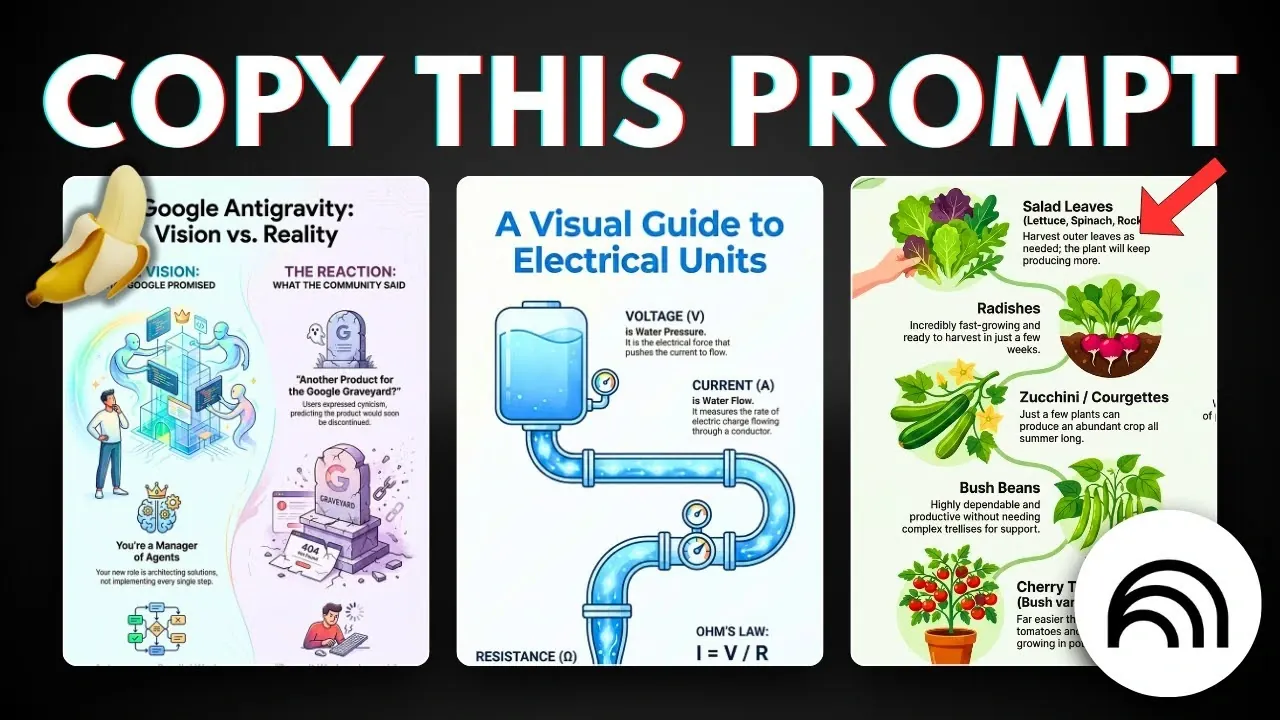
Have you ever struggled to turn a mountain of data into something that’s not only understandable but also visually captivating? You’re not alone. In a world overflowing with information, the ability to distill complex ideas into clear, engaging visuals is a superpower, and that’s exactly where NotebookLM shines. This innovative tool doesn’t just make infographic creation easier; it redefines it. By combining Google’s innovative technology with an intuitive design process, NotebookLM enables anyone, from educators to marketers, to craft professional-quality visuals in minutes. Imagine taking your notebook content and transforming it into a polished infographic that grabs attention and delivers clarity. Sounds like magic? It’s closer to reality than you think.
In this quick-start guide, we’ll explore how to unlock the full potential of NotebookLM to create infographics that truly stand out. From mastering its customizable features to using its adaptive design tools, you’ll discover how to streamline your workflow without sacrificing creativity. Whether you’re looking to simplify a complex concept, enhance a presentation, or captivate your audience with data-driven storytelling, this guide has you covered. By the end, you’ll not only know how to use NotebookLM but also how to make it work for your unique goals. Because when it comes to visual communication, why settle for ordinary when you can create something stunning?
Create Infographics with NotebookLM
TL;DR Key Takeaways :
- NotebookLM simplifies the creation of professional-quality infographics with an intuitive interface and robust functionality, making it accessible for professionals, educators, and content creators.
- Key features include customizable options, adaptive detail settings, and an easy-to-navigate interface, making sure clarity and precision for complex topics.
- The platform uses advanced algorithms to generate polished infographics in minutes, allowing users to focus on refining their message rather than spending time on design.
- NotebookLM supports high-resolution exports (up to 4K), making it ideal for professional presentations, marketing campaigns, and educational resources.
- Infographics created with NotebookLM are versatile, suitable for presenting data, summarizing research, enhancing educational materials, and designing marketing content.
What Makes NotebookLM’s Infographic Feature Unique?
NotebookLM stands out for its ability to streamline the infographic creation process through its intuitive interface and robust functionality. Designed to cater to a wide range of users, it offers a seamless experience for turning notebook content into high-resolution visuals. Key features that set NotebookLM apart include:
- Customizable options that allow you to tailor infographics to specific needs and preferences.
- Adaptive detail settings that ensure clarity and precision, even for complex topics.
- An easy-to-navigate interface that simplifies the design process for users of all skill levels.
This combination of flexibility and user-friendliness makes NotebookLM an ideal tool for creating infographics that are not only visually appealing but also highly informative.
Step-by-Step Guide to Creating Infographics
Creating an infographic with NotebookLM is a straightforward process that requires minimal effort while delivering professional results. Follow these steps to get started:
- Open an existing notebook or create a new one within the NotebookLM platform.
- Locate the infographic creation button or pencil icon in the interface to begin the design process.
- Choose your preferred customization settings, such as language, orientation, and level of detail.
- Use the prompt-based design tools to guide the layout and ensure your content is clear and well-structured.
NotebookLM adapts to your input, generating a polished infographic in just a few clicks. This efficiency allows you to focus on refining your message rather than spending hours on design.
How to Create Stunning Infographics with Google’s NotebookLM

Gain further expertise in NotebookLM by checking out these recommendations.
- 12 NotebookLM Use Cases to Boost Productivity and Creativity
- Google NotebookLM Update, New Learning Tools & Deep Search
- How to Use Google NotebookLM for Smarter Learning in 2025
- Using NotebookLM & Perplexity for Faster, Smarter AI Research
- MS Copilot Notebooks vs Google NotebookLM : Which is Better
- How NotebookLM’s AI Quizzes and Tools Boost Learning Efficiency
- Using NotebookLM and Gemini 2.5 AI to Validate Your Startup Idea
- Google NotebookLM Deep Research, AI Research Assistant Update
- How NotebookLM’s Deep Research Mode Enhances Productivity
- Create Professional Presentations in Minutes with NotebookLM AI
Tips for Customizing Your Infographics
Customization is a key strength of NotebookLM, allowing you to create infographics that resonate with your audience. To maximize the impact of your visuals, consider the following tips:
- Experiment with layouts: While portrait orientation is ideal for traditional designs, landscape and square layouts can add a unique touch to your presentation.
- Use adaptive detail settings: These default settings provide a balanced level of detail, making them particularly useful for broad or complex topics.
- Maintain white space: Use prompts to ensure adequate spacing, which enhances readability and visual appeal.
By tailoring these elements to your specific needs, you can create infographics that are both engaging and easy to understand.
How NotebookLM Generates Infographics
Once your customization settings are finalized, NotebookLM processes your notebook’s content using advanced algorithms to generate a professional-quality infographic. The tool ensures that the graphic is both visually engaging and contextually accurate, adapting to the complexity of your data. In approximately two minutes, you’ll have a polished infographic ready for use, saving you time while maintaining high-quality standards.
Saving and Exporting High-Resolution Infographics
NotebookLM allows you to download your completed infographic in high resolution, with options up to 4K. This ensures that your visuals remain crisp and clear, whether displayed on large screens or printed materials. The high-resolution output makes NotebookLM particularly valuable for:
- Professional presentations that require visually compelling content.
- Marketing campaigns aimed at capturing audience attention.
- Educational resources that benefit from clear and engaging visual aids.
This capability enhances the tool’s versatility, making it suitable for a wide range of applications.
Practical Applications of Infographics
Infographics are a powerful medium for simplifying complex information and improving audience comprehension. With NotebookLM, you can create visuals tailored to various purposes, including:
- Presenting data in a format that is easy to understand and visually appealing.
- Summarizing research findings or reports for quick reference.
- Enhancing educational materials with engaging visual aids that support learning.
- Designing marketing content that captures attention and communicates key messages effectively.
This versatility makes NotebookLM an invaluable tool for professionals across industries, from educators and researchers to marketers and business leaders.
Why NotebookLM is a Valuable Tool for Infographic Creation
NotebookLM combines advanced technology with user-friendly customization options, empowering users to create high-quality infographics with ease. By following the outlined steps and using its features, you can produce visuals that effectively communicate your message while saving time and effort. Whether you’re a professional seeking to enhance presentations, an educator aiming to simplify complex topics, or a content creator looking to engage your audience, NotebookLM provides the tools you need to succeed.
Media Credit: AsapGuide
Disclosure: Some of our articles include affiliate links. If you buy something through one of these links, Geeky Gadgets may earn an affiliate commission. Learn about our Disclosure Policy.
