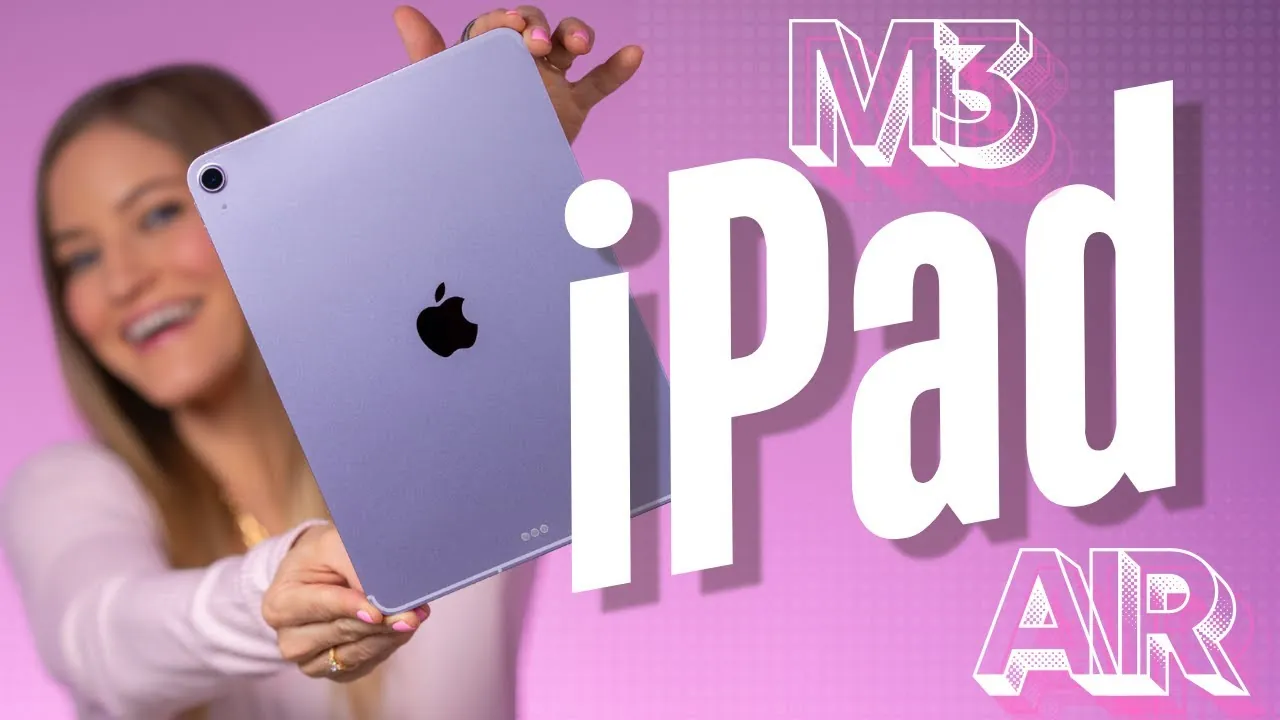
The M3 iPad Air represents a significant step forward in tablet technology, combining innovative hardware, stunning visuals, and versatile accessories. Available in two sizes—11-inch and 13-inch—it caters to a wide range of users, including professionals, students, and casual users. Whether your focus is on productivity, creativity, or gaming, the M3 iPad Air delivers an impressive balance of power and portability, making it a compelling choice in the premium tablet market. The video below from iJustine gives us a look at Apple’s new iPad Air.

Design and Display: Sleek, Lightweight, and Immersive
The M3 iPad Air features a slim, lightweight design that is both portable and visually striking. Its Liquid Retina display, available in 11-inch and 13-inch options, offers vibrant and accurate colors thanks to the P3 wide color gamut and True Tone technology. These features ensure an optimal viewing experience, whether you’re editing photos, streaming high-definition videos, or sketching intricate designs.
The addition of a new purple color option adds a modern aesthetic, complemented by matching accessories for a cohesive look. The display’s precision and clarity make it a standout feature, particularly for users who demand high-quality visuals for creative or professional tasks. Its anti-reflective coating and high brightness levels also ensure usability in various lighting conditions, enhancing its versatility.
Performance: Power Meets Efficiency
At the heart of the M3 iPad Air lies the M3 chip, delivering a substantial performance boost compared to its predecessor, the M1. This advanced processor enables faster app launches, seamless multitasking, and smoother gaming, making it a powerhouse for both casual and demanding users.
Key performance enhancements include:
- Hardware-accelerated ray tracing for lifelike lighting and shadows in games and 3D applications.
- Dynamic caching for more efficient resource allocation and smoother performance.
- Mesh shading for improved rendering of complex graphics and animations.
These features make the M3 iPad Air an ideal choice for tasks such as 3D rendering, video editing, and high-resolution gaming, all while maintaining impressive energy efficiency. The device’s ability to handle resource-intensive applications without compromising battery life underscores its versatility and reliability.
Accessories: Enhanced Functionality and Creativity
The redesigned Magic Keyboard improves the M3 iPad Air’s functionality, transforming it into a laptop-like device. It features a 14-key function row, a larger trackpad for improved navigation, and a magnetic attachment for seamless integration. The inclusion of USB-C charging support adds convenience, while the keyboard’s tactile feedback enhances typing accuracy, making it a valuable tool for productivity-focused users.
For creative professionals, the Apple Pencil offers unparalleled precision and versatility. Compatible with both first- and second-generation models, it now includes double-tap gestures and haptic feedback, allowing smoother workflows for artists, designers, and note-takers. These enhancements make the Apple Pencil an indispensable accessory for those who rely on their tablet for creative tasks.
Software and Features: Optimized for Productivity and Play
Running on the latest iPadOS, the M3 iPad Air introduces a suite of new features designed to enhance both usability and performance. These updates ensure the device is equally suited for work, creativity, and entertainment. Key software highlights include:
- Integration of Siri with ChatGPT for more conversational and intelligent voice interactions.
- An advanced image cleanup tool in the Photos app for removing unwanted elements from pictures with ease.
- Final Cut for iPad, offering professional-grade video editing capabilities directly on the tablet.
- External controller support, enhancing the gaming experience for users seeking immersive gameplay.
These features not only improve the tablet’s functionality but also position it as a versatile tool for a wide range of use cases. Whether you’re editing videos, managing your photo library, or enjoying the latest games, the M3 iPad Air ensures a seamless and enjoyable experience.
Use Cases: A Tablet for Every Need
The M3 iPad Air is designed to adapt to a variety of scenarios, making it a versatile companion for users with diverse needs. Its lightweight design and powerful hardware make it ideal for productivity tasks such as drafting documents, managing spreadsheets, or attending virtual meetings. Creative professionals can take advantage of its advanced graphics capabilities and Apple Pencil compatibility for activities like photo editing, digital illustration, and video production.
Gamers will appreciate the tablet’s enhanced performance and external controller support, which enable immersive and responsive gameplay. Additionally, its portability makes it a convenient option for users who frequently work or play on the go, whether commuting, traveling, or working remotely. The M3 iPad Air seamlessly integrates into your lifestyle, offering a balance of power and convenience.
Pricing: Competitive Value for Premium Features
The M3 iPad Air starts at $599 for the 11-inch model and $799 for the 13-inch model, offering competitive pricing for its advanced capabilities. The redesigned Magic Keyboard is available at $269 for the 11-inch version and $319 for the 13-inch version, providing a premium typing and navigation experience. These prices reflect the device’s innovative features and versatility, making it a strong contender in the premium tablet market.
For users seeking a high-performance tablet that bridges the gap between portability and functionality, the M3 iPad Air offers excellent value. Its combination of powerful hardware, stunning display, and innovative accessories ensures it meets the needs of professionals, creatives, and gamers alike.
Here are more detailed guides and articles that you may find helpful on M3 iPad Air.
- M3 iPad Air Exposed: Every Leak & Rumor in ONE Place!
- Apple Launches iPad Air with M3 and Redesigned Magic Keyboard
- iPad Air M3: Leaked Specs Reveal HUGE Upgrades!
- Apple iPad 11 and M3 iPad Air: Features, Pricing, and More
- iPad Air M3 vs M2 Comparison: Features, Specs, and Pricing
Source & Image Credit: iJustine
Disclosure: Some of our articles include affiliate links. If you buy something through one of these links, Geeky Gadgets may earn an affiliate commission. Learn about our Disclosure Policy.
