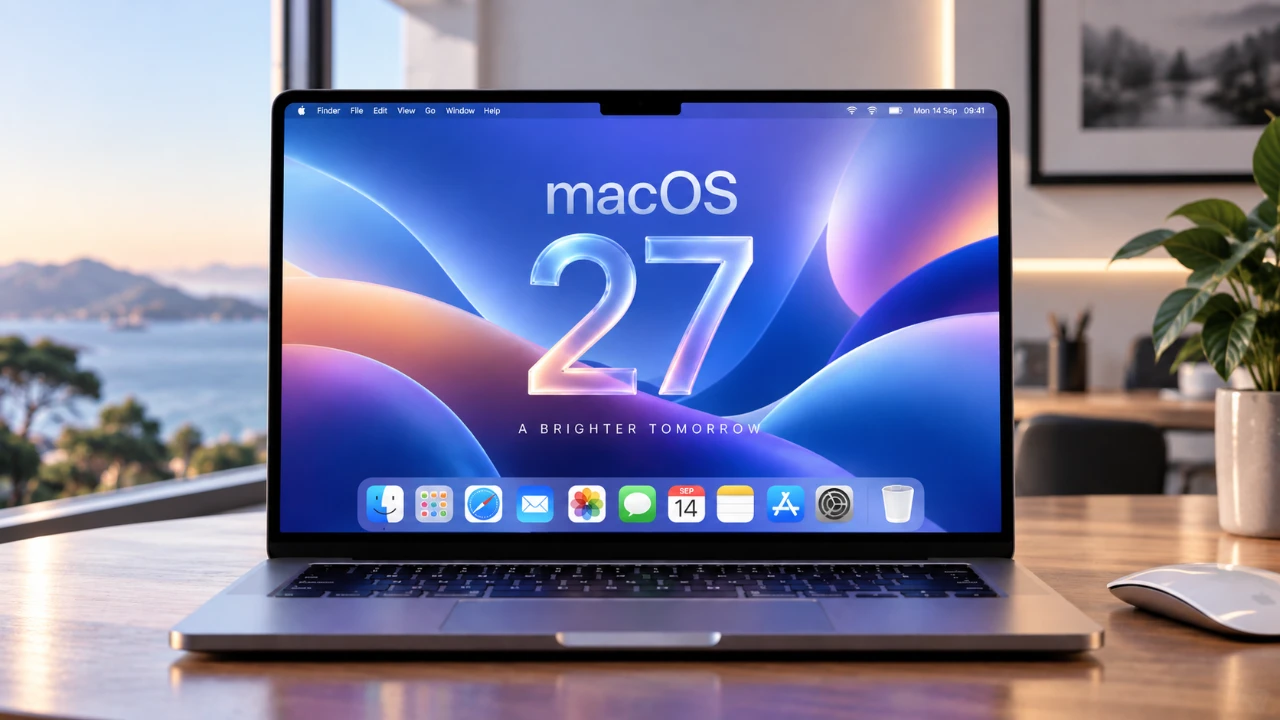
Apple’s macOS 27 “Golden Gate” marks a significant milestone in the evolution of Apple’s desktop operating system. Exclusively designed for Apple Silicon devices, this update introduces a wealth of advanced features, refined design elements, and system-wide enhancements. Whether you’re a creative professional, a productivity enthusiast, or a casual user, macOS 27 delivers tools and improvements tailored to elevate your experience and optimize your workflow. The video below from HalfManHalf Tech gives us a detailed look at the new macOS 27 Golden Gate software update.

The Importance of Exclusivity to Apple Silicon
By focusing exclusively on Apple Silicon, macOS 27 fully uses the capabilities of the M-series chips, leaving Intel-based Macs behind. This strategic decision enables Apple to deliver optimized performance, enhanced energy efficiency, and innovative features. Owners of Macs equipped with M3 chips or newer will experience benefits such as AI-driven enhancements, faster processing speeds, and improved multitasking capabilities. This exclusivity ensures that macOS 27 is finely tuned to the hardware, unlocking its full potential.
A Modernized Design for Enhanced Usability
macOS 27 introduces a cohesive and modern design language that enhances both aesthetics and functionality. Key design updates include:
- Streamlined toolbars, sidebars, and window corners for a unified and polished appearance.
- Customizable “Liquid Glass” effects that add depth and transparency to the interface.
- HDR-supported wallpapers and dynamic themes that adapt to lighting conditions, creating a visually immersive experience.
These design refinements not only make the operating system more visually appealing but also improve usability, making sure a seamless and intuitive user experience.
Siri: Smarter, Faster and More Context-Aware
Siri has undergone a significant transformation in macOS 27, becoming a more intelligent and versatile assistant. Key enhancements include:
- Advanced natural language processing for personalized and context-aware responses.
- A dedicated Siri app that functions as a chatbot, maintaining interaction history across all your Apple devices.
- Visual intelligence tools capable of recognizing on-screen objects, extracting text from images, and identifying landmarks.
These upgrades make Siri a more proactive and helpful companion, capable of assisting with both routine tasks and complex queries.
AI-Powered Tools Transform Photo Editing
The Photos app in macOS 27 harnesses the power of AI to simplify and enhance photo editing. New tools such as Cleanup, Extend, and Reframe allow users to make professional-grade adjustments with minimal effort. Additional features include:
- Cross-platform shared albums that are compatible with Android and Windows devices, making collaboration easier.
- An improved metadata system and a new photo rating feature for better organization and searchability.
These updates ensure that managing and editing your photo library is both efficient and enjoyable.
Safari: Enhanced Speed, Customization and Functionality
Safari in macOS 27 has been optimized to deliver faster performance and greater customization options. Notable improvements include:
- Automatic tab grouping by topic, helping you stay organized while browsing.
- The “Notify Me” feature, which tracks changes on websites in real-time.
- Custom extension creation, allowing users to tailor their browsing experience.
- Optimized JavaScript handling, reducing battery consumption during extended browsing sessions.
These enhancements make Safari a powerful and efficient tool for both casual browsing and professional research.
Enhanced Native Apps for Everyday Productivity
macOS 27 brings substantial updates to native apps, improving their functionality and usability:
- Mail: Smarter search capabilities and auto-populated calendar events streamline communication and scheduling.
- Messages: Improved synchronization, consolidated notifications, and enhanced Genmoji creation make messaging more seamless.
- Music: Updated artist pages and Automix transitions enhance your listening experience.
- Podcasts: Support for video episodes and in-episode search simplifies content discovery.
- Shortcuts: Natural language support makes creating automations more intuitive.
These updates ensure that your daily tasks are more efficient and enjoyable, whether you’re managing emails, listening to music, or automating workflows.
System-Wide Enhancements for Performance and Security
macOS 27 introduces a range of system-wide improvements designed to enhance both performance and security:
- Faster AirDrop transfers and improved network file browsing for seamless file sharing.
- Granular parental controls that allow for more precise app permission management.
- Automatic password management updates to address compromised credentials and enhance online security.
These features ensure that your Mac remains secure, efficient, and easy to use, regardless of your specific needs.
Accessibility Features for an Inclusive Experience
macOS 27 prioritizes accessibility, introducing features that make the operating system more inclusive and adaptable:
- Handwritten note support in the Notes app, allowing users to write naturally using a trackpad.
- Natural language support in Calendar and Reminders, simplifying task and event management.
- An enhanced Home app with intelligent alerts and accessory updates for smarter home control.
These updates ensure that macOS 27 is accessible to a diverse range of users, accommodating various needs and preferences.
Maximizing the Power of Apple Silicon
macOS 27 is engineered to fully exploit the capabilities of Apple Silicon devices, delivering unparalleled performance and efficiency. Key optimizations include:
- Faster web app loading and smoother JavaScript handling in Safari for a better browsing experience.
- System-wide performance enhancements that improve speed, responsiveness, and energy efficiency.
These improvements ensure that your Mac operates at peak performance, providing a seamless and responsive user experience.
macOS 27: A New Standard for Desktop Operating Systems
macOS 27 “Golden Gate” redefines the desktop computing experience by focusing on Apple Silicon compatibility, advanced AI integration, and a modernized design. Whether you’re exploring the enhanced Siri, editing photos with AI-powered tools, or enjoying the optimized performance of native apps, macOS 27 enables you to work, create, and connect more effectively. This update sets a new benchmark for what a desktop operating system can achieve, making sure your Mac remains a powerful and versatile tool for years to come.
Find more information on Apple Silicon by browsing our extensive range of articles, guides and tutorials.
- Apple Silicon AI Performance: Local Al on Apple Silicon Uses 7X Less RAM
- Leaked OLED MacBook Pro Marks Apple’s Biggest Mac Shift in Years
- Apple Silicon Can Run Local Al with Just 2GB of RAM Using Turbo Fieldfare
- M4 Apple Silicon vs Intel vs AMD – Ultimate Mini PC Comparison
- Apple iOS 27 Beta 5 Preview: a Look at the Next Release
Source & Image Credit: HalfManHalfTech
Disclosure: Some of our articles include affiliate links. If you buy something through one of these links, Geeky Gadgets may earn an affiliate commission. Learn about our Disclosure Policy.
