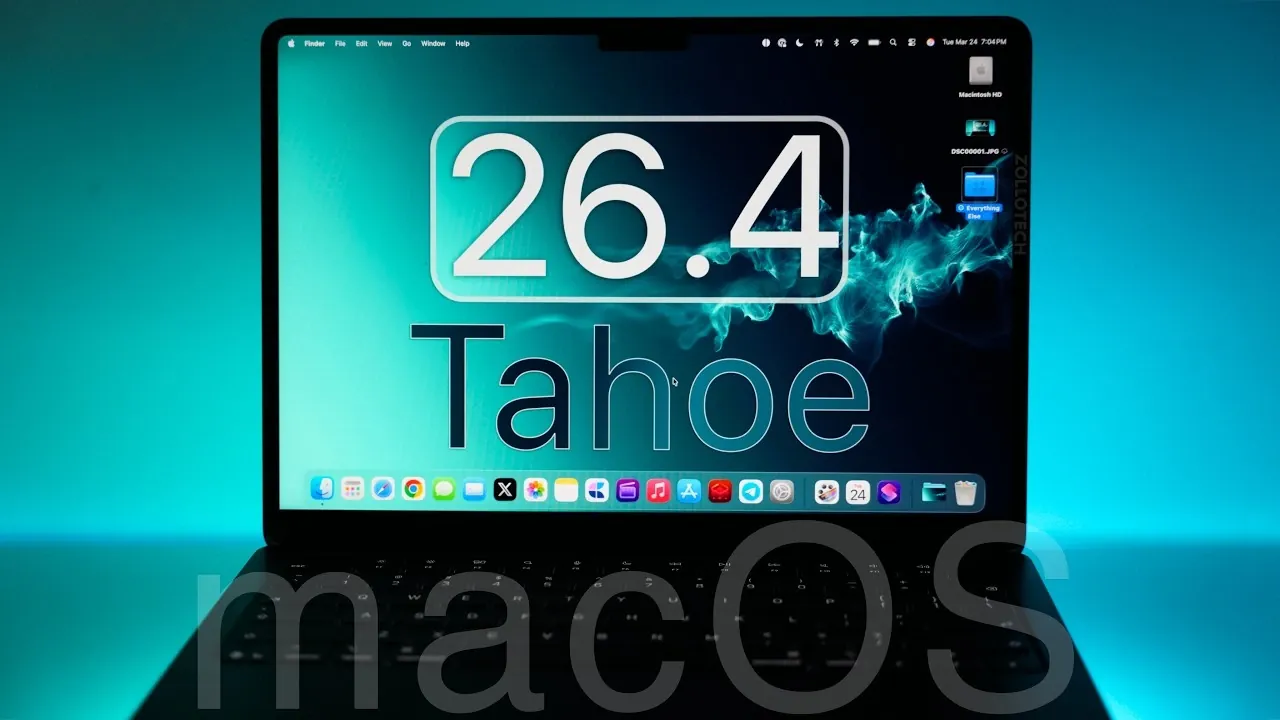
Apple has officially launched macOS 26.4 Tahoe, a significant update that introduces new features, performance improvements and essential security enhancements. This release is tailored to enhance functionality, efficiency, and security for all macOS 26-supported devices. Whether you’re a casual user or a professional, this update offers something for everyone. Here’s an in-depth look at what macOS 26.4 Tahoe brings to the table. The video below from Zollotech gives us a detailed look at the new features in macOS 26.4.

Key Features and Enhancements
macOS 26.4 Tahoe introduces a range of updates designed to improve usability, customization and overall user experience. These enhancements span across core apps, system settings and interface design, making sure a more seamless and intuitive workflow.
- Battery Settings: A new charge limit feature allows users to cap their MacBook’s battery charge between 80% and 100%. This is particularly useful for those who keep their devices plugged in for extended periods, helping to preserve long-term battery health and reduce wear.
- Messages: The addition of the latest Unicode emojis expands your communication options, allowing more expressive and personalized conversations.
- Safari: The compact tab layout has been reintroduced, offering a cleaner and more intuitive browsing experience for users who prefer a streamlined interface.
- Reminders: A new “Urgent” smart list prioritizes critical tasks, making sure that important to-dos are always visible and easy to manage.
- Control Center: A translucent design update improves both visibility and aesthetics, making navigation smoother and more visually appealing.
- TV App: Real-time previews for subtitle and caption settings simplify accessibility adjustments, making it easier to customize your viewing experience.
- Freeform App: Enhanced customization options, including personalized backgrounds and shapes, are now available. Additionally, the app features a refreshed icon for a modernized look.
System Settings and iCloud Updates
Apple has made several updates to System Settings and iCloud, focusing on improving user flexibility and cross-device integration. These changes aim to streamline workflows and enhance the overall macOS experience.
- Purchase Sharing: Adult family members can now use their own payment methods for shared purchases within Family Sharing. This update provides greater financial independence and flexibility for families.
- AirDrop and Continuity: The “Handoff” feature has been renamed and expanded to include iPhone mirroring and widget options. These enhancements strengthen cross-device functionality, making it easier to transition between Apple devices.
- iCloud Enhancements: New search and data management tools on iCloud.com improve file organization and accessibility, allowing users to locate and manage their data more efficiently.
Advanced Features for Power Users
macOS 26.4 Tahoe includes advanced tools and updates specifically designed for professionals and enterprise users. These features aim to optimize workflows, enhance system management and improve overall productivity.
- Enterprise Device Management: Updates to declarative configurations and app permissions simplify IT administration while enhancing security protocols for managed devices.
- Spotlight Search: Users can now exclude specific file types from search results, offering greater control and precision when locating information.
- Rosetta Warning: Notifications for users running Intel-based apps highlight future incompatibility with macOS, encouraging a transition to native Apple Silicon apps for improved performance and compatibility.
Security and Performance Improvements
macOS 26.4 Tahoe places a strong emphasis on security, addressing vulnerabilities in admin tools, GPU drivers and iCloud. These patches are critical for safeguarding user data and maintaining system integrity. By fortifying defenses against emerging threats, this update ensures a more secure computing environment.
Performance enhancements are also a key focus, with noticeable improvements in system stability and responsiveness. Pro apps benefit from optimized performance, while consistent battery life across supported devices ensures reliability. Additionally, backward compatibility with older macOS versions, such as Sequoia and Sonoma, facilitates a smooth upgrade process for users transitioning from previous iterations.
What Lies Ahead
As macOS 26.4 Tahoe continues its rollout, attention is already turning to the upcoming macOS 27, expected to be announced at WWDC 2026. In the meantime, users can anticipate potential macOS 26.5 beta releases, which may introduce further refinements and additional features. These incremental updates are likely to build on the foundation established by macOS 26.4 Tahoe, making sure continued improvements to the user experience.
Why You Should Update
Updating to macOS 26.4 Tahoe is highly recommended for all users. This release not only enhances your system’s functionality and performance but also strengthens its defenses against security threats. Whether you rely on macOS for everyday tasks or professional work, this update ensures your device remains reliable, efficient and secure. By staying up to date, you can take full advantage of the latest features and improvements, keeping your Mac at the forefront of innovation.
Find more information on macOS 26.4 by browsing our extensive range of articles, guides and tutorials.
- macOS 26.4 Beta 1 Tahoe Features: Battery, Safari, and More
- iOS 26.4 Beta 4: Release Date Expected March 23rd
- iOS 26.4 Guide: New Features, Release Date, and Performance
- iOS 26.4 Release Date, Features, and Performance Details
- When Will iOS 26.4 Be Released? Full Details Inside
- iOS 26.4 RC Fixes iPhone Keyboard Accuracy Bug: What’s New
Source & Image Credit: zollotech
Disclosure: Some of our articles include affiliate links. If you buy something through one of these links, Geeky Gadgets may earn an affiliate commission. Learn about our Disclosure Policy.
