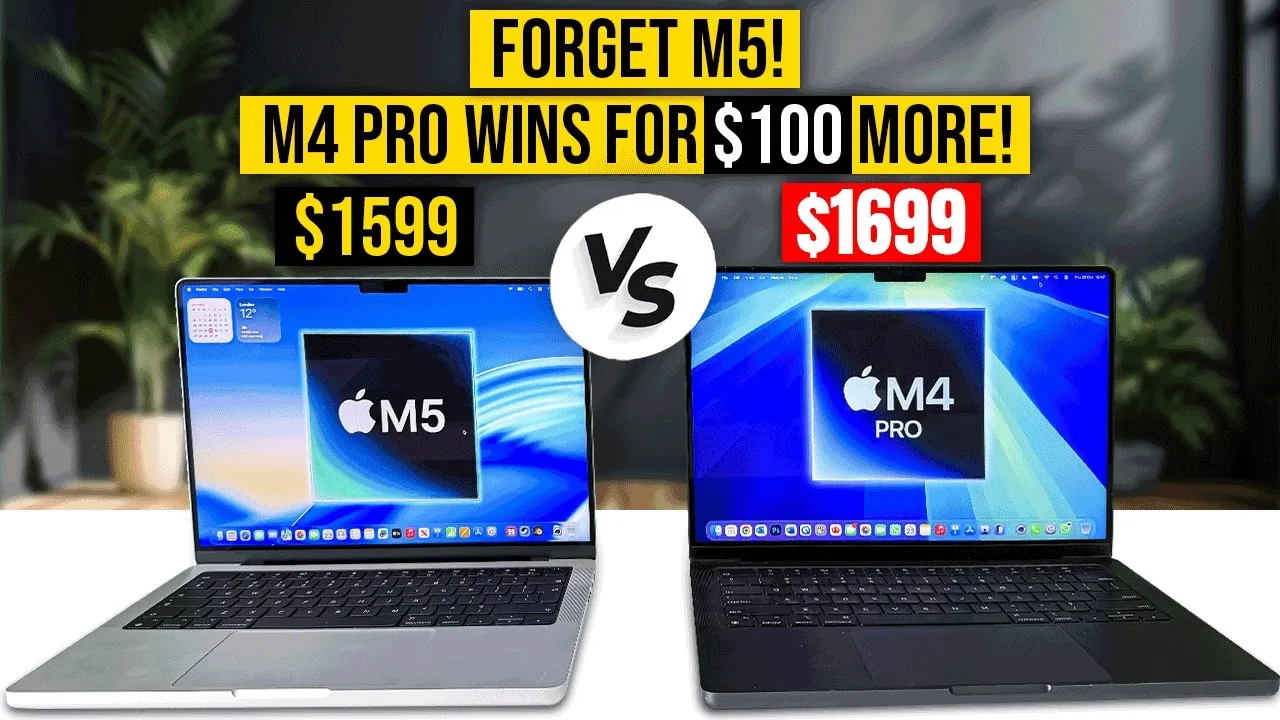
Choosing between the MacBook Pro M5 and the refurbished M4 Pro often comes down to a balance of performance, efficiency, and long-term value. While the M5 introduces incremental upgrades in storage speed and battery life, the refurbished M4 Pro offers significantly better performance for just $100 more. For users with demanding workloads, this makes the M4 Pro a highly appealing option. The video below from Matt Talks Tech gives us more information.

Refurbished M4 Pro: A Budget-Friendly Powerhouse
Apple’s stringent refurbishment process ensures that the M4 Pro is restored to near-new condition. This includes replacing critical components such as the battery and logic board, as well as conducting comprehensive inspections to meet Apple’s high standards. Refurbished models also come with a one-year warranty and are eligible for AppleCare, providing added peace of mind for buyers.
The M4 Pro stands out with its impressive specifications:
- 16GB of RAM: Included as the base configuration, with an option to upgrade to 24GB for an additional $100, making it ideal for memory-intensive tasks.
- Scalability: The M4 Pro offers flexibility that the M5 lacks at a comparable price point, making it a better choice for users requiring power and expandability.
For professionals and power users, the M4 Pro delivers exceptional value by combining affordability with high performance.
Performance Showdown: CPU and GPU
The M4 Pro’s hardware configuration provides a clear advantage in performance-heavy tasks, making it a superior choice for users with demanding workflows.
- CPU: The M4 Pro features a 12-core CPU with 8 performance cores and 4 efficiency cores, significantly outperforming the M5’s 10-core CPU, which has only 4 performance cores and 6 efficiency cores. Benchmarks such as Geekbench and Cinebench consistently confirm the M4 Pro’s dominance in multi-core tasks like rendering, compiling, and complex simulations.
- GPU: Equipped with a 16-core GPU, the M4 Pro outpaces the M5’s 10-core GPU in media-intensive tasks such as video editing, 3D modeling, and animation. For instance, exporting a video in Final Cut Pro is noticeably faster on the M4 Pro, saving valuable time for professionals working under tight deadlines.
While gaming performance is nearly identical between the two models, the M4 Pro excels in workflows that demand high computational and graphical power, making it the better choice for creative professionals and developers.
Storage and PCIe Technology
The M5 introduces updated PCIe storage technology, offering slightly faster read and write speeds compared to the M4 Pro. However, this improvement is marginal and unlikely to have a significant impact on most real-world tasks.
- Storage Speed: While the M5’s newer PCIe technology provides a slight edge in data transfer rates, the difference is negligible for everyday users and professionals alike.
- Storage Capacity: Both models offer similar storage configurations, ensuring ample space for files, applications, and media projects.
For users prioritizing raw performance over minor storage speed improvements, the M4 Pro remains the more practical option.
Battery Life and Software Longevity
The M5 does offer some advantages in terms of efficiency and long-term usability, making it a strong contender for users who prioritize portability and future-proofing.
- Battery Life: The M5 lasts slightly longer during typical usage, making it a better choice for users who frequently work on the go and require extended battery performance.
- Software Support: With its newer architecture, the M5 is expected to receive macOS updates for 6–7 years, compared to the M4 Pro’s 5–6 years. This ensures continued compatibility with future software advancements.
While these improvements are noteworthy, they may not outweigh the M4 Pro’s superior CPU and GPU performance for users with demanding workloads.
Benchmarks and Real-World Performance
Benchmark tests consistently highlight the M4 Pro’s dominance in multi-core performance, reinforcing its position as the better choice for power users.
- Geekbench and Cinebench Scores: The M4 Pro achieves higher scores in tasks that use multiple cores, such as video rendering, data analysis, and complex simulations.
- Media Export Efficiency: Applications like Final Cut Pro and Adobe Premiere Pro perform faster on the M4 Pro, allowing professionals to complete projects more efficiently and meet tight deadlines.
These results demonstrate the M4 Pro’s ability to handle heavy-duty processing and media workflows, making it an excellent investment for professionals in creative and technical fields.
Which MacBook Pro Is Right for You?
For an additional $100, the refurbished M4 Pro delivers superior performance in CPU and GPU-intensive tasks, making it the ideal choice for professionals and power users. Its ability to handle demanding workloads, coupled with upgradeable RAM options, ensures excellent value for those prioritizing raw computational power and efficiency in media production.
On the other hand, the M5 offers modest improvements in storage speed, battery life, and software support, making it a better option for users who value efficiency, portability, and long-term usability. If your focus is on future-proofing and everyday tasks, the M5 is a solid alternative.
Ultimately, your decision should align with your specific needs. If performance and cost-effectiveness are your top priorities, the refurbished M4 Pro is the clear winner. However, for those seeking efficiency and longevity, the M5 remains a strong contender.
Stay informed about the latest in MacBook Pro M5 by exploring our other resources and articles.
- M5 MacBook Pro Release Date, Features, and What to Expect
- M5 MacBook Pro Review: Key Features, Pros, and Cons Explained
- MacBook Pro with M5 Chip: Features, Specs, and Release Details
- M5 MacBook Pro: Get Ready – November 2025 Release LEAKED
- M5 MacBook Pro: Features, Performance, and What to Expect
Source & Image Credit: Matt Talks Tech
Disclosure: Some of our articles include affiliate links. If you buy something through one of these links, Geeky Gadgets may earn an affiliate commission. Learn about our Disclosure Policy.
