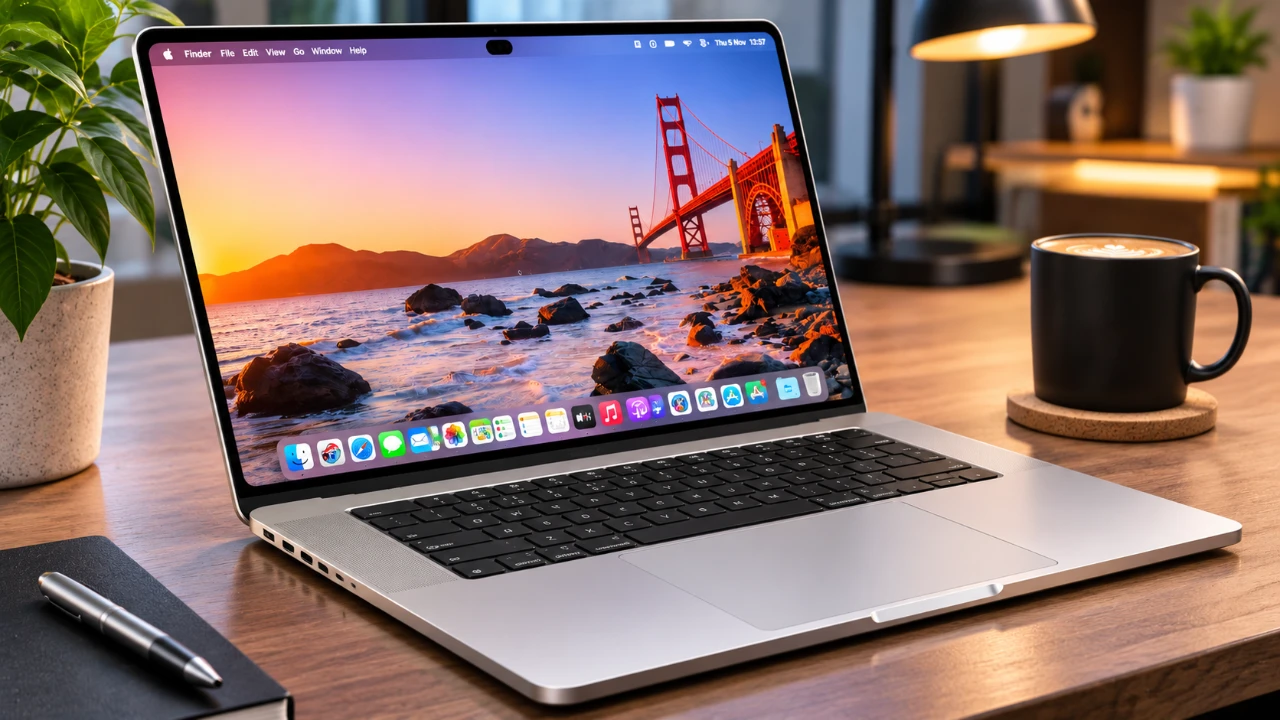
If you want to pan around maps, tap playback controls, or sketch quick edits directly on your laptop display, Apple’s newly released touchscreen MacBook Pro brings Multi-Touch input to macOS for the first time. A 14-inch M5 Pro configuration tailored for on-the-go AI workloads came out to £4,200 in Better Creating’s hands-on breakdown video featured below, though touch input alone is more of a convenience than a standalone reason to upgrade. Buyers also face choices between standard glossy and nano-texture glass (with standard glass saving £150) alongside steep memory and storage upgrade tiers. Read on to see how the touchscreen OLED panel feels in daily use and how different M5 Pro and M5 Max configurations stack up on price.
TL;DR Key Takeaways :
- Touchscreen usability: Touch feels responsive and intuitive in apps like Apple Maps and Pixelmator, though it works best as a supplement rather than a core buying reason.
- OLED display & flicker: The tandem OLED panel delivers high brightness and contrast, with Notebookcheck measuring 240 Hz PWM flicker on a tested 14-inch unit.
- Entry & build pricing: The touchscreen OLED MacBook Pro starts at £2,900 ($2,899 in the US), while Better Creating’s AI-focused M5 Pro build reached £4,200 and M5 Max builds start at £5,000.
- Glass finish trade-off: Choosing standard glass saves £150 ($150) over nano-texture glass while preserving deeper black saturation.
- Refined chassis: A slightly stiffer hinge minimizes screen wobble when tapping, and the 14-inch M5 Pro feels noticeably lighter than the 14-inch M6 MacBook Pro.
Apple’s MacBook Pro line relied on essentially the same industrial silhouette for roughly five years. The new 14-inch M5 Pro model with the tandem PROLED XDR touchscreen preserves that recognizable profile while introducing targeted hardware updates beneath the surface.
Touch Works Best for Occasional Tasks
In real-world testing, the touchscreen responds smoothly and feels natural for quick, direct interactions—especially when zooming or panning inside Apple Maps. It also comes in handy for tapping media controls inside Dynamic Island, sliding volume levels, flicking through long web pages, or sketching directly with a finger in Pixelmator.
Even so, macOS remains fundamentally built around a keyboard and Force Touch trackpad. Better Creating treats touch input as a welcome secondary convenience for occasional gestures rather than an essential reason to replace an otherwise capable Mac.

OLED Flicker and Glass Choices
Switching to a tandem OLED display brings self-emissive pixels, deep blacks, and high HDR brightness, though OLED panels can trigger headaches or eye fatigue for sensitive viewers. One common culprit is pulse-width modulation (PWM), which cycles screen brightness rapidly at a frequency separate from the display’s refresh rate—with Notebookcheck measuring 240 Hz flicker on a tested 14-inch configuration.
Shoppers must also decide between standard glossy glass and a matte nano-texture finish:
- Standard glass: Costs £150 ($150) less than nano-texture and preserves richer black saturation and punchier contrast, while high peak panel brightness still helps combat outdoor glare.
- Nano-texture glass: Adds £150 ($150) to diffuse harsh overhead reflections, at the cost of slightly softer black levels and higher sensitivity to fingerprints when tapping the screen.
Choose a Chip, Memory and Storage
The touchscreen OLED MacBook Pro starts at £2,900 (carrying a roughly $400 premium in the US over comparable non-OLED configurations). From there, configure-to-order upgrades climb rapidly depending on your CPU, GPU, unified memory, and SSD requirements.
| Configuration Tier | Key Hardware Specs | Reported UK Price | Best-Suited Workload |
|---|---|---|---|
| Base OLED Model | Entry touchscreen OLED configuration | £2,900 | General pro workflows and everyday creative tasks |
| Travel AI M5 Pro Build | 18-core CPU, 20-core GPU, 48 GB RAM + £500 SSD upgrade | £4,200 | Portable local AI models, photo editing, multitasking |
| M5 Max Base Build | M5 Max (18-core CPU, up to 40-core GPU), 48 GB RAM | £5,000 | Heavy video rendering, 8K timelines, large LLMs |
| M5 Max (64 GB / 128 GB) | M5 Max with expanded unified memory | £5,500 / £7,000 | Memory-intensive AI datasets and multi-stream 3D/video |
| Maxed-Out Storage Build | M5 Max with 128 GB RAM and 16 TB SSD | £14,000 | Massive on-device media libraries and scratch storage |
For a compact travel setup geared toward running local AI tools, Better Creating configured a 14-inch M5 Pro with an 18-core CPU, the top 20-core GPU, and 48 GB of unified memory (double the entry allocation), adding a £500 storage upgrade to reach £4,200. Extra GPU cores make a tangible difference when running AI inference locally, while fast internal SSD throughput keeps large project files responsive.
Stepping up to the M5 Max unlocks up to 40 GPU cores and higher memory bandwidth for demanding 8K video editing and larger language models, starting at £5,000 with 48 GB of memory. Pushing memory to 64 GB lifts the total to £5,500, 128 GB reaches £7,000, and maxing out storage at 16 TB takes the build all the way to £14,000. For context on long-term value, a five-year-old M1 Max MacBook Pro originally costing around £3,400 fetched roughly £685 on trade-in.
A Stiffer Hinge and Smaller Body Refine the Design
To keep the screen steady when poked or swiped, Apple fitted the new MacBook Pro with a slightly stiffer hinge that noticeably reduces display wobble compared with earlier non-touch models.
Subtle refinements to chassis depth and edge contouring also trim bulk. Held side by side against the 14-inch M6 MacBook Pro, the 14-inch M5 Pro model feels noticeably lighter—making it easier to carry in a daily backpack without sacrificing ports or thermal headroom.
The touchscreen OLED MacBook Pro makes the most sense if you are coming from an older Apple Silicon machine like an M1-era laptop and want a lighter chassis, OLED contrast, and stronger GPU headroom for years ahead. If you already own a recent MacBook Pro—or are tempted mainly by the novelty of tapping the screen—the high entry price and steep upgrade ladder are harder to justify.
Check out more relevant guides from our extensive collection on touchscreen Apple MacBook Pro that you might find useful.
- The OLED MacBook Pro Is Finally Confirmed for October, And It Changes Everything
- Leaked M6 MacBook Pro May Finally Feature a Touchscreen
- Leaked M6 MacBook Pro May Be Apple’s Biggest Upgrade Yet
- M5 MacBook Pro with OLED: Release Date, Specs, and Rumors
- M5 vs. Every M-Chip: How to AVOID the $2,000 MacBook Pro Upgrade Mistake!
Source & Image Credit: Better Creating
Disclosure: Some of our articles include affiliate links. If you buy something through one of these links, Geeky Gadgets may earn an affiliate commission. Learn about our Disclosure Policy.
