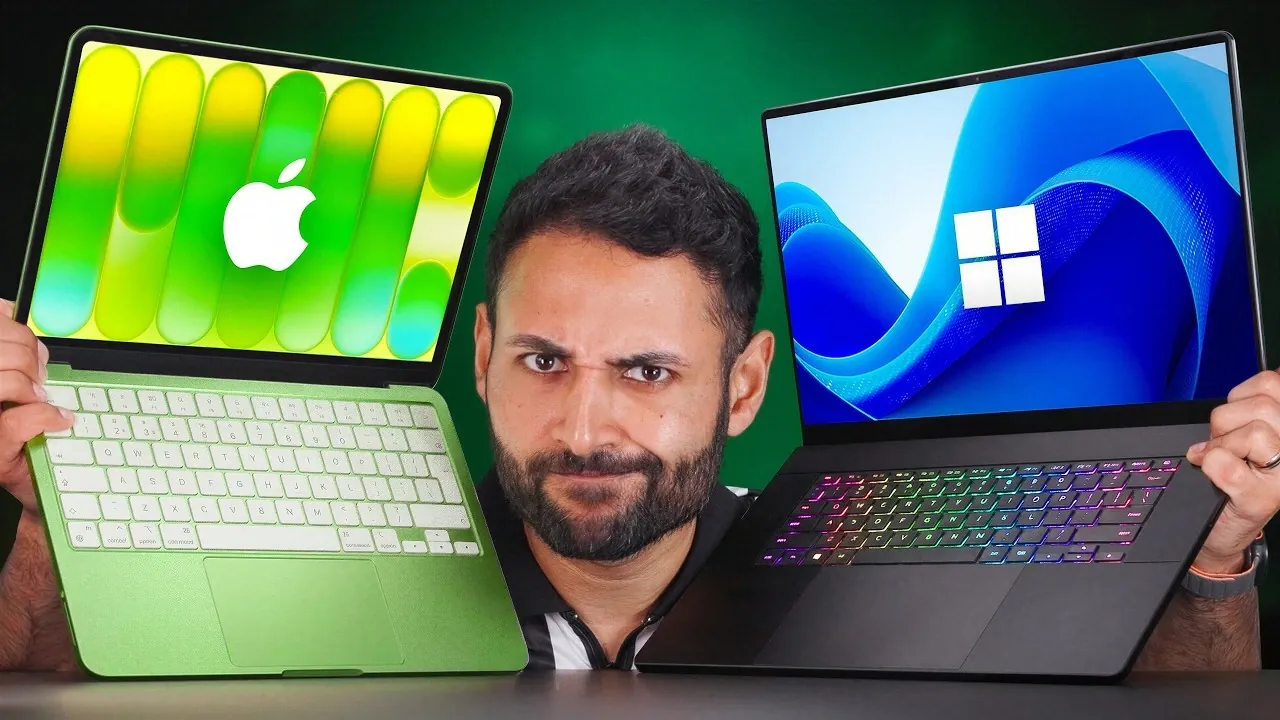
Choosing between Apple’s 2026 MacBooks and Windows laptops can be a challenging decision, as both platforms cater to different needs and preferences. Whether you’re focused on build quality, performance, battery life, or the software ecosystem, each option has distinct advantages. This detailed comparison from MrWhostheboss will help you navigate the key differences and make an informed choice based on your priorities.

Build Quality
Apple’s MacBooks continue to set the standard for premium craftsmanship in 2026. The aluminum unibody design remains a hallmark of their lineup, offering a sleek, durable and professional aesthetic. The hinges are sturdy, and the overall construction feels reliable, making MacBooks a top choice for users who value longevity and design consistency.
Windows laptops, particularly in the budget segment, often rely on plastic components, which can feel less durable. However, the gap is narrowing in the premium category. Many high-end Windows models now feature aluminum builds and refined designs that rival MacBooks in both durability and visual appeal. While budget Windows laptops may not match the premium feel of MacBooks, they still offer practical options for users seeking affordability.
Performance
Apple’s custom silicon chips, such as the M3 Pro and M3 Max, dominate the performance landscape in 2026. These chips deliver exceptional multitasking capabilities, energy efficiency, and optimized hardware-software integration. MacBooks excel in handling demanding tasks like video editing, coding and graphic design, making them a preferred choice for professionals.
Windows laptops, on the other hand, often provide higher hardware specifications at similar price points, such as more RAM or larger storage capacities. However, the lack of seamless hardware-software optimization can result in slower real-world performance compared to MacBooks. For gamers or users requiring specific hardware configurations, Windows laptops remain a strong contender, offering flexibility and customization.
Battery Life
Battery life is a standout feature of MacBooks, particularly in the premium segment. Apple’s silicon chips are designed for energy efficiency, allowing extended usage without frequent charging. This makes MacBooks an excellent choice for professionals who need reliable performance throughout the day.
In the budget category, Windows laptops equipped with Snapdragon processors have made significant strides in battery efficiency, often surpassing budget MacBooks. However, premium Windows laptops with power-hungry GPUs tend to fall short in this area, giving MacBooks a clear advantage for users prioritizing long-lasting performance.
Display
The display quality varies significantly between MacBooks and Windows laptops. Budget MacBooks typically offer higher resolution and brightness levels compared to their Windows counterparts, making sure a crisp and vibrant viewing experience. However, many budget Windows laptops now feature OLED panels, which deliver superior contrast and vibrant colors.
In the premium segment, Windows laptops often outshine MacBooks with 4K OLED touchscreens, offering exceptional sharpness and color accuracy. While MacBook Pro displays are renowned for their quality, they lack touch functionality, which some users may find limiting. For creative professionals or those who value touch input, premium Windows laptops provide a compelling alternative.
Ports and Connectivity
Windows laptops generally offer more versatile port options, particularly in the budget category. A typical Windows laptop may include a mix of USB-A, USB-C, HDMI and even Ethernet ports, accommodating a wide range of peripherals without the need for adapters.
MacBooks, by contrast, focus on Thunderbolt 5 ports and MagSafe charging in their premium models. While these features enable faster data transfer speeds and safer charging, they often require adapters for older devices, which can be inconvenient for users with legacy peripherals. For those who prioritize connectivity, Windows laptops may offer greater flexibility.
Input Experience
MacBooks are widely regarded as leaders in the input experience. Their keyboards are precise and comfortable and the trackpads are large, responsive and highly accurate. However, budget MacBooks lack backlit keyboards, which can be a drawback for users who frequently work in low-light environments.
Windows laptops, even in the budget segment, often include backlit keyboards, making them more practical for nighttime use. While the quality of trackpads and keyboards varies across Windows models, premium options can match or even surpass the MacBook experience in some cases.
Audio and Call Quality
For audio and video calls, MacBooks are the clear winner. Their studio-quality microphones and high-resolution webcams deliver superior clarity, making them ideal for remote work and virtual meetings. The speakers also provide rich, immersive sound, enhancing the overall multimedia experience.
Windows laptops, particularly in the budget category, often fall short in this area. Many models feature lower-quality microphones and webcams, which can be a disadvantage for professionals who rely on virtual communication. Premium Windows laptops have improved in this regard, but MacBooks still maintain a noticeable edge.
Software and Ecosystem
MacBooks excel in ecosystem integration, offering features like AirDrop, Handoff, and seamless continuity between Apple devices. These tools create a polished and cohesive user experience, making MacBooks an attractive choice for users already invested in the Apple ecosystem.
Windows laptops, however, provide greater software compatibility and customization options. They are also the preferred platform for gaming, thanks to broader support for games and hardware configurations. If you rely on specific software or enjoy gaming, Windows laptops may better suit your needs.
Durability
Durability is another area where MacBooks shine. Their aluminum unibody design and superior build quality make them more resistant to wear and tear over time. Even the budget-friendly MacBook Neo has demonstrated impressive resilience in durability tests, reinforcing Apple’s reputation for long-lasting products.
Windows laptops have made strides in improving durability, particularly in the premium segment. However, budget models often lag behind MacBooks in terms of robustness, making them less ideal for users seeking a device that can withstand heavy use.
Making the Right Choice
When evaluating budget options, Windows laptops often deliver better value. They offer features like longer battery life, more storage, and versatile port options, making them a practical choice for cost-conscious users. However, MacBooks stand out for their superior build quality, user experience, and durability, even in the budget category.
In the premium segment, MacBooks dominate with unmatched performance, desig,n and ecosystem integration. Windows laptops, on the other hand, excel in areas like display quality and gaming potential, making them a strong choice for specific use cases. Ultimately, the decision depends on your individual needs and priorities. Whether you value seamless integration, premium craftsmanship, or cost-effective versatility, both platforms offer compelling options to suit a variety of preferences.
Take a look at other insightful guides from our broad collection that might capture your interest in MacBook.
- M5 MacBook Air Leak: Specs, Features, and Release Date
- Touchscreen M6 MacBook Pro: Features, Release Date, and More
- MacBook Ultra: First Touchscreen Mac Rumored for Late 2026
- Apple MacBook E: Everything You Need to Know
- M5 MacBook Air: Release Date, Features, and Pricing
- Apple’s MacBook SE: Compact, Affordable, and Powerful
Source & Image Credit: Mrwhosetheboss
Disclosure: Some of our articles include affiliate links. If you buy something through one of these links, Geeky Gadgets may earn an affiliate commission. Learn about our Disclosure Policy.
