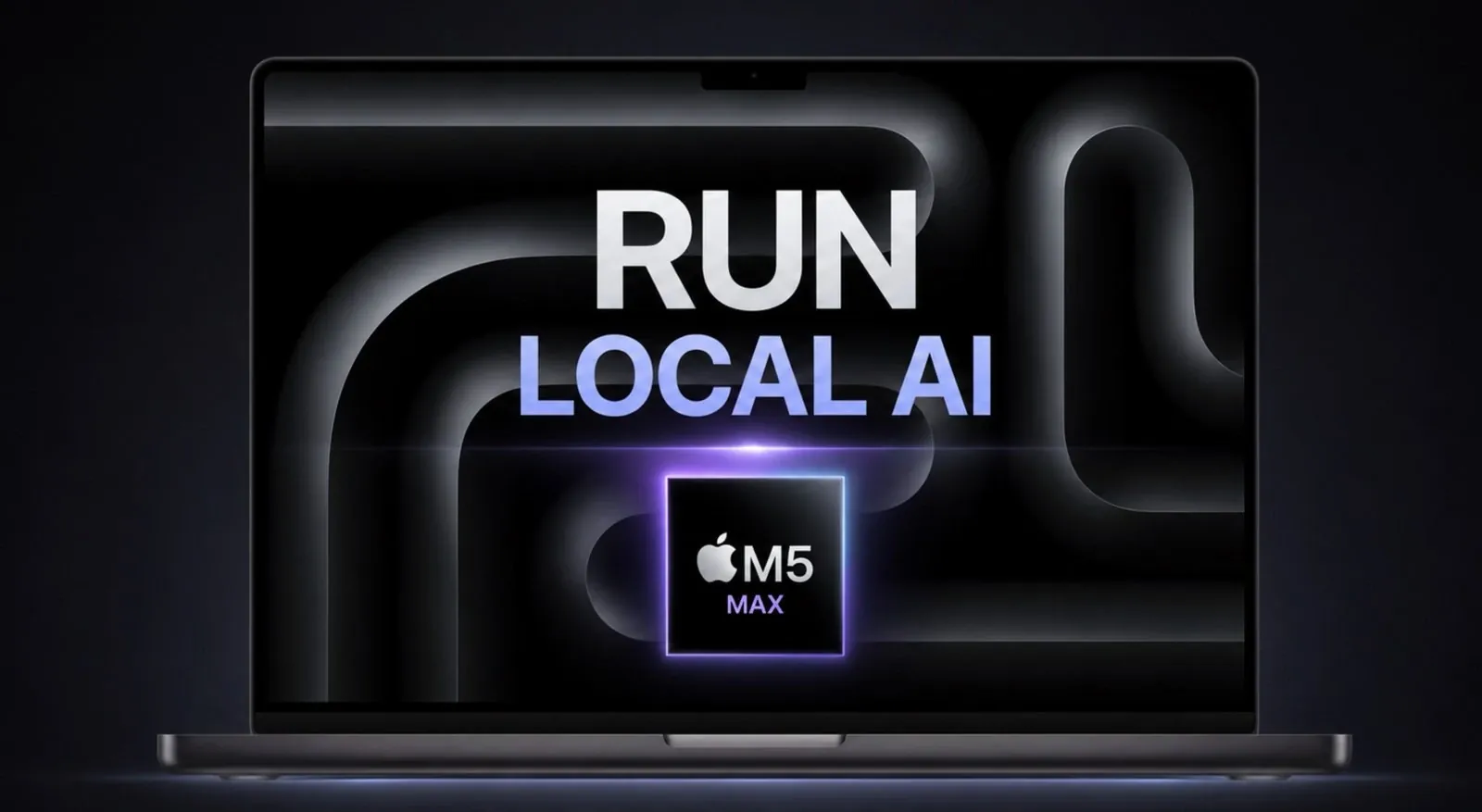
The Apple M5 Max MacBook Pro, equipped with 128GB of unified RAM and 40 GPU cores, provides a capable environment for running large language models (LLMs) locally without relying on external servers. According to Wally Ho, techniques such as quantization and memory compression play a key role in allowing models like Meta’s Llama 70B and Alibaba’s Qwen 3.6 to operate efficiently on this hardware. With processing speeds of up to 600 tokens per second, the unified memory architecture supports resource-intensive tasks like natural language processing and AI development.
Explore how platforms such as Ollama and Hugging Face assist model deployment and integration on the M5 Max MacBook. Gain insights into advanced techniques like Turbo Quant for optimizing memory usage and understand the trade-offs involved in balancing performance with hardware constraints. This guide also examines the practical benefits of running AI models locally, including privacy considerations, cost management and workflow efficiency.
MacBook Local AI
TL;DR Key Takeaways :
- The Apple M5 Max MacBook Pro, with 128GB unified RAM and 40 GPU cores, enables efficient local execution of large language models (LLMs), reducing reliance on cloud-based services.
- Its unified memory architecture ensures seamless resource sharing between CPU and GPU, making it ideal for high-performance AI tasks like natural language processing and machine learning model training.
- Optimized techniques such as quantization and memory compression enhance the MacBook’s ability to handle large models like Llama 70B, achieving speeds of up to 600 tokens per second.
- Running AI models locally offers significant advantages, including cost savings, enhanced data privacy, faster iteration cycles and autonomy from third-party platforms.
- Challenges include memory constraints, slower processing speeds compared to cloud solutions and the complexity of fine-tuning models locally, requiring careful optimization and resource management.
The M5 Max MacBook Pro is built with a unified memory architecture, integrating 128GB of RAM across both the CPU and GPU. This design ensures seamless resource sharing, making it particularly well-suited for running large AI models locally. The inclusion of 40 GPU cores delivers the computational power necessary for demanding AI workloads, allowing you to bypass the recurring costs, latency and potential privacy concerns associated with cloud-based solutions.
This hardware configuration is ideal for developers and researchers who require high-performance computing for tasks such as natural language processing, machine learning model training and AI-driven application development. The MacBook’s architecture not only enhances performance but also simplifies workflows by consolidating resources into a single, portable device.
Running LLMs Locally
Running LLMs locally on the M5 Max MacBook Pro is now a practical reality. Models such as Meta’s Llama (70B), Alibaba’s Qwen 3.6, and Gemma 4 can be executed efficiently on this hardware. Optimized versions of these models can achieve processing speeds of up to 600 tokens per second, making them suitable for a wide range of applications.
Tools like Ollama and Hugging Face simplify the process of loading, managing and interacting with these models. These platforms provide user-friendly interfaces and robust APIs, allowing seamless integration into your development workflows. Whether you’re working on natural language understanding, AI-driven content generation, or automated testing, local execution offers a practical and efficient alternative to cloud-based systems.

Gain further expertise in running local AI setups by checking out these recommendations.
- Olares One : All-in-One AI Mini PC Specifically Designed to Run Local AI Models
- Forget the Cloud: This Tiiny Pocket PC Packs 80GB RAM for Local AI
- Build Your Own Local AI Search Assistant with Ollama in 5 Easy Steps
- Build A Local Private AI Rig on a Budget : Learn Which GPUs Run AI Most Effectively
- How to Turn Your Smartphone Into a Local AI Powerhouse
- Why Google’s Gemma 4 Local AI Just Made Cloud-Based AI Optional
- Local AI Models That Run Perfectly on Apple’s $599 M4 Mac Mini?
- Build Your Own AI Assistant an Local AI Agent Quickly with Cursor AI (No Code)
- Local AI Coding Workflow for 2026 : Links Devices for Shared Local AI Coding
- Install Fooocus AI art generator locally for private AI art creation
Optimization Techniques
To maximize the performance of the M5 Max MacBook Pro, advanced optimization techniques are essential. These methods help overcome memory and computational limitations while maintaining high levels of accuracy and efficiency:
- Turbo Quant: Reduces model precision from 32-bit to 8-bit, allowing larger models to fit within memory constraints without significant accuracy loss. This technique is particularly useful for running models like Llama 70B on local hardware.
- KV Cache Compression: Techniques such as polar compression and Johnson-Lindenstrauss transforms reduce memory usage by up to 20x, allowing smoother execution of large models. These methods are critical for handling complex tasks without exceeding hardware limits.
By employing these optimizations, you can ensure that even the most sophisticated AI models run efficiently on your MacBook, unlocking new possibilities for local AI development.
Enhancing Your Development Workflow
Integrating local AI models into your development workflow can significantly enhance productivity and streamline processes. AI-driven tools can automate repetitive tasks, allowing you to focus on strategic objectives and creative problem-solving. For example:
- Automatically generate Jira tickets, PRDs (Product Requirement Documents), and ERDs (Entity Relationship Diagrams) to save time on administrative tasks.
- Accelerate coding, testing and iteration cycles with AI-powered assistance, reducing the time required for debugging and optimization.
- Automate routine aspects of the software development lifecycle (SDLC), such as documentation and test case generation, to improve efficiency.
By using local AI capabilities, you can reduce development timelines, improve workflow efficiency and maintain greater control over your projects.
Advantages of Running AI Models Locally
Running AI models on the M5 Max MacBook Pro offers several compelling benefits:
- Cost Savings: Eliminates recurring expenses associated with cloud-based APIs from providers like OpenAI and Anthropic, making it a more economical choice for long-term projects.
- Autonomy: Enables continuous, autonomous operation, such as overnight processing for iterative tasks, without relying on external servers.
- Enhanced Control: Provides full control over your data and workflows, making sure privacy and security while reducing dependency on third-party platforms.
- Faster Iteration: Supports AI-driven feature creation and testing, allowing for quicker development cycles and more agile project management.
These advantages make local AI execution particularly appealing for small teams, individual developers, and startups seeking to optimize costs and maintain control over their intellectual property.
Challenges and Limitations
Despite its many advantages, running AI models locally on the M5 Max MacBook Pro comes with certain challenges:
- Memory Constraints: While 128GB of RAM is substantial, it may still be insufficient for the largest models, requiring careful optimization and resource management.
- Processing Speed: Local inference is generally slower than cloud-based solutions, although it becomes more cost-effective over time.
- Fine-Tuning Complexity: Fine-tuning models locally demands significant computational resources and time, which may not be feasible for all users.
Understanding these limitations can help you make informed decisions about your hardware and software investments, making sure that your workflows remain efficient and effective.
Future Implications
The ability to run AI models locally represents a significant shift in software development practices. Traditional SDLC processes, such as architectural reviews and peer reviews, may become less central as AI-driven workflows take precedence. However, tools like Jira and Confluence will continue to play a vital role in defining and managing AI tasks.
As hardware capabilities and optimization techniques continue to advance, the potential of local AI will expand further. This evolution will open up new opportunities for innovation, efficiency, and scalability, allowing developers to tackle increasingly complex challenges without relying on external resources.
Relevant Research and Tools
Several innovative tools and research initiatives are driving advancements in local AI development:
- Turbo Quant (Google): Focuses on model quantization to optimize memory usage and improve performance.
- KV Cache Compression (University of Warsaw): Develops innovative techniques for reducing memory overhead in LLMs.
- Thinking with Visual Primitives (DeepSeek): Enhances AI’s ability to process and reason with visual data, broadening its application scope.
In addition, tools like Ollama, Hugging Face, Ghosty TTY, and OMLX for Apple Silicon are instrumental in allowing seamless local AI workflows, making it easier than ever to integrate advanced models into your projects.
Practical Applications
Local AI models unlock a wide range of practical applications that can transform your development processes:
- Streamline app development by automating coding, testing and feature iteration.
- Analyze competitive applications and generate new features using AI-driven insights.
- Enable continuous improvement through automated testing, performance optimization and iterative development.
By using these capabilities, you can enhance your workflows, reduce costs and achieve greater efficiency, positioning yourself at the forefront of AI-driven innovation.
Media Credit: Wally Ho
Disclosure: Some of our articles include affiliate links. If you buy something through one of these links, Geeky Gadgets may earn an affiliate commission. Learn about our Disclosure Policy.
