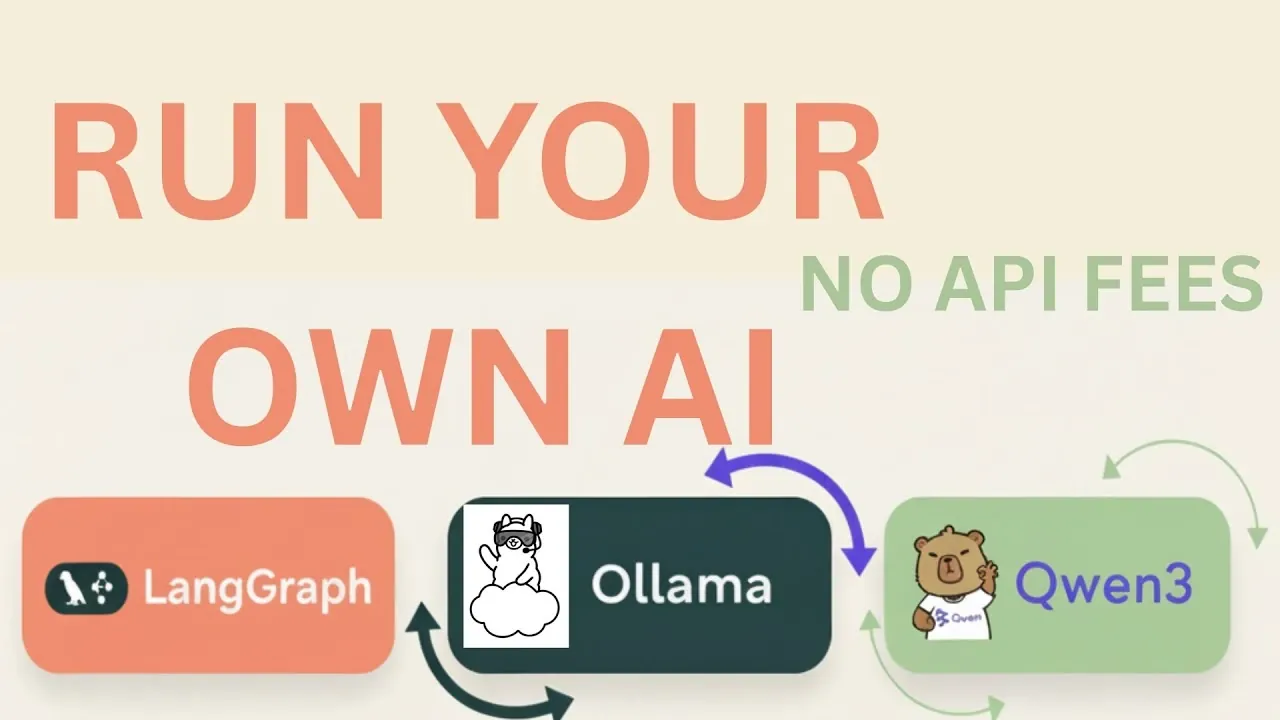
What if you could build your own AI agent, one that operates entirely on your local machine, free from cloud dependencies and API costs? Imagine having complete control over your data, making sure privacy while harnessing the power of innovative open source models. With tools like LangGraph and Ollama, paired with the lightweight yet capable Qwen3 model, this vision is no longer reserved for big tech companies. It’s achievable, scalable, and surprisingly accessible. The rise of locally hosted AI agents is reshaping how developers approach artificial intelligence, offering a blend of efficiency, affordability, and security that’s hard to ignore. But how do these tools work together, and what does it take to bring such an agent to life?
Below LLM Implementation walk you through the process of creating a fully functional local AI agent using LangGraph’s intuitive graph-based workflows and the resource-efficient Qwen3 model. You’ll learn how to design workflows, define tools, and optimize resources, all while keeping everything local. Along the way, we’ll explore how LangGraph simplifies complex logic, how Ollama supports seamless local hosting, and why open source models like Qwen3 are fantastic options for developers. Whether you’re curious about eliminating API costs or intrigued by the idea of building a secure, private AI system, this guide will equip you with the knowledge and tools to get started. By the end, you might just find yourself rethinking how AI fits into your development toolkit.
Building Local AI Agents
TL;DR Key Takeaways :
- LangGraph is a powerful framework that simplifies the creation of agent-based AI applications using a graph-based structure for efficient task execution and decision-making.
- Hosting AI models locally, such as the Qwen3 model, offers significant benefits including cost savings, improved performance, and enhanced data privacy.
- Setting up a development environment with tools like Poetry ensures streamlined dependency management and a smooth AI agent development process.
- Defining tools, behaviors, and workflows using LangGraph’s nodes, edges, conditional routing, and looping mechanisms enables the creation of robust and efficient AI agents.
- Resource optimization strategies, such as using smaller quantized models and refining workflows, ensure efficient performance for locally hosted AI agents within hardware constraints.
Understanding LangGraph and Its Role in AI Development
LangGraph is a powerful framework designed to simplify the creation of agent-based and multi-agent applications. It integrates seamlessly with LangChain, a tool that enables logic-driven execution and tool usage. LangGraph employs a graph-based structure where nodes represent tasks and edges define the logical flow between them. This structured approach ensures that your AI agent operates with precision and efficiency.
By using LangGraph, you can design workflows that are both visually intuitive and logically sound. The framework supports advanced features such as conditional routing and looping mechanisms, allowing your AI agent to handle complex tasks and decision-making processes. This makes LangGraph an ideal choice for developers aiming to build scalable and efficient AI systems.
The Advantages of Open source Models and Local Hosting
Running language models locally has become increasingly feasible with platforms like Ollama, which support free, open source models. For this guide, we focus on the Qwen3 model, available in parameter sizes such as 0.6B and 1.7B. These quantized models are specifically optimized for faster performance and reduced memory usage, making them well-suited for local development.
Hosting models locally offers several compelling benefits:
- Cost Savings: Eliminates reliance on external APIs, significantly reducing operational expenses.
- Improved Performance: Minimizes latency, making sure faster response times for tasks.
- Enhanced Privacy: Provides greater control over sensitive data, as all processing occurs within your local environment.
These advantages make local hosting an attractive option for developers seeking to build AI agents that are both efficient and secure.
Local AI Agent with LangGraph & Ollama

Gain further expertise in local AI setups by checking out these recommendations.
- How to Set Up a Local AI Assistant Using Cursor AI (No Code
- How the NVIDIA DGX Spark Redefines Local AI Computing Power
- How to build a high-performance AI server locally
- How to Build a Local AI Voice Assistant with a Raspberry Pi
- Running AI Locally: Best Hardware Configurations for Every Budget
- How to Set Up a Local AI System Offline Using n8n
- How to Build an AI App Locally in 10 Minutes Without Cloud Costs
- How OpenAI GPT-OSS Are Making Local AI Accessible to All
- How to Build a Local AI Web Search Assistant with Ollama
- How SmolLM3 Delivers Local AI Power in a Small Package
Setting Up Your Development Environment
A well-structured development environment is crucial for the successful implementation of a local AI agent. Using `poetry`, a Python package and virtual environment manager, simplifies the process of managing dependencies. This tool ensures that all required libraries and tools are installed within an isolated environment, reducing the risk of conflicts and streamlining the setup process. To prepare your environment, follow these steps:
- Install Poetry: Download and install `poetry` on your system.
- Create a Project Directory: Set up a dedicated directory for your AI project.
- Define Dependencies: Specify the required libraries in the `pyproject.toml` file.
- Activate the Environment: Use `poetry` to activate the virtual environment and begin development.
This organized approach ensures a smooth development process, allowing you to focus on building and refining your AI agent.
Defining Tools, Behavior, and Workflow Logic
To create a functional AI agent, it is essential to define its tools and behavior. For instance, you can equip your agent with arithmetic tools such as addition, multiplication, and division. These tools enable the agent to perform specific tasks efficiently. System messages serve as instructions, guiding the agent to understand and execute tasks accurately. LangGraph’s graph-based workflows provide a structured method for designing your agent’s operations. Key components include:
- Nodes: Represent individual tasks or actions the agent can perform.
- Edges: Define the logical flow between tasks, making sure seamless execution.
- Conditional Routing: Allows the agent to make decisions based on input or context.
- Looping Mechanisms: Enable the agent to repeat tasks iteratively when necessary.
This logical framework ensures that your AI agent can handle a wide range of tasks while maintaining clarity and efficiency.
Using LangGraph Studio for Project Management
LangGraph Studio provides a user-friendly interface for managing your AI project. During the setup process, you will configure environment variables and project files to align with your specific development requirements. While encountering errors is a natural part of the process, LangGraph’s detailed documentation and active community support can help you troubleshoot and resolve issues effectively.
LangGraph Studio also offers visualization tools that allow you to monitor and refine your workflows. This feature is particularly useful for identifying bottlenecks and optimizing the performance of your AI agent.
Testing and Refining Your AI Agent
Once your AI agent is configured, testing its functionality is a critical step. Begin by inputting simple tasks, such as arithmetic operations, to evaluate the agent’s performance. Observe how the agent processes inputs and generates responses, making sure that it operates as intended.
To enhance accuracy, consider incorporating human-in-the-loop review. This approach allows you to oversee intermediate steps and verify results, making it especially valuable for tasks that require precision or involve complex decision-making. Regular testing and refinement will help you identify areas for improvement and ensure that your AI agent meets your performance expectations.
Optimizing Resources for Local AI Development
Resource optimization is a key consideration when hosting AI models locally. Starting with smaller, quantized models like Qwen3 allows you to balance performance with hardware limitations. As your project evolves, you can scale up to larger models to accommodate more complex tasks without compromising efficiency.
Key strategies for resource optimization include:
- Monitor Resource Usage: Regularly track memory and CPU usage during development to identify potential bottlenecks.
- Select Appropriate Models: Choose models that align with your specific performance and resource requirements.
- Refine Workflows: Continuously evaluate and optimize workflows to minimize overhead and improve efficiency.
By implementing these strategies, you can ensure that your AI agent operates smoothly within the constraints of your local environment.
Building a Future with Locally Hosted AI
By combining the capabilities of LangGraph, Ollama, and open source models, you can create a locally hosted AI agent that is both cost-effective and resource-efficient. This approach enables developers to build powerful tools without relying on expensive APIs or cloud services. With the right setup and configuration, your AI agent can handle a diverse range of tasks, making it a valuable asset for your development projects.
Whether you are an experienced developer or new to AI, this guide provides the foundation you need to create a functional, locally hosted AI agent tailored to your specific needs.
Media Credit: LLM Implementation
Disclosure: Some of our articles include affiliate links. If you buy something through one of these links, Geeky Gadgets may earn an affiliate commission. Learn about our Disclosure Policy.
