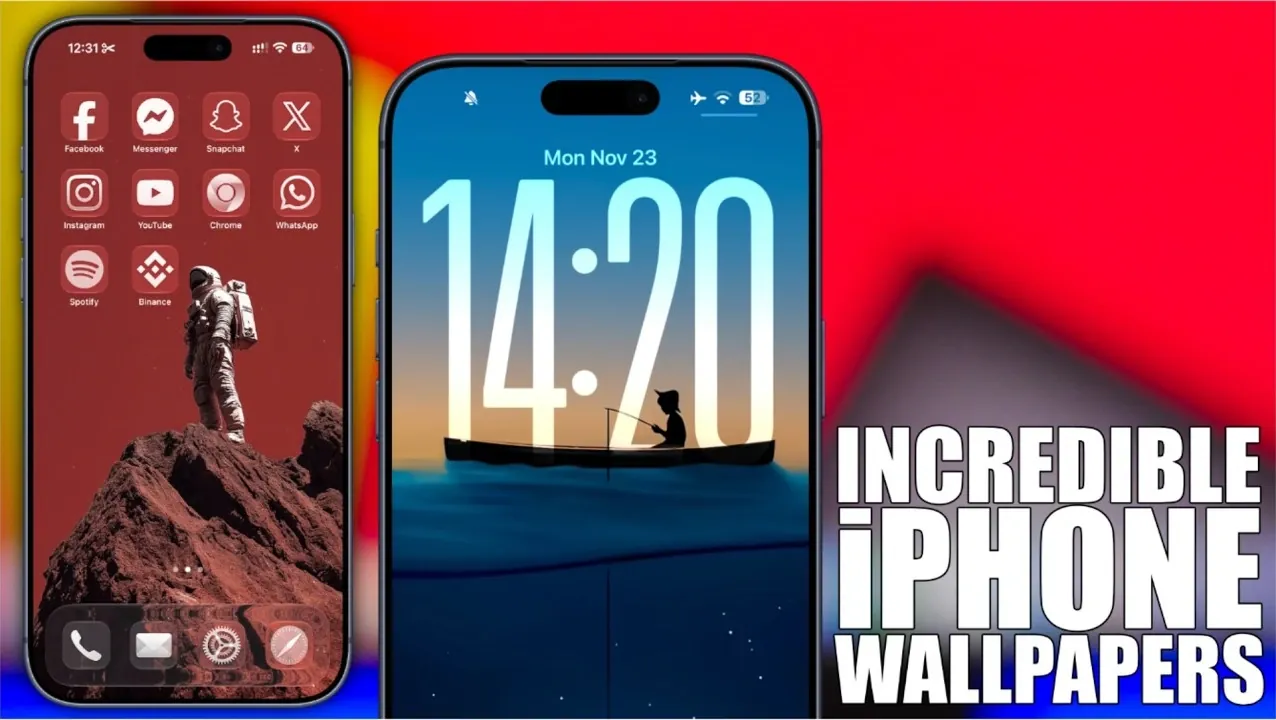
Wallpaper apps and websites let you give your iPhone a different look, with choices ranging from photos to live wallpapers. Vellum offers a different wallpaper every day and lets you preview it on your home screen or lock screen. Other sources offer ways to find images in a style you like, save favorites, or even make wallpapers from your own photos. You’ll find out which sources iReviews found useful, from Pinterest’s similar-image suggestions to Wallcraft’s live wallpapers.
TL;DR Key Takeaways :
- Wallpaper websites: Basic Apple Guy offers free and paid wallpapers, while Pinterest and Unsplash provide free images.
- Social media: Search Threads for “iPhone wallpapers” to find accounts posting downloadable images.
- Dope Walls: The app lets you preview wallpapers, save favorites and create images from your photo library.
- Vellum collections: Vellum offers a changing daily wallpaper and curated collections, with blur and preview options.
- Wallcraft subscription: Wallcraft offers live wallpapers, while exclusive images require a premium subscription estimated at $4 to $5 annually.
You can find iPhone wallpapers on websites, social platforms and dedicated apps. One place to start is the Basic Apple Guy blog, where a wallpaper tag filters posts into collections for iPhone, iPad and Mac.
Images are free, with optional paid bundles. To save one, select the iPhone option in a wallpaper post, then save the opened image to your camera roll.
Find Wallpaper Accounts on Threads
Threads is not a dedicated wallpaper app, but accounts including Walls by JFL post images you can download, and new wallpapers appear daily.
To find more accounts and images, open the search section and look for “iPhone wallpapers”.

Browse Similar Images on Pinterest
Pinterest offers free iPhone wallpapers and lets you browse similar images after selecting one, so you can explore alternatives when you find a style you like.
iReviews recommends Pinterest for its selection, though wallpaper quality can vary. Once you find an image you want, tap it to download it.
Preview and Organize Images in Dope Walls
Dope Walls, also called Dope Wallpapers, is a dedicated wallpaper app available from the App Store. It displays images on its home screen and is continually updated with new wallpapers. You can preview a wallpaper on a device before downloading it or save it to your favorites.
Browse using search, tags, and categories, as well as sections for new wallpapers and images you have viewed. The app also lets you create wallpapers from your own photo library.
Use Vellum’s Daily Wallpaper and Collections
Vellum offers a daily wallpaper that changes each day and organizes its other images into collections. New wallpapers also arrive as collections.
Before downloading an image, you can add blur and preview it on the home screen or lock screen. Vellum’s selection is not as large as some others, but its wallpapers are high quality.
Find Depth Effect Wallpapers in Clarity
Clarity includes free and paid wallpapers, organized into collections and tags on its home screen. You can reach its landscape section through an iPhone icon.
The Explore section offers a search bar, daily wallpapers, and collections such as a community gallery. Its categories include depth effect wallpapers for the lock screen.
Search Unsplash for Photos
Unsplash is not focused solely on iPhone wallpapers, but its wallpaper tag brings together a large selection of high-quality images you can download for that purpose.
Its home screen also offers featured images and tags, while topics and a search bar give you other ways to browse. You can submit your own photos to Unsplash too.
Browse New and Live Wallpapers in Wallcraft
Wallcraft organizes its home screen into hot, new, popular, and random wallpapers, with a separate section for live wallpapers.
Images are uploaded daily, and iReviews says Wallcraft may be the best wallpaper app for iPhone. In the app, you can share or favorite an image, preview it on your device, and download it in its original size or in landscape or portrait format.
Wallcraft is one of the dedicated wallpaper apps available from the App Store. Its exclusive wallpapers require a premium subscription, estimated to cost around $4 to $5 a year.
In our view, Vellum’s approach is the most useful idea here. Offering fewer, curated collections instead of endless feeds saves time because picking from a small set of good images is easier than sifting through thousands of average ones.
These sources give you more than one way to find a look for your iPhone, whether you prefer browsing collections or starting with a style you already like. If you want a fresh wallpaper for your iPhone, the apps and websites are worth exploring in more detail.
Uncover more insights about iPhone wallpaper apps in previous articles we have written.
- Unlock Your iPhone’s Full Potential: The Best iOS 26 Wallpaper Apps
- iOS 18’s Hidden Gem: Unlock the Magic of Dynamic, Color Changing Wallpapers
Source & Image Credit: iReviews
Disclosure: Some of our articles include affiliate links. If you buy something through one of these links, Geeky Gadgets may earn an affiliate commission. Learn about our Disclosure Policy.
