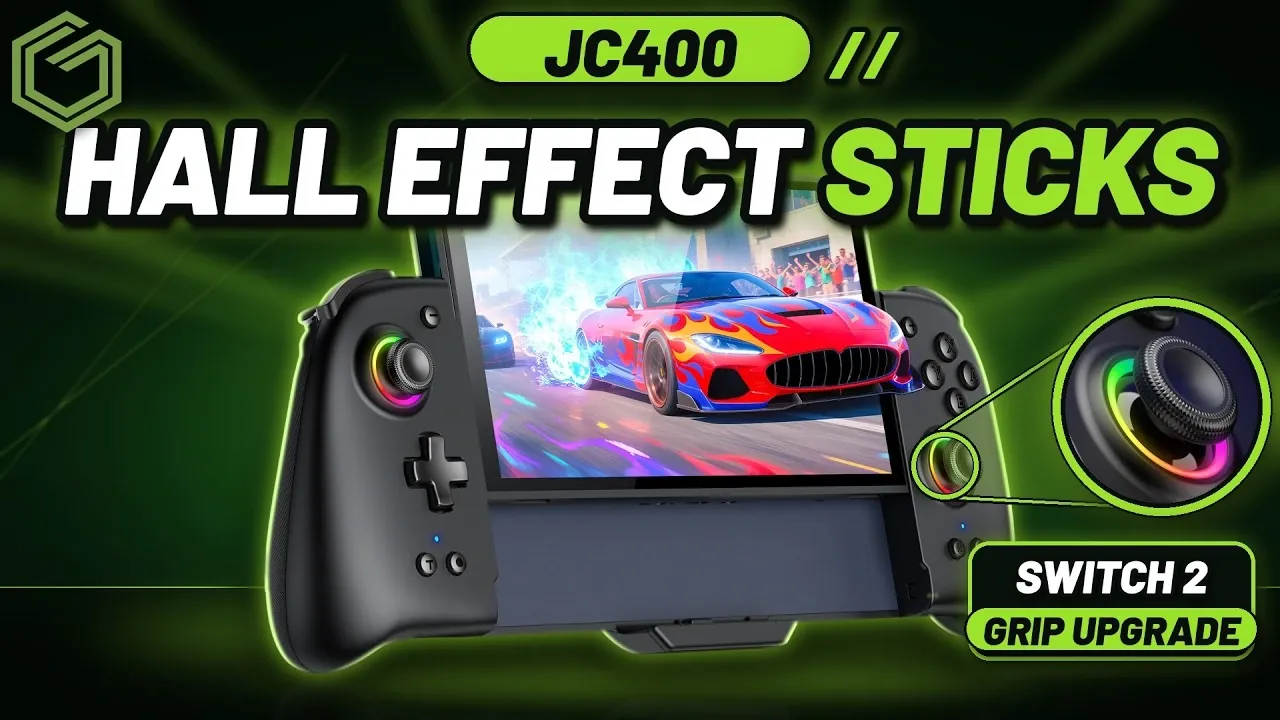
Nine hours after a full charge, the EXTREMECOOL JC400, a $69.99 wireless grip controller for Nintendo Switch 2, was still running. Its full-size sticks and larger buttons give you a more conventional controller feel, with little hand fatigue reported during longer sessions. According to GameTechPlanet, the grip holds the console securely, but you have to slide it partly out to change game cards and remove it to dock the console. Learn what its programmable rear buttons and other controls add to handheld play.
EXTREMECOOL JC400: A Full-Size Switch 2 Grip
TL;DR Key Takeaways :
- The $69.99 JC400’s full-size Hall effect sticks made longer Switch 2 sessions comfortable, with little hand fatigue during testing.
- The grip held the Switch 2 securely but blocks docking and requires partial removal of the console to change game cards.
- The JC400 paired immediately as a Pro Controller but lacks the C and GL/GR buttons.
- Its separately charged battery was still running after about nine hours of testing from a full charge.
- The JC400 has been seen on sale for $35 to $45, though prices change.
Unlike a controller that plugs into the console, the JC400 has its own battery and connects as a Pro Controller. Similar grips for the original Switch tended to use full-size designs.
The JC400 comes with a USB-C charging cable and getting-started paperwork that points to website help. Testing lasted a week or two and included classic and newer games on a Switch 2.
Full-Size Controls Are Comfortable for Longer Sessions
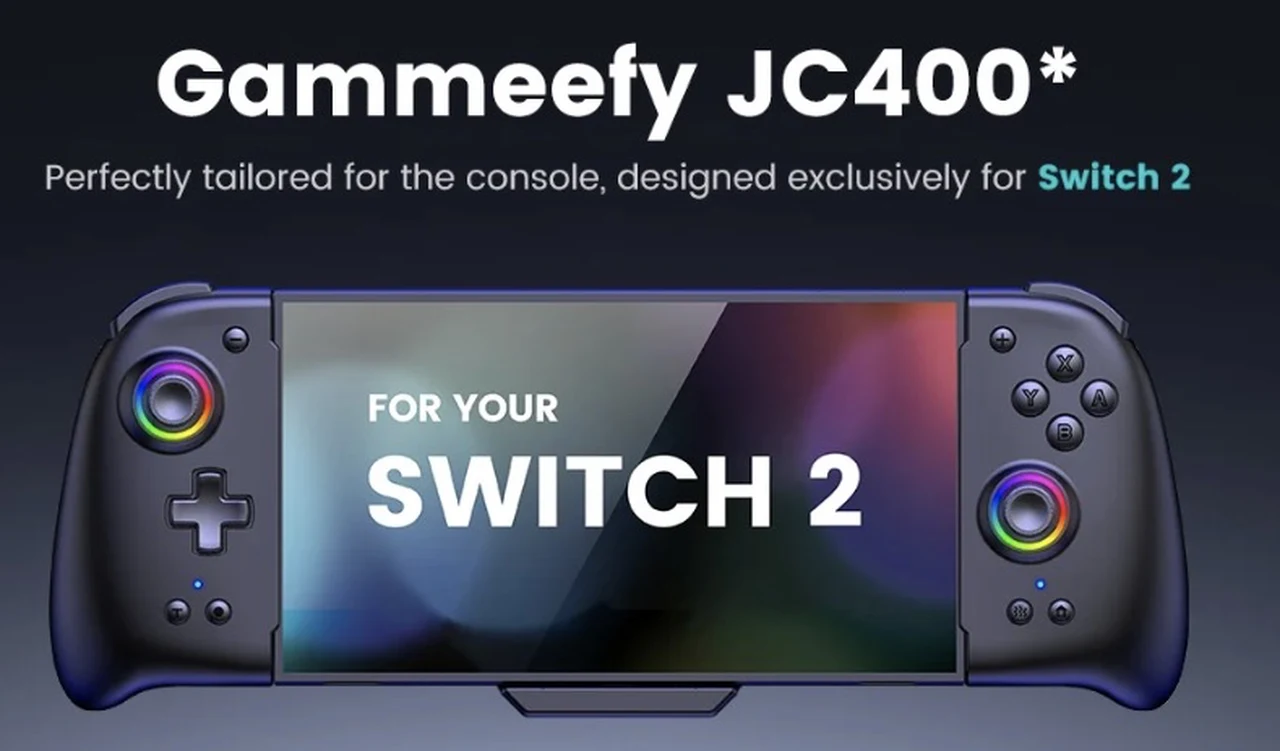
In testing, the JC400 was comfortable during longer sessions, with little hand fatigue. For somewhat larger hands, it was preferred to the Switch 2 Joy-Cons and the Killswitch case, partly because its full-size Hall effect sticks felt more like those on a conventional controller.
The sticks had pleasing tension, similar to an Xbox controller, and the larger triggers and shoulder buttons also felt good. Face buttons worked acceptably but felt clicky and somewhat cheap, while the shell felt plasticky.
The D-pad caused no major problems in testing, though it felt a little mushy and might not be ideal for fighting games. Rumble sometimes felt weak.
The Grip Holds Securely but Blocks the Card Slot
The Switch 2 fits snugly into the JC400, and its rear lock switches held the console securely in use. The grip adds size but felt light, with hardly any noticeable weight, while still feeling sturdy.
Access to the game-card slot is the main physical compromise: you have to slide the Switch 2 partly out of the grip to open it. The grip does not significantly obstruct the top ventilation or charging access, but you cannot dock the console while the JC400 is attached.
Along the top are four game-card storage slots for spare cards, and a kickstand that worked well in use.

Here are additional guides from our expansive article library that you may find useful on Nintendo Switch 2 accessories.
- Best Accessories for Nintendo Switch 2 to Enhance Your Gaming Experience
- GET MORE from Your Nintendo Switch 2: Tricks & Hidden Gems Revealed!
- Nintendo Switch 2 Durability: Will Your New Console Last?
Wireless Pairing Worked Without Problems
The JC400 paired immediately on its first connection and worked without problems in the games tested, including Super Nintendo and GameCube titles. To connect it, place the controller in pairing mode and use the Switch 2’s Change Grip/Order screen.
The Switch 2 recognizes the JC400 as a Pro Controller, rather than as Joy-Cons. The grip lacks a C button and GL/GR buttons, so you cannot use those extra controls. Otherwise, it is expected to work with Pro Controller games.
A one-button wake-up feature is included, but it needs to be set up before use. Setup can be a little finicky, and other controllers are believed to require similar setup.
Rear Buttons Support Macros and Adjustable Turbo
The JC400 has programmable rear buttons for macros, along with S buttons on the back. Programming and clearing the controls were straightforward in use, although the programmable buttons saw limited use during testing. The controller also includes:
- Turbo: Three adjustable levels.
- Motion controls: A gyroscope sensor for motion input.
- Vibration: Adjustable intensity.
- RGB lighting: Built into the controller.
To program a rear button, hold M and either MR or ML for two seconds until the controller vibrates. Press the desired buttons in order, then press the chosen rear button again to save the macro. Holding M for five seconds clears macros. The controller flashes during programming, and the guide also lists the double-press shortcuts.
The Battery Was Still Running After Nine Hours
The JC400’s own battery avoids drawing additional power from the Switch 2 during play, but the controller must be charged separately. Its USB-C port sits on the bottom, to the right of the console’s bottom USB-C port.
Rated for 10 to 15 hours, the battery was still running after about nine hours from a full charge. It is expected to last at least 10 hours and probably longer.
The JC400 has been seen on sale for $35 to $45, including about $36 on Black Friday, though prices change.
We think the real draw is the full-size layout, not the extras. Comfortable sticks and a controller with its own battery matter more over long handheld sessions than macros or turbo, which many players will rarely touch. The Hall effect sticks have a conventional controller feel, and the grip caused little hand fatigue during longer sessions.
GameTechPlanet thinks the JC400 is probably worth around $40, particularly for its comfortable grip and larger sticks. Anyone who wants to dock the console without removing the grip or use the C and GL/GR buttons will need another setup.
Media Credit: GameTechPlanet
Disclosure: Some of our articles include affiliate links. If you buy something through one of these links, Geeky Gadgets may earn an affiliate commission. Learn about our Disclosure Policy.
