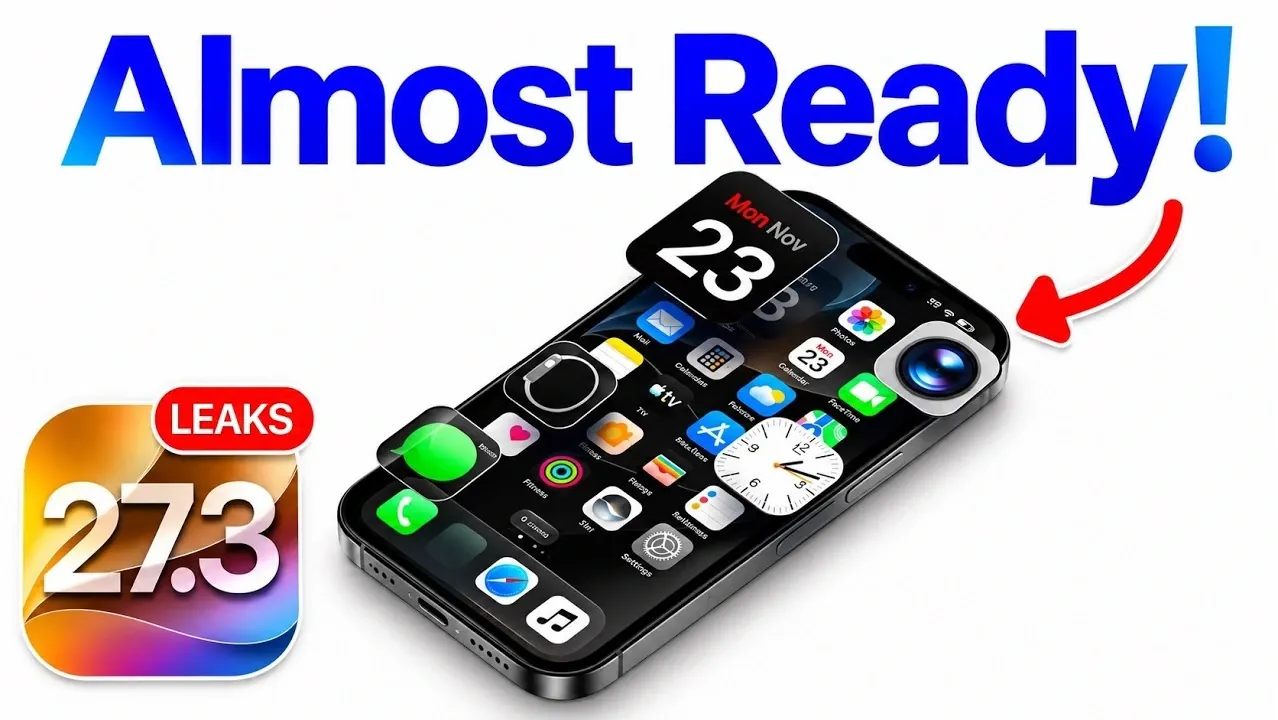
Apple has not yet shipped the final public release of iOS 27.3 or watchOS 27.3, yet active beta builds and internal code discoveries continue to surface new additions across iPhone, the folding iPhone Duo, and Apple Watch. Alongside Apple Music’s Selfie Sing video karaoke mode—which lets you record front-camera singalongs with vocal filters and guardian-approval prompts for minors where required by local law—code sleuths and testers have also highlighted a hidden two-widget Complication Column tested for the iPhone Duo’s Lock Screen and long-requested on-watch screenshot management for watchOS 27.3. The video below from iDeviceHelp breaks down these reported updates.
- Apple Music Selfie Sing: Live in iOS 27.3 betas, Selfie Sing uses the front camera to record karaoke clips over scrolling lyrics, complete with Megaphone, Echo, Concert Hall, and Studio vocal effects and optional Memoji face overlays.
- Guardian Consent Prompts for Minors: Depending on regional age-verification laws, younger users are prompted to request parent or guardian approval before accessing Selfie Sing or continuing with certain Apple Music features.
- Hidden iPhone Duo Complication Column: Internal iOS 27 code reveals an inactive prototype layout that stacks two circular Lock Screen widgets vertically along the right edge of the iPhone Duo’s outer display.
- On-Watch Screenshot Management: Reported watchOS 27.3 changes point toward previewing, saving, or deleting screenshots directly on Apple Watch rather than sending every capture straight to the iPhone Photos app.
Apple Watch Screenshots Could Be Managed Directly on the Watch
For years, taking a screenshot on Apple Watch has been an all-or-nothing process: pressing the Digital Crown and Side Button saves the image silently to your paired iPhone’s Photos library without giving you an on-wrist preview or a quick way to delete accidental captures. Reports around watchOS 27.3 indicate Apple has been preparing an iPhone-style screenshot preview and management prompt directly on the watch face—letting users review, keep, or discard screenshots right after capturing them.

While Apple didn’t enable this screenshot preview workflow for all testers in the second beta of watchOS 27.3—which has already debuted features like Siri Recap and Live Rewind on newer watches—small quality-of-life tools like on-wrist screenshot cleanup solve a daily annoyance for anyone who accidentally triggers screenshots during workouts or sleeves.
iPhone Duo Lock Screen Could Gain a Two-Widget Complication Column
Separate code findings uncovered inside iOS 27 builds point to a clever Lock Screen customization experiment specifically tailored to the wider outer screen of the iPhone Duo. Dubbed a Complication Column in internal SpringBoard flags, the prototype layout places up to two circular Lock Screen widgets in a vertical stack along the right edge of the display—positioned between the top status indicators and the bottom camera/flashlight shortcuts, alongside the existing lower widget row.
Because the feature flag currently remains disabled in internal code, there is no guarantee Apple will flip it on in iOS 27.3 rather than holding it for a later point release. Even so, taking advantage of the extra horizontal space along the right side of the iPhone Duo’s cover screen shows Apple actively iterating on foldable-specific UI layouts rather than treating the cover display like a standard slab iPhone.
| Reported Feature | Platform / Target | Current Beta Status | Practical Value |
|---|---|---|---|
| Selfie Sing Video Karaoke | iOS 27.3 (Apple Music) | Active in iOS 27.3 betas on supported tracks | Records front-camera singalong clips with vocal filters, Memoji overlays & guardian approval where required |
| Lock Screen Complication Column | iOS 27 / iPhone Duo | Hidden internal code flag (currently disabled) | Adds two vertical circular widgets along the right edge of the Duo’s wider cover screen |
| On-Watch Screenshot Management | watchOS 27.3 (Apple Watch) | Reported / unreleased in early beta builds | Lets users preview, save, or delete screenshots directly on Apple Watch without cluttering iPhone Photos |
Apple Music Selfie Sing Adds Front-Camera Video Karaoke
Unlike the hidden Lock Screen flags, Selfie Sing is already live for testers running the iOS 27.3 beta. Building on Apple Music Sing’s adjustable vocal-volume slider, Selfie Sing adds a camera icon on supported songs from the dedicated Selfie Sing playlist, letting you record short front-facing video clips of yourself singing along with synchronized on-screen lyrics.
Once a take finishes, Apple Music provides built-in post-recording controls so you can balance your voice against the backing track, swap your face with an animated Memoji, or apply vocal filters—including Megaphone, Echo, Concert Hall, and Studio—before saving the clip to Photos or sharing it on social platforms.
In regions with strict youth-privacy and age-assurance rules, Apple has also built in guardian approval prompts for minors using Selfie Sing. Screenshots of the system notices show Apple alerting younger users that parent or guardian permission is required to use camera-based features—or, in certain jurisdictions, to continue accessing parts of Apple Music—helping families manage camera and sharing permissions cleanly.
What to Expect Before the Final Public Release
Between headline additions like Apple Music’s Selfie Sing and smaller behind-the-scenes refinements across iPhone Duo and Apple Watch, the iOS 27.3 and watchOS 27.3 cycle blends playful media features with practical everyday polish. Because disabled code flags and unannounced watchOS tweaks can still change or slip to future builds ahead of Apple’s expected December 2026 public rollout, keep an eye on upcoming beta releases to see which reported features make the final cut.
Take a look at other insightful guides from our broad collection that might capture your interest in iOS 27.3 and watchOS 27.3.
- The iOS 27.3 Beta 1 Update is Live: See the New Changes
- Apple Releases watchOS 27.3 Beta 1 with Major New Features
- Unlock New Personalization Options: Inside the Latest iOS 27.3 Beta
- Should You Update? 5 Cool New Features Coming in iOS 27.3
- iOS 27.3 Beta Drops with 7 New iPhone Features
Source & Image Credit: iDeviceHelp
Disclosure: Some of our articles include affiliate links. If you buy something through one of these links, Geeky Gadgets may earn an affiliate commission. Learn about our Disclosure Policy.
