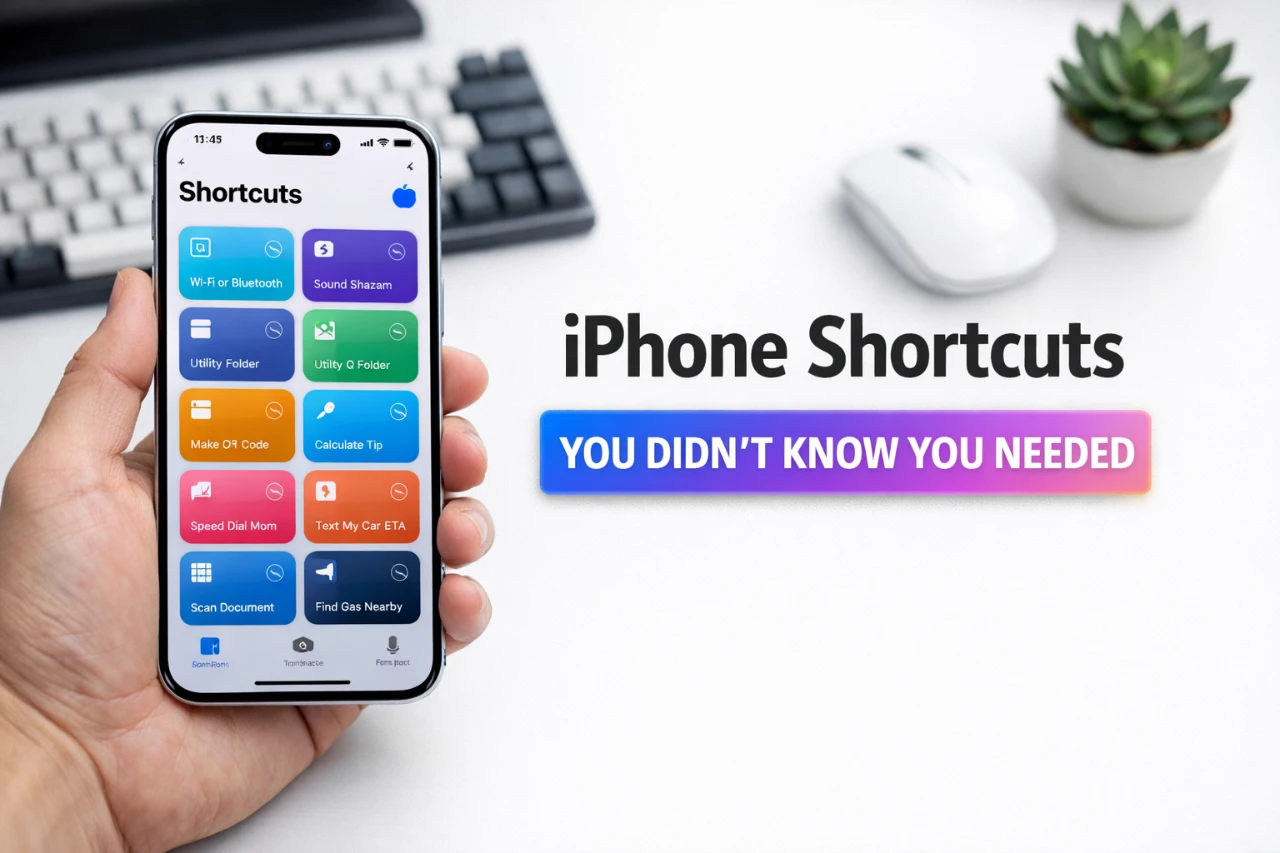
Streamlining daily tasks and enhancing productivity has never been easier, thanks to the robust capabilities of iPhone shortcuts. These automation tools, powered by Apple’s ecosystem and third-party app integrations, enable you to perform complex actions with minimal effort. By using these features, you can customize your device to suit your unique needs, saving time and reducing repetitive tasks. The video below from Stephen Robles explores advanced shortcuts, offering practical examples and actionable tips to help you unlock the full potential of your iPhone.

Effortless Photo and Calendar Management
Managing photos and calendars can often feel like a time-consuming chore, but iPhone shortcuts simplify these processes with ease.
- Create a shortcut to instantly access all photos taken on a specific date, allowing you to organize your library or revisit cherished memories effortlessly.
- Use image recognition technology to extract details from photos—such as event dates, receipts, or schedules—and automatically add them to your calendar for seamless planning.
These tools ensure you stay organized while reducing the manual effort required to manage your digital and personal life.
Streamlined Reminders and Alarms
Keeping track of tasks and schedules can be overwhelming, but shortcuts make it easier to stay on top of your responsibilities.
- Dictate multiple reminders or calendar events simultaneously, and let your iPhone intelligently parse them into individual entries.
- Set up a “fast alarm” shortcut to configure multiple alarms in seconds, perfect for managing different time zones or daily routines.
- Build a personalized nighttime routine shortcut that summarizes the next day’s events, weather forecast, and reminders in one cohesive action.
These features help you manage your time effectively, making sure you never miss an important task or appointment.
Customizing App-Specific Automations
Shortcuts allow you to tailor how your iPhone interacts with specific apps, enhancing both functionality and convenience.
- Program the action button to perform app-specific tasks, such as adjusting playback speed in a podcast app or allowing dark mode in a reading app.
- Automate muting notifications from social media apps during work hours and restoring them afterward, creating a distraction-free environment when needed.
These customizations ensure your device adapts to your preferences, making your interactions with apps more intuitive and efficient.
Efficient File and Note Management
Organizing files and notes is a breeze with the right shortcuts, helping you stay productive and clutter-free.
- Scan receipts, invoices, or documents and automatically parse the data into a Numbers spreadsheet for easy tracking and budgeting.
- Identify incomplete notes and set reminders to finish them, making sure no ideas or tasks are left unattended.
- Digitize children’s artwork or important documents, saving them in an organized format while reducing physical clutter.
These tools streamline your workflow, allowing you to focus on what matters most without being bogged down by administrative tasks.
Enhanced Browser and Media Shortcuts
Browsing the web and managing media content can be significantly improved with automation.
- Quickly switch between default browsers on your iPhone or Mac, depending on your preferences or specific tasks.
- Save multiple Safari links to a note or open several links from a note in Safari with a single tap, simplifying research or content consumption.
- Use URL schemes to search YouTube directly or access specific sections of apps, saving time and effort.
These shortcuts make navigating your digital world faster, more intuitive, and tailored to your needs.
Unlocking Advanced Integrations
For users seeking more complex workflows, integrating third-party apps like Data Jar, Toolbox Pro, and Pushcut can elevate your shortcuts to new heights.
- Save custom volume settings for specific scenarios, such as lowering the volume during meetings or increasing it for workouts.
- Receive personalized battery notifications, such as alerts when your device reaches a specific charge level.
- Automate PDF parsing from websites to extract key data, streamlining tasks like research or document management.
These integrations expand the capabilities of Apple’s shortcuts, allowing you to create highly specialized workflows that cater to your unique requirements.
Personalized Routines for Everyday Life
Shortcuts can help you design routines that align with your lifestyle, making your iPhone a true extension of your daily habits.
- Track dog walks by logging weather conditions, steps taken, and photos captured during the walk, creating a detailed record of your outings.
- Organize streaming options with a movie and TV show tracker, making sure you never forget what to watch next or lose track of recommendations.
These personalized shortcuts enhance your daily routines, allowing you to focus on what you enjoy while staying organized.
Using Community Contributions
The iPhone shortcuts community is a valuable resource for discovering new ideas and solutions. Many shortcuts are developed collaboratively, offering a wide range of tools and enhancements.
- Explore project management shortcuts that streamline workflows and improve efficiency.
- Use backup solutions to safeguard your custom shortcuts, making sure you never lose your configurations.
- Access troubleshooting shortcuts to resolve common issues quickly and effectively.
This collaborative environment fosters innovation and creativity, making sure there’s always something new to learn and implement.
By embracing the power of iPhone shortcuts, you can transform your device into a highly personalized and efficient tool. Whether you’re managing photos, automating reminders, or integrating third-party apps, these features offer endless possibilities for simplifying your life and enhancing productivity. Explore, experiment, and make the most of your iPhone’s capabilities to create a seamless and intuitive digital experience.
Browse through more resources below from our in-depth content covering more areas on iPhone shortcuts.
- Clicks Keyboard Phone Case (Miami Beach/iPhone 15 Pro Max)
- 10 Amazing iPhone Shortcuts to Manage Photos
- 20 Apple Shortcuts That Make Your iPhone Smarter Than Ever
- 12 New iPhone Shortcuts to Simplify Your Life
- Notion for iPhone: Supercharged with iOS 18 Shortcuts!
Source & Image Credit: Stephen Robles
Disclosure: Some of our articles include affiliate links. If you buy something through one of these links, Geeky Gadgets may earn an affiliate commission. Learn about our Disclosure Policy.
