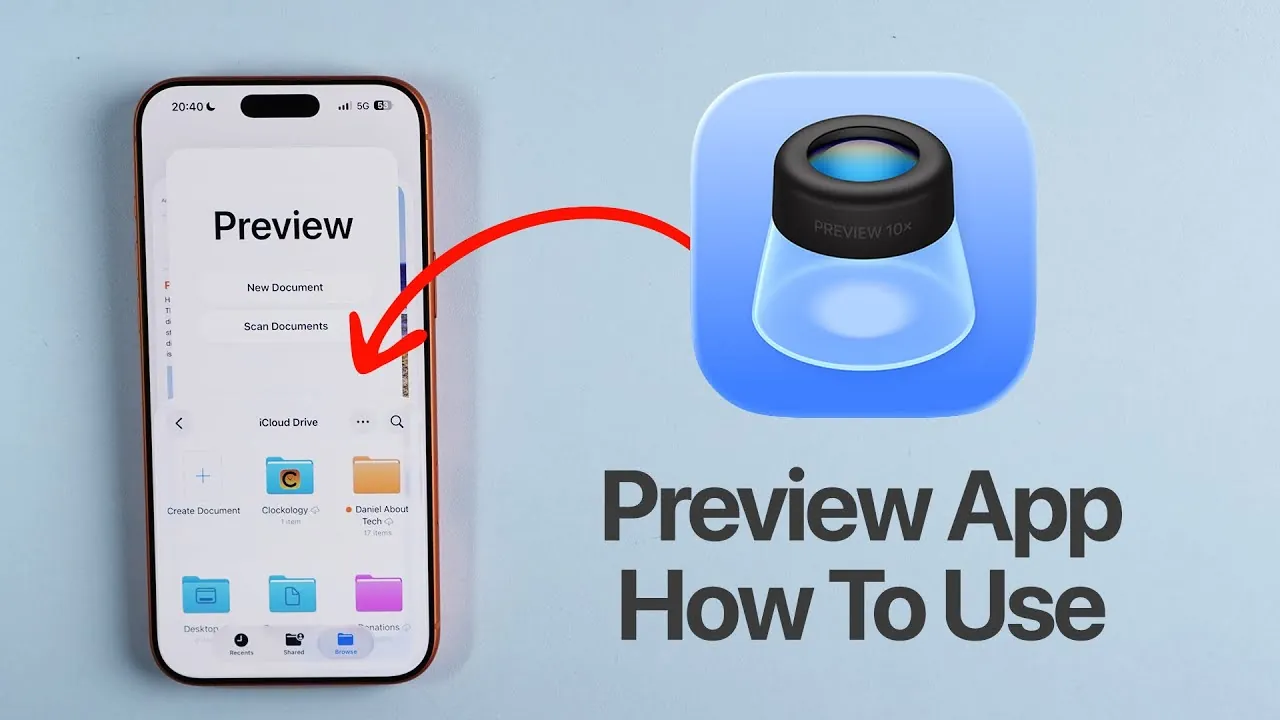
The Preview app, introduced with iOS 26, redefines how you manage PDF documents on your iPhone. Designed to handle a wide range of tasks, it combines tools for annotation, editing, and sharing into a single, intuitive platform. Fully integrated with the Files app and iCloud Drive, it simplifies processes like scanning documents, filling out forms, and securing sensitive files with passwords. Whether you’re a professional managing contracts or a student organizing notes, the Preview app is a versatile and indispensable tool for enhancing productivity. The video below from Daniel About Tech gives us more details.

What Is the Preview App?
The Preview app is a dedicated PDF reader and editor, distinct from the general-purpose Files app. Its primary function is to provide advanced tools for managing PDFs, allowing you to interact with documents stored locally or in iCloud Drive. By consolidating these features into one app, it eliminates the need for third-party software, offering a streamlined and secure experience for handling your documents. This focus on simplicity and functionality makes it an essential tool for anyone who frequently works with digital documents.
Key Features of the Preview App
The Preview app is packed with features that make managing documents more efficient and accessible. These tools are designed to cater to a variety of needs, from basic editing to advanced security options. Here’s a closer look at its standout features:
- PDF Editing and Annotation: Open, edit, and annotate PDFs with ease. Add text fields, notes, and signatures, or use tools to highlight, underline, or strike through text. The app also supports filling out forms, either manually or through auto-suggestions, making it ideal for both personal and professional use.
- Password Protection: Secure sensitive documents by locking them with a password. This ensures your files remain private, even when shared with others, providing an added layer of security for confidential information.
- Document Scanning: Use your iPhone’s camera to digitize physical documents. The app allows you to combine multiple scanned pages into a single PDF, edit them, and add annotations, making it a convenient tool for creating professional-quality documents.
- Basic Image Editing: Perform quick edits such as removing backgrounds or adding shapes and text to images. While not a replacement for dedicated image editing software, these tools are useful for simple tasks and enhance the app’s versatility.
Document Scanning Made Simple
One of the most practical features of the Preview app is its document scanning capability. By using your iPhone’s camera, the app allows you to quickly convert physical documents into digital PDFs. You can scan multiple pages, combine them into a single file, and make edits or annotations directly within the app. This feature is particularly useful for professionals who need to create high-quality digital documents on the go, as well as for students and individuals who want to organize their paperwork efficiently.
Seamless Integration with Other Apps
The Preview app’s integration with the Files app and iCloud Drive ensures that your documents are always organized and accessible. This seamless connection allows you to access files stored locally or in the cloud, making it easy to switch between devices without losing track of your work. Whether you’re working on your iPhone, iPad, or Mac, the Preview app keeps your documents synchronized and within reach, enhancing productivity and streamlining your workflow.
Effortless Sharing Options
Sharing documents through the Preview app is straightforward and secure. You can send PDFs via email, AirDrop, or other apps, with the option to add password protection for enhanced privacy. This makes it easy to collaborate with colleagues, share sensitive information, or distribute documents without compromising security. The app’s sharing capabilities are designed to accommodate both personal and professional needs, making sure that your files are shared efficiently and securely.
Why the Preview App Stands Out
The Preview app is more than just a PDF reader—it’s a comprehensive tool for managing documents on your iPhone. Its combination of advanced features, such as annotation, password protection, and document scanning, makes it a powerful resource for a wide range of users. By integrating with the Files app and offering versatile sharing options, it ensures that you can handle your document needs efficiently and securely, all from the convenience of your device. Whether you’re managing contracts, organizing notes, or sharing files, the Preview app provides the tools you need to stay productive and organized.
Below are more guides on iPhone PDF editor from our extensive range of articles.
- How to Edit, Sign, and Convert PDFs for Free with PDF Gear
- iPhone Life Insider: Lifetime Subscription | StackSocial
- Document 365 Lite Individual Plan: Lifetime Subscription | StackSocial
- VideoProc: Lifetime Subscription | StackSocial
- How to Use Adobe Acrobat 2025 : PDF Workflows & AI Assistant
Source & Image Credit: Daniel About Tech
Disclosure: Some of our articles include affiliate links. If you buy something through one of these links, Geeky Gadgets may earn an affiliate commission. Learn about our Disclosure Policy.
