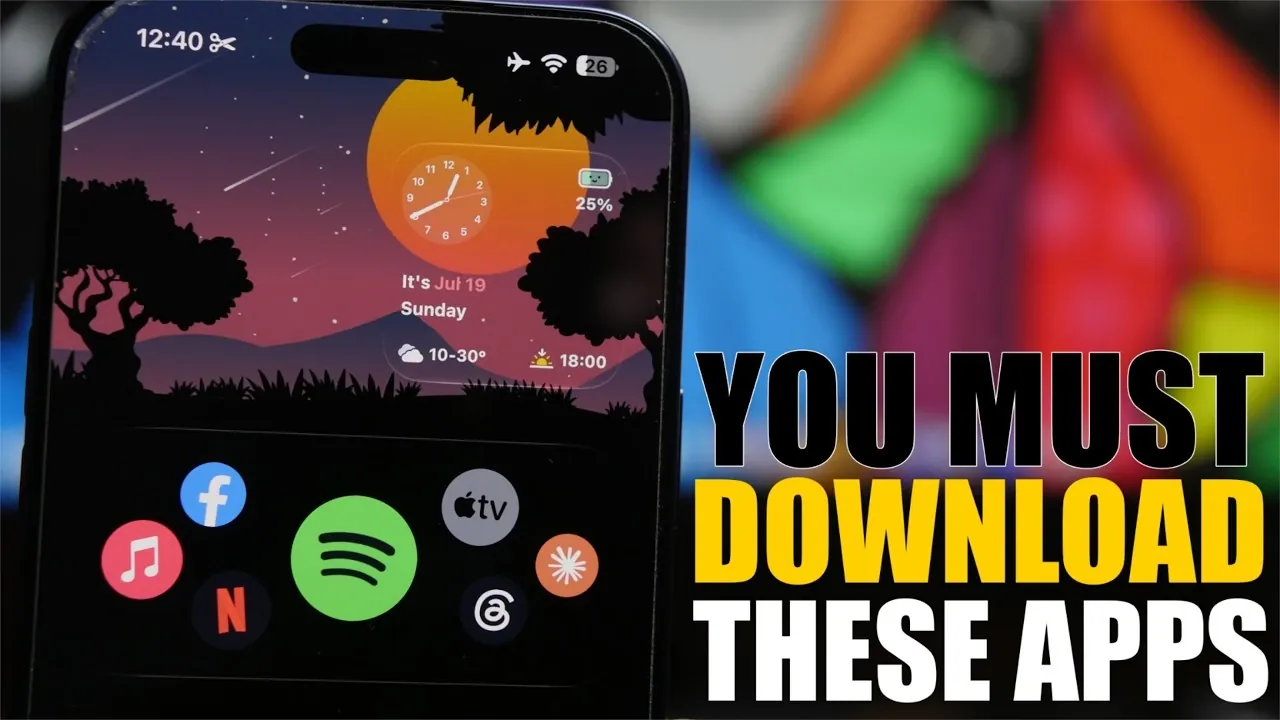
Your iPhone is more than just a communication device; it’s a powerful tool that can adapt to your unique needs with the right apps. Whether you’re looking to increase productivity, personalize your device, or streamline daily tasks, certain apps can transform your iPhone into an indispensable companion. Many of these apps are free, while others offer premium features for enhanced functionality. Below is a curated selection of apps designed to elevate your iPhone experience and help you make the most of its capabilities. The video below from iReviews gives us more details about the apps.

Turn Your iPhone into a Remote Control with Phone Deck
Imagine controlling your Mac directly from your iPhone. With Phone Deck, you can remotely manage your Mac to perform tasks such as launching apps, adjusting brightness, or accessing website shortcuts. To get started, install the companion app on your Mac for seamless integration. This app is especially useful for multitasking, delivering presentations, or simply adding convenience to your workflow. By turning your iPhone into a remote control, Phone Deck offers a practical and efficient solution for managing your Mac from anywhere.
Create Stunning Wallpapers with Mini Paper
Customizing your iPhone’s wallpaper has never been more accessible. Mini Paper allows you to design unique wallpapers using gradients, patterns and custom color schemes. The app features a variety of presets, with some available for free and others unlocked through its pro version. Whether you prefer minimalist designs or bold, vibrant aesthetics, Mini Paper enables you to make your iPhone truly your own. With its intuitive interface and creative options, this app is perfect for users who want to add a personal touch to their device.
Stay Organized with Noty’s Lock Screen Reminders
Noty is a productivity app designed to help you stay on top of your tasks and deadlines. It displays reminders as live activities directly on your lock screen, making sure that important events remain front and center. You can customize font sizes, preview times and notification styles to suit your preferences. For anyone who needs a visual nudge to stay organized, Noty is a simple yet effective tool to boost daily productivity and keep your schedule on track.
Optimize Battery Usage with Battery Fool
Managing your iPhone’s battery life is effortless with Battery Fool. This app notifies you when your device reaches a specific battery percentage, helping you avoid overcharging or running out of power. It also provides real-time battery levels and estimated charging times, giving you greater control over your device’s energy usage. Whether you’re focused on preserving battery health or planning your day around your device’s availability, Battery Fool offers a straightforward and reliable solution.
Personalize Your Home Screen with Cocoa Widgets
Elevate your iPhone’s home screen with Cocoa Widgets, an app that lets you create customizable widgets for clocks, app shortcuts, reminders and more. It even supports dynamic island customization and transparent widgets for a sleek, modern look. With its wide range of design options, Cocoa Widgets is ideal for users who want to blend functionality with aesthetics, giving their iPhone a polished and personalized appearance. This app is perfect for those who value both style and practicality in their device’s layout.
Track Your Wellness Routine with Sup
Managing your wellness routine is simple with Sup, an app designed to help you track supplements, vitamins, or medications. You can set reminders, monitor dosages and add notes for each item, making sure consistency in your health regimen. The app also keeps a history of completed tasks, allowing you to review your progress over time. Whether you’re maintaining a daily wellness routine or managing a medical schedule, Sup is an essential tool for staying organized and on track.
Share Files Securely with Drop Link
Drop Link makes file sharing quick and secure by generating shareable links or QR codes for photos, documents and text. You can share content effortlessly and stop sharing at any time, giving you full control over your data. This app is particularly useful for collaborative projects, professional presentations, or sharing personal memories with friends and family. With its emphasis on security and ease of use, Drop Link ensures that your files are shared safely and efficiently.
Enhance Your iPhone Experience
These apps collectively enhance your iPhone’s functionality, making it a more efficient, personalized and versatile tool. From remote Mac control and custom wallpapers to lock screen reminders and wellness tracking, each app addresses a specific need to improve your daily life. By integrating these tools into your routine, you can unlock your iPhone’s full potential and enjoy a seamless, tailored user experience. Whether you’re focused on productivity, personalization, or convenience, these apps provide practical solutions to help you get the most out of your device.
Deep dive into the latest in iPhone productivity apps by exploring our other resources and articles.
- Best Apple Productivity Workflows for 2026 : Easily Organize Notes, Tasks & Calendars Daily
- 10 iPhone Apps to Boost Your Productivity and Streamline Your Daily Tasks
Source & Image Credit: iReviews
Disclosure: Some of our articles include affiliate links. If you buy something through one of these links, Geeky Gadgets may earn an affiliate commission. Learn about our Disclosure Policy.
