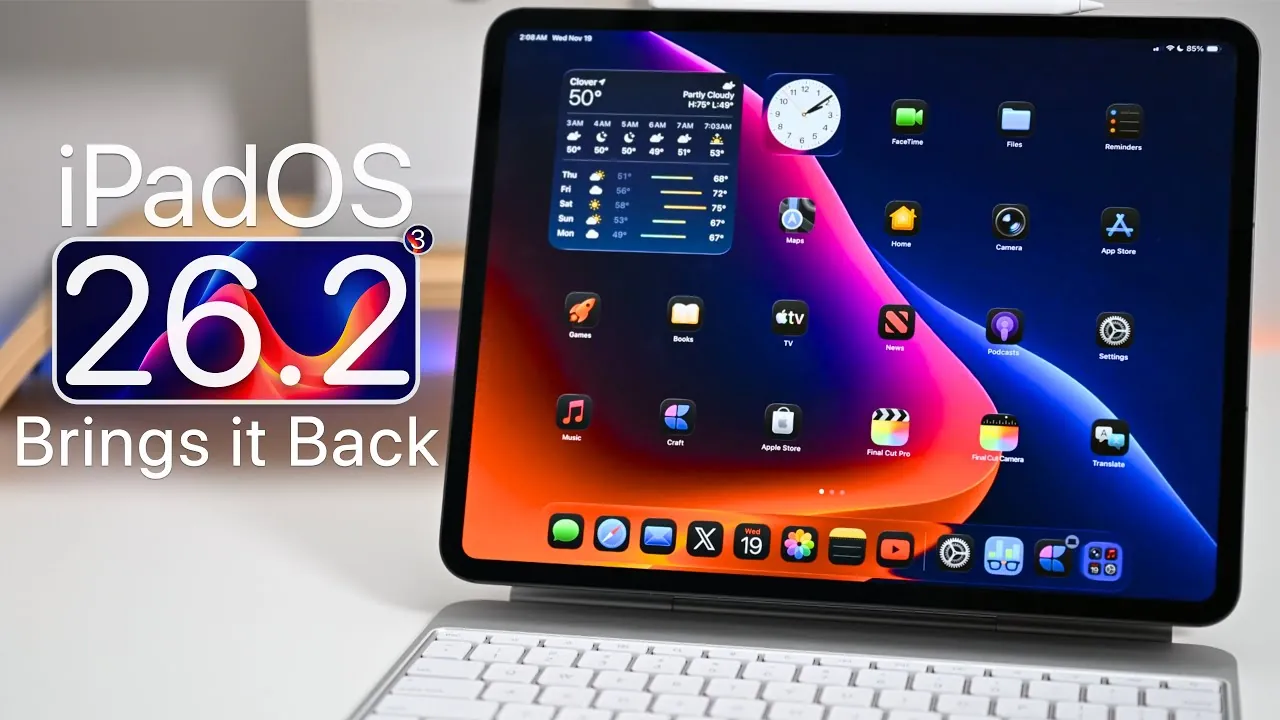
Apple’s iPadOS 26.2 beta 3 represents a pivotal step forward, addressing user feedback while introducing a range of refinements aimed at enhancing usability, security, and performance. This update reintroduces key multitasking functionalities that were missed in iPadOS 26, ensuring a smoother and more productive experience. In †he video below, Zollotech explores the most notable updates and their impact on your iPad usage

Multitasking Gets a Major Boost
iPadOS 26.2 reintroduces two essential multitasking tools: Split View and Slide Over. These features have been carefully refined to improve productivity and flexibility:
- Split View: Enables you to display two apps side by side, allowing for seamless multitasking whether you’re working, studying, or enjoying leisure activities.
- Slide Over: Offers a floating app window that can be repositioned anywhere on the screen, ideal for quick tasks or referencing supplementary information.
Both tools now integrate more effectively with the App Library and Spotlight, streamlining app management and switching. Additionally, Stage Manager, Apple’s windowed multitasking system, has been optimized to provide a more intuitive experience for users who rely on multitasking for creative or professional workflows. While full-screen mode for these features remains unavailable, their return in windowed environments is a welcome enhancement for productivity enthusiasts.
Enhanced AirDrop Security and Convenience
AirDrop receives significant updates in iPadOS 26.2, striking a balance between security and ease of use. The new “Manage Known AirDrop Contacts” feature introduces greater control over file sharing by:
- Allowing one-time code sharing for secure and temporary transfers.
- Allowing automatic sharing with approved contacts for a period of up to 30 days.
These changes not only enhance privacy but also maintain the effortless file-sharing experience that has made AirDrop a favorite among users. Whether you’re sharing documents, photos, or other files, these updates ensure a more secure and convenient process.
Polished UI and Animation Updates
iPadOS 26.2 introduces subtle yet impactful visual and interface improvements that enhance the overall user experience:
- Smoother animations in the Control Center and menus create a more fluid and responsive interface.
- A customizable lock screen clock now features a “liquid glass” slider, allowing you to adjust its appearance to match your personal preferences.
These refinements contribute to a more polished and cohesive interface, making everyday interactions with your iPad more enjoyable and intuitive.
App-Specific Enhancements
Several native apps receive targeted updates in iPadOS 26.2, reflecting Apple’s commitment to refining its ecosystem and addressing user feedback:
- Games, Reminders, and TV apps: Updated splash screens highlight new features and capabilities, making sure users are aware of the latest improvements.
- Podcasts: Enhanced navigation and playback options make it easier to discover and enjoy your favorite content.
- Health: A new sleep score setting provides detailed insights to help you monitor and improve your sleep patterns.
- Live Translations: Faster and more accurate translations expand their utility for users across different languages and regions.
These updates demonstrate Apple’s focus on improving app functionality and usability, making sure a more seamless experience across its ecosystem.
Performance and Stability Improvements
Performance remains a key focus in iPadOS 26.2, particularly for M5-powered iPads. Users have reported noticeable improvements in system fluidity and responsiveness, making the device feel faster and more reliable. While minor bugs persist, the overall stability has seen significant enhancements compared to earlier versions. These improvements ensure a smoother experience for both casual users and professionals who rely on their iPads for demanding tasks.
Battery Life and Efficiency
Battery performance continues to be a strong point in this update. Under typical usage scenarios, devices achieve up to 8 hours of screen-on time, maintaining energy efficiency without compromising performance. Benchmark scores remain consistent with previous releases, indicating that the refinements introduced in iPadOS 26.2 have not come at the expense of battery life. This balance between performance and efficiency ensures that your iPad remains a reliable tool throughout the day.
Release Timeline
Apple has provided a structured release schedule for iPadOS 26.2, making sure a smooth rollout:
- Beta 4: Expected to be released around November 24, 2025.
- Public Release: Anticipated by December 8, 2025.
This timeline allows developers and beta testers ample time to identify and address any remaining issues, making sure a polished final release for all users.
Notes for Developers and Beta Testers
Developers and public beta testers can access iPadOS 26.2 through Apple’s beta program. The Feedback app remains an essential tool for reporting bugs and suggesting improvements. Your contributions play a vital role in shaping the final version of the update, helping Apple deliver a refined and reliable experience to all users.
Here are more guides from our previous articles and guides related to iPadOS 26.2 that you may find helpful.
- Apple iOS 26.2 Beta 1: New Features for Podcasts and More
- What’s New in iOS 26.2 Beta 2: Features, Bug Fixes, and More
- iPadOS 26: Key Features That Transform Your iPad
- iOS 26.2 Beta 3 Features: AirDrop, Reminders, and UI Updates
- iOS 26.2 Beta 1 Features: What’s New and Improved
Source & Image Credit: zollotech
Disclosure: Some of our articles include affiliate links. If you buy something through one of these links, Geeky Gadgets may earn an affiliate commission. Learn about our Disclosure Policy.
