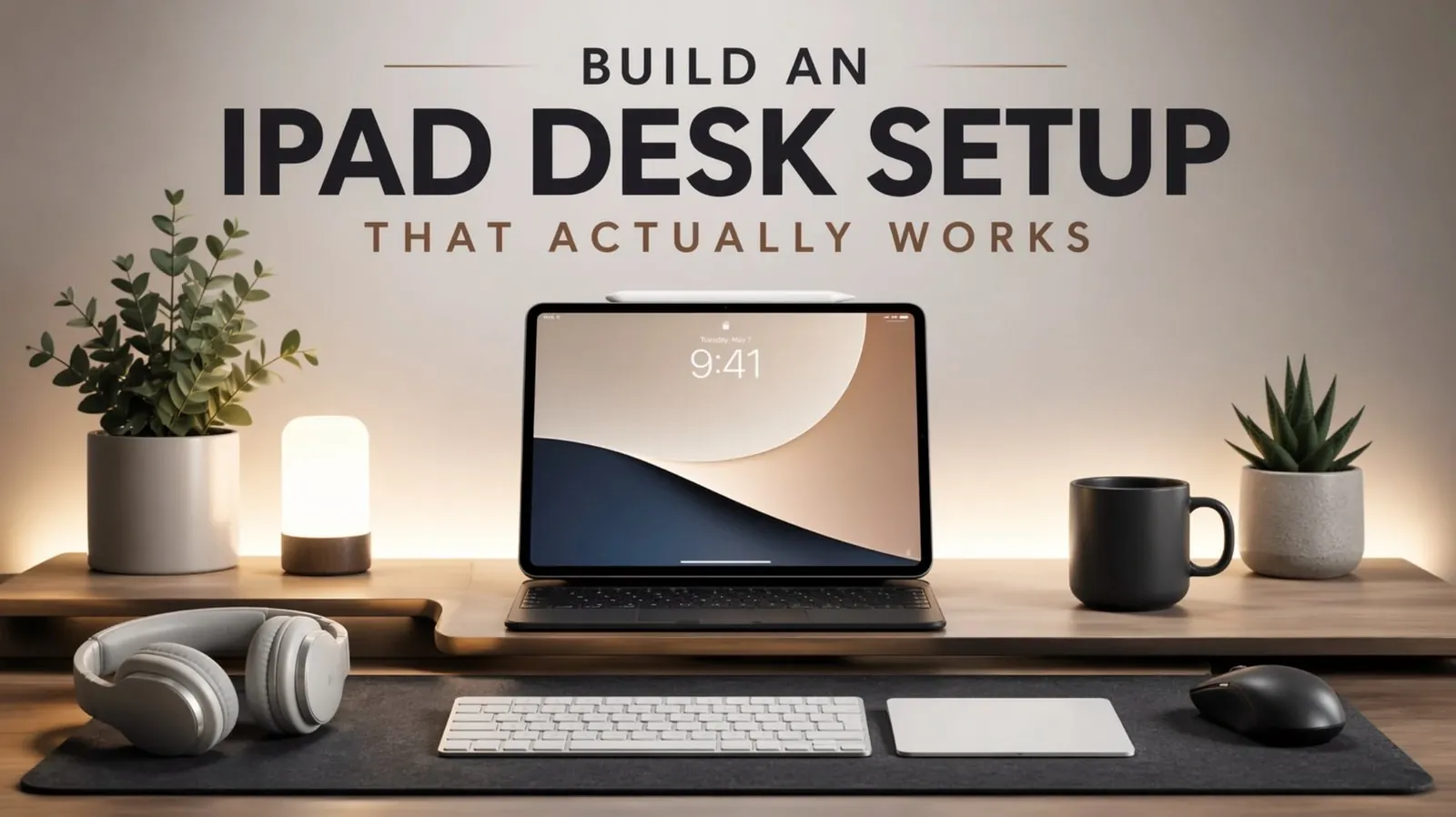
Building an effective iPad desk setup in 2026 means balancing the capabilities of the device with a workspace that supports your tasks. Terren Rule highlights how features like M-series chips and iPadOS updates have expanded what iPads can handle, but emphasizes the importance of intentional setup choices. For instance, combining an M2 iPad Pro with a USB-C monitor and a Thunderbolt dock can create a functional workstation, while adding a magnetic keyboard case or Apple Pencil enhances both productivity and creative workflows.
Explore this hands-on walkthrough to learn how to integrate external displays for expanded functionality, choose accessories that streamline your workflow and navigate challenges like limited monitor support in iPadOS. Gain insight into designing a setup tailored to professional tasks, creative projects, or everyday needs with practical steps and recommendations.
Selecting the Right iPad
TL;DR Key Takeaways :
- The M-series iPads, such as the iPad Pro and iPad Air, are the foundation of an efficient desk setup in 2026, with the Pro offering advanced features for power users and the Air catering to general productivity and affordability.
- Essential accessories like screen protectors, digital pencils and keyboard cases enhance the iPad’s functionality, making it suitable for tasks ranging from creative projects to everyday productivity.
- Key desk components, including USB-C monitors, Apple’s Magic Keyboard and Trackpad and Thunderbolt docking stations, optimize the iPad’s capabilities and create a more organized workspace.
- Additional accessories, such as monitor lights, high-quality microphones, external webcams and charging stations, improve comfort and efficiency for extended work sessions.
- Understanding the iPad’s limitations, such as restricted external monitor support, helps set realistic expectations and ensures the setup aligns with specific workflows and needs.
The foundation of any effective iPad desk setup begins with choosing the right iPad model. In 2026, the M-series iPads, such as the iPad Pro and iPad Air, stand out for their performance and features, making them ideal for a variety of tasks.
– iPad Pro: Designed for power users, the iPad Pro offers an OLED display, a 120Hz ProMotion refresh rate and up to 16GB of RAM. The 13-inch model provides ample screen space for multitasking, while the 11-inch version is more compact and portable, catering to users who prioritize mobility.
– iPad Air: A more affordable alternative, the iPad Air delivers solid performance and is well-suited for general productivity, entertainment and light creative work.
When deciding on an iPad, consider your primary use cases. For instance, creative professionals working on graphic design or video editing may benefit from the Pro’s advanced features, while casual users or students might find the Air sufficient for their needs. Choosing the right iPad ensures that your setup aligns with your goals and maximizes efficiency.
Must-Have Accessories for Your iPad
Accessories play a pivotal role in transforming your iPad into a versatile workstation. The right tools can enhance productivity, protect your device and improve your overall experience.
- Screen Protector: A high-quality screen protector, such as the ESR Ultra Fit Amorite, safeguards your display from scratches while maintaining clarity and responsiveness.
- Digital Pencil: Apple’s Pencil remains the gold standard for precision tasks like note-taking and drawing. However, third-party alternatives with Bluetooth shortcuts and Find My support can offer cost-effective options without compromising functionality.
- Cases: Magnetic and keyboard cases provide flexibility, allowing you to seamlessly switch between tablet mode and laptop-style functionality. These cases are particularly useful for users who frequently type or work on the go.
Investing in these essential accessories ensures that your iPad is well-equipped for a variety of tasks, from creative projects to everyday productivity.
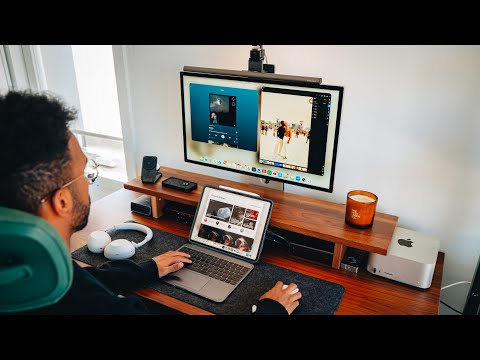
Browse through more resources below from our in-depth content covering more areas on iPad.
- Apple iPad 12th Gen 2026: Features, Specs, and Pricing
- iPad Mini 8: Everything We Know About the New OLED Display
- iPad 12 Release Date, Specs and More
- M4 iPad Air Release Date, Features, and Pricing Explained
- Ipad Mini 8 vs Ipad Mini 7: OLED Shift and Expected Price Rise
- 2026 iPad 12th Gen Release Date, Specs, and Rumors
- iPad 12th Generation 2026: Specs, Features, and Pricing
- Apple iPad 12 Delay: How MacBook Neo Changed Everything
- Apple M4 iPad Air: Everything You Need to Know
- M4 iPad Air: What to Expect in Apple’s 2026 Model
Key Desk Setup Components
To create a workspace that complements your iPad’s capabilities, it’s important to integrate components that enhance both functionality and comfort. The following elements are essential for an optimized desk setup:
- Monitor: A USB-C monitor with power delivery and at least 1440p resolution is crucial for extending your iPad’s display. For sharper visuals, consider 4K or 5K monitors. Ensure the refresh rate matches the iPad’s ProMotion for smooth performance, especially during multitasking or creative work.
- Keyboard and Mouse: Apple’s Magic Keyboard and Trackpad offer seamless integration with iPadOS, providing a laptop-like experience. While third-party options like Logitech keyboards and mice are functional, they may lack the precision and fluidity of Apple’s ecosystem.
- Docking Station: A Thunderbolt dock with multiple ports simplifies connectivity. Look for models that include SD card readers, headphone jacks and front-facing USB ports for added convenience and versatility.
These components not only enhance your iPad’s functionality but also contribute to a more organized and efficient workspace.
Enhancing Your Workspace
Beyond the core components, additional accessories can elevate your desk setup, improving both functionality and comfort. These enhancements are particularly useful for users who spend extended periods working or creating at their desks.
- Monitor Light: A monitor light, such as the BenQ Screen Bar Halo, reduces eye strain by providing ambient lighting during long work sessions. This is especially beneficial for late-night productivity.
- Microphone: For video calls, podcasts, or voiceovers, a high-quality microphone like the Shure SM7B ensures clear and professional audio. Pairing it with an audio interface can further enhance sound quality.
- Webcam: An external webcam offers superior resolution and adjustable angles for video conferencing, outperforming the iPad’s built-in camera.
- Charging Stations: High-power charging stations keep your iPad and other devices powered efficiently, minimizing interruptions during work or play.
Incorporating these accessories into your workspace can significantly improve your overall experience, making your setup more comfortable and efficient.
Understanding Workflow and Limitations
While iPads are incredibly versatile, it’s important to understand their strengths and limitations to set realistic expectations for your desk setup.
– External Monitor Support: iPads perform exceptionally well on their own, but external monitor support remains limited by iPadOS. Black bars and reduced resolutions can hinder certain workflows, such as gaming or professional video editing.
– Specialized Tasks: For advanced video editing, high-end gaming, or other resource-intensive tasks, a dedicated desktop or laptop may be necessary to achieve optimal performance.
Recognizing these limitations allows you to tailor your setup to your specific needs, making sure that your iPad remains a valuable tool within its capabilities.
Building a Workspace That Works for You
An iPad desk setup in 2026 can serve as a powerful and flexible solution for users seeking a streamlined, all-in-one device for productivity, creativity and entertainment. By selecting the right iPad, incorporating essential accessories and optimizing your workspace with thoughtful components, you can create an environment that supports your goals and enhances your daily routine. While it’s important to acknowledge the iPad’s constraints, a well-designed setup can unlock its full potential, making it a cornerstone of your workflow.
Media Credit: Terren Rule
Disclosure: Some of our articles include affiliate links. If you buy something through one of these links, Geeky Gadgets may earn an affiliate commission. Learn about our Disclosure Policy.
