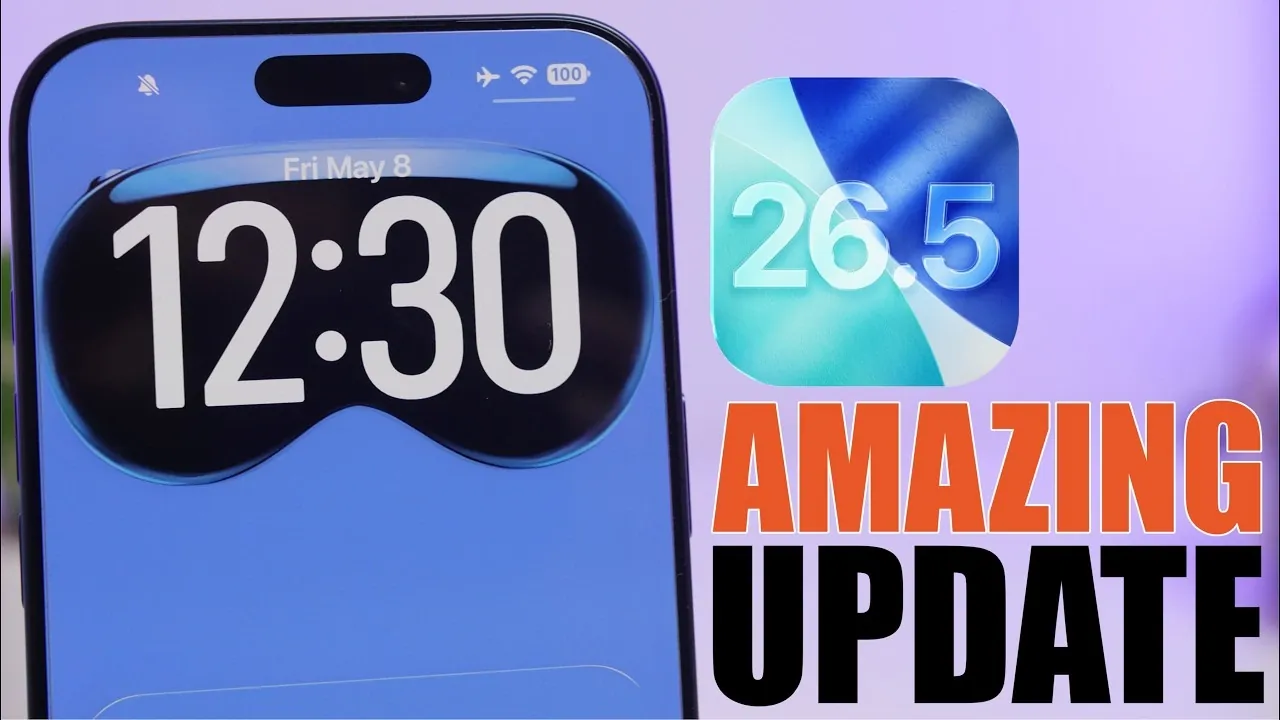
The iOS 26.5 update brings a collection of practical enhancements designed to improve how you interact with your iPhone. While it doesn’t introduce a complete redesign of the operating system, it focuses on refining everyday usability and efficiency. From smarter notifications to improved cross-platform functionality, these updates aim to make your device more intuitive and adaptable. Below is a detailed look at the five standout features that define this update.
Flexible Payment Options for App Store Subscriptions
Managing App Store subscriptions has become more convenient and budget-friendly with iOS 26.5. The update introduces the option to pay for annual subscriptions in monthly installments while still enjoying the discounted annual rate. For instance, a $120 annual subscription can now be divided into $10 monthly payments, making premium apps and services more accessible without requiring a large upfront payment. This feature is particularly beneficial for users who prefer to spread out expenses over time, offering greater financial flexibility without sacrificing access to essential tools and entertainment.
Smarter Notifications in the Reminders App
The Reminders app has been upgraded with dynamic notifications that adapt intelligently to your schedule. When a reminder appears, iOS 26.5 provides context-aware suggestions such as “Remind me tomorrow” or “Remind me at 3:00 PM,” tailored to the time of day. For example, if a reminder pops up at 8:00 PM, the system might recommend rescheduling it for the next morning, saving you the effort of manually adjusting the timing. This enhancement ensures that your reminders align seamlessly with your routine, helping you stay organized with minimal input. By reducing the need for manual adjustments, this feature makes task management more efficient and user-friendly.
Enhanced Customization: Wallpapers and Lock Screen Animations
Personalization takes center stage with expanded options for wallpapers and lock screen animations. iOS 26.5 allows you to create custom backgrounds by selecting up to 12 colors from an extensive palette, allowing you to design a look that reflects your unique style. Additionally, you can add subtle animations to your lock screen and always-on display, giving your device a more dynamic and personalized appearance. Whether you prefer a minimalist aesthetic or a bold, colorful design, these tools provide the flexibility to tailor your iPhone’s visual experience. This feature not only enhances the device’s appearance but also allows users to express their individuality through customization.
Seamless Message Attachment Transfers to Android
Switching to an Android device is now more straightforward, thanks to improved message attachment transfer capabilities. iOS 26.5 introduces the ability to filter and select specific attachments for transfer, such as those from the last 30 days, the past year, or all attachments. This feature is particularly useful for users transitioning to a new platform who want to retain important files, such as photos, videos, or documents shared via iMessage. By simplifying the transfer process, Apple ensures that your data remains accessible and organized, even when moving between operating systems. This enhancement underscores Apple’s commitment to providing a seamless experience for users, regardless of their device preferences.
Automatic Bluetooth Pairing for Magic Accessories
Connecting Magic accessories, such as keyboards and mice, has been streamlined with iOS 26.5. These devices now automatically pair via Bluetooth after an initial cable connection. Once paired, they reconnect effortlessly whenever they are in range, eliminating the need for repeated manual setup. For example, if you use a Magic Keyboard with your iPhone, it will automatically connect without requiring you to navigate through Bluetooth settings. This feature enhances productivity by making sure that your accessories are always ready to use, saving time and reducing frustration. With this update, Apple continues to prioritize convenience and ease of use for its ecosystem of devices.
Refining Everyday Interactions
The iOS 26.5 update focuses on delivering practical, user-centric improvements that enhance the overall iPhone experience. From flexible subscription payments to smarter reminders, expanded customization options, and seamless cross-platform compatibility, these features are designed to make your device more intuitive and efficient. Whether you’re managing tasks, personalizing your phone, or connecting accessories, iOS 26.5 ensures that your iPhone adapts to your needs. These updates reflect Apple’s ongoing commitment to simplifying everyday interactions, making your digital life smoother and more convenient.
Check out more relevant guides from our extensive collection on iOS 26.5 features that you might find useful.
- iOS 26.5 Beta 4 Released: Top Features Revealed
- iOS 26.5 Beta 1: Every Secret Feature Discovered So Far
- iOS 26.5 RC is Here: Apple Finally Adds End-to-End Encryption for RCS Messaging
- iOS 26.5 Beta 3 Released: Here’s What’s New for Your iPhone
- Why You’ll Want to Install iOS 26.5 the Second It Launches
Source & Image Credit: iReviews
Disclosure: Some of our articles include affiliate links. If you buy something through one of these links, Geeky Gadgets may earn an affiliate commission. Learn about our Disclosure Policy.
