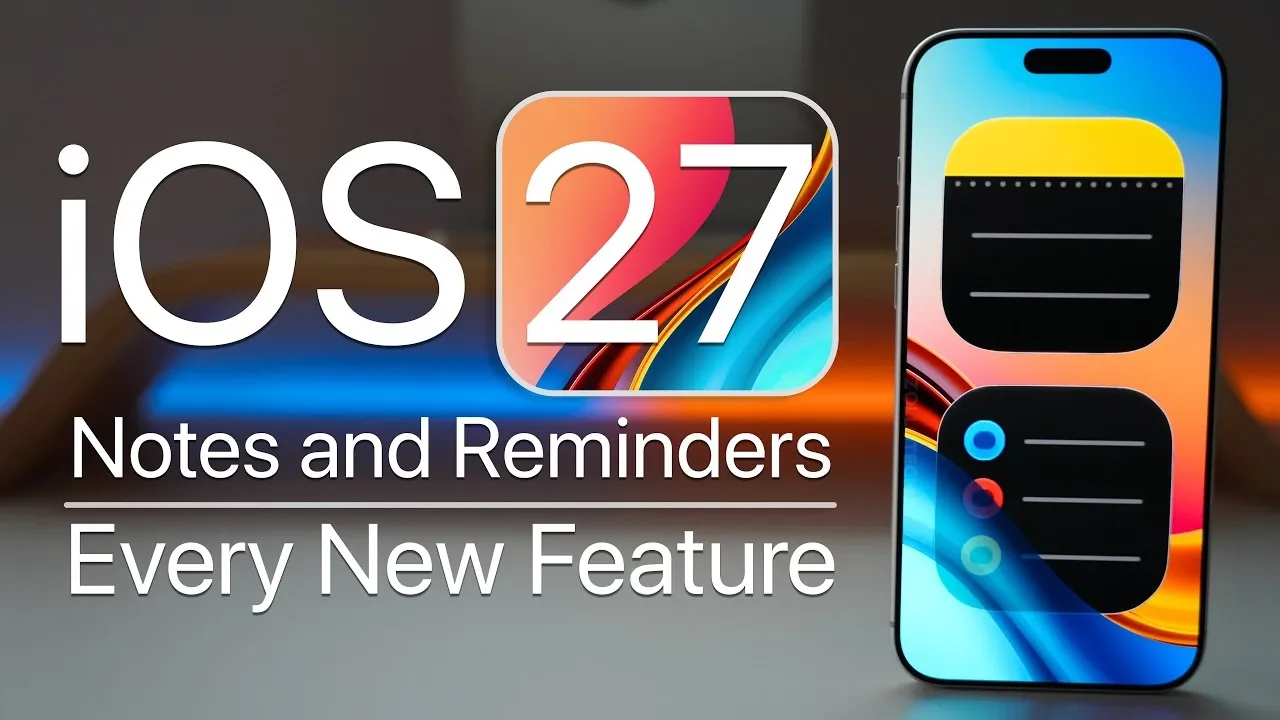
Apple’s iOS 27 introduces a range of updates to the Notes and Reminders apps, designed to enhance productivity, simplify organization, and improve integration with other features like Siri. These updates bring smarter tools and advanced functionalities, making task and document management more seamless and efficient. Whether you rely on these apps for personal use or professional workflows, the latest enhancements aim to deliver a smoother, more intuitive experience. The video below from Zollotech gives us a detailed look at the new features in Reminders and Notes coming in iOS 27.

What’s New in Notes?
The Notes app in iOS 27 has received significant upgrades, offering tools that improve organization, usability and collaboration. These features are tailored to meet the needs of users who want a more structured and efficient way to manage their notes.
- Divider Lines for Better Structure: Users can now insert divider lines to separate sections within a note, creating a cleaner and more professional layout. This feature is particularly useful for lengthy or detailed notes.
- Internal Linking: The ability to link different sections within a note allows for faster navigation, especially in extensive documents. This feature is ideal for creating interconnected content like research notes or project plans.
- Markdown Compatibility: Notes now support seamless copy-paste and export options with Markdown formatting. This ensures that your notes retain their structure and style when shared or used across platforms.
- Enhanced Siri Integration: Siri can now assist with creating, editing and organizing notes using natural language commands. For example, you can say, “Siri, create a note titled ‘Weekly Goals,’” and Siri will handle the task instantly.
- Improved Image Management: Users can generate, insert and organize images directly within their notes, allowing the creation of visually rich and detailed documents.
- Real-Time Collaboration: Collaboration tools have been upgraded with real-time activity indicators, allowing users to see changes made by collaborators as they happen. This feature ensures smoother teamwork and communication.
- Interactive Home Screen Widget: A new full-screen widget provides quick access to your notes directly from the home screen. This saves time and makes it easier to manage notes on the go.
Key Upgrades in Reminders
The Reminders app has also been enhanced in iOS 27, introducing features that make task management more intuitive and efficient. These updates cater to users looking for better control over their schedules and to-do lists.
- Interactive Widgets: Manage tasks directly from the home screen with interactive widgets. You can add, edit, or complete reminders without needing to open the app.
- Smart Suggestions: The app now suggests tasks based on your conversations in Messages. For instance, if you discuss meeting someone for lunch, Reminders can prompt you to set a reminder for the event.
- Expanded Reminder Fields: New fields for tags, flags, priority levels and locations provide greater flexibility in organizing tasks. This makes it easier to categorize and prioritize your to-do lists.
- Early Reminders: Set reminders in advance to ensure you stay ahead of deadlines. This feature is particularly useful for time-sensitive tasks or events.
- Advanced Siri Integration: Siri can now create detailed lists using voice commands. For example, saying, “Siri, add milk, bread and eggs to my grocery list,” will automatically populate your list with these items.
- Lock Screen Integration: Create reminders or notes directly from the lock screen using the action button. This feature allows you to quickly capture ideas or tasks without unlocking your device.
General Enhancements Across iOS 27
In addition to the app-specific updates, iOS 27 introduces broader improvements that enhance the overall user experience. These changes reflect Apple’s commitment to making iOS more inclusive, visually appealing and functional.
- Refreshed App Icons: The new “liquid glass” design gives app icons a sleek and modern appearance, adding a touch of sophistication to the interface.
- Multilingual Sorting: Lists can now be sorted in multiple languages, making it easier for bilingual or multilingual users to organize their content seamlessly.
- Improved Accessibility: Enhanced natural language processing ensures that users with disabilities can create and manage content in Notes and Reminders more easily. This update underscores Apple’s focus on inclusivity and usability for all users.
Why These Updates Matter
The updates in iOS 27 highlight Apple’s dedication to improving productivity and user experience. Features like divider lines, internal linking, interactive widgets and expanded Siri capabilities make the Notes and Reminders apps more versatile and powerful than ever before. Whether you’re managing complex projects, organizing personal tasks, or collaborating with a team, these enhancements are designed to help you stay organized, save time and work more efficiently. With iOS 27, Apple continues to refine its ecosystem, making sure that its tools remain practical and relevant for a wide range of users.
Here is a selection of other guides from our extensive library of content you may find of interest on iOS 27.
- New iOS 27 Beta 5 Release Arrives with a Big Shift Coming
- Apple Delaying iOS 27 Beta 5? Here’s When to Expect the Next Update
- The iOS 27 Beta 5 Release Imminent with More New Features
- Apple’s iOS 27 Beta 3 Is Just Days Away: Here’s When It Drops
- Apple iOS 27 Beta 5 Preview: a Look at the Next Release
- iOS 27 Leaks Reveal the End of an Era: Apple’s New Priorities Confirmed
Source & Image Credit: zollotech
Disclosure: Some of our articles include affiliate links. If you buy something through one of these links, Geeky Gadgets may earn an affiliate commission. Learn about our Disclosure Policy.
