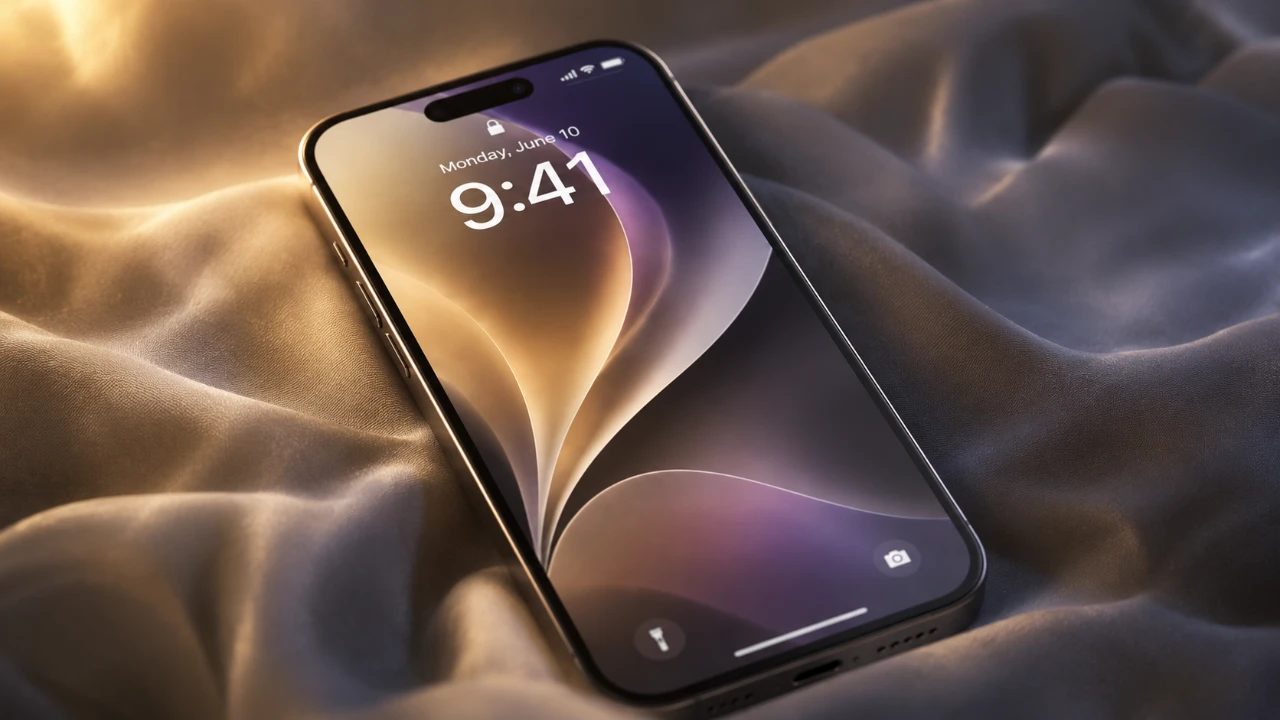
Apple’s iOS 27 represents a pivotal update in the evolution of its mobile operating system, introducing a range of features designed to enhance customization, performance, and usability. While some advanced AI and Siri functionalities are exclusive to newer devices like the iPhone 15 Pro, this update ensures that users with iPhone 11 and newer models benefit from a refreshed and optimized experience. By focusing on speed, personalization, and functionality, iOS 27 delivers improvements that make even older devices feel more capable and responsive. The video below from 9 to 5 Mac gives us more details on iOS 27 and its range of features.

Enhanced Customization Features
iOS 27 introduces a suite of tools aimed at giving users greater control over their device’s appearance and functionality. These updates allow you to tailor your device to better reflect your personal style and preferences. Key enhancements include:
- Liquid Glass Appearance Slider: This new tool enables you to adjust your phone’s visual aesthetics, offering a sleek and modern look that can be fine-tuned to your liking.
- Lock Screen Enhancements: You can now reposition the clock on your lock screen and take advantage of a swipe-to-clear option for the “Now Playing” media widget, making it easier to manage your music playback.
- Expanded Widgets: With 11 new widget options, including a full-screen widget size, you can access more information at a glance and customize your home screen for greater functionality.
These features make it simpler than ever to create a device interface that aligns with your unique needs and aesthetic preferences.
Performance and Usability Improvements
iOS 27 delivers significant performance enhancements, making sure that your device operates faster and more efficiently. These updates are designed to improve everyday tasks and make multitasking more seamless. Highlights include:
- App Launch Speed: Applications now open 30-40% faster, providing a smoother and more responsive user experience.
- AirDrop Optimization: File sharing via AirDrop is now 80% faster, with improved reliability for transferring files between devices.
- Recovery Mode: You can now access recovery mode directly from your device, eliminating the need for a computer and simplifying troubleshooting.
- Clipboard Manager: A new feature suggests pasting copied items directly into text fields, streamlining workflows and enhancing multitasking capabilities.
These updates ensure that your device feels faster and more intuitive, whether you’re navigating apps, sharing files, or managing tasks.
Updates to Core Apps
Several of Apple’s core apps have been updated in iOS 27, adding new features and improving usability to better meet users’ needs. These updates enhance functionality across a variety of use cases:
- Photos App: A new feature allows you to save individual video frames as photos, making it easier to capture the perfect moment.
- Music App: The improved AutoMix feature provides smoother transitions between songs, ideal for creating seamless playlists or hosting events.
- Messages App: Enhanced audio recording and dictation options give you greater control over how you communicate.
- Camera App: Dual capture mode lets you record with both the front and rear cameras simultaneously, while a redesigned interface improves navigation and usability.
- Fitness App: Workout summaries now feature cleaner visuals and detailed maps for outdoor activities, offering a more comprehensive view of your progress.
- Wallet App: The “Create a Pass” feature allows you to digitize physical membership cards and Apple Pay now integrates reward points for a more seamless shopping experience.
- Find My App: Enhanced privacy settings let you hide your location without notifying others, giving you greater control over your personal data.
These updates make Apple’s core apps more versatile and user-friendly, catering to a wide range of preferences and needs.
Landscape Mode and Expanded Flexibility
For the first time, native Apple apps such as Reminders and Weather now support landscape orientation. This addition enhances usability, particularly for multitasking and suggests Apple’s potential plans for foldable devices in the future. The ability to switch seamlessly between portrait and landscape modes makes it easier to stay productive and organized, whether you’re managing tasks or checking the weather.
Sound and Haptics: Greater Audio Control
iOS 27 introduces a more granular approach to audio management, allowing you to customize sound settings with greater precision. Separate volume sliders for ringtones, alarms and system sounds give you the flexibility to adjust each audio output independently. This feature ensures that your device’s audio settings are tailored to your preferences without affecting other sound outputs.
Optimized Performance for All Devices
In addition to introducing new features, iOS 27 focuses on optimizing the performance of older devices. Even users with aging hardware will notice improved responsiveness and speed, making sure that their devices remain functional and efficient. Enhanced child safety features have also been included, though Apple has not yet provided detailed information on these updates. These improvements demonstrate Apple’s commitment to delivering a consistent and reliable experience across its entire device lineup.
A Comprehensive Update for Everyday Use
iOS 27 stands out as a well-rounded update that prioritizes user experience across all aspects of the operating system. With its focus on customization, performance, and usability, it offers meaningful improvements that enhance the way you interact with your device. Whether you’re looking to personalize your interface, improve app functionality, or boost overall performance, iOS 27 delivers features and optimizations that cater to a wide range of needs. This update ensures that users with both newer and older devices can enjoy a smoother, more personalized and efficient mobile experience.
Gain further expertise in iOS 27 features by checking out these recommendations.
- Apple Just Confirmed 8 Major Features Coming to iOS 27
- iOS 27 Rumors: Top Features We Need (and What’s Leaked So Far)
- iOS 27 Leak: Apple Is Giving You More Control Over the ‘Liquid Glass’ Design
- What to Expect from Apple’s Massive iOS 27 Update
- Apple’s iOS 27: Here Are the Features That Matter
Source: 9to5Mac
Disclosure: Some of our articles include affiliate links. If you buy something through one of these links, Geeky Gadgets may earn an affiliate commission. Learn about our Disclosure Policy.
