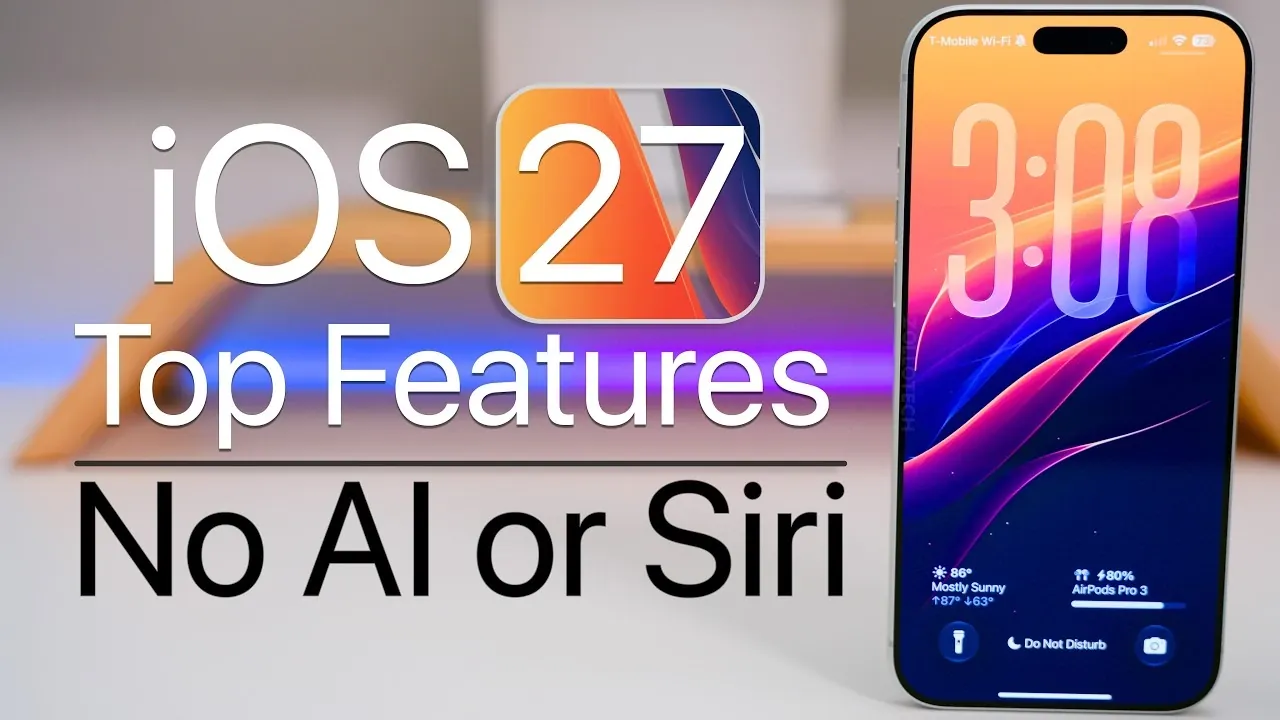
iOS 27 brings a host of updates designed to enhance customization, privacy, and performance, all without relying on AI or Siri. Whether you’re using an older iPhone 11 or the latest iPhone 17 Pro Max, these updates focus on practical improvements that elevate your overall experience. Below is a detailed look at the most noteworthy features that make iOS 27 a compelling upgrade. The video below from Zollotech gives us more details.

Independent Volume Controls
One of the most practical updates in iOS 27 is the ability to manage volume levels independently for different functions. You can now adjust sound settings for ringtones, alarms, notifications and media playback using separate sliders. This granular control allows you to fine-tune your device’s audio to suit your specific needs. For those who prefer the traditional unified volume control, that option remains available. This feature ensures that your device’s sound settings are as versatile as your daily routine.
Customizable Equalizer for AirPods
AirPods users gain a significant upgrade with the introduction of a real-time equalizer in iOS 27. This feature enables you to adjust lows, mids and highs directly from your device, creating a personalized sound profile. Whether you’re listening to music, watching movies, or enjoying podcasts, this equalizer ensures an optimal audio experience. Available across all AirPods models, this update enhances the versatility and usability of Apple’s popular wireless earbuds.
Liquid Glass Transparency Settings
The new liquid glass transparency settings in iOS 27 allow you to customize the transparency of system elements. You can choose between clear, frosted, or reduced transparency options to match your aesthetic preferences or accessibility needs. This feature not only enhances the visual appeal of your device but also improves usability by offering a tailored interface that adapts to your style and functional requirements.
Find My Location Privacy
Privacy remains a cornerstone of iOS 27, with updates to the Find My app introducing a temporary location-hiding feature. This allows you to hide your location for a set duration, after which sharing automatically resumes. It’s particularly useful for maintaining privacy in specific situations without the hassle of manually reactivating location sharing. This thoughtful addition underscores Apple’s commitment to giving users greater control over their personal data.
Enhanced Widgets
Widgets in iOS 27 are more versatile and customizable than ever. You can now resize widgets or opt for full-screen versions for apps like Weather and Calendar. This added flexibility allows you to prioritize the information you need most, all while tailoring your home screen layout to suit your preferences. The enhanced widgets make it easier to access critical information at a glance, improving both functionality and convenience.
Apple Wallet Digital Pass Creation
Creating digital passes in Apple Wallet is now a seamless and intuitive process. With iOS 27, you can manually generate passes for memberships, events, or QR-based IDs. The inclusion of customizable fields allows you to tailor these passes to your specific needs, making Apple Wallet a more functional and user-friendly tool for managing your digital credentials.
Photos and Camera Updates
The Photos and Camera apps receive significant upgrades in iOS 27, offering features that cater to both casual users and photography enthusiasts. You can now extract high-quality still images from video frames, making it easier to capture precise moments. For Pro models, additional camera settings such as RAW photo capture and resolution options provide greater control over your photography. These updates ensure that your device is equipped to handle a wide range of imaging needs.
Messages Customization
The Messages app now offers more customization options to streamline your communication experience. You can disable or replace the voice dictation icon with an audio recording icon or remove it entirely. This update simplifies the app’s interface, allowing you to tailor it to your usage preferences and focus on the features you use most frequently.
Landscape Mode Enhancements
Landscape mode sees notable improvements in iOS 27, with expanded support for apps like Music, Podcasts and Weather. These updates enhance usability, particularly in standby mode, making it easier to interact with your device in different orientations. Whether you’re watching videos, checking the weather, or listening to music, the improved landscape mode ensures a smoother and more intuitive experience.
Lock Screen Personalization
The lock screen becomes more customizable with iOS 27, offering options to shrink or remove the clock display and adjust other elements. These changes allow you to create a lock screen that better reflects your style and preferences. By giving users greater control over the appearance of their lock screen, iOS 27 enhances both functionality and personalization.
Performance Improvements
Performance optimization is a key focus in iOS 27. Users can expect faster app launches, improved AirDrop transfer speeds and enhanced system responsiveness. Additionally, battery optimization ensures longer usage times, making your device more reliable throughout the day. These improvements contribute to a smoother and more efficient user experience, regardless of the device model.
Why iOS 27 Stands Out
iOS 27 delivers a suite of features that prioritize user control, privacy, and performance without relying on AI or Siri. From independent volume controls to advanced camera settings and lock screen personalization, these updates cater to users who value practical, non-AI functionalities. Whether you’re upgrading your device or exploring new ways to optimize your iPhone, iOS 27 offers a refined, user-centric experience that enhances both usability and customization.
Unlock more potential in iOS 27 features by reading previous articles we have written.
- Apple Just Confirmed 8 Major Features Coming to iOS 27
- What to Expect from Apple’s Massive iOS 27 Update
- Apple’s iOS 27: Here Are the Features That Matter
- Why Everyone is Talking About the iOS 27 AI Update
- Apple iOS 27 Reportedly Resolves a Major iPhone Problem
Source & Image Credit: zollotech
Disclosure: Some of our articles include affiliate links. If you buy something through one of these links, Geeky Gadgets may earn an affiliate commission. Learn about our Disclosure Policy.
