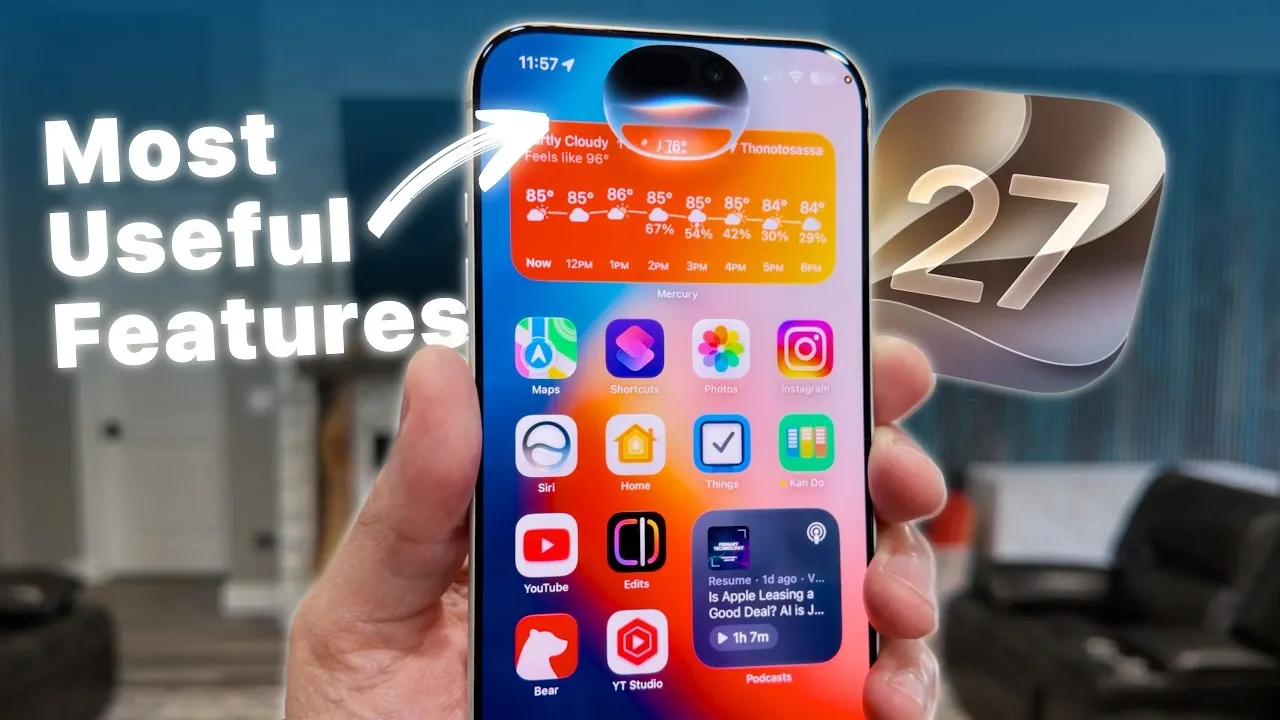
iOS 27 brings a robust suite of updates designed to refine how you interact with your iPhone. With smarter AI, dynamic widgets, and enhanced app functionalities, this update emphasizes productivity, customization, and accessibility. These changes aim to make your device more intuitive and adaptable to your daily needs. Below is an in-depth look at the most impactful features and how they elevate your iPhone experience in an awesome new video from Stephen Robles.

Widgets: Larger, Smarter and More Dynamic
Widgets in iOS 27 have been redesigned to provide greater functionality and adaptability. The introduction of full-screen widgets allows you to view more detailed information at a glance. Key apps like Weather, Calendar, and Smart Home controls now use this expanded space, allowing you to stay organized or manage your home with ease.
Widgets also dynamically adjust based on your focus modes, tailoring their appearance and functionality to your current activity. Whether you’re working, relaxing, or exercising, your widgets adapt to provide relevant information, making sure a seamless and personalized experience.
Clipboard: Smarter Autofill and Advanced Management
The clipboard functionality in iOS 27 has been significantly enhanced to streamline your workflow. The new autofill feature intelligently suggests pasting copied text or links into appropriate fields, saving you time and effort.
Additionally, you can now save and retrieve multiple copied items using shortcuts, making it easier to manage important information. This feature ensures that frequently used content is always accessible, improving both productivity and convenience.
Safari: Real-Time Updates with “Notify Me”
Safari introduces the “Notify Me” feature, which keeps you updated on changes to websites in real time. Whether you’re tracking stock availability, price drops, or breaking news, this tool ensures you never miss critical updates.
You can opt for hourly notifications, making it particularly useful for online shopping or monitoring time-sensitive information. This enhancement transforms Safari into a more proactive and user-focused browser.
Siri AI: Context-Aware and Smarter Assistance
Siri’s capabilities have been elevated in iOS 27, making it a more intelligent and context-aware assistant. It can now analyze on-screen content, such as dates or events, and add them directly to your calendar.
Siri also provides contextual reminders linked to emails, messages, or photos, helping you stay organized without manual input. Furthermore, Siri integrates seamlessly with Apple Maps, allowing you to add stops, find locations, and plan multi-stop routes using voice commands, making sure a hands-free and efficient navigation experience.
Messages: Enhanced Accessibility and Customization
The Messages app now offers system-wide captions for videos, which automatically activate when videos are muted. These captions are customizable, making sure a more inclusive experience for users with hearing impairments or those in sound-sensitive environments.
Additionally, the microphone icon in the compose window can now be repurposed or disabled, giving you greater control over the interface and enhancing usability.
Apple Maps: Multi-Stop Directions and Seamless Integration
Apple Maps introduces multi-stop directions, simplifying the process of planning complex routes. Whether you’re running errands or embarking on a road trip, you can add multiple stops and adjust your route on the go.
Siri integration enhances this feature, allowing you to make changes hands-free. This update ensures a smoother and more efficient navigation experience, tailored to your specific needs.
Apple Home: Smarter Video Search and Notifications
Managing your smart home becomes more intuitive with advanced video search capabilities in the Apple Home app. You can now filter recordings by specific objects, such as cars, packages, or people, making it easier to locate important footage.
Additionally, improved notifications for deliveries and other events ensure you stay informed about what’s happening at home, enhancing both security and convenience.
Wallet: Custom Passes from QR Codes
The Wallet app now allows you to create custom passes directly from QR codes. Whether it’s a membership card, event ticket, or discount voucher, you can quickly add it to your Wallet for easy access. This feature simplifies digital organization and ensures that essential passes are always within reach.
Shortcuts: Advanced Automation for Everyday Tasks
Automation takes center stage in iOS 27 with enhanced shortcuts that simplify managing tasks, social media posts, and HomeKit scenes. For example, a voice memo shortcut can now summarize and save notes automatically, streamlining your workflow.
The Clipboard Manager shortcut further boosts productivity by allowing you to save and retrieve multiple copied items effortlessly. These tools empower you to automate repetitive tasks, saving time and effort.
Accessibility: Expanded System-Wide Video Captions
Accessibility features in iOS 27 have been expanded to include system-wide video captions. These captions are customizable and automatically activate when videos are muted, making sure inclusivity for users with hearing impairments or those in sound-restricted environments.
This update underscores Apple’s commitment to creating a more accessible and user-friendly ecosystem for all users.
Why iOS 27 Stands Out
iOS 27 represents a significant step forward in enhancing the iPhone experience. By focusing on efficiency, customization, and accessibility, it introduces tools that adapt to your unique needs. From smarter widgets and Siri AI to improved clipboard management and app functionalities, these updates make your device more intuitive and user-friendly. Whether you’re managing tasks, staying connected, or personalizing your experience, iOS 27 ensures a seamless and productive journey.
Become an expert in iOS 27 with the help of our in-depth articles and helpful guides.
- The iOS 27 Beta 5 Release Imminent with More New Features
- Apple’s iOS 27 Beta 3 Is Just Days Away: Here’s When It Drops
- iOS 27 Leaks Reveal the End of an Era: Apple’s New Priorities Confirmed
- iOS 27 Beta 2 Changes: What Apple Is Modifying to Improve Performance
- First Look at the Upcoming iOS 27 Beta 4 Update Preview
- Should You Install iOS 27 Beta 3 or Wait for the Public Beta?
Source & Image Credit: Stephen Robles
Disclosure: Some of our articles include affiliate links. If you buy something through one of these links, Geeky Gadgets may earn an affiliate commission. Learn about our Disclosure Policy.
