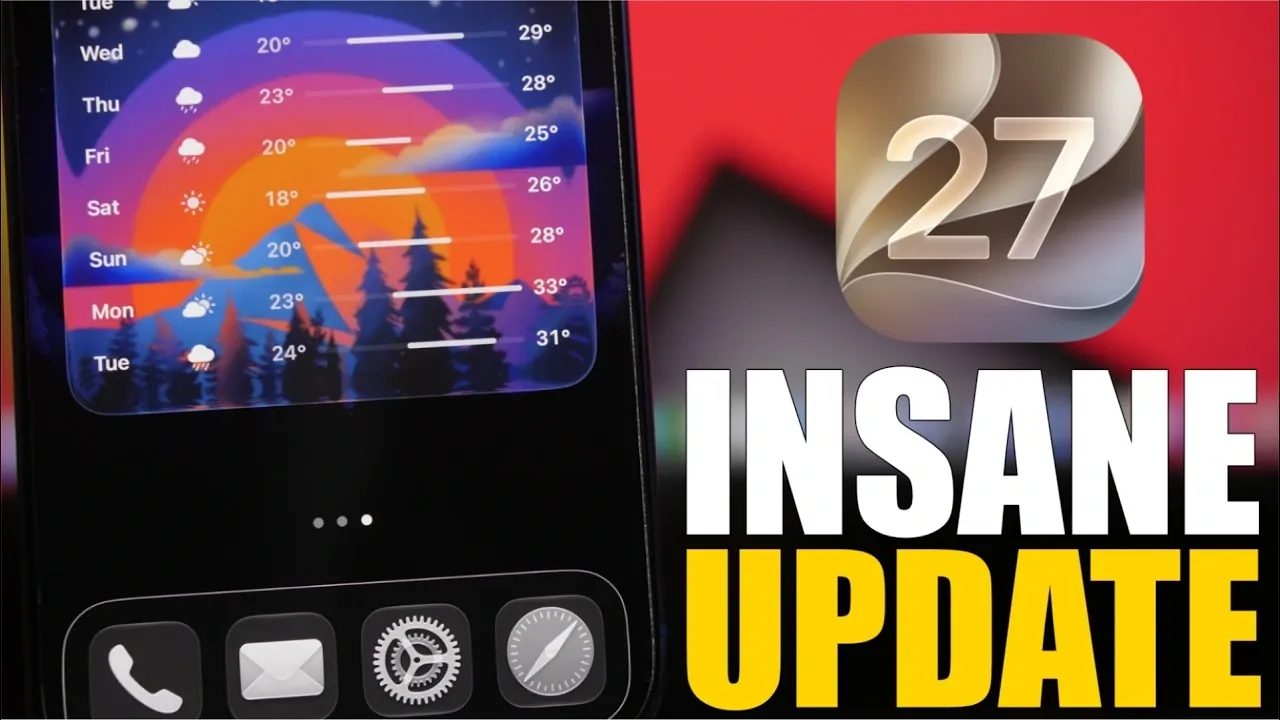
Apple’s iOS 27 brings a host of exciting features designed to enhance your iPhone’s functionality, personalization, and overall user experience. With improvements spanning photo organization, messaging, and interactive widgets, this update focuses on making your daily interactions more seamless and efficient. In the video below, iReviews explores the standout features that make iOS 27 a significant step forward for iPhone users.

Enhanced Photo Management
Managing your photo library has never been easier. iOS 27 introduces a star-rating system that allows you to mark your favorite images for quick access. This feature is particularly helpful for organizing cherished memories or frequently used photos. Additionally, the new tagging functionality lets you assign keywords to your images, making it simple to locate specific photos by searching for terms like “beach,” “birthday,” or “work.” Whether you’re curating personal albums or managing a professional portfolio, these tools streamline the process and save valuable time.
Upgraded iMessage Features
Messaging becomes more engaging and efficient with iOS 27’s new iMessage tools. You can now create and send personalized sketches directly within the app, adding a creative and personal touch to your conversations. For those who frequently communicate with Android users, iOS 27 supports inline replies for RCS messages, making sure that cross-platform chats are better organized and easier to follow. These updates make iMessage a more versatile and enjoyable communication tool.
Flexible Location Sharing
The Find My app now offers customizable location-sharing options, giving you greater control over your privacy. You can choose to share your location for a specific duration, such as an hour, a day, or a custom time frame. This feature is particularly useful for coordinating meetups, making sure safety during travel, or simply providing peace of mind to loved ones. With this added flexibility, location sharing becomes both practical and secure.
eSIM Phone Number Sharing
For users with multiple devices, iOS 27 introduces the ability to share a single phone number across two devices using eSIM technology. This carrier-dependent feature is ideal for those who frequently switch between an iPhone and an iPad, allowing seamless communication without the need for multiple phone numbers. Whether you’re managing work and personal devices or simply prefer the convenience of a unified number, this feature enhances connectivity and simplifies device management.
Interactive Home Screen Widgets
Widgets on your home screen are now more functional and engaging than ever. With iOS 27, you can interact directly with full-screen widgets, performing tasks like controlling music playback, checking off to-do lists, or managing your calendar without needing to open the associated app. These enhancements make widgets a powerful tool for streamlining your daily routines and improving productivity.
Streamlined Safari Tab Management
Browsing the web becomes more organized with Safari’s new automatic tab grouping feature. Tabs are now categorized by topic, making it easier to navigate between related content without losing track of your browsing history. Additionally, Safari introduces built-in notifications for website updates, such as price drops or new content, so you can stay informed without constantly refreshing pages. These updates make Safari a more intuitive and efficient browser.
Improved Design Customization
Personalizing your iPhone’s interface is more flexible with iOS 27. A new design toggle feature allows you to enable or disable borders around the dock and other interface elements. Whether you prefer a clean, minimalist look or a more defined layout, this feature lets you tailor your device’s appearance to suit your style. This added customization ensures that your iPhone feels uniquely yours.
Transparent System Update Tracking
Keeping track of your device’s software updates is now more straightforward. iOS 27 introduces a feature in the settings menu that displays the last installation date of system updates, giving you a clear view of your iPhone’s update history. This transparency ensures that you’re always aware of your device’s software status, helping you stay up to date with the latest improvements and security patches.
Why iOS 27 Matters
iOS 27 is designed to make your iPhone more versatile, intuitive, and user-friendly. From smarter photo management to interactive widgets and improved privacy controls, this update delivers meaningful enhancements that adapt to your needs. Whether you’re looking to streamline your digital life, enhance your communication, or personalize your device, iOS 27 offers tools that elevate your iPhone experience. These features collectively demonstrate Apple’s commitment to providing practical, user-focused innovations that make everyday tasks more efficient and enjoyable.
Here are more guides from our previous articles and guides related to iOS 27 that you may find helpful.
- Apple Delaying iOS 27 Beta 5? Here’s When to Expect the Next Update
- New iOS 27 Beta 5 Release Arrives with a Big Shift Coming
- iOS 27 Beta 5 Is Late: What’s Holding Up Apple’s Next Release?
- The iOS 27 Beta 5 Release Imminent with More New Features
- Apple’s iOS 27 Beta 3 Is Just Days Away: Here’s When It Drops
- Apple iOS 27 Beta 5 Preview: a Look at the Next Release
Source & Image Credit: iReviews
Disclosure: Some of our articles include affiliate links. If you buy something through one of these links, Geeky Gadgets may earn an affiliate commission. Learn about our Disclosure Policy.
