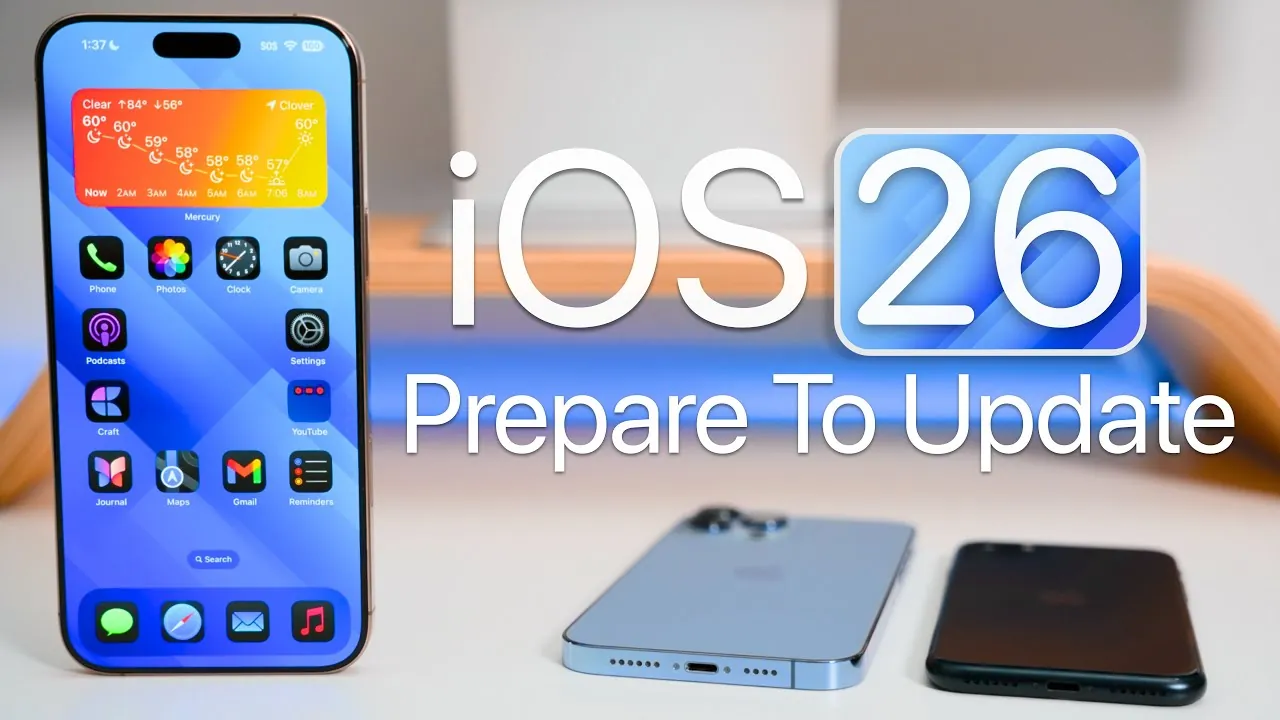
Apple is poised to release iOS 26, a highly anticipated update that introduces a range of new features and system improvements. This update is part of a broader rollout that includes updates for iPadOS and macOS, marking a significant advancement in Apple’s software ecosystem. However, with these updates come changes, such as the discontinuation of support for certain older devices. Proper preparation is essential to ensure a smooth transition and to take full advantage of the new features and enhancements. The video below from Zollotech gives us more details.

Is Your Device Compatible with iOS 26?
Before proceeding with the update, it is crucial to verify whether your device is compatible with iOS 26. Apple has announced that older models, including the iPhone XR, XS, and XS Max, will no longer receive this update. If you own one of these devices, you will not have access to iOS 26, though security updates for older versions like iOS 18.7 may still be available. For users with supported devices, confirming compatibility is a necessary step to avoid performance issues or interruptions during the installation process. Making sure your device meets the requirements will allow you to fully benefit from the update’s features.
Backup Your Data to Protect Against Loss
Backing up your data is a critical step to safeguard your information before installing iOS 26. Apple provides two primary methods for creating backups:
- iCloud Backup: This option allows you to automatically save essential data, such as messages, health records, and app information, to the cloud. It is a convenient and secure way to protect your files.
- Manual Backup: For those who prefer local storage, you can use iTunes on Windows or Finder on macOS to create a backup directly on your computer.
Taking the time to back up your data ensures that you can restore your information in the event of any unexpected issues during the update process. This precaution is especially important for users with critical files or sensitive data stored on their devices.
Free Up Storage Space for the Update
Installing iOS 26 requires a significant amount of free storage space, with Apple recommending at least 20GB to ensure a smooth installation. To prepare your device:
- Access your device’s storage settings to identify large apps, files, or media that you no longer need.
- Offload or uninstall unused applications to free up space without permanently deleting data.
- Consider temporarily transferring photos, videos, and other large files to iCloud or an external storage device.
By managing your storage effectively, you can prevent interruptions during the update process and ensure your device has the capacity to accommodate the new software.
Ensure Your Battery is Ready
A stable power source is essential when updating to iOS 26. Apple recommends that your device’s battery level be at least 50% before beginning the installation. Alternatively, you can keep your device connected to a charger throughout the update process to avoid any interruptions. It is also worth noting that battery performance may temporarily fluctuate after the update as the system completes background optimizations. Monitoring your battery usage in the days following the update can help you identify any irregularities and address them promptly.
Choose Your Update Method
When it comes to installing iOS 26, Apple offers two primary methods:
- Over-the-Air Update: This is the most straightforward option. Simply navigate to Settings > General > Software Update on your device to download and install the update directly. This method is convenient and user-friendly.
- Manual Installation: For users who prefer more control or encounter issues with the over-the-air process, manual installation is an alternative. Connect your device to a computer and use iTunes on Windows or Finder on macOS to perform the update.
Choosing the method that best suits your needs ensures a seamless installation experience.
Beta Users: Transitioning to the Public Release
If you have been using the iOS 26 beta, transitioning to the public release requires a few additional steps. First, navigate to Settings > General > Software Update and remove any beta profiles from your device. This will allow you to access the official release version. Some users may also choose to wait for iOS 26.1, which typically addresses initial bugs and provides a more stable experience. Taking these steps ensures a smooth transition from the beta version to the public release.
Post-Update Optimization: Fine-Tuning Your Device
After successfully installing iOS 26, it is important to monitor your device’s performance to ensure everything is functioning as expected. If you encounter connectivity issues, resetting your network settings can often resolve the problem. Additionally:
- Check your device’s storage and battery performance, as these may fluctuate in the days following the update.
- Allow the system time to complete background tasks and optimizations, which can improve overall performance.
These steps help stabilize your device and ensure you are getting the most out of the new update.
Maximizing Your iOS 26 Experience
The release of iOS 26 represents a significant step forward in Apple’s software ecosystem, offering exciting new features and improvements. By taking the time to prepare your device—confirming compatibility, backing up data, managing storage, and following the recommended update process—you can ensure a seamless transition. Whether you choose to update immediately or wait for a more stable version, these steps will help you make the most of iOS 26 while minimizing potential disruptions.
Here are additional guides from our expansive article library that you may find useful on iOS 26 Release.
- iOS 26 Final Release: How to Upgrade from Beta Without Issues
- What to Expect Before iOS 26’s Final Release
- How to Prepare Your iPhone for iOS 26 RC Update
- iOS 26 Release Date, Features, and Compatibility: Full Guide
- iOS 26 Release Date, Features, and Update Guide
Source & Image Credit: zollotech
Disclosure: Some of our articles include affiliate links. If you buy something through one of these links, Geeky Gadgets may earn an affiliate commission. Learn about our Disclosure Policy.
