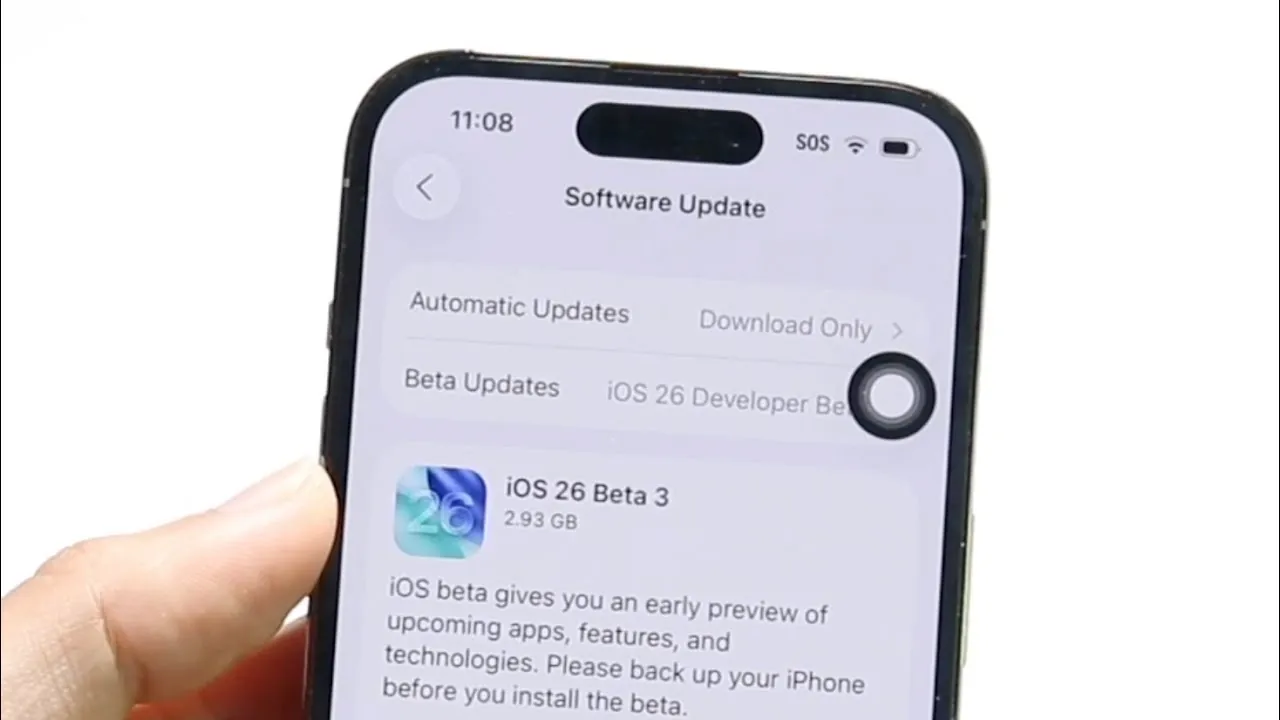
Apple’s iOS 26 Beta 3 has become a focal point of discussion among testers due to several significant challenges, including software instability, device overheating, and controversial design changes. While beta versions are inherently experimental, the extent of these issues has raised questions about the balance between innovation and user experience. If you are testing this beta, understanding its current limitations can help you navigate its challenges and provide valuable feedback to Apple. The video below from Simple Alpaca gives us more details.

Software Stability: Frequent Crashes and System Bugs
A major concern in iOS 26 Beta 3 is its lack of stability, which has been widely reported by testers. Frequent app crashes, unexpected system freezes, and even complete device reboots are common occurrences. These disruptions can significantly interfere with daily tasks, making it difficult to rely on your device for essential activities. While some instability is expected in beta software, the frequency and severity of these issues in this release are particularly concerning. This underscores the importance of rigorous testing to identify and resolve these problems before the final version is made available to the public.
For testers, encountering these issues can be frustrating, but documenting and reporting them is crucial. By providing detailed feedback, you contribute to improving the software’s reliability and ensuring a smoother experience for all users when the final version is released.
Thermal Management: Overheating Concerns
Overheating has emerged as a critical issue in iOS 26 Beta 3, with testers reporting that devices running the beta become excessively warm, even during routine activities such as browsing, streaming, or using social media. This overheating not only impacts performance but also raises concerns about the long-term health of the hardware. Prolonged exposure to high temperatures can degrade battery life and potentially damage internal components.
If your device feels unusually hot while running the beta, it is likely due to inefficient thermal management within the software. This issue highlights the need for Apple to optimize resource allocation and improve system efficiency in future updates. Addressing this problem will be essential to ensure user safety and maintain device longevity.
Application Performance: Persistent Glitches and Compatibility Issues
Another area of concern in iOS 26 Beta 3 is the performance of applications. Testers have reported numerous glitches, including apps failing to launch, crashing unexpectedly, or losing unsaved data. These issues can disrupt workflows and create frustration, particularly if you rely on productivity tools or other essential apps. For instance, a sudden crash in a note-taking app could result in the loss of important information, while streaming apps may fail to deliver a seamless viewing experience.
These glitches highlight the need for improved app compatibility during the beta testing phase. Developers and testers alike play a critical role in identifying these issues and making sure that apps function reliably in the final release. By reporting specific problems, you help Apple and third-party developers address these challenges and enhance the overall user experience.
User Interface Changes: Mixed Reactions to Design Updates
The removal of the “liquid glass” design feature in iOS 26 Beta 3 has sparked divided opinions among testers. This sleek and modern aesthetic was a defining element of previous iOS versions, and its absence has left some users questioning Apple’s design direction. While some testers appreciate the attempt to innovate, others feel that the new design lacks the visual appeal and sophistication of its predecessor.
On a more positive note, Apple appears to be experimenting with a transparency adjustment feature, which could give users greater control over the interface’s appearance. This feature may appeal to those who value customization, but whether it will satisfy the broader user base remains uncertain. The mixed reactions to these design changes highlight the challenge of balancing innovation with user expectations.
Apple’s Response and the Importance of User Feedback
The beta testing process is a critical phase for Apple to gather feedback and refine its software. With the issues present in iOS 26 Beta 3, your input becomes invaluable in shaping the final release. Apple is likely to prioritize fixes for stability, thermal management, and user interface concerns in upcoming updates. By reporting bugs, sharing your experiences, and providing constructive feedback, you play a vital role in helping Apple address these challenges and deliver a polished product.
Looking Ahead: The Future of iOS 26
iOS 26 Beta 3 serves as a reminder of the complexities involved in balancing innovation with functionality. While the current beta has introduced significant challenges, it also provides Apple with an opportunity to refine its approach and address user concerns. As a tester, your feedback is instrumental in shaping the final version of iOS 26. With future updates, Apple is expected to resolve the current issues, paving the way for a more stable, efficient, and user-friendly experience.
Explore further guides and articles from our vast library that you may find relevant to your interests in iOS 26 Beta 3.
- iOS 26 Public Beta: Key Features and What to Expect
- iOS 26 beta 3 Release Date, Features, and What to Expect
- iOS 26 Beta 3 Features, Updates, and User Feedback Explained
- iOS 26 Beta 3 Features, Updates, and Bug Fixes Explained
- Everything You Need to Know About iOS 26 Beta 3
Source & Image Credit: Simple Alpaca
Disclosure: Some of our articles include affiliate links. If you buy something through one of these links, Geeky Gadgets may earn an affiliate commission. Learn about our Disclosure Policy.
