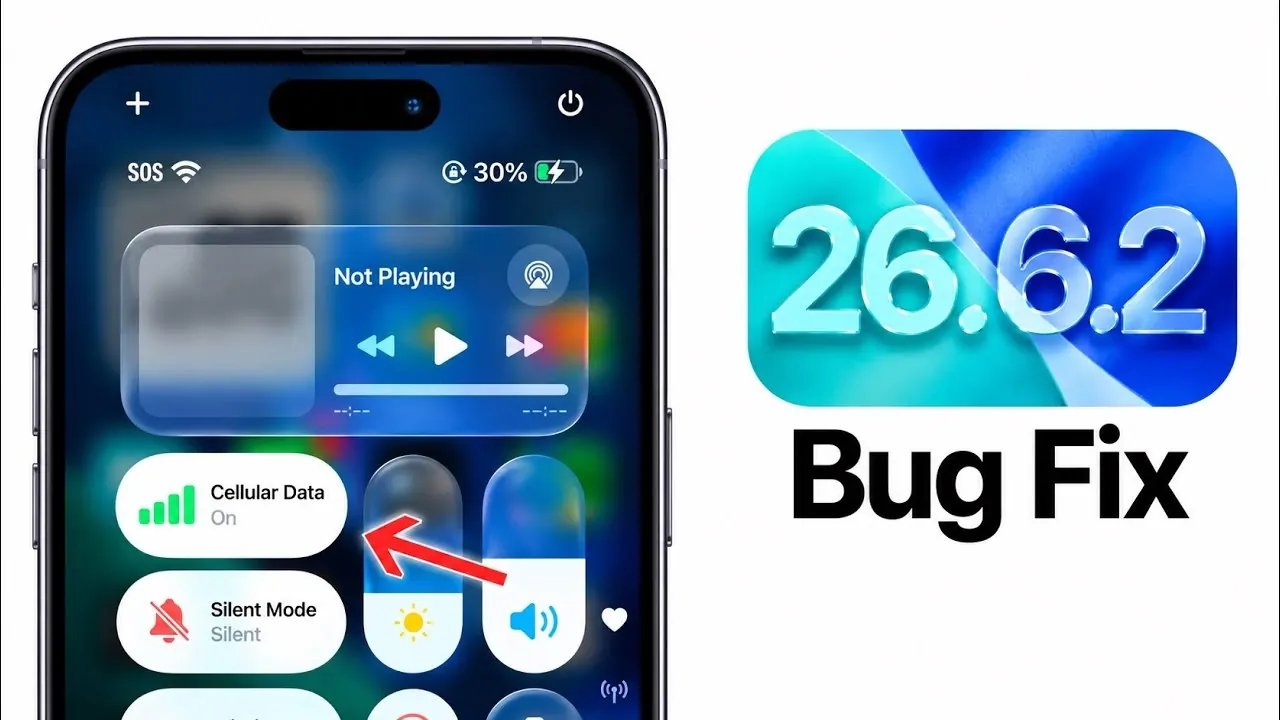
Apple has officially rolled out iOS 26.6.2 and iPadOS 26.6.2, marking the final updates before the eagerly awaited debut of iOS 27. This update addresses a critical issue affecting software updates over cellular connections, making sure your device is ready for a smooth transition to the next major operating system. Below is a detailed breakdown of what this update includes and why it is essential for users in a new video from iDeviceHelp.

What’s the Purpose of iOS 26.6.2?
The primary goal of iOS 26.6.2 is to resolve a specific issue that prevented some users from downloading software updates using cellular data. If you’ve encountered difficulties updating your device without access to Wi-Fi, this update eliminates that obstacle. By addressing this problem, Apple ensures that users can maintain their devices without unnecessary interruptions.
In addition to fixing this connectivity issue, the update introduces minor refinements aimed at enhancing system stability and compatibility. While it does not include new features, these subtle improvements are vital for making sure your device operates reliably as Apple prepares to launch iOS 27. These adjustments also help maintain a consistent user experience, even as the operating system evolves.
Key Details About the Update
Here are the essential facts you need to know about iOS 26.6.2:
- Build Number: 23G90
- File Size: Approximately 528 MB on the iPhone 15 Pro Max (file sizes may vary depending on your device).
- Availability: The update can be downloaded through the Settings app under “Software Update.”
For iPad users, iPadOS 26.6.2 addresses the same cellular connectivity issue and ensures compatibility with the upcoming iPadOS 27. Both updates are relatively compact, allowing for a quick and straightforward installation process while delivering critical fixes.
Performance Insights
Performance benchmarks indicate a slight decrease in speed with iOS 26.6.2 compared to its predecessor, iOS 26.6.1. However, this reduction is minimal and unlikely to impact everyday usage. Apple has prioritized stability and functionality over performance enhancements in this release, making sure that your device remains dependable as it transitions to iOS 27.
This focus on reliability reflects Apple’s commitment to providing a seamless user experience. By addressing potential issues in advance, the company aims to minimize disruptions during the upcoming software upgrade.
iOS 27: What’s Next?
Apple is expected to unveil iOS 27 shortly after its annual iPhone event, which typically takes place in early September. Developers and beta testers are likely to gain access to the release candidate (RC) version immediately following the event, with the public release anticipated on Monday, September 14th, 2026.
This timeline underscores the importance of updating to iOS 26.6.2 now. By resolving connectivity and compatibility issues ahead of time, Apple ensures a smoother upgrade experience when iOS 27 becomes available. Preparing your device in advance reduces the risk of encountering unexpected problems during the transition.
Why Updating Now is Important
Installing iOS 26.6.2 is a critical step for several reasons:
- It resolves the cellular update issue found in earlier versions, allowing you to download future updates without relying on Wi-Fi.
- It ensures your device is fully compatible with iOS 27, minimizing the likelihood of compatibility-related disruptions.
- It enhances overall system stability, providing a more reliable and consistent user experience.
If you’ve postponed previous updates due to connectivity challenges or other concerns, now is the time to act. This update is specifically designed to address those issues and optimize your device for the upcoming software transition. By taking this step, you can ensure that your device is ready to handle the next generation of Apple’s operating system.
Preparing for the Future
iOS 26.6.2 serves as a crucial bridge between the current operating system and the forthcoming iOS 27. By addressing cellular connectivity issues and making sure compatibility, this update lays the groundwork for a seamless transition to Apple’s next major software release. With iOS 27 just days away, installing this update is a straightforward yet essential step to ensure your device is ready for what’s next.
Discover other guides from our vast content that could be of interest on iOS 27.
- Apple Delaying iOS 27 Beta 5? Here’s When to Expect the Next Update
- New iOS 27 Beta 5 Release Arrives with a Big Shift Coming
- iOS 27 Beta 5 Is Late: What’s Holding Up Apple’s Next Release?
- The iOS 27 Beta 5 Release Imminent with More New Features
- Apple’s iOS 27 Beta 3 Is Just Days Away: Here’s When It Drops
- Apple iOS 27 Beta 5 Preview: a Look at the Next Release
Source & Image Credit: iDeviceHelp
Disclosure: Some of our articles include affiliate links. If you buy something through one of these links, Geeky Gadgets may earn an affiliate commission. Learn about our Disclosure Policy.
