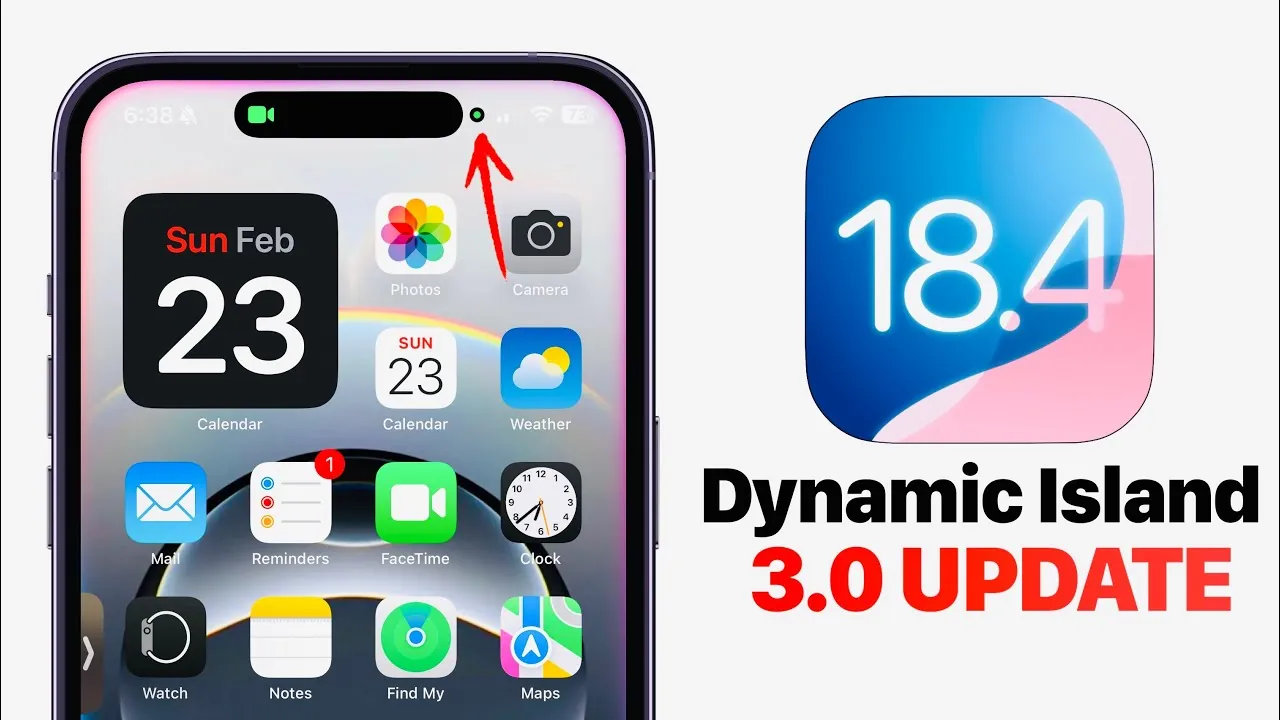
Apple’s iOS 18.4 brings a comprehensive update to Dynamic Island, introducing smoother animations, enhanced interactivity, and improved privacy features. These advancements aim to provide a more seamless and intuitive user experience while reinforcing Apple’s dedication to safeguarding your privacy. Currently in beta testing, this release underscores Apple’s commitment to refining its interface and addressing user needs with precision and care. The video below from iDeviceHelp gives us more details about the update.

Enhanced Animations and Interactivity
Dynamic Island in iOS 18.4 offers a more fluid and responsive experience, with significant improvements to animations and interactivity. Apple has carefully refined transitions to ensure they feel natural and effortless, particularly when managing multiple live activities. Key updates include:
- Effortless swiping between active tasks, such as music playback, timers, or navigation, for smoother multitasking.
- New gesture controls that allow you to dismiss tasks with a simple swipe, streamlining task management.
- The ability to split live activities, allowing simultaneous interaction with multiple tasks without losing focus or context.
The long-press functionality has also been expanded, offering greater control directly within Dynamic Island. For example, pressing and holding a music widget now allows you to adjust playback settings without needing to open the full app. These updates make the interface more intuitive and adaptable, catering to your multitasking needs with precision and ease.
Privacy Features Reinvented
Privacy remains a cornerstone of Apple’s design philosophy, and iOS 18.4 introduces meaningful enhancements to privacy indicators. Previously displayed as small dots in the status bar, microphone and camera activity indicators are now integrated into Dynamic Island as bubbles. This design change improves visibility, making sure you’re always aware when your microphone or camera is active.
FaceTime privacy has also been elevated. During calls, privacy indicators are prominently displayed within Dynamic Island, providing real-time feedback without disrupting your conversation. These updates reflect Apple’s ongoing commitment to transparency and empowering you with greater control over your sensitive data. By integrating privacy features directly into Dynamic Island, Apple ensures that security remains both accessible and unobtrusive.
Beta Testing and Future Refinements
iOS 18.4 is currently in beta testing, offering developers and early adopters the opportunity to explore its features and provide valuable feedback. This iterative process allows Apple to fine-tune the update, addressing any issues and optimizing performance before the official release. While the beta version already showcases significant advancements, further refinements are expected to enhance stability, usability, and overall functionality.
The beta phase also serves as a testing ground for potential new features that could be introduced in the final release. This collaborative approach ensures that the update meets the high standards expected by Apple users, delivering a polished and reliable experience.
The Significance of iOS 18.4
The iOS 18.4 update represents a pivotal step forward for Dynamic Island, blending enhanced functionality with a strong emphasis on privacy. By introducing smoother animations, more interactive controls, and improved privacy features, Apple continues to evolve its user interface to meet the demands of modern users. Whether you’re a multitasker seeking greater efficiency or a privacy-conscious individual prioritizing security, these updates are designed to make your experience more seamless and secure.
As the beta phase progresses, additional improvements are likely to further solidify this update as a key milestone in iOS development. With its focus on usability and transparency, iOS 18.4 reaffirms Apple’s commitment to delivering innovative solutions that enhance both functionality and user trust.
Expand your understanding of Dynamic Island with additional resources from our extensive library of articles.
- Dynamic Island in iOS 18 Updates Revealed
- Transform Your iPhone Experience: 14 Dynamic Island Tips
- Dynamic Island Mastery: Advanced Tips & Tricks for 2025
- Level Up Your iPhone with These Dynamic Island Apps
- Unlock Your iPhone’s Potential with These Dynamic Island Tricks
Source & Image Credit: iDeviceHelp
Disclosure: Some of our articles include affiliate links. If you buy something through one of these links, Geeky Gadgets may earn an affiliate commission. Learn about our Disclosure Policy.
