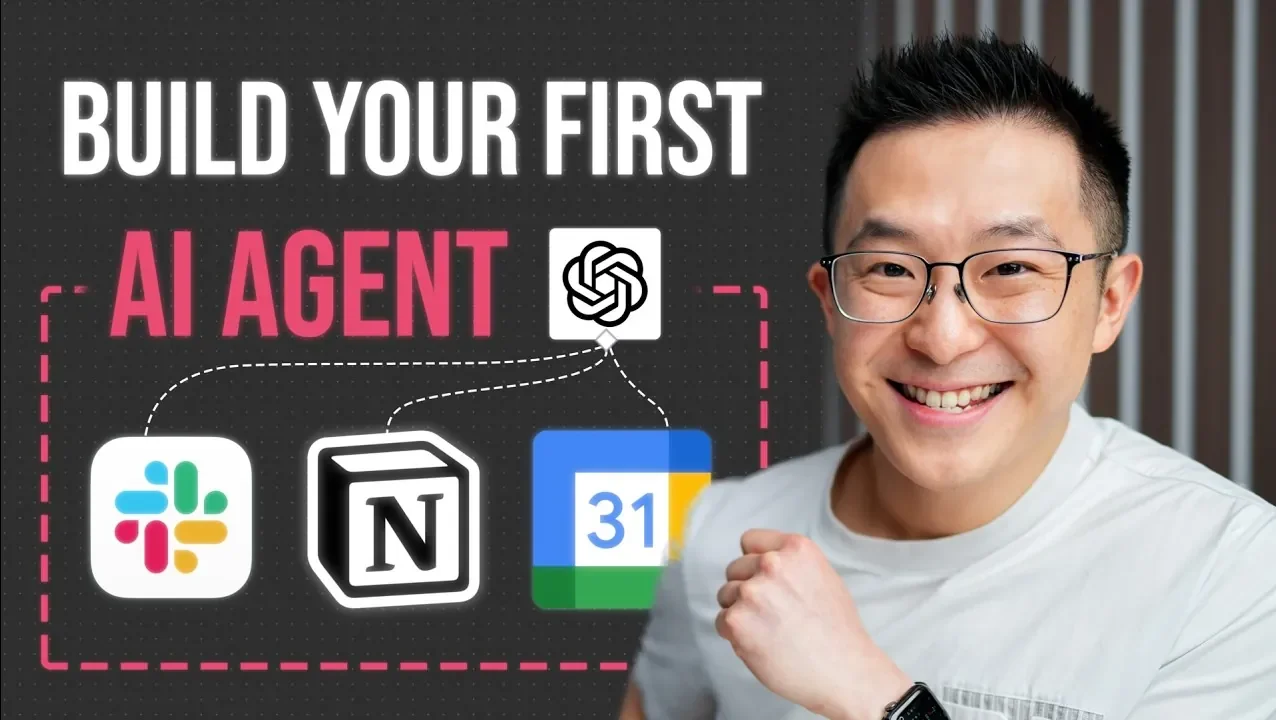
What if you could create your own AI assistant—one that doesn’t just answer questions but actively manages tasks, organizes data, and adapts to your specific needs? While it might sound like a project reserved for tech experts, the truth is far more empowering: building an AI agent is not only achievable but also incredibly rewarding. With tools like n8n and OpenAI’s ChatGPT chat models, you can design a system that feels less like a machine and more like a personal collaborator. Whether you’re a curious beginner or someone eager to streamline workflows, this how-to will guide you through the process step by step, breaking down what might seem complex into something surprisingly intuitive. By the end, you’ll have more than just an AI agent—you’ll have a tool tailored to your goals and creativity.
In this guide, created by Jeff Su, you’ll learn the essential building blocks of an AI agent, from its “brain” to its task execution tools. You’ll learn how to configure platforms like n8n, integrate advanced chat models, and design workflows that automate repetitive tasks with precision. Along the way, you’ll explore how memory systems and system prompts can make your agent smarter, more context-aware, and capable of handling real-world challenges. But this isn’t just about following instructions—it’s about discovering how to think like a creator, experimenting with possibilities, and refining your agent to meet your unique needs. By the time you’re done, you might not just understand how AI agents work—you’ll see how they can transform the way you work, think, and create.
Guide to Building AI Agents
TL;DR Key Takeaways :
- Understanding the core components of an AI agent is essential, including the chat model (e.g., OpenAI’s GPT), memory systems for context retention, task execution tools (e.g., Slack, Notion, Google Sheets), and system prompts for guiding behavior.
- The n8n platform serves as the backbone for building AI agents, offering a user-friendly interface to design workflows, integrate tools, and connect chat models without extensive coding knowledge.
- Designing effective workflows involves automating tasks like data management, using dynamic variables, and writing clear system prompts to ensure accurate and efficient operations.
- Testing and refining the AI agent is crucial to ensure functionality, address issues like duplicate entries, and improve workflows through debugging and logic adjustments.
- Advanced features, such as duplicate prevention, workflow updates, and error handling, enhance the AI agent’s reliability and adaptability for complex tasks and evolving user needs.
Core Components of an AI Agent
To build an effective AI agent, it’s crucial to understand its foundational components. These elements work together to ensure the agent operates efficiently and delivers accurate results.
- The Brain: At the heart of the AI agent is a chat model, such as OpenAI’s GPT, which processes user inputs and generates intelligent responses. Memory systems are equally vital, allowing the agent to retain context and provide coherent, context-aware outputs over multiple interactions.
- Task Execution Tools: Tools like Slack, Notion, or Google Sheets empower the agent to perform specific tasks, such as storing data, sending notifications, or managing workflows. These integrations expand the agent’s functionality and practical applications.
- The Brain Stem: System prompts act as the communication bridge between the AI and external tools. They guide the AI’s behavior, making sure it follows instructions accurately and interacts effectively with integrated systems.
1: Configuring the n8n Platform
The first step in building your AI agent is setting up the n8n platform. n8n is a powerful automation tool that connects various systems and applications, serving as the backbone of your AI agent. Here’s how to get started:
- Install and Configure n8n: Begin by setting up the platform to visually design workflows. This user-friendly interface allows you to integrate tools and manage processes without requiring extensive coding knowledge.
- Integrate a Chat Model: Connect OpenAI’s chat model to handle user inputs and generate responses. Configure memory systems to enable the agent to retain context across interactions, making sure more meaningful and accurate outputs.
- Link Task Tools: Integrate tools like Google Sheets to store and manipulate data. For example, you can use it to track subscriptions, manage task lists, or organize project details dynamically.
2: Designing Effective Workflows
With the core components in place, the next step is to design workflows that automate specific tasks. These workflows define how your AI agent interacts with tools and processes data. Consider the following example of creating a subscription tracker:
- Data Management: Configure the AI agent to append or update rows in Google Sheets based on user inputs. Use dynamic variables, such as timestamps or unique identifiers, to ensure accurate and time-sensitive data handling.
- System Prompts: Write clear and concise prompts to guide the AI’s behavior. For instance, instruct the agent to add new entries only if they don’t already exist in the database, preventing duplicate records.
Build Your First AI Agent Guide

Below are more guides on building AI assistants from our extensive range of articles.
- Setup a private AI assistant chatbot using NVIDIA ChatRTX
- How to Build an AI Assistant with n8n: A No-Code Guide
- ElevenLabs 11ai Launches : The Voice-First AI Assistant
- How to Build a Fully Automated AI Assistant Without Coding
- How to Set Up a Local AI Assistant Using Cursor AI (No Code
- Build a personal AI assistant running on your laptop with LM Studio
- Make a personal AI assistant from scratch using RAG and
- Ada v3 a Personal AI Assistant Built for Engineers
- Create an AI Assistant for Slack Using No-Code Tools in Minutes
3: Testing and Refining Your AI Agent
Testing is a critical phase in the development process. It ensures that your workflows function as intended and helps identify areas for improvement. Here’s how to approach this step:
- Test with Sample Inputs: Evaluate the AI agent’s performance by providing various inputs. Check whether it processes data correctly, updates records accurately, and interacts seamlessly with integrated tools like Google Sheets.
- Debugging Issues: Address any problems in system prompts, workflows, or integrations. For example, if duplicate entries appear in your database, refine the logic to prevent such errors and ensure data integrity.
4: Enhancing Functionality with Advanced Features
To maximize the efficiency and reliability of your AI agent, consider implementing advanced features. These enhancements can make your system more robust and adaptable to complex tasks.
- Duplicate Prevention: Add logic to check for existing entries before adding new data. This ensures your database remains clean and free of redundant information, improving overall efficiency.
- Workflow Updates: Modify workflows to handle changes in existing data, such as updating subscription details, correcting errors, or managing evolving user requirements.
- Error Handling: Implement error-handling mechanisms to address unexpected issues, such as failed integrations or invalid user inputs. This ensures your AI agent remains reliable under various conditions.
Building a Tailored AI Agent
Developing an AI agent from the ground up provides valuable insights into how these systems work and enables you to create customized solutions. By mastering the integration of chat models, memory systems, and system prompts, you can design workflows that are both efficient and reliable. Tools like n8n and Google Sheets offer the flexibility to automate tasks, manage data, and streamline processes effectively. This approach allows you to move beyond pre-built tools, allowing you to develop AI agents tailored to your unique needs and objectives.
Media Credit: Jeff Su
Disclosure: Some of our articles include affiliate links. If you buy something through one of these links, Geeky Gadgets may earn an affiliate commission. Learn about our Disclosure Policy.
