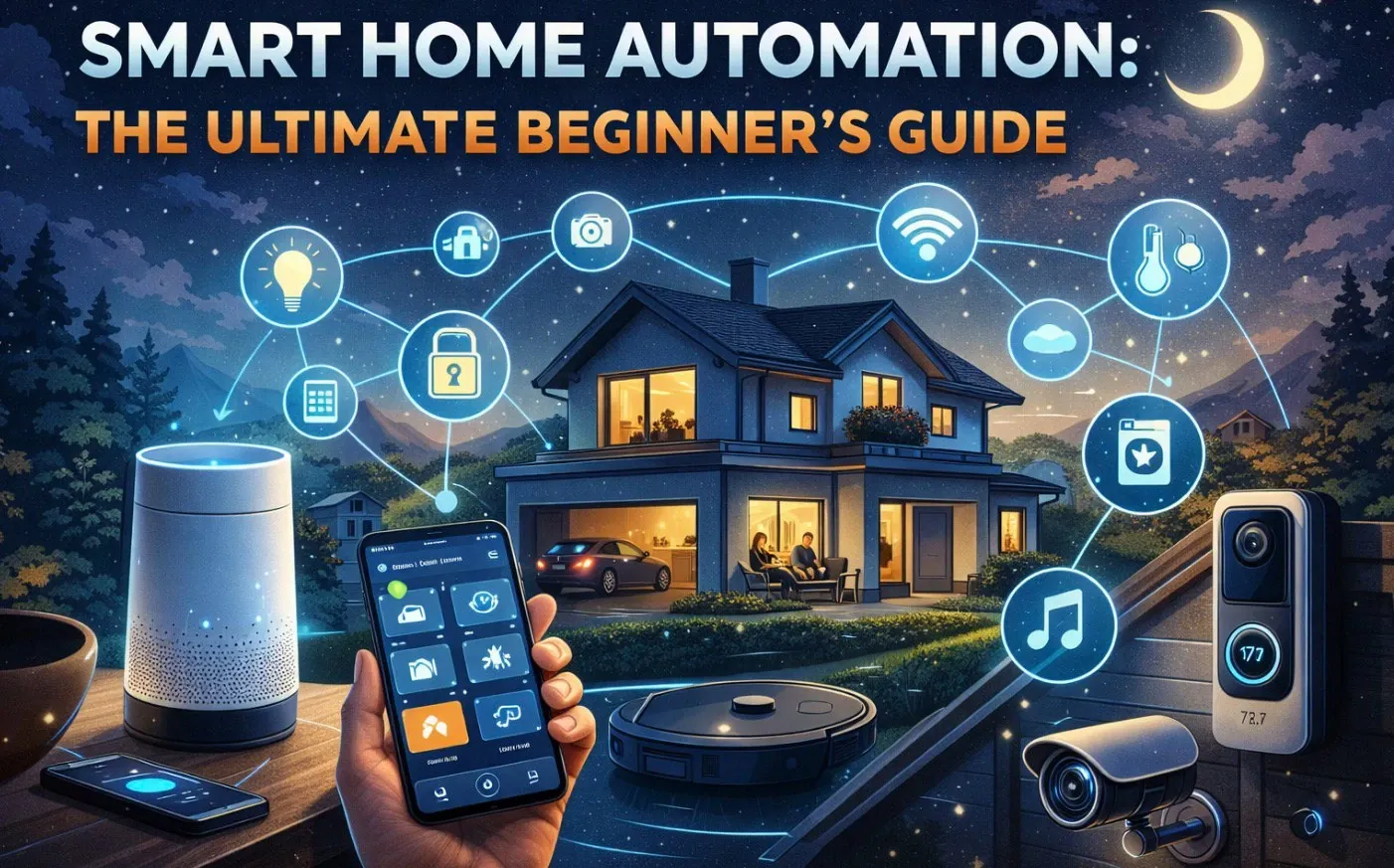
Imagine walking into your home after a long day, and the lights automatically adjust to your preferred brightness, your favorite playlist starts playing softly in the background, and the thermostat has already set the perfect temperature. It might sound like a scene from a sci-fi movie, but this is the reality of smart home automation. In this overview, yoyoTech explores how integrating connected devices into your living space can transform your daily routine, offering unparalleled convenience and efficiency. Whether you’re curious about automating a single task or envisioning a fully connected home, this beginner-friendly guide will help you understand the possibilities and take the first steps toward a smarter lifestyle.
Throughout this guide, you’ll uncover the essentials of smart home automation, from understanding how devices communicate to selecting the right products for your needs. You’ll learn how to start small with user-friendly devices like smart lights or voice assistants and gradually build a system that adapts to your unique habits. Whether you’re seeking enhanced security, energy savings, or just a more seamless daily experience, this guide will provide the insights and tips you need to get started. The journey to a smarter home begins with curiosity, what could your space look like if it worked for you?
Smart Home Automation Basics
TL;DR Key Takeaways :
- Smart home automation enhances convenience, efficiency, and personalization by integrating devices like lights, thermostats, and security systems into your daily routine.
- Automation relies on communication protocols (e.g., Wi-Fi, Zigbee, Z-Wave, Matter), apps, and hubs to ensure seamless interaction between devices.
- Beginners should start small with user-friendly devices like smart light bulbs or voice assistants and gradually expand their system.
- Choosing the right devices and apps that align with your preferred protocol is crucial for compatibility and scalability.
- Advanced options like smart home hubs and community-driven solutions allow for greater customization and complex automations tailored to your lifestyle.
What is Smart Home Automation?
Smart home automation involves using connected devices to perform tasks automatically based on specific triggers. For example, your lights might turn on when you enter a room, or your thermostat could adjust the temperature when you leave the house. These systems rely on communication protocols, apps, and hubs to ensure smooth interaction between devices.
Automation can range from simple tasks, like scheduling lights, to complex systems that integrate multiple devices and respond dynamically to your habits. The primary goal is to create a home that works for you, enhancing comfort, security, and energy efficiency.
How to Begin Your Smart Home Journey
Starting your smart home journey can be simple and rewarding. Follow these steps to ease into the process:
- Evaluate your current devices: Check if any of your existing appliances, such as TVs, speakers, or thermostats, already have smart capabilities.
- Identify areas for improvement: Think about where automation could simplify your daily routine, such as lighting, security, or climate control.
- Start small: Begin with one or two devices to familiarize yourself with the technology before expanding your system.
Popular entry points include smart light bulbs, motion sensors, and voice assistants like Amazon Alexa or Google Assistant. These devices are user-friendly and provide immediate benefits, making them ideal for beginners.
Smart Home Automation Beginner’s Guide 2026

Take a look at other insightful guides from our broad collection that might capture your interest in smart home automation.
- Fluid One smart home automation system
- Apple’s Smart Home Hub Will Transform Home Automation
- Cielo WiGle Smart Home Automation System (video)
- CliQ Home Automation Smart Wireless Sensor
- IKEA’s Low-Cost Smart Home Range Reviewed : Matter, HomeKit
- SmartBug smart switch makes home automation easy
- Apple Smart Home 2025: The Ultimate Beginner’s Guide
- Gadgets News – Page 1847 of 1847
- How to Use Home Assistant to Automate Your Smart Devices
- Obsidian and Home Assistant: The Perfect AI Smart Home Combo
Understanding Communication Protocols
Communication protocols are the backbone of smart home automation, allowing devices to communicate with each other. Choosing the right protocol is essential for making sure compatibility and performance. Here are the most common options:
- Wi-Fi: Ideal for high-bandwidth devices like cameras but may strain your network if you have many connected devices.
- Bluetooth: Best for short-range, low-power devices such as locks or sensors.
- Zigbee and Z-Wave: Designed specifically for smart home devices, offering low power consumption and reliable connectivity through a mesh network.
- Matter: A newer, universal protocol aimed at simplifying compatibility across brands and ecosystems.
For beginners, starting with a single protocol, such as Zigbee or Wi-Fi, can help reduce complexity while making sure your devices work together seamlessly.
Choosing the Right Devices and Apps
When selecting devices, prioritize those that align with your chosen protocol and meet your specific needs. Many manufacturers provide proprietary apps for controlling their products, but multi-brand platforms like SmartThings or Google Home allow you to integrate devices from different brands into a single interface.
For instance, if you opt for Zigbee-compatible light bulbs, you’ll need a Zigbee hub and app to control them. As your system grows, consider apps that support multiple protocols to avoid being locked into a single ecosystem. This flexibility will make it easier to expand your setup over time.
Setting Up Automations
Once you’ve chosen your devices, the next step is to create automations. Start with simple “if this, then that” rules to get comfortable with the process. For example:
- Trigger: Motion detected in the living room.
- Action: Turn on the living room lights.
As you gain confidence, you can add conditions to make your automations more sophisticated. For example, you might set the lights to turn on only after sunset or when no one is home. These customizations allow your system to adapt to your unique lifestyle, making your home smarter and more intuitive.
Scaling Up: Advanced Options and Customization
As your needs evolve, you may want to explore more advanced options. Smart home hubs like Home Assistant or OpenHAB offer greater flexibility by integrating devices from multiple brands and protocols. These platforms also support extensive customization, allowing you to create complex automations tailored to your preferences.
Community-driven solutions can further enhance your setup. Online forums, user groups, and social media communities are excellent resources for discovering innovative ideas, troubleshooting issues, and finding custom integrations. Engaging with these communities can help you unlock the full potential of your smart home system.
Tips for a Successful Smart Home Experience
To ensure a smooth and enjoyable journey into smart home automation, keep these tips in mind:
- Start small: Focus on one or two devices to avoid feeling overwhelmed by the technology.
- Experiment: Try different apps, devices, and automations to find what works best for your needs.
- Stay informed: Keep up with industry news and updates to learn about new devices and protocols.
- Engage with the community: Join forums or social media groups to share experiences and gain insights from other users.
Building a Smarter Future
Smart home automation offers a practical and customizable way to enhance your living space. By starting small and gradually expanding your system, you can create a home that adapts to your needs and preferences. With the right combination of devices, protocols, and apps, you’ll be able to automate tasks, improve efficiency, and enjoy a more connected lifestyle. Whether you’re just beginning or looking to take your setup to the next level, the possibilities for creating a smarter, more convenient home are virtually limitless.
Media Credit: yoyoTech
Disclosure: Some of our articles include affiliate links. If you buy something through one of these links, Geeky Gadgets may earn an affiliate commission. Learn about our Disclosure Policy.
