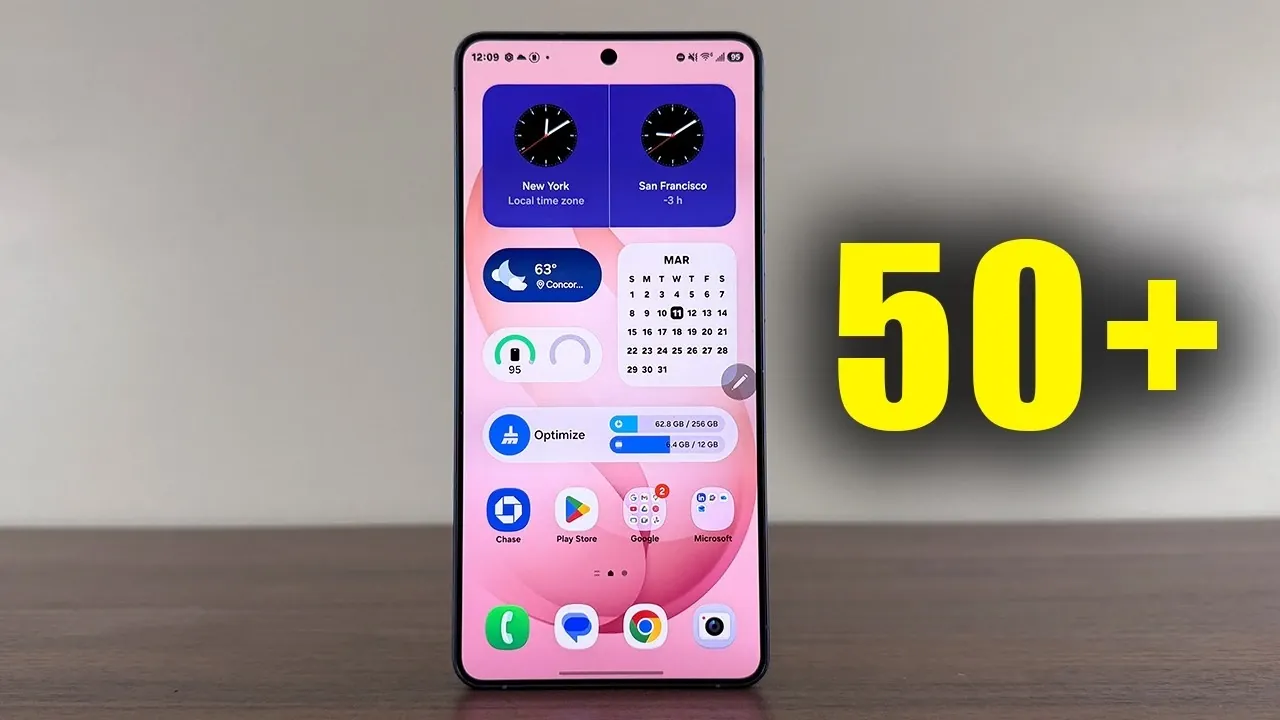
The Samsung Galaxy S26 Ultra is a flagship device that redefines the smartphone experience with over 50 advanced features. From productivity tools like the S Pen to innovative privacy settings, this device is designed to cater to a wide range of users. Whether you’re a tech enthusiast, a professional, or someone who enjoys exploring innovative technology, the Galaxy S26 Ultra offers a comprehensive suite of functionalities to enhance your daily life. The video below from Sakitech shows us a wide range of awesome tips to get the most out of your new Galaxy smartphone.

S Pen: A Productivity Powerhouse
The S Pen is more than just a stylus, it’s a versatile tool that transforms the Galaxy S26 Ultra into a productivity hub. With the S Pen, you can:
- Write directly on your calendar for quick and intuitive scheduling.
- Annotate screenshots with precision, making it easier to share ideas or highlight details.
- Take notes on the lock screen without unlocking the device, making sure quick access to your thoughts.
You can also customize the pen’s thickness and color to suit your preferences, whether you’re sketching, brainstorming, or jotting down reminders. The S Pen ensures accuracy and convenience, making it an indispensable tool for both creative and professional tasks.
Fast Charging and Intelligent Battery Management
The Galaxy S26 Ultra supports 60W Super Fast Charging 3.0, allowing you to charge up to 75% in just 30 minutes when using a compatible charger. This rapid charging capability ensures that you’re always ready to tackle your day. Additionally, the Samsung Members app provides real-time battery health monitoring and optimization tips. These tools help you maintain long-term battery performance, making the device ideal for users who rely on consistent power throughout their busy schedules.
Edge Panels: Streamlined Multitasking
Edge Panels on the Galaxy S26 Ultra provide quick access to essential tools, enhancing multitasking efficiency. The customizable panels include:
- A compass for navigation.
- A flashlight for on-the-go illumination.
- A ruler and level for precise measurements.
You can adjust the panel’s handle size, color and position to suit your preferences, making sure seamless accessibility. This feature is particularly useful for users who want to simplify their workflow without constantly switching between apps.
Privacy and Security: Protecting Your Data
The Galaxy S26 Ultra places a strong emphasis on privacy and security, offering features such as:
- Privacy Display: Reduces screen visibility from side angles, safeguarding sensitive information in public spaces.
- App Protection: Scans for malware and viruses, making sure your device remains secure.
These tools provide peace of mind, whether you’re managing finances, browsing the web, or storing personal files. The Galaxy S26 Ultra’s robust security features make it a reliable choice for users who prioritize data protection.
Lock Screen Customization: A Personal Touch
The lock screen on the Galaxy S26 Ultra is more than just a gateway; it’s a space for personalization and functionality. You can:
- Add shortcuts to frequently used tools like the flashlight or calculator for quick access.
- Enable real-time weather effects, adding dynamic visuals to your lock screen.
- Choose a shifting clock design that adapts to your wallpaper, creating a cohesive aesthetic.
These options allow you to create a lock screen that reflects your style while enhancing usability.
Display Settings: Immersive Visuals
The Galaxy S26 Ultra’s QHD+ resolution delivers stunningly sharp and vibrant visuals, making it perfect for gaming, streaming and everyday use. Additional display features include:
- ProScaler: Automatically enhances image and video quality for a superior viewing experience.
- Font Customization: Adjust font size, style and boldness to improve readability.
- Screen Modes: Switch between vivid and natural modes to suit your preferences.
These settings ensure that every interaction with your device is visually engaging and tailored to your needs.
Camera Versatility: Capture Every Moment
The Galaxy S26 Ultra’s camera system is designed to meet the needs of both casual users and professional photographers. Key features include:
- Photo modes that allow you to switch between 12MP, 50MP and 200MP resolutions for optimal shots.
- Video recording options in 1080p, 4K and 8K, catering to various content creation needs.
- Professional-grade tools for advanced photography and videography settings.
Whether you’re capturing landscapes, portraits, or action shots, the Galaxy S26 Ultra’s camera system delivers exceptional results.
AI and Wallpaper Customization
The Galaxy S26 Ultra offers AI-driven tools to personalize your device’s appearance. You can:
- Generate unique wallpapers by describing your vision to the AI.
- Match wallpaper colors to your phone’s exterior for a cohesive look.
- Use the Creative Studio to design personalized backgrounds that reflect your style.
These features make it easy to create a device that feels uniquely yours.
Sound and Audio Enhancements
The Galaxy S26 Ultra provides an immersive audio experience with features like:
- Dolby Atmos: Offers optimized sound modes for movies, music and voice calls.
- Built-in Equalizer: Allows you to fine-tune audio settings for a personalized listening experience.
Whether you’re enjoying a film, listening to music, or participating in a video call, the device ensures high-quality sound tailored to your preferences.
Performance Optimization: Smooth and Efficient
The Device Care widget simplifies performance management, allowing you to:
- Clear background processes to free up system resources.
- Optimize memory usage for smoother multitasking.
- Maintain consistent performance with a single tap.
This feature is particularly beneficial for users who demand reliability and efficiency from their smartphone.
Customizing the Control Center
The Control Center on the Galaxy S26 Ultra is fully customizable, allowing you to:
- Rearrange quick toggles for easier access to frequently used settings.
- Add new shortcuts to streamline your workflow.
- Manage music playback and output devices directly from the Control Center.
This functionality enhances convenience, allowing you to interact with your device more efficiently.
Gallery AI Features: Creative Photo Editing
The Galaxy S26 Ultra’s gallery includes AI-powered tools that make photo editing accessible and enjoyable. You can:
- Apply creative effects, such as sci-fi or anime styles, to your images.
- Save and share edited photos for personal or professional projects.
These features empower users to explore their creativity, regardless of their skill level.
Additional Features for Personalization
The Galaxy S26 Ultra offers even more ways to make your device uniquely yours. You can:
- Rename your device for easy identification, especially when connecting to other devices.
- Use wallpaper framing to integrate unique designs with the shifting clock feature.
These options add a layer of individuality to your smartphone experience, making sure it aligns with your personal style and preferences.
Browse through more resources below from our in-depth content covering more areas on Samsung Galaxy S26 Ultra.
- Samsung Galaxy S26 Ultra Launch Date, Features, and Innovation
- Samsung Galaxy S26 Ultra: 2nm Chip, 60W Charging & Design
- Samsung Galaxy S26 Ultra: Pros, Cons, and Key Features
- Why the Samsung Galaxy S26 Ultra Redefines Smartphones
- Samsung Galaxy S26 Ultra Full Specs, Features, and More
- Samsung Galaxy S26 Ultra Release Date, Features, and More
Source & Image Credit: sakitech
Disclosure: Some of our articles include affiliate links. If you buy something through one of these links, Geeky Gadgets may earn an affiliate commission. Learn about our Disclosure Policy.
