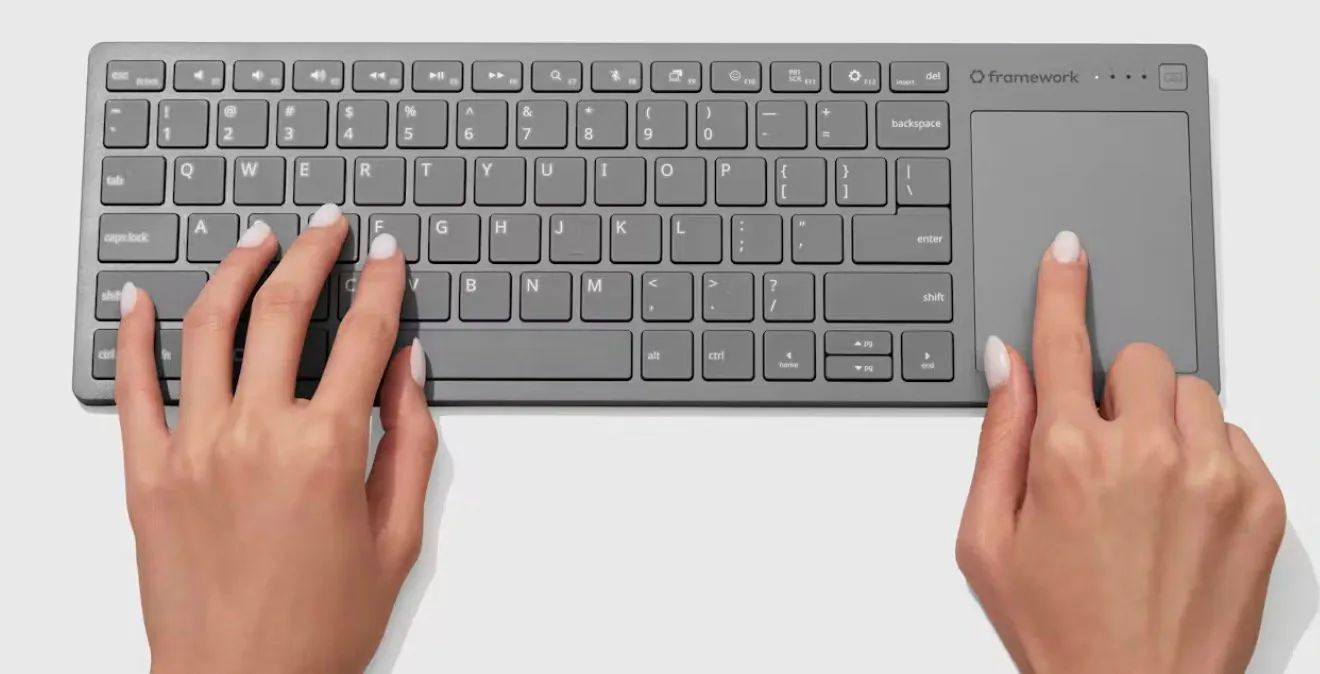
Pre-orders are open for the Framework Wireless Touchpad Keyboard, a compact keyboard that combines keys and a touchpad in one chassis. It costs $99 in the United States, and the company says the first batches are planned for Q1 2027. The initial version uses a US English ANSI layout and is intended for devices ranging from living-room PCs to servers.
Explore how four wireless profiles work with Bluetooth and the included USB-A dongle, and what wired USB-C operation offers for setup and everyday use. The feature also covers replaceable parts and key remapping, so you can assess maintenance and customization alongside compatibility with Windows, Linux and macOS devices, including touchpad gesture support across those platforms.
Framework Keyboard Officially Launches
TL;DR Key Takeaways :
- Pre-orders are open for the Framework Wireless Touchpad Keyboard at $99, CAD $139 or £99. Framework says it plans to ship the first batches in Q1 2027.
- The compact keyboard has an integrated 120Hz touchpad, a steel keyboard plate and a replaceable 1200 mAh battery. Its initial layout is US English ANSI.
- It supports four wireless profiles over Bluetooth 6.0 or the included USB-A dongle, plus wired USB-C operation with 8 kHz polling. The dongle and wired connection work from power-on, including for BIOS setup.
- Framework claims the battery lasts well over a year with sporadic use or over a month with hours of daily desk use, though battery life varies with usage patterns. The battery and dongle are replaceable.
- The firmware is an open source fork of ZMK, with browser-based key remapping. Framework says it plans to publish the firmware on GitHub soon and sells its Control Board separately for custom keyboard builds.
Pre-orders are open for the Framework Wireless Touchpad Keyboard, a compact keyboard with an integrated touchpad for living-room computers, servers and other devices. It costs $99, CAD $139 or £99, depending on location. Framework has posted an overview video and a head-to-head comparison video.
Framework says it plans to ship the first batches in Q1 2027 across all regions where it ships. It is increasing manufacturing capacity to get as many keyboards out as possible during that period. The company says the keyboard has its largest product email waitlist by far.
Keyboard and Touchpad Design
The keyboard and touchpad share a chassis that tapers toward the front. Framework says it spent all year perfecting the keyboard and that a steel plate under the keys keeps the device flat and solid, including on your lap. The top and bottom covers use post-consumer recycled plastic, while the translucent black back exposes the internals.
- Keyboard plate: 0.8mm steel
- Touchpad: 68.8 x 85.6mm
- Touchpad refresh rate: 120Hz
- Battery: 1200 mAh, rechargeable and replaceable
- Initial layout: US English ANSI
The keyboard module comes from the Framework Laptop 12 and was developed with Lite-On. The touchpad uses a Precision Touchpad controller from PixArt, which also supplies controllers for Framework’s laptops. It supports multi-finger gestures on Windows, Mac and Linux.
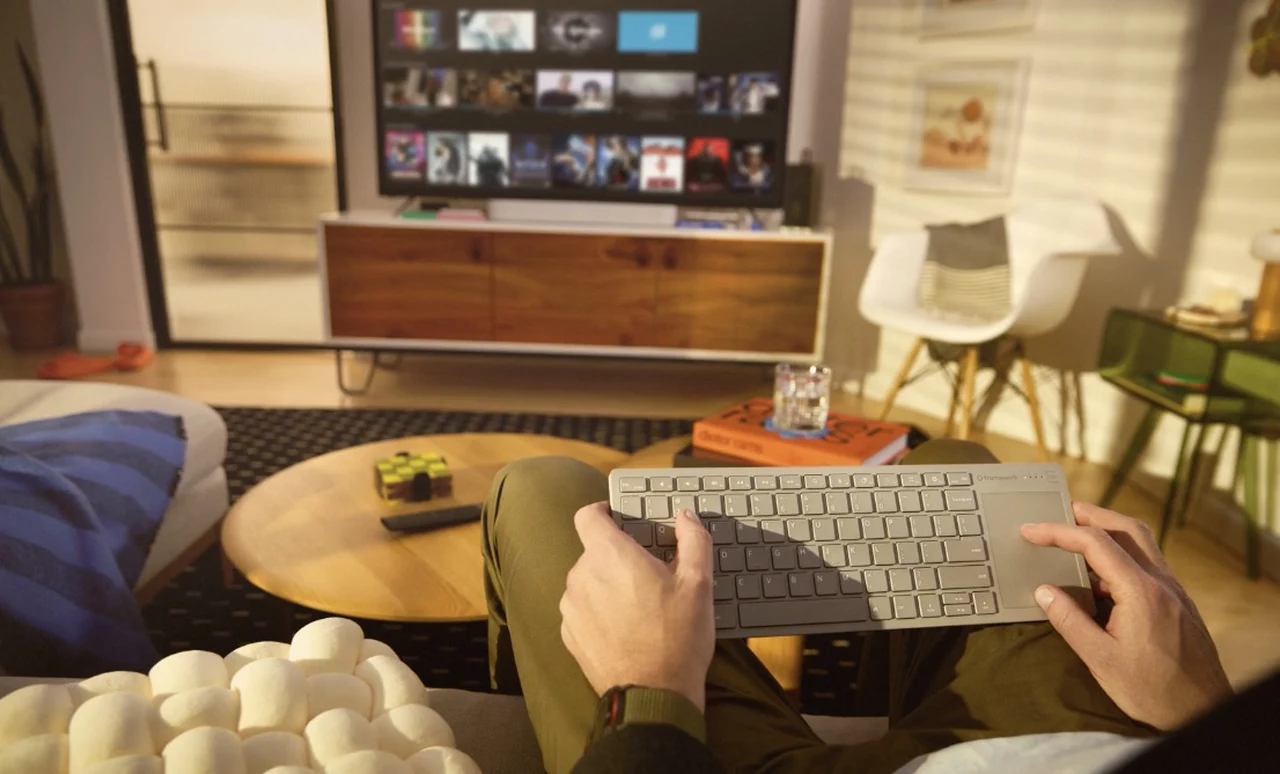
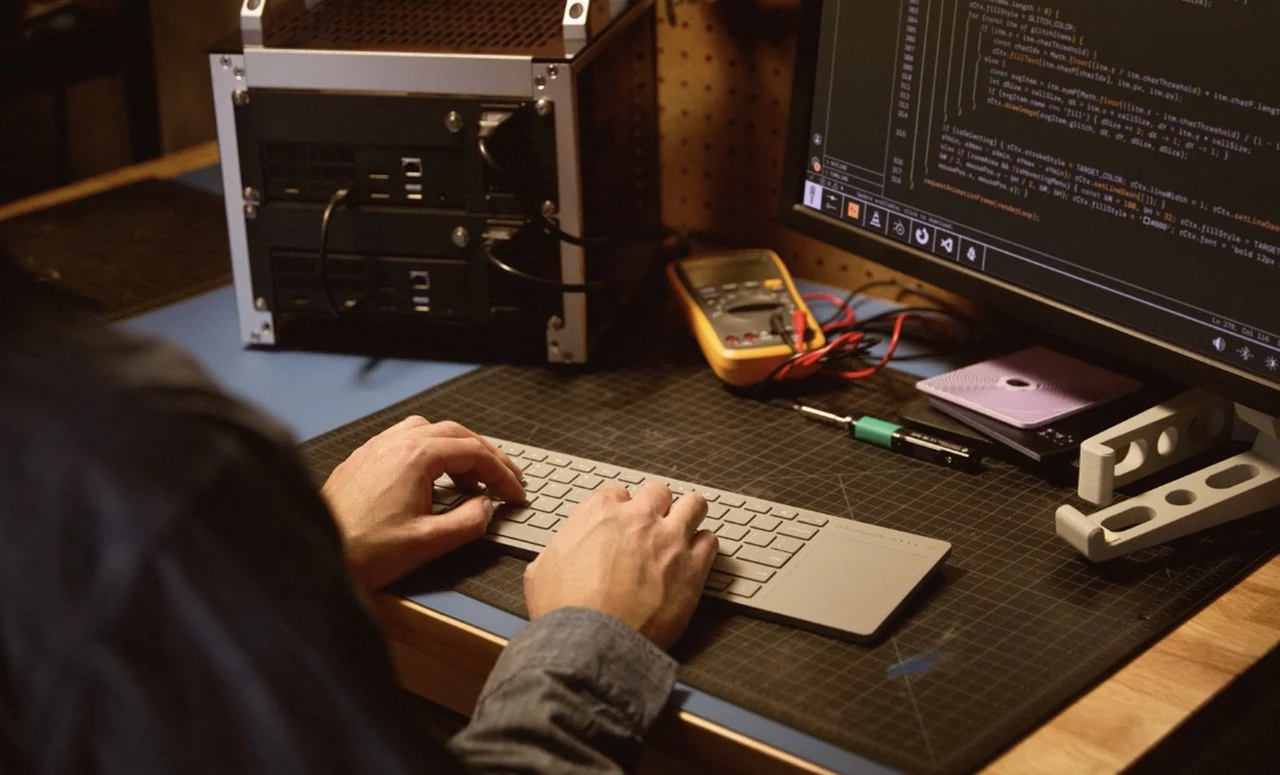
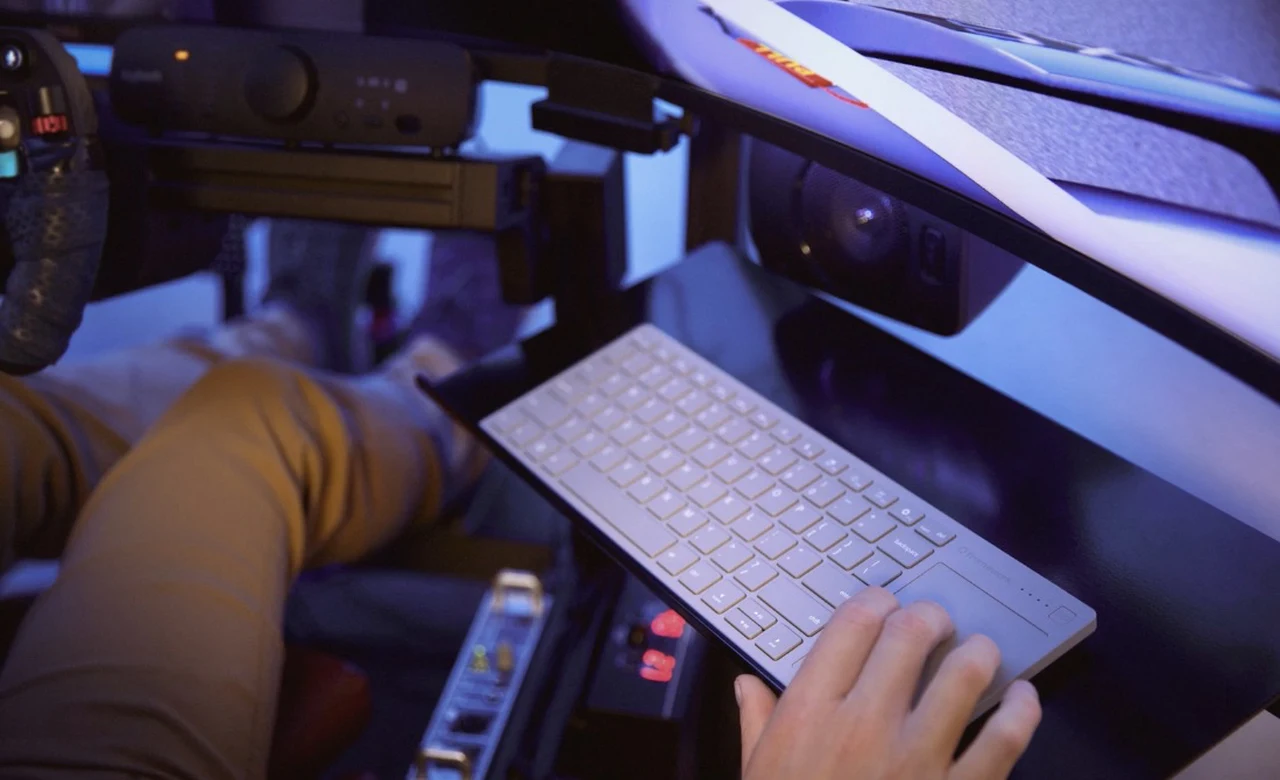
Framework positions the device as an alternative to a separate keyboard and mouse for media PCs, single-board computers and sim rigs. It also says many people want to use it as their primary desk keyboard, and many businesses have expressed interest. Theo of t3.gg calls it a proper replacement for the Logitech K400 and says he plans to buy as many as he is allowed, adding that he couldn’t be happier with it.

Learn more about Framework products by reading our previous articles, guides and features :
- Inside the Framework Laptop 13 Pro: What the New Upgrade Kit Actually Changes
- New Framework Laptop 12 Upgrades: Thunderbolt 4, Backlit Keyboard, Wi-Fi 7 and More
- Framework 13 Gets a 12-Core ARM Upgrade: What You Need to Know
- Framework 12 vs MacBook Neo: Which Laptop Design Wins?
Connections and Compatibility
You can save up to four wireless profiles over Bluetooth 6.0 or the included USB-A Dongle, then switch between them with a single press. The dongle stores in the back of the keyboard and comes paired on the first channel; you can pair the other three channels with Bluetooth devices. Framework claims a wireless range of more than 10 metres.
A USB-C connection provides wired operation and charging, with 8 kHz polling in wired mode. Both the dongle and wired connection work from power-on, including for BIOS setup.
Framework lists compatibility with Windows and Linux PCs, smart TVs, phones and tablets, as well as PS5, Xbox, docked handheld PCs and Steam Machines. Raspberry Pi and server setups are also among the intended uses.
For Macs, holding Fn + O for three seconds switches a channel to Mac Mode; holding Fn + P for three seconds switches it back. Framework says the mode emulates Mac keyboard shortcuts and most macOS multi-finger touchpad gestures.
Battery, Repairs and Firmware
Framework says the keyboard draws under 50 microamps from its battery in its lowest on-and-connected power state. It claims the keyboard lasts well over a year with sporadic use, or over a month with hours of daily desk use, though battery life varies with usage patterns.
The battery and USB-A Dongle are replaceable, with replacements available through the Framework Marketplace. You can install firmware updates from a Framework web page in Chrome or Edge with one click.
The firmware is an open source fork of ZMK, which Framework says it plans to publish on GitHub soon. You can remap keys in a browser using ZMK Studio without reflashing. You can also edit the firmware configuration directly or use other ZMK ecosystem tools to remap keys.
Control Board and Accessories
Framework says it sells its Control Board on its own for developers building custom keyboards. It uses a Nordic nRF54LM20A ultra-low-power wireless microcontroller and has 28 GPIO pins on a socketable 0.1-inch header. The company says it will publish the board’s schematic, pinout and bootloader on GitHub.
Framework has also published open source surface CAD files for accessories, including 3D-printed sim-rig mounts. A separately sold USB-A Adapter Expansion Card is designed to hold the keyboard’s dongle flush in a Framework Laptop or Desktop. That includes the CNC aluminum Laptop 13 Pro, ultra-customizable Laptop 16, 2-in-1 Laptop 12 and compact Desktop, all of which are repairable and upgradeable.
The card also works with many other brands’ USB-A dongles. Framework says it is coming to its Marketplace early next year.
Framework presents the keyboard for living rooms, workbenches, desks and sim rigs, and sells the Control Board separately for custom keyboard builds. The company plans to publish the firmware and Control Board documentation on GitHub. It is also collecting interest in other languages, but the initial keyboard layout is US English ANSI.
Disclosure: Some of our articles include affiliate links. If you buy something through one of these links, Geeky Gadgets may earn an affiliate commission. Learn about our Disclosure Policy.
