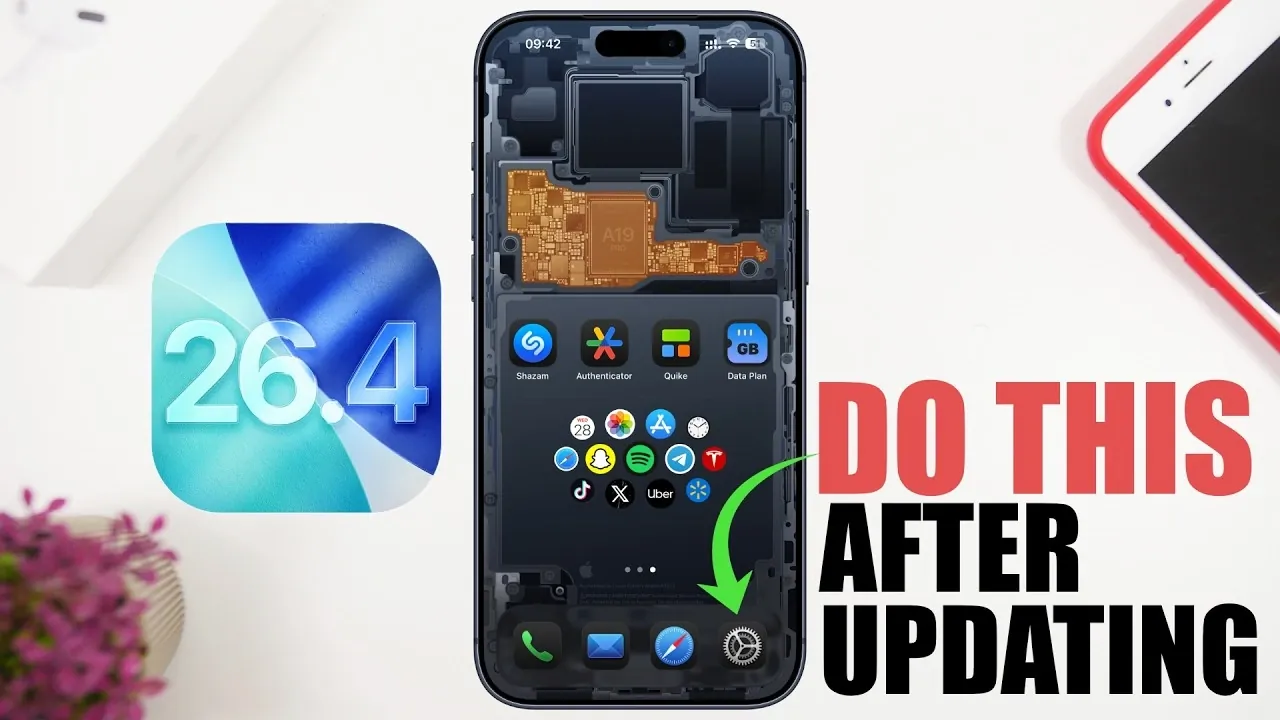
The release of iOS 26.4 brings a host of new features, performance upgrades, and critical security enhancements. To ensure your device operates at peak efficiency, it’s important to take specific steps immediately after updating. These actions will help you optimize your device’s functionality, safeguard your personal data, and maintain a seamless user experience. The video below from iReviews gives us more details.
Enable Automatic Updates
Keeping your device updated is essential for accessing the latest features and security patches. After installing iOS 26.4, it’s recommended to enable automatic updates. This ensures your device stays current without requiring manual intervention. Navigate to Settings > General > Software Update, and toggle on “Automatic Updates” to activate this feature.
If you participated in the beta testing program, it’s equally important to disable beta updates. This prevents your device from receiving experimental iOS versions, which may be less stable and could disrupt your device’s performance.
Check for Carrier Updates
Carrier settings are critical for maintaining reliable connectivity, including calls, messaging and mobile data. After updating to iOS 26.4, check for carrier updates to ensure your device benefits from the latest network performance enhancements. To do this, go to Settings > General > About. If an update is available, your device will prompt you to install it. This step ensures optimal network compatibility and improved coverage.
Update Your Apps
Outdated apps can lead to compatibility issues with the new iOS version, potentially causing crashes or reduced functionality. To avoid disruptions, update your apps through the App Store. You can manually update them or enable automatic updates by going to Settings > App Store and toggling on “App Updates”. Keeping your apps updated ensures they remain compatible with iOS 26.4 and include the latest features and security improvements.
Monitor Battery Health
The iOS 26.4 update includes tools to help you monitor your device’s battery health. To check your battery’s status, go to Settings > Battery > Battery Health & Charging. If the maximum capacity is below 80%, it may be time to consider a battery replacement to maintain optimal performance.
It’s important to understand that software updates do not degrade your battery but may reveal its current condition. Regularly monitoring your battery health allows you to make informed decisions about your device’s maintenance and longevity.
Review Privacy and Security Settings
Privacy and security are central to every iOS update and iOS 26.4 is no exception. After updating, take time to review and adjust your privacy settings to protect your personal data. Focus on the following areas:
- Location Services: Restrict precise location access to apps that genuinely need it, such as navigation tools. Go to Settings > Privacy & Security > Location Services to manage these permissions.
- Bluetooth Permissions: Limit Bluetooth access to apps that require it for essential functionality. This reduces unnecessary data sharing.
- Camera and Microphone Permissions: Review which apps have access to your camera and microphone. Disable permissions for apps that don’t need them to enhance your privacy.
- App Tracking Prevention: Prevent apps from tracking your activity by navigating to Settings > Privacy & Security > Tracking and disabling tracking for unnecessary apps.
Additionally, enable “Background Security Improvements” to allow your device to install critical security updates automatically. This feature ensures your device remains protected against emerging threats without requiring manual updates.
Optimize Device Performance
iOS 26.4 includes performance enhancements designed to improve your device’s speed and responsiveness. To fully benefit from these improvements, restart your device after completing the update. Restarting allows the system to recalibrate and apply the update’s changes effectively, making sure a smoother and more efficient user experience.
For further optimization, consider clearing unnecessary files or apps that may be consuming storage space. This can help your device run more efficiently and take full advantage of the update’s performance enhancements.
Maximize Your iOS 26.4 Experience
By taking these essential steps after updating to iOS 26.4, you can enhance your device’s functionality, security and overall performance. From allowing automatic updates to reviewing privacy settings and optimizing performance, these actions ensure your device remains secure, efficient and ready to support your daily needs. A proactive approach to post-update maintenance allows you to fully enjoy the benefits of the latest iOS version while keeping your device in top condition.
Here are more detailed guides and articles that you may find helpful on iOS 26.4.
- iOS 26.4 Icon Changes: How Apple’s New Liquid Glass Look Works
- Everything New in iOS 26.4 Beta 4: CarPlay, AI, and More
- iOS 26.4 Guide: New Features, Release Date, and Performance
- iOS 26.4 Release Date, Features, and Performance Details
- When Will iOS 26.4 Be Released? Full Details Inside
- iOS 26.4 RC Fixes iPhone Keyboard Accuracy Bug: What’s New
Source & Image Credit: iReviews
Disclosure: Some of our articles include affiliate links. If you buy something through one of these links, Geeky Gadgets may earn an affiliate commission. Learn about our Disclosure Policy.
