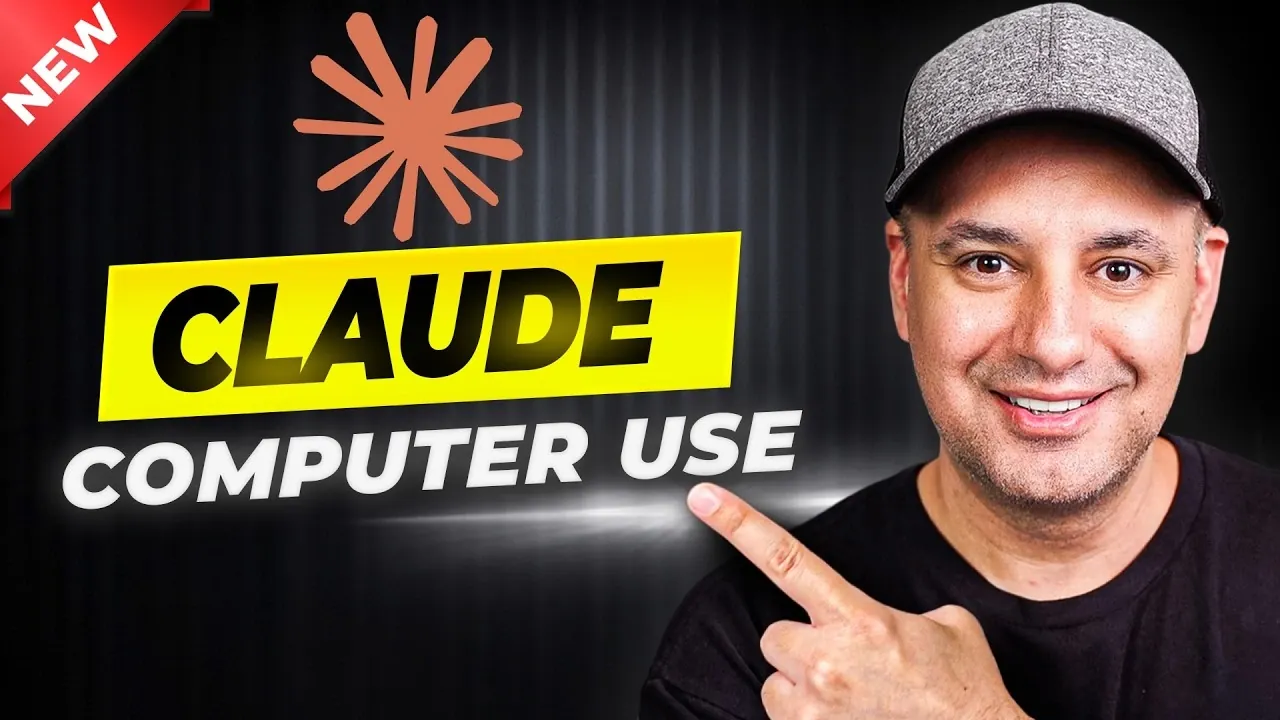
Claude’s ability to control a Mac computer introduces a new dimension to AI-driven task management. Developed by Skill Leap AI, this feature enables the AI to perform actions like clicking, typing and navigating applications, mimicking human input. For instance, the Dispatch feature allows users to manage tasks remotely by connecting their smartphone to their desktop, making sure productivity even while on the move. While this technology offers convenience and flexibility, it also requires specific permissions, such as screen recording and accessibility access, raising important considerations about privacy and security.
Explore how Claude can assist with automating repetitive tasks, such as file organization or data entry, while also supporting creative workflows like generating website code or summarizing documents. Gain insight into the practical requirements for using this feature, including its exclusive compatibility with macOS and the need for a paid subscription. You’ll also learn about its current limitations, such as slower task execution and challenges with ambiguous instructions, helping you evaluate whether it fits your needs effectively.
How Claude Computer Use Works
TL;DR Key Takeaways :
- Claude introduces a new feature allowing autonomous control of Mac computers, allowing tasks like file management, content creation and application operation.
- The Dispatch feature enhances productivity by allowing remote task management via smartphone-to-desktop control, ideal for users on the go.
- Key capabilities include automating repetitive tasks, generating creative outputs and managing software like Adobe Premiere Pro and Microsoft Word.
- Claude requires a Mac, a paid subscription and specific permissions (e.g., screen recording and accessibility) to function effectively, raising privacy and security considerations.
- As an early-stage technology, Claude faces limitations such as slower task execution, difficulty with ambiguous instructions and occasional permission issues, requiring careful evaluation before adoption.
Claude’s standout capability lies in its ability to mimic human actions on a Mac computer. It can click, type and navigate applications, functioning much like a human operator. You can assign tasks for immediate execution or manage them remotely through the Dispatch feature, which allows mobile-to-desktop control. This flexibility ensures that tasks can be performed even when you’re away from your computer, making it a highly convenient tool for busy professionals and individuals alike.
The Dispatch feature is particularly useful for users who need to manage tasks on the go. By connecting your smartphone to your desktop, Claude ensures seamless task execution, whether you’re at home, in the office, or traveling. This capability highlights its potential to enhance productivity in various scenarios.
What Claude Can Do
Claude’s capabilities are diverse, making it a versatile tool for both personal and professional applications. Its key features include:
- Operating applications: Claude can open and manage software like Adobe Premiere Pro, Microsoft Word, or other commonly used programs.
- File management: It can search, rename, move and summarize documents, streamlining organizational tasks.
- Content creation: Using Claude Code, the AI can generate blog posts, website code, or other creative outputs.
- Task automation: Repetitive tasks, such as data entry or file organization, can be automated to save time and effort.
The ability to automate these tasks not only reduces manual workload but also allows users to focus on more strategic or creative activities. Additionally, the Dispatch feature enhances its utility by allowing remote control, making sure that you remain productive even when away from your primary device.
Here are more detailed guides and articles that you may find helpful on Claude AI.
- Claude Cowork Features, Google Drive and Gmail Integrations
- Claude Opus 4.6 vs GPT 5.2 : Benchmarks, Context & Workflow AI Tools
- AutoDream : Claude Code’s New Trick for Memory Management
- ChatGPT vs Claude vs Gemini vs Perplexity: Best Uses
- Claude Opus 4.6 vs GPT 5.2 : Professional Tasks Results
- Free AI Certification: Anthropic Launches New Academy
- Master Claude AI Quickly: Skip the Learning Curve
- Claude Code Marketing Guide 2026 : Landing Pages, Emails & Paid Ads
- Claude Cowork Can Now Control Your Mouse & Keyboard
- Claude Cowork : AI Desktop Automation Assistant for macOS
What You’ll Need
To take full advantage of Claude’s computer control features, certain requirements must be met:
- A Mac computer: Claude is currently designed exclusively for macOS and does not support Windows systems.
- The Claude desktop application: This software must be installed on your device to enable AI-driven control.
- A paid subscription: Access to full functionality requires a subscription plan.
- Permissions: Screen recording, accessibility and app control permissions must be granted for smooth operation.
These prerequisites are essential for Claude to function effectively. However, they also raise important considerations regarding privacy and security, as the tool requires extensive access to your system to perform its tasks.
Limitations to Consider
While Claude offers exciting possibilities, it is important to recognize its current limitations. As an early-stage technology, it faces several challenges:
- Slower task execution: Compared to manual human input, Claude may take longer to complete certain tasks, particularly complex operations.
- Difficulty with ambiguous instructions: Tasks that involve unclear or intricate directions, such as advanced video editing, may not be handled effectively.
- Permission issues: Occasionally, Claude may encounter problems with permissions or task execution, requiring user intervention to troubleshoot.
Understanding these limitations is crucial for managing expectations and making sure that the tool is used effectively. While it can handle many tasks efficiently, it is not yet a replacement for human expertise in more nuanced or complex scenarios.
Practical Applications
Despite its limitations, Claude has numerous practical applications across various domains. Examples of its utility include:
- Automating repetitive tasks: File organization, data entry and similar tasks can be streamlined, saving valuable time.
- Remote task management: The Dispatch feature allows users to control their computers from a smartphone, making it ideal for those who frequently work away from their primary device.
- Creative workflows: Claude can assist with generating website code, summarizing lengthy documents, or creating content for blogs and other platforms.
These use cases demonstrate how Claude can enhance productivity and simplify workflows for users in different fields, from creative professionals to office workers.
Looking Ahead
As an evolving technology, Claude holds significant potential for the future. Regular updates are expected to address current limitations, improve task execution speed and expand its range of capabilities. With continued development, Claude could become an indispensable tool for both professional and personal use, offering a more efficient and practical approach to task automation.
However, it is essential to remain mindful of its current stage of development. While the technology is promising, users should approach it with realistic expectations and a clear understanding of its capabilities and limitations.
Responsible Use and Considerations
Given its extensive access permissions and early-stage nature, it is important to use Claude responsibly. Thorough testing and a careful evaluation of its features are critical to making sure a safe and effective experience. Users should remain vigilant about potential security risks and privacy concerns, particularly when granting the tool access to sensitive data or applications.
By understanding its strengths and weaknesses, you can make informed decisions about how to integrate Claude into your daily routine. While it offers exciting possibilities, responsible use is key to maximizing its benefits while minimizing potential risks.
Media Credit: Skill Leap AI
Disclosure: Some of our articles include affiliate links. If you buy something through one of these links, Geeky Gadgets may earn an affiliate commission. Learn about our Disclosure Policy.
