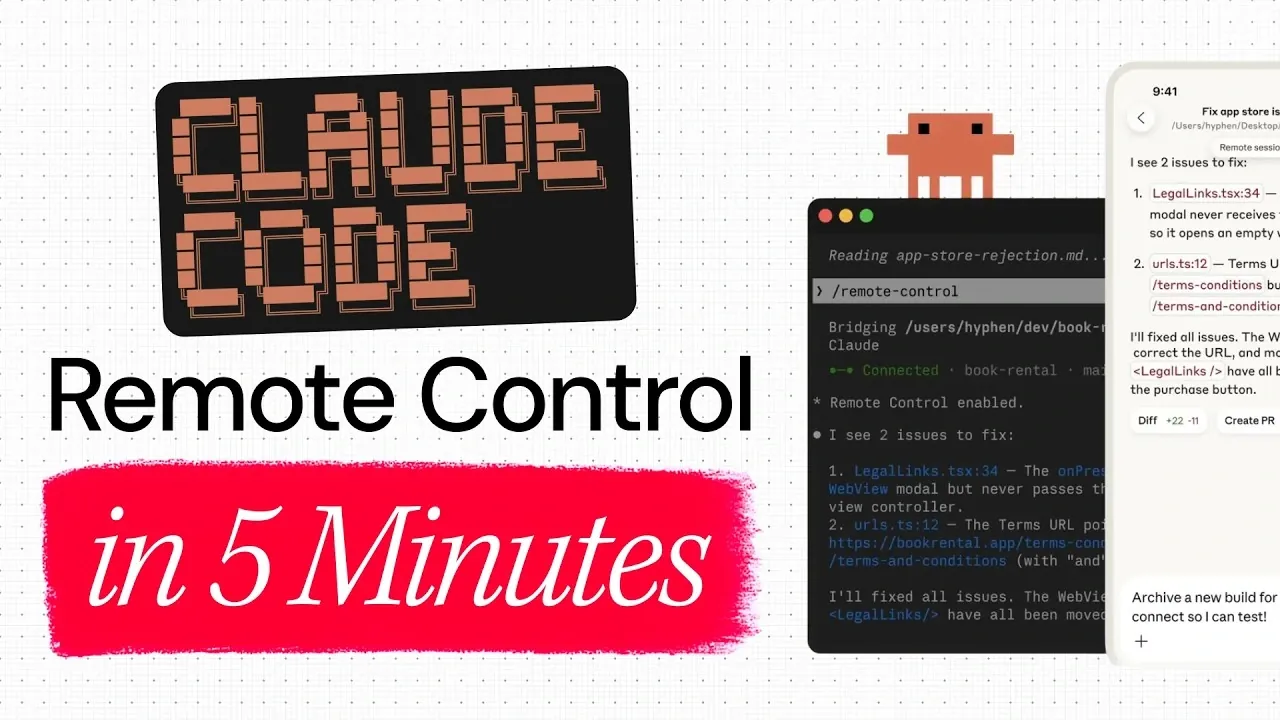
Claude Code Remote Control simplifies the process of managing terminal-based coding sessions across desktop and mobile environments. Developed with flexibility in mind, it allows you to seamlessly transition your work to the Claude mobile app without losing progress or context. Below Anthropic and Build Great Products demonstrate how this feature is particularly useful for developers tackling time-sensitive projects, such as AI development, where maintaining uninterrupted workflows is essential. For example, by entering the /remote-control command in your terminal, you can link your session to the mobile app, allowing real-time synchronization and session persistence.
Dive into this practical overview to learn how to set up Claude Code Remote Control and explore its key features. You’ll gain insight into managing interactive sessions on the go, synchronizing changes across devices and navigating the mobile app’s intuitive controls. Whether you’re stepping away from your desk or collaborating with a remote team, this guide will help you make the most of this functionality to enhance your coding workflow.
Understanding Claude Code Remote Control
TL;DR Key Takeaways :
- Seamless Cross-Device Functionality: Claude Code Remote Control enables smooth transitions between desktop and mobile environments, making sure uninterrupted coding workflows.
- Real-Time Synchronization: Changes made on one device are instantly reflected on the other, maintaining consistency and accuracy across platforms.
- Session Persistence: Access and manage terminal sessions on the mobile app without losing progress, eliminating the need to restart tasks.
- Enhanced Collaboration: Facilitates teamwork by allowing synchronized workflows across multiple devices and locations.
- Ideal for Developers on the Move: Especially beneficial for AI developers, collaborative teams and remote workers who need flexibility and efficiency in their workflows.
- Remote Control requires Claude Code v2.1.51 or later. Check your version with
claude --version
Claude Code Remote Control bridges the gap between desktop and mobile coding environments, offering a unified experience for developers. It allows you to access and manage terminal-based coding sessions directly from the Claude mobile app. By linking your terminal to your mobile device, you can continue coding remotely without losing progress or context. This integration ensures that your workflow remains consistent, regardless of your location, making it an essential tool for developers who value mobility and productivity.
Why Claude Code Remote Control Is Essential
Traditional terminal sessions are often confined to the device they’re initiated on, limiting flexibility and mobility. Claude Code Remote Control eliminates these constraints by allowing cross-device functionality. Here’s why it stands out:
- Seamless Transition: Effortlessly switch between your terminal and mobile app without losing progress, making sure a smooth workflow.
- Real-Time Synchronization: Keep your work updated across devices, maintaining consistency and accuracy.
- Enhanced Collaboration: Collaborate effectively with team members across multiple devices and locations, fostering teamwork and efficiency.
This feature is particularly beneficial for developers managing complex AI projects or those who need to stay productive while on the move. It ensures that your work remains uninterrupted, even when circumstances require you to switch devices or locations.
Check out more relevant guides from our extensive collection on Claude Code that you might find useful.
- Anthropic Claude Code Review Preview: Multi-Agent Pull Request Reviews
- Claude Code Skills 2.0 : Workflow Skills vs Capability Uplift Skills
- Claude Code 2 Feature Update: Automation, Workspace Links, and Skill Scoring
- Nested Claude Code System for Parallel Work in Tmux on macOS
- Claude Code 2.1 Custom Output Modes for Beginners & Pros
- Claude Code Update: LSP Support, Sub-Agents, and Ultrathink
- Agent Browser Lets Claude Code Control Chromium for Automations
- Guide to Installing Claude Code on Windsurf and Cursor
- Claude Code 2 Adds Multi-Agent Code Review for Team & Enterprise
- Claude Code Workflow : Creator’s 8-step Path to Faster Builds
Setting Up Claude Code Remote Control
Getting started with Claude Code Remote Control is straightforward and user-friendly. Follow these steps to set it up:
- Launch a Claude Code session in your terminal.
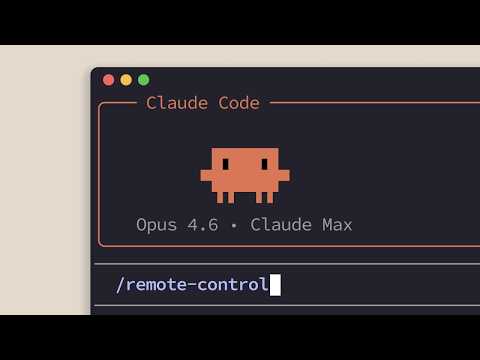
- Activate the remote control feature by entering the
/remote-controlcommand in your terminal. - Follow the on-screen instructions to link your terminal session to the Claude mobile app.
- Once connected, your terminal session will appear as an interactive session within the app.
This setup process ensures that your coding session is accessible on your mobile device, allowing you to interact with it directly and continue your work seamlessly. The intuitive design of the Claude mobile app makes it easy to manage and execute commands, even when you’re away from your primary workstation.
Key Features and Advantages
Claude Code Remote Control offers a range of features designed to optimize your coding experience. These include:
- Session Persistence: Access your session history on the mobile app, making sure continuity and eliminating the need to restart tasks.
- Real-Time Synchronization: Any changes made on one device are instantly reflected on the other, maintaining consistency across platforms.
- Interactive Session Management: Manage multiple sessions simultaneously and switch between them as needed, enhancing multitasking capabilities.
- Mobile UI Controls: Execute commands, approve actions, or navigate your session using intuitive app controls that mirror terminal functionality.
These features are designed to make your workflow more efficient, whether you’re working remotely, collaborating with a team, or simply stepping away from your desk. The ability to maintain session continuity and synchronize changes in real time ensures that you can focus on your work without unnecessary interruptions.
Real-World Applications
Imagine you’re deeply engaged in an AI project on your desktop terminal but need to leave your desk for a meeting or personal errand. Instead of pausing your work, you can use Claude Code Remote Control to continue your session on your mobile device. The app mirrors your terminal session, allowing you to execute commands, review code and make changes in real time. This flexibility ensures that you remain productive, whether you’re commuting, working from a different location, or simply stepping away for a short break.
This feature is particularly useful for developers who need to manage time-sensitive projects or collaborate with team members across different locations. By allowing remote access and session persistence, Claude Code Remote Control supports a more dynamic and adaptable coding environment.
Who Benefits Most from Claude Code Remote Control?
Claude Code Remote Control is designed to meet the needs of developers who prioritize flexibility and efficiency in their workflows. It is especially valuable for:
- AI Developers: Professionals managing complex, time-sensitive projects that require uninterrupted focus and seamless transitions between devices.
- Collaborative Teams: Groups working across devices and locations who need synchronized workflows to enhance teamwork and productivity.
- Remote Workers: Individuals who value the ability to switch seamlessly between desktop and mobile environments, making sure consistent productivity.
By offering cross-device functionality and real-time synchronization, this tool enables developers to maintain their workflow and adapt to changing circumstances without compromising on efficiency or quality.
Enhancing Your Workflow with Claude Code Remote Control
Claude Code Remote Control is a versatile and practical tool for developers seeking to optimize their coding workflows. By linking terminal-based sessions to the Claude mobile app, it ensures that you can work from anywhere without losing progress or context. With features like session persistence, real-time synchronization and cross-device functionality, it bridges the gap between desktop and mobile workflows. Whether you’re an experienced developer or just starting out, this tool enables you to stay productive and maintain your flow state across devices, making sure your work remains uninterrupted and efficient.
Media Credit: Build Great Products
Disclosure: Some of our articles include affiliate links. If you buy something through one of these links, Geeky Gadgets may earn an affiliate commission. Learn about our Disclosure Policy.
