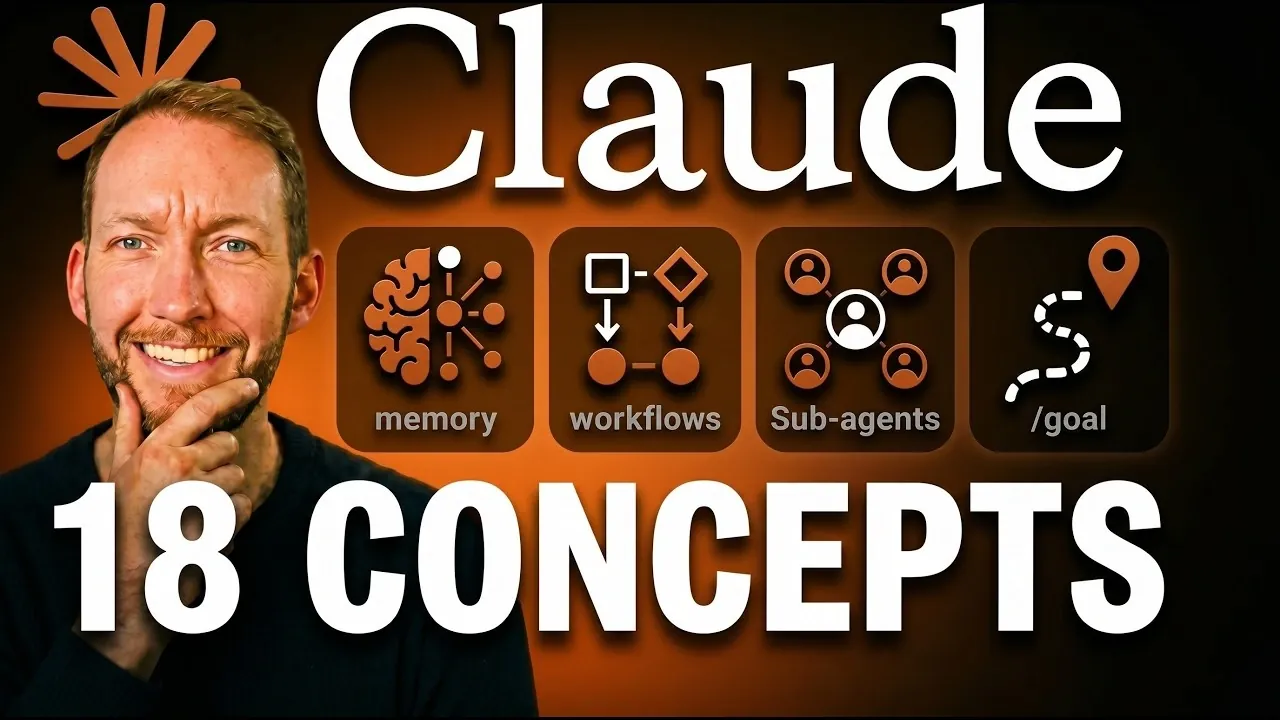
Claude Code offers a unique way for non-coders to automate tasks and manage workflows without needing programming expertise. Simon Scrapes explains how this system goes beyond simple chat interactions by acting as an execution layer for complex processes. One standout feature is the use of a `claude.md` file, which allows users to define rules, preferences and contextual details to improve accuracy and consistency. For example, when automating overview generation, specifying date ranges, formatting and data sources in the file ensures reliable outputs. This structured approach makes Claude Code accessible and effective for both personal and professional tasks.
In this explainer, you’ll gain insight into practical applications of Claude Code, from creating reusable “skill systems” to integrating external platforms using the Multi-Connection Protocol (MCP). Discover how features like Auto Mode and advanced commands such as `/goal` and `/loop` streamline repetitive processes while maintaining user control. Additionally, learn strategies for managing memory effectively and addressing limitations like context degradation. Whether you’re looking to automate simple tasks or design scalable workflows, this guide provides actionable steps to help you make the most of Claude Code.
Features of Claude Code
TL;DR Key Takeaways :
- Claude Code is a user-friendly automation tool that enables non-technical users to streamline workflows, integrate tools and execute commands efficiently through a terminal or desktop app.
- Its functionality relies on precise prompts and a customizable `claude.md` file, which acts as a blueprint for consistent and accurate task execution.
- Key features include “skills” and “skill systems” for modular task automation, Multi-Connection Protocol (MCP) for seamless tool integration and advanced commands like /effort and /goal for handling complex workflows.
- Automation tools such as /loop and “hooks” reduce manual effort, while memory management practices help maintain performance and prevent context degradation.
- To maximize efficiency, users should adopt a scalable mindset, focus on reusable workflows and use external tools to address limitations like memory recall and context accuracy.
Claude Code simplifies automation and tool integration, allowing you to perform tasks such as creating files, managing spreadsheets and connecting to CRMs. Unlike traditional chatbots, it operates through a terminal or a user-friendly desktop app, offering a robust platform for executing commands. Its ability to integrate with external tools and execute actions directly from a chat-like interface distinguishes it from other automation tools.
By using its intuitive design, you can streamline workflows and reduce manual effort. For example, you can automate repetitive tasks like data entry or overview generation, saving time and minimizing errors. This makes Claude Code a practical solution for both personal and professional use.
How Prompts and Context Work
The effectiveness of Claude Code relies heavily on crafting precise and detailed prompts. Context plays a crucial role in making sure accurate outputs and the tool allows you to define rules, preferences and business-specific information in a `claude.md` file. This file acts as a blueprint, making sure consistent performance and reducing the likelihood of errors.
For instance, if you’re automating a overview generation process, including specific parameters such as date ranges, formatting preferences and data sources in your prompt will yield more accurate results. By maintaining a well-organized `claude.md` file, you can enhance the tool’s reliability and efficiency.

Advance your skills in Claude Code by reading more of our detailed content.
- What Anthropic’s Massive 500,000-Line Source Code Leak Reveals About Claude
- Still Using Claude Code Bypass Permissions? Use This New Feature Instead
- 8 Hidden Agent Features Exposed in the Recent Claude Code Source Code Leak
- Claude Code 2.0 Adds Multi-Agent Code Review for Team & Enterprise Plans
- Claude Code Can Now Control Your Desktop : Here’s What It Can Do
- How Paperclip Turns Claude Code Into an Entire Automated AI Company
- Claude Just Gained an “Infinite” Context Window : Here is What It Means for Your Workflows
- New Claude Code Update Lets You Control Mac Apps Without APIs
- How to Automate Multi-Step Tasks with Claude Opus 4.8 Workflows
- How the New Claude Code Agent View Changes Development
Permissions and Automation Control
Claude Code prioritizes user control and safety by requiring approval before executing actions. This default setting ensures that you remain in charge of the automation process. For repetitive tasks, you can enable Auto Mode, which minimizes the need for constant approvals while still flagging potentially risky actions.
This balance between automation and oversight makes Claude Code suitable for a wide range of workflows, from simple task automation to complex, multi-step processes. The ability to toggle between manual and automated modes allows you to adapt the tool to your specific needs, making sure both efficiency and security.
Understanding Skills and Skill Systems
Claude Code introduces the concept of “skills,” which are pre-written instructions designed to perform specific tasks. These skills can be combined into “skill systems,” allowing you to chain multiple skills together to create end-to-end automated workflows.
For example, you can design a skill system that extracts data from emails, updates a CRM and generates a summary overview, all in one seamless process. This modular approach enables you to build scalable and reusable workflows, making it easier to manage complex tasks.
Tool Integration with Multi-Connection Protocol (MCP)
The Multi-Connection Protocol (MCP) is a standout feature of Claude Code, allowing seamless integration with external platforms such as Google Drive, Notion and CRMs. These connections remain active during sessions, allowing for real-time data exchange and streamlined operations.
However, it’s important to monitor memory usage when working with multiple integrations, as active connections can impact performance. By managing these integrations effectively, you can maximize the tool’s capabilities without compromising efficiency.
Managing Memory Effectively
Claude Code uses automemory to store user preferences and project details, enhancing usability and personalization. However, managing large data sets can be challenging. To optimize memory recall and ensure smooth operations:
- Keep your `claude.md` file concise and focused on essential details.
- Use external memory tools for storing extensive information.
These practices help reduce the risk of context degradation, often referred to as “context rot,” and ensure that the tool performs consistently across different workflows.
Advanced Functionalities
Claude Code offers advanced commands and features designed to handle complex tasks with precision:
- /effort: Adjusts reasoning levels to tackle intricate workflows effectively.
- Ultra Code: Breaks tasks into sub-agents, each responsible for specific aspects of a process. Sub-agents operate independently, improving task accuracy and preventing context pollution.
These advanced functionalities make Claude Code a robust solution for dynamic and multi-layered workflows, allowing you to address complex challenges with ease.
Automation Features
Several automation tools enhance the efficiency of Claude Code, allowing you to focus on higher-value activities:
- /goal: Ensures tasks meet predefined completion criteria, improving accuracy and consistency.
- /loop: Automates recurring tasks on a schedule, reducing manual intervention.
- Hooks: Scripts designed for repetitive tasks, minimizing reliance on AI tokens and improving efficiency.
These features simplify repetitive processes, freeing up your time for more strategic tasks.
Tips for Maximizing Efficiency
To make the most of Claude Code, consider these practical tips:
- Use screenshots for visual problem-solving when text descriptions are insufficient.
- Avoid correcting broken outputs; instead, restart tasks with clearer instructions to achieve better results.
- Keep setups portable to avoid vendor lock-in and maintain flexibility in your workflows.
By following these strategies, you can enhance the tool’s effectiveness and adaptability, making sure consistent performance across various use cases.
Addressing Limitations
While Claude Code is a powerful tool, it does have limitations. Memory recall and context degradation can pose challenges, particularly for extensive projects. To mitigate these issues:
- Use semantic recall to improve memory functionality and maintain context accuracy.
- Incorporate open source tools to enhance long-term memory reliability and scalability.
These improvements can make Claude Code more dependable, especially when managing complex or long-term workflows.
Adopting a Scalable Mindset
Using Claude Code effectively requires a shift in mindset. Treat the tool as a modular system, focusing on creating reusable configurations and workflows. Instead of correcting errors, restart tasks with improved setups to ensure consistent results. This approach enhances scalability and allows you to adapt to growing workflow complexities with ease.
By adopting this mindset, you can maximize the potential of Claude Code, transforming it into a reliable and versatile tool for automation and task execution.
Media Credit: Simon Scrapes
Disclosure: Some of our articles include affiliate links. If you buy something through one of these links, Geeky Gadgets may earn an affiliate commission. Learn about our Disclosure Policy.
