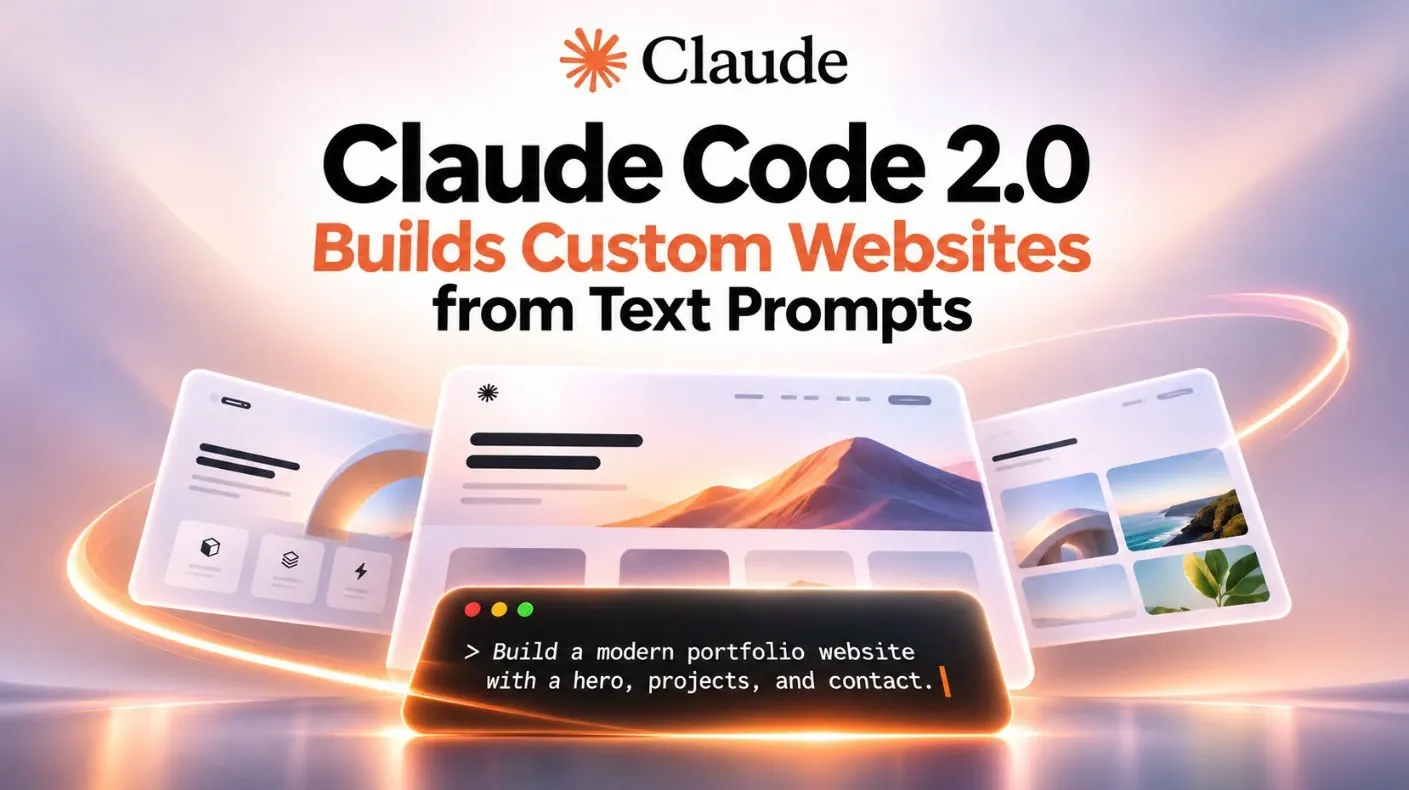
Claude Code 2.0 offers a fresh approach to website creation by blending AI-driven features with user-friendly design capabilities. Zinho Automates explores how this platform simplifies complex workflows, making it accessible for both beginners and seasoned developers. A standout feature is its rollback checkpoints, which allow you to experiment freely with design changes while maintaining the ability to revert to earlier versions. This flexibility encourages creativity without the risk of losing progress, making it especially useful for iterative design processes.
In this walkthrough, you’ll gain insight into how to use Higsfield integration to create custom visuals and animations that align with your website’s theme. You’ll also learn how to use features like split-view functionality for multitasking and prompt-based design to refine your site’s layout and interactivity. By the end, you’ll have a clear understanding of how to apply these techniques to build websites that are both visually compelling and highly functional.
Core Features of Claude Code 2.0
TL;DR Key Takeaways :
- Claude Code 2.0 revolutionizes website creation with AI-powered tools, allowing both beginners and experts to design professional-grade, interactive websites efficiently.
- Key features include Nested Sessions, Split-View Functionality and Rollback Checkpoints, which streamline workflows, enhance multitasking and encourage creative experimentation.
- Integration with Higsfield allows users to generate high-quality visuals, animations and 3D effects, enhancing creativity and aligning content with design goals.
- Prompt-based design offers precise control over website appearance and functionality, allowing tailored customization and dynamic interactivity for unique user experiences.
- Performance optimization features, such as asset compression and seamless deployment to hosting platforms, ensure fast-loading, responsive websites with minimal effort.
Claude Code 2.0 introduces a comprehensive set of tools designed to enhance creativity, streamline workflows and provide greater control over your projects. These features are tailored to meet the needs of both novice and expert designers:
- Nested Sessions and Side Chats: Manage secondary tasks, such as editing visuals or reviewing code, without disrupting your primary workflow. This feature ensures seamless multitasking and better organization.
- Split-View Functionality: Work on multiple aspects of your project simultaneously, such as coding and visual design, to improve efficiency and maintain focus.
- Rollback Checkpoints: Experiment with design changes confidently, knowing you can revert to previous versions at any point. This feature encourages creativity without the fear of losing progress.
These tools create a structured yet flexible environment, allowing you to focus on innovation while maintaining control over every aspect of your design.
Elevating Visual Content with Higsfield Integration
Claude Code 2.0 integrates seamlessly with Higsfield, an AI-powered tool that generates high-quality visuals, animations and videos. This integration expands your creative possibilities and enables you to produce visually stunning content that aligns with your website’s goals. With Higsfield, you can:
- Create custom images, animations and 3D effects tailored to your website’s theme and audience.
- Develop engaging visual content that enhances your brand’s narrative and strengthens its identity.
- Incorporate audio and voice elements to create a richer, more immersive user experience.
For instance, you could design an interactive travel website featuring animated maps, dynamic transitions and 3D-rendered landmarks. The integration with Higsfield ensures that your visuals are not only aesthetically pleasing but also aligned with your overall design strategy.

Gain further expertise in Claude Code by checking out these recommendations.
- Anthropic Adds Persistent JavaScript Mods to Claude Code
- 3 Ways Claude Code’s Creator Gets More Done with Simpler Prompts
- $20 ESP32 Paired with Claude Code to Automate Programming, Tasks and Projects
- 6 Claude Code Levels Explained : Map Skills from Prompts to Agent Teams
- Codex vs Claude Code: Slash App Development Costs and Time
- Anthropic Doubles Claude Code Rolling Limits for Paid Plans
- 100+ Claude Code Skills Tested : 6 Clear Winners
- How to Use Claude Code to Draw Amazing Diagrams With Excalidraw
- Claude Code Now Works With Apple iMessage & It’s a Game Changer
- Claude Code 2.0 Adds an iOS Simulator for Desktop App Testing
Precision Through Prompt-Based Design
Claude Code 2.0 uses prompt-based design to give you precise control over your website’s appearance and functionality. By providing detailed instructions, you can shape every element of your site to reflect your vision. Here’s how to maximize the potential of prompt-based design:
- Define Your Narrative: Start with a clear story or message that encapsulates your brand’s identity and purpose.
- Specify Design Elements: Include details such as color schemes, typography and layout preferences. For example, you might request a clean, minimalist design with bold headers and subtle animations.
- Use Higsfield: Generate visuals that align with your prompts to ensure consistency and cohesion across your website.
- Focus on Interactivity: Add dynamic elements like hover effects, clickable animations, or seamless transitions to enhance user engagement.
By tailoring your prompts to your specific needs, you can create a website that stands out for its visual appeal and functional excellence.
Customization and Iterative Design for Superior Results
Customization lies at the heart of Claude Code 2.0, allowing you to experiment with various design elements, refine layouts and incorporate feedback effortlessly. The platform supports an iterative design process, allowing you to make adjustments and improvements in real time. Key features that assist this process include:
- Side Chats: Handle secondary tasks, such as revising animations or editing content, without interrupting your primary workflow. This feature enhances productivity and ensures smooth collaboration.
- Iterative Workflow: Test different design options, gather feedback from stakeholders and refine your work based on their input. Use rollback checkpoints to compare versions and make informed decisions.
For example, if a particular animation feels too complex or distracting, you can simplify it, preview the changes and gather feedback before finalizing the design. This iterative approach ensures that every decision contributes to a polished and user-friendly website.
Performance Optimization and Seamless Deployment
Claude Code 2.0 prioritizes performance optimization to ensure that your website delivers a smooth and responsive user experience. Built-in features such as asset compression, animation optimization and streamlined code contribute to faster loading times and improved functionality. Once your design is complete, deployment is straightforward. You can publish your website directly to hosting platforms like Vercel, making the transition from development to live hosting seamless and efficient.
Best Practices for Using Claude Code 2.0 Effectively
To fully use the capabilities of Claude Code 2.0, consider adopting these best practices:
- Build Incrementally: Work on your website section by section to maintain focus and ensure that each element is carefully crafted.
- Be Clear in Your Prompts: Provide detailed and specific instructions to achieve the desired design and functionality. Avoid generic trends and focus on originality.
- Incorporate Feedback: Regularly review your design with stakeholders and make adjustments based on their input to ensure alignment with project goals.
By following these strategies, you can create a website that not only meets your expectations but also delivers an exceptional user experience.
Empowering Web Design with Claude Code 2.0
Claude Code 2.0, in conjunction with Higsfield, offers a powerful and intuitive solution for creating professional-grade websites. Its advanced features, such as prompt-based customization, iterative design workflows and seamless deployment, make it an invaluable tool for developers and designers alike. Whether you are crafting a brand story, enhancing user engagement, or optimizing performance, Claude Code 2.0 equips you with the tools to elevate your web design projects to new heights. By embracing its capabilities, you can build visually stunning, interactive websites that leave a lasting impression on your audience.
Media Credit: Zinho Automates
Disclosure: Some of our articles include affiliate links. If you buy something through one of these links, Geeky Gadgets may earn an affiliate commission. Learn about our Disclosure Policy.
