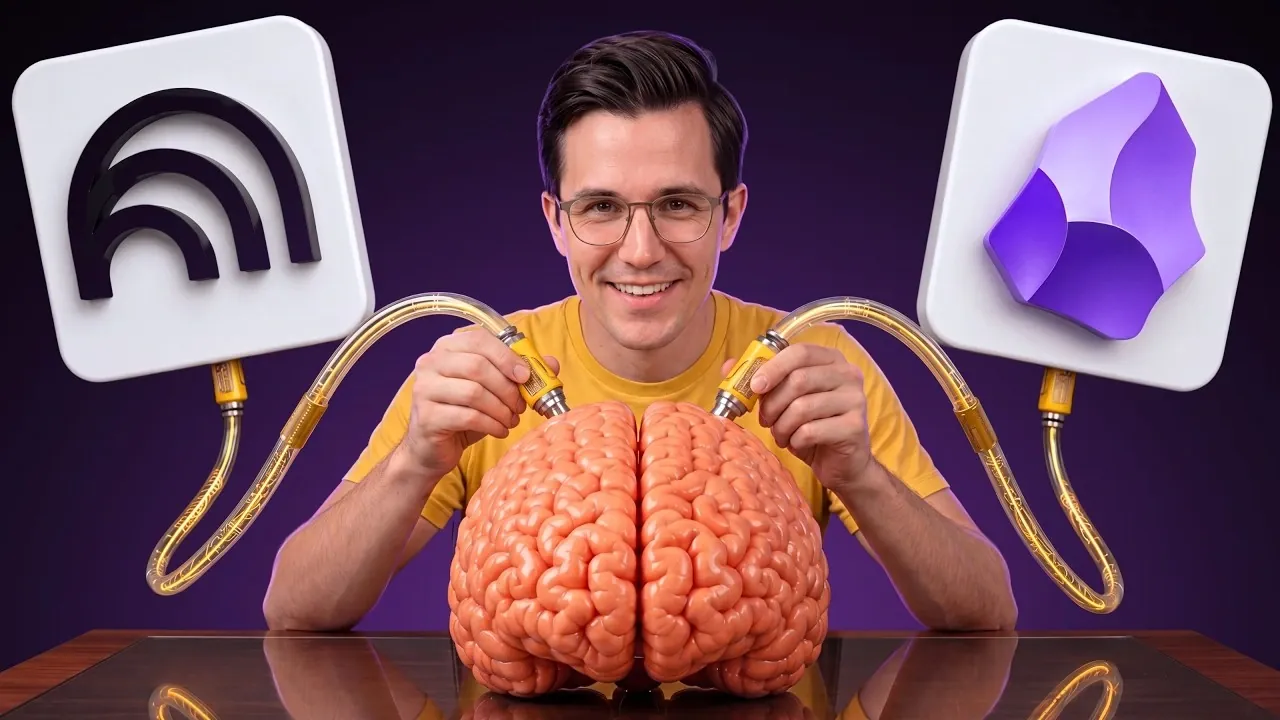
Building a second brain can help you manage information overload by creating a structured system for storing and processing knowledge. Parker Prompts demonstrates how combining the AI-driven analysis of Notebook LM with the interconnected note organization of Obsidian can achieve this. For instance, Notebook LM’s ability to generate actionable insights from raw data complements Obsidian’s bi-directional linking, which creates a dynamic knowledge graph. Together, these platforms form a cohesive workflow that supports both critical thinking and long-term knowledge retention.
This guide breaks down the setup process step by step, showing how to integrate these platforms effectively. You’ll explore how to use Notebook LM for analyzing complex information, transfer insights into Obsidian for structured storage and link related notes to build an interconnected knowledge base. Additionally, learn how to refine your system over time, making sure it adapts to your evolving needs and enhances your ability to uncover meaningful patterns.
Why Traditional Note-Taking Apps Are Insufficient
TL;DR Key Takeaways :
- A “second brain” is an external system designed to manage, organize and retrieve knowledge efficiently, freeing up cognitive resources for creative and analytical tasks.
- Notebook LM, an AI-powered tool, excels at analyzing data and generating actionable insights, while Obsidian provides structured, interconnected storage for long-term knowledge management.
- Obsidian’s features, such as bi-directional linking and the PARA method, transform notes into a dynamic, evolving knowledge repository that enhances usability and context.
- Integrating Notebook LM and Obsidian creates a powerful workflow where insights are processed, organized and interconnected, allowing deeper analysis and better decision-making.
- Over time, this system evolves into a robust, searchable knowledge base that supports research, decision-making and lifelong learning, with AI revealing hidden patterns and advanced insights.
Most conventional note-taking apps are designed with a primary focus on capturing information. While they excel at this initial step, they often fall short in areas such as retrieval, organization and long-term usability. Over time, notes can accumulate into an unmanageable clutter, making it difficult to locate specific details when needed. Without tools that assist effective structuring and processing of information, these apps struggle to support higher-level tasks such as decision-making, critical thinking and knowledge retention.
For example, searching for a specific note in a traditional app often requires you to remember exact keywords or manually sift through folders. This inefficiency can hinder productivity and limit your ability to draw meaningful connections between ideas. A second brain, however, addresses these shortcomings by creating a system that not only stores information but also makes it accessible and actionable.
Understanding the Concept of a Second Brain
A second brain is an external system designed to help you manage and process information more effectively. It acts as a digital extension of your mind, allowing you to offload the mental burden of remembering and organizing data. This frees up cognitive resources for creative and analytical tasks. To function optimally, a second brain must excel in two key areas: analyzing raw information to generate insights and storing it in a structured, easily searchable format.
This is where the combination of Notebook LM and Obsidian proves invaluable. Notebook LM provides the analytical power to process and interpret data, while Obsidian offers a robust framework for organizing and linking information. Together, they form a cohesive system that enhances your ability to manage knowledge and uncover deeper insights.

Become an expert in building second brains with the help of our in-depth articles and helpful guides.
- Claude Code & Obsidian Setup for a Flexible Second Brain System
- Why Apple Notes is the Ultimate Digital Second Brain You Need
- Build an Automated Second Brain with Obsidian and Codex
- Build an AI Second Brain Using Claude Code & Obsidian : The Future of Thinking
- Andrej Karpathy Picks Anthropic Over OpenAI : Here’s Why It Matters for Claude
- Why 2026 Is the Perfect Time to Build a Second Brain with Simple AI Tools
- Using Microsoft OneNote as a Second Brain – Tiago Forte
- Building a Second Brain with NotebookLM : Turn Raw Sources into Clear, Fast Insights
- Refining Your AI Second Brain : Four Patterns to Fix, Maintain & Grow Your System
- Create an AI second brain to increase your productivity
Notebook LM: Your AI-Powered Analyst
Notebook LM, developed by Google, is a innovative AI tool designed to process information and generate actionable insights. Its features are tailored to help you analyze data effectively and extract meaningful conclusions. Key functionalities include:
- Strategic Questioning: Pose targeted questions to the AI to uncover specific insights from your notes, allowing a deeper understanding of complex topics.
- Source Toggling: Control which references the AI uses, making sure that its responses are accurate and aligned with your preferred sources.
- Audio Summaries: Generate concise audio overviews of key findings, allowing you to review important information quickly and conveniently.
While Notebook LM excels at processing and analyzing information, it lacks the capacity for long-term storage and organization. This is where Obsidian steps in, providing the structural foundation needed to build a comprehensive second brain.
Obsidian: The Knowledge Vault
Obsidian is a powerful, plain-text note-taking application that serves as a permanent storage system for your knowledge. Its features are specifically designed to help you organize and interconnect information, making it an ideal tool for building a second brain. Key advantages include:
- Bi-directional Linking: Create connections between notes to form a dynamic knowledge graph, making relationships between ideas more apparent and accessible.
- PARA Method: Organize your notes into Projects, Areas, Resources and Archives, making sure that information is categorized logically and easy to retrieve.
- User-Owned Notes: Store your notes in plain-text files, giving you full control over your data and making sure compatibility across platforms.
By linking related notes, Obsidian not only enhances usability but also provides valuable context, making it easier to retrieve and understand information when needed. This interconnected structure transforms your notes into a living, evolving repository of knowledge.
Integrating Notebook LM and Obsidian
The true power of this system lies in the seamless integration of Notebook LM and Obsidian. By combining their strengths, you can create a workflow that maximizes the utility of both tools. Here’s how to set it up:
- Use Notebook LM to process raw information, analyze data and generate actionable insights.
- Transfer these insights into Obsidian as concise, user-written notes, making sure they are well-organized and easy to reference.
- Link related notes in Obsidian to build a web of interconnected knowledge, enhancing context and discoverability.
- Feed your Obsidian notes back into Notebook LM for further AI analysis, uncovering deeper patterns and relationships.
This iterative process ensures that your knowledge base remains dynamic, organized and continuously evolving. Over time, the system becomes more powerful, allowing you to tackle increasingly complex challenges with confidence.
The Long-Term Value of a Second Brain
Although setting up this system requires an initial investment of time and effort, the long-term benefits are substantial. As your knowledge base grows, the interconnected notes in Obsidian evolve into a powerful, searchable repository. This system supports a wide range of activities, including research, decision-making and lifelong learning.
The ability to draw connections between ideas and uncover hidden patterns becomes increasingly valuable as your second brain matures. By combining the analytical capabilities of Notebook LM with the structured storage of Obsidian, you create a system that not only organizes information but also enhances your ability to apply it effectively.
Unlocking Advanced Insights with AI
One of the most compelling aspects of this system is the ability to use AI for advanced insights. By feeding your Obsidian notes back into Notebook LM, you enable the AI to analyze your entire knowledge base. This process can reveal patterns, relationships and insights that might otherwise go unnoticed, providing you with a deeper understanding of complex topics.
This advanced use case highlights the fantastic potential of integrating AI into your knowledge management workflow. It allows you to move beyond simple note-taking and create a system that actively supports your intellectual growth and decision-making processes.
Media Credit: Parker Prompts
Disclosure: Some of our articles include affiliate links. If you buy something through one of these links, Geeky Gadgets may earn an affiliate commission. Learn about our Disclosure Policy.
