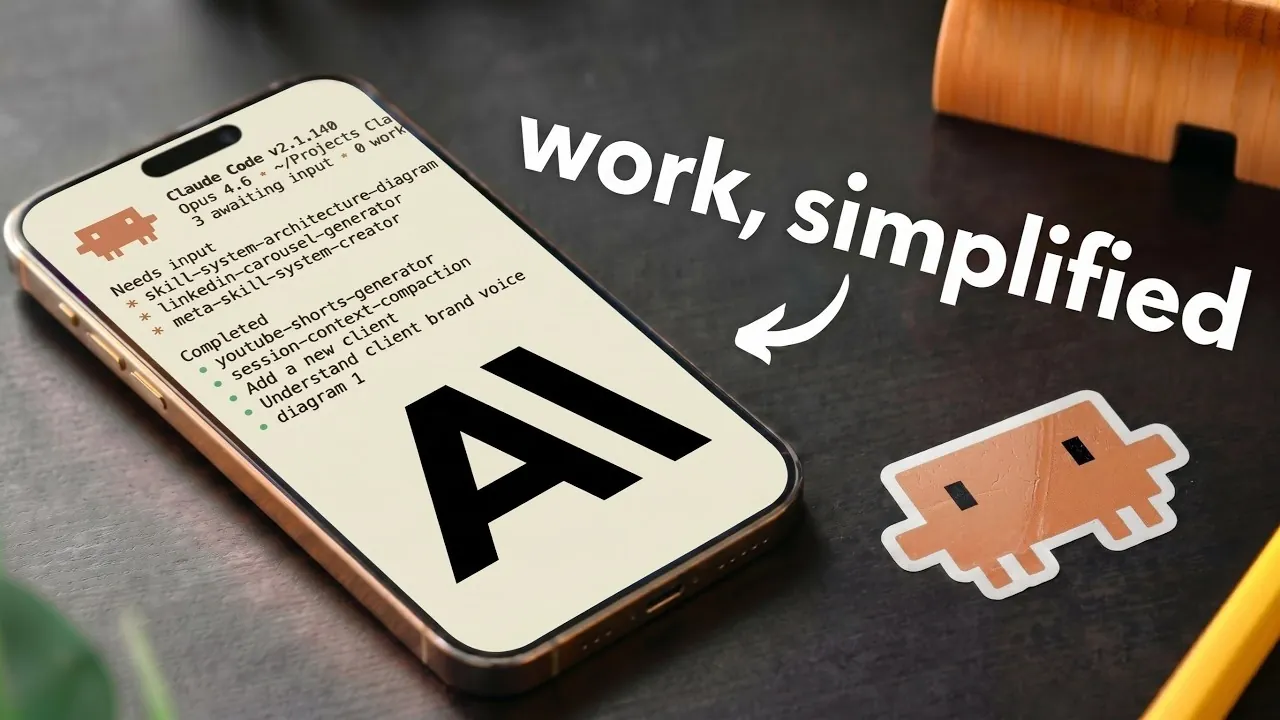
Creating a personalized Claude AI system can help you streamline your workflows by aligning them with your specific needs and goals. Simon Scrapes demonstrates how to use the Claude desktop app as the foundation for building this system, emphasizing the importance of two key files: claude.md, which defines rules and behavior and memory.md, which stores contextual information to maintain continuity across tasks. By structuring these components and integrating them into a well-organized folder architecture, you can create a scalable and efficient AI system tailored to both personal and professional projects.
In this breakdown, you’ll explore how to design a folder hierarchy that supports multiple clients or departments, making sure clear organization and adaptability. Learn how to customize Claude’s behavior using markdown files to automate repetitive tasks, such as generating reports or managing workflows. Additionally, discover strategies for addressing challenges like memory management and scalability to maintain optimal performance as your system evolves. These insights will equip you to build a system that simplifies complex processes while remaining flexible to your changing needs.
Getting Started: Laying the Foundation
TL;DR Key Takeaways :
- Use the Claude desktop app to create a personalized AI system tailored to your workflows, using key files like claude.md for behavior rules and memory.md for contextual continuity.
- Integrate essential components such as brand context, reusable process documents and dedicated workstations to ensure adaptability and efficiency across tasks.
- Design a scalable folder architecture with parent, nested and project folders to manage tasks, resources and outputs effectively.
- Customize Claude’s behavior using markdown files to automate repetitive processes, maintain consistency and enhance productivity.
- Address challenges like memory management and scalability while optimizing performance to ensure the system evolves with your growing needs.
The Claude desktop app serves as the cornerstone of your personalized AI system, allowing you to automate workflows and generate outputs that meet your precise requirements. At the core of this system are two essential files that define its functionality:
- claude.md: This file contains the instructions, rules and guidelines that dictate Claude’s behavior and responses.
- memory.md: A short-term memory file that stores contextual information for ongoing tasks, making sure relevance and continuity across interactions.
These files work in tandem to ensure that Claude operates efficiently, delivering outputs that are consistent with your expectations and objectives. By carefully configuring these foundational elements, you can establish a robust base for your AI system.
Core Components for an Effective Claude AI System
To unlock the full potential of your Claude AI system, it’s essential to integrate several key components. These elements ensure that your system is both adaptable and capable of meeting diverse needs:
- Brand Context: Define your brand’s voice, ideal customer profile (ICP), and visual identity. This ensures that Claude produces outputs that align with your brand’s tone, style and messaging.
- Reusable Process Documents: Create standardized documents for repetitive tasks, such as onboarding procedures or content creation workflows. These documents save time and promote consistency across projects.
- Workstations: Organize your system into dedicated folders for specific areas, such as marketing, operations, or client management. Each workstation can include its own set of rules and memory files to address unique requirements.
By combining these components, you can create a system that is not only efficient but also tailored to your unique workflows and objectives.

Here are additional guides from our expansive article library that you may find useful on Claude AI.
- Claude AI Cheat Sheet : The Shortcuts Everyone Should Know
- How Claude is Quietly Automating Complex Video Editing Workflows
- Claude’s Most Powerful Features : Beginners Guide 2026
- How Paperclip Turns Claude Code Into an Entire Automated AI Company
- Claude Opus 4.6 vs ChatGPT 5.2 : Benchmarks, Context and Workflow AI Tools
- New Claude Feature Automates Your Tasks While You Sleep
- Meet AutoDream : Claude Code’s Clever New Trick for Memory Management
- Claude Opus 4.7 Leaks & Anthropic’s Full-Stack AI Studio
- Get Certified in AI for Free: Anthropic Launches Massive New Academy
- Skip the Learning Curve : Master Building with Claude Code Quickly
Structuring Your Folder Architecture
A well-organized folder structure is critical for managing tasks, resources and outputs effectively. Here’s how to design a folder architecture that supports scalability and efficiency:
- Parent Folder: This top-level folder contains global rules, shared resources and overarching instructions that apply to the entire system.
- Nested Folders: Create subfolders for each client, department, or project. These folders can include specific rules, memory files and resources tailored to their respective contexts.
- Project Folders: Use dedicated folders to store deliverables, outputs and related materials for individual projects, making sure easy access and organization.
This hierarchical structure allows you to expand or adapt your system as your needs evolve, making it suitable for both small-scale and large-scale applications.
Customizing Claude’s Behavior for Maximum Efficiency
One of the most powerful features of the Claude desktop app is its flexibility, allowing you to customize its behavior to suit your specific workflows and preferences. By using markdown files, you can easily edit instructions, define task hierarchies and automate repetitive processes.
For example, if you frequently generate reports, you can create a template with predefined formatting and content guidelines. Claude can then follow this template to produce consistent and professional reports with minimal input. This not only saves time but also ensures uniformity across all outputs, enhancing the overall quality of your work.
Managing Complex Workflows Across Clients or Departments
Claude’s ability to handle separate contexts makes it an ideal tool for managing multiple clients, departments, or projects simultaneously. Each client or department can have its own folder with specific rules and memory files, while global rules from the parent folder ensure consistency across the system.
For instance, if you manage marketing campaigns for multiple clients, you can create individual folders for each client. These folders can include guidelines for tone, style and content preferences, allowing Claude to adapt its behavior to meet the unique requirements of each client. This approach ensures that outputs are tailored and relevant, without compromising overall system efficiency.
Enhancing Productivity with Mobile Integration
Claude’s mobile integration feature enables you to maintain productivity even when you’re away from your desk. By connecting your mobile device to the desktop system, you can dispatch tasks, provide updates, or share notes on the go. For example, you can send a quick voice command or text message from your phone and Claude will process the input within the desktop environment.
This seamless integration ensures that your workflows remain uninterrupted, allowing you to stay organized and efficient regardless of your location.
Addressing Challenges and Optimizing Performance
While the Claude AI system offers numerous advantages, it’s important to recognize and address potential challenges to maintain optimal performance:
- Memory Management: As memory files grow over time, they may slow down the system. Regularly reviewing and archiving older memory files can help mitigate this issue.
- Scalability: Managing large-scale projects or multiple clients may require additional optimization, such as refining folder structures or automating more complex workflows.
- Skill Expansion: Enhancing Claude’s skills to handle advanced tasks, such as data analysis or content repurposing, can further improve its utility and versatility.
By proactively addressing these challenges, you can ensure that your Claude AI system remains efficient and effective as your needs evolve.
The Benefits of Building a Claude AI System
Developing a personalized Claude AI system offers several significant benefits that can transform the way you work:
- Streamlined Workflows: Automate repetitive tasks, reducing manual effort and freeing up time for more strategic activities.
- Consistent Outputs: Ensure that all deliverables align with your brand’s voice, style and standards, enhancing professionalism and quality.
- Scalability: Adapt the system to accommodate growing personal or professional demands, making sure long-term utility and relevance.
By following this guide, you can create a Claude AI system that not only simplifies your work but also enhances its effectiveness. With its combination of customization, automation and scalability, this system is a powerful tool for achieving streamlined productivity in today’s fast-paced environment.
Media Credit: Simon Scrapes
Disclosure: Some of our articles include affiliate links. If you buy something through one of these links, Geeky Gadgets may earn an affiliate commission. Learn about our Disclosure Policy.
