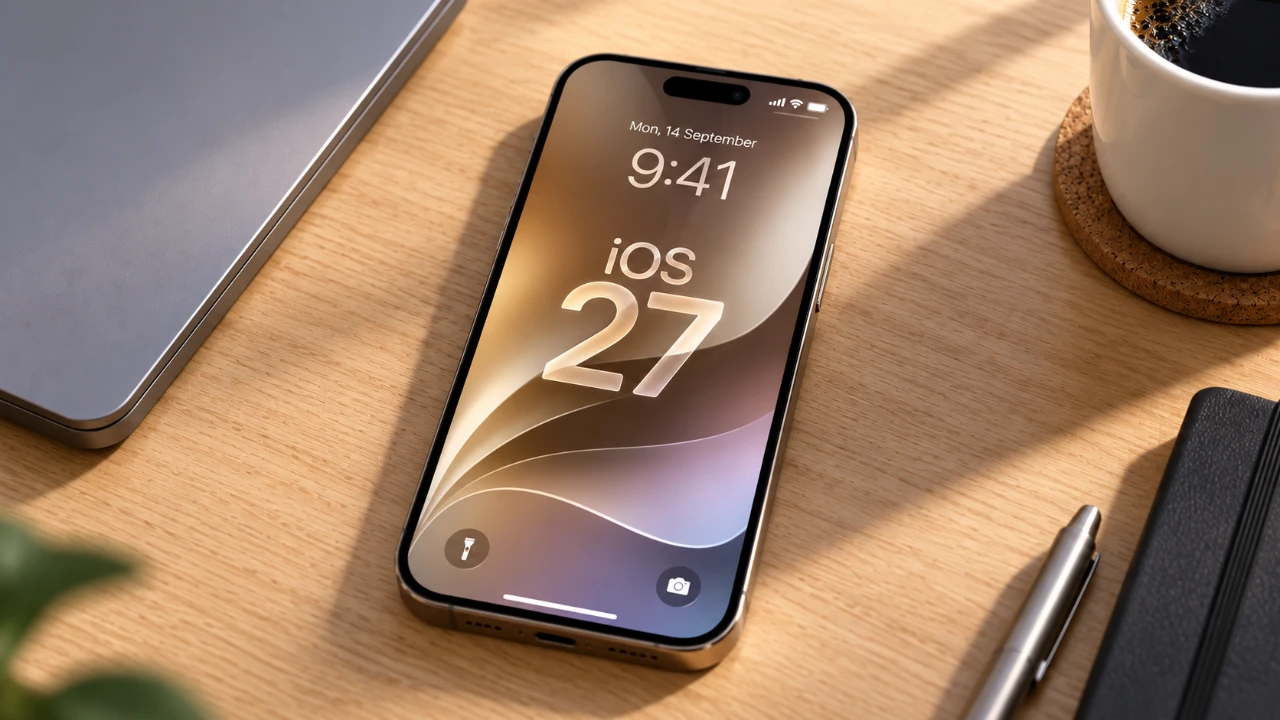
iOS 27 was released this week, bringing a range of features designed to enhance usability, personalization, and overall performance. With a strong focus on artificial intelligence (AI) and user-centric improvements, this update redefines how you interact with your device. Whether you’re a tech enthusiast or a casual user, iOS 27 introduces tools and functionalities that cater to a variety of needs. Below are the top 10 features you should explore to maximize your experience with this update, in a new video from Proper Honest Tech.

1. Advanced Photo Editing Tools
Photography enthusiasts will find the new photo editing tools in iOS 27 particularly compelling. The Reframe feature allows you to adjust photo perspectives after capturing them, using AI to maintain image quality. The Extend tool enables you to generate realistic backgrounds, making it easy to expand or reframe your compositions. Additionally, the upgraded Cleanup tool offers precise object removal with multiple quality modes, making professional-grade photo editing more accessible and intuitive.
2. AI-Powered Functionalities
Artificial intelligence takes center stage in iOS 27, making your device smarter and more responsive. Siri now provides context-aware assistance during calls, such as retrieving relevant emails or booking details in real time. AI also enhances everyday tasks like photo editing, list creation and information retrieval, adapting to your needs with minimal input. These advancements streamline your daily activities and make your device a more efficient companion.
3. Enhanced Messaging Features
Communication is more seamless with the messaging updates introduced in iOS 27. A message send progress bar now provides real-time feedback on attachment uploads, which is particularly useful in areas with weak connectivity. This feature ensures you stay informed about the status of your messages, reducing frustration and improving the overall messaging experience.
4. Safari’s “Notify Me” Tool
Browsing becomes more efficient with Safari’s Notify Me feature. This tool tracks changes on websites, such as price drops or stock updates and sends you customizable notifications. It’s especially useful for online shoppers and researchers who need to stay updated without manually checking websites repeatedly.
5. Expanded Customization Options
iOS 27 introduces greater control over your device’s appearance and functionality. The new Liquid Glass transparency effect adds a sleek, modern aesthetic to the interface. Additionally, separate volume controls for alarms, ringtones and system sounds allow for a more tailored audio experience. These updates enable you to fine-tune your device to better suit your preferences.
6. Upgraded Weather App
The Weather app in iOS 27 has been significantly enhanced to provide more detailed and actionable information. Features include hourly forecasts for precipitation, wind and temperature, as well as support for landscape mode, which offers a broader view of weather data. These updates ensure you’re always prepared for changing conditions, making it easier to plan your day.
7. Redesigned Shortcuts App
Automation becomes more user-friendly with the redesigned Shortcuts app. The addition of natural language input allows you to describe tasks in plain English, simplifying the process of creating shortcuts. This feature lowers the barrier for automation, allowing you to save time and effort without requiring advanced technical skills.
8. Digital Wallet Enhancements
The Wallet app now supports the creation of digital passes for membership and loyalty cards. This feature reduces physical clutter and ensures that your essential passes are always easily accessible. Whether managing gym memberships or store loyalty programs, the updated Wallet app streamlines your experience and keeps everything organized.
9. Performance Upgrades
iOS 27 delivers noticeable performance improvements across the board. Apps launch faster, photo libraries load more efficiently and AirDrop transfers are quicker. The Mail app also benefits from enhanced search ranking, making it easier to locate specific emails when you need them. These upgrades ensure a smoother and more responsive user experience.
10. Audio Customization for AirPods
For audio enthusiasts, iOS 27 introduces a custom equalizer for AirPods. This feature allows you to fine-tune sound settings to match your preferences, whether you’re listening to music, podcasts, or calls. The new equalizer provides greater control over your listening experience, making sure optimal audio quality tailored to your needs.
Unlock the Potential of iOS 27
iOS 27 represents a significant step forward in mobile technology, combining advanced AI, enhanced customization and improved performance to deliver a more intuitive and efficient user experience. From powerful photo editing tools to smarter messaging and personalized settings, this update caters to a diverse range of needs. By exploring these top 10 features, you can unlock the full potential of your device and enjoy a more seamless and engaging experience.
Check out more relevant guides from our extensive collection on iOS 27 that you might find useful.
- Apple Delaying iOS 27 Beta 5? Here’s When to Expect the Next Update
- New iOS 27 Beta 5 Release Arrives with a Big Shift Coming
- iOS 27 Beta 5 Is Late: What’s Holding Up Apple’s Next Release?
- The iOS 27 Beta 5 Release Imminent with More New Features
- Apple’s iOS 27 Beta 3 Is Just Days Away: Here’s When It Drops
- Apple iOS 27 Beta 5 Preview: a Look at the Next Release
Source & Image Credit: Proper Honest Tech
Disclosure: Some of our articles include affiliate links. If you buy something through one of these links, Geeky Gadgets may earn an affiliate commission. Learn about our Disclosure Policy.
