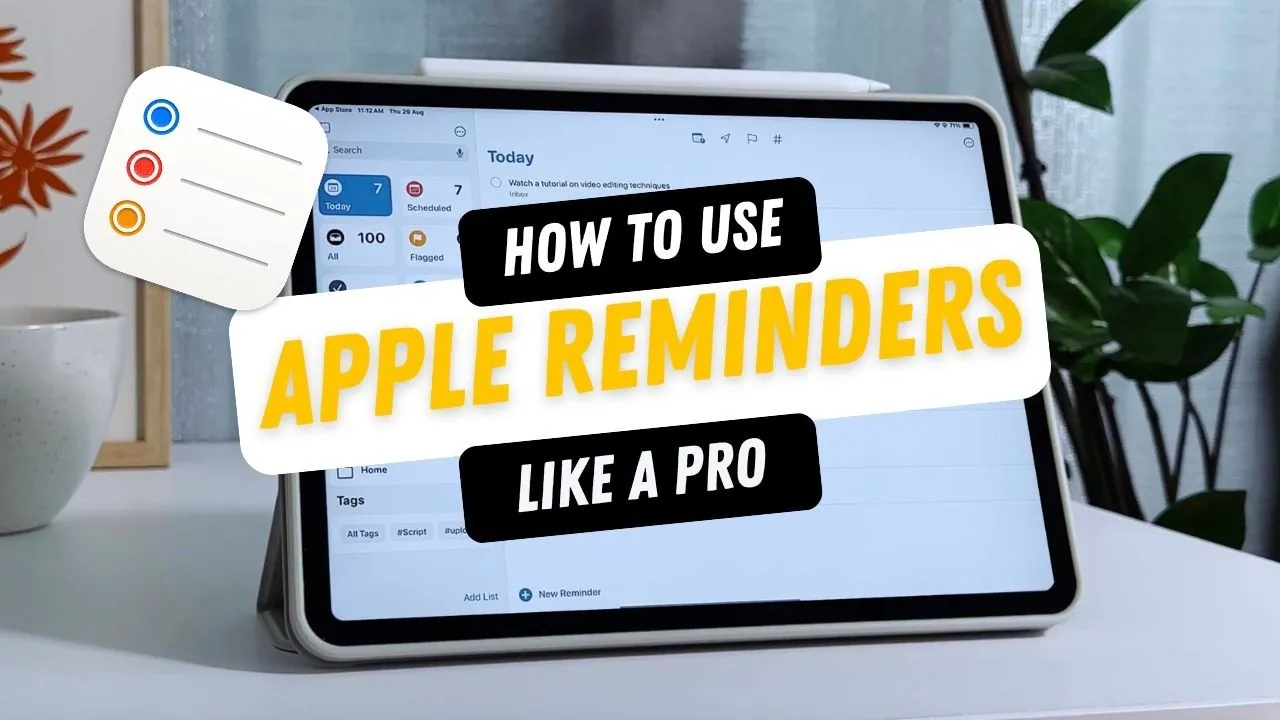
Life can get overwhelming, can’t it? Between juggling work deadlines, personal errands, and everything in between, it’s easy to feel like you’re constantly playing catch-up. If you’ve ever found yourself forgetting an important task or scrambling to organize your to-do list and you’re an Apple user. You already have a powerful tool at your fingertips that can help bring order to the chaos: Apple Reminders. But here’s the thing—most people barely scratch the surface of what this app can do.
What if you could transform Apple Reminders into your personal productivity powerhouse? Whether you’re managing a packed schedule, planning a group project, or just trying to remember to pick up milk on the way home, this app has features that can make your life easier. From customizable reminders to seamless collaboration tools, Apple Reminders is more than just a digital sticky note—it’s a fantastic option for staying organized. Below iOS Pro takes you the top features that can help you take control of your tasks and reclaim your time. With seamless integration across Apple devices, it ensures your tasks are always accessible and well-structured.
Create and Customize Your Reminders
TL;DR Key Takeaways :
- Apple Reminders allows task customization with features like priority levels, subtasks, recurring reminders, and tags for better organization and clarity.
- Organizational tools such as Lists, Smart Lists, and Shopping Assistance help group and sort tasks efficiently.
- Advanced list management features like templates, folders, and pinning streamline workflows for recurring or complex projects.
- Customization options, including default lists, app badge notifications, and task organization into sections, make the app adaptable to individual needs.
- Integration with widgets, Siri, and cross-device syncing ensures seamless task management, collaboration, and accessibility across all Apple devices.
Apple Reminders gives you the flexibility to create tasks that fit your specific needs. You can set reminders with precise dates, times, or even locations, making sure you never overlook an important deadline or errand. To make your tasks more actionable and detailed, the app allows you to:
- Assign priority levels: Highlight urgent tasks to focus on what matters most.
- Attach files: Add images, documents, or links for additional context.
- Break tasks into subtasks: Divide larger goals into manageable steps for better clarity.
- Set recurring reminders: Automate reminders for repetitive tasks, such as paying bills or attending weekly meetings.
- Use tags: Categorize tasks with tags to make searching and filtering more efficient.
These features ensure your tasks are not only detailed but also easy to manage, helping you stay on top of your responsibilities.
Keep Tasks Organized
Staying organized is effortless with Apple Reminders, thanks to its robust organizational tools. These features allow you to group and sort tasks effectively, making sure nothing slips through the cracks:
- Lists: Create separate lists for different areas of your life, such as work, personal errands, or hobbies.
- Smart Lists: Automatically filter tasks based on specific criteria, such as due dates, priorities, or tags, for quick access to what you need.
- Shopping Assistance: Automatically categorize items in shopping lists, making grocery trips more efficient.
By using these tools, you can maintain a clear overview of your tasks, no matter how busy your schedule becomes.
How to Use Apple Reminders Like A Pro

Enhance your knowledge on Apple Reminders by exploring a selection of articles and guides on the subject.
- How to Use Apple Reminders for Improved Productivity with GTD
- Using Apple Notes, Reminders & Calendar for Maximum
- Apple Reminders Tips: Boost Productivity and Stay Organized
- How to Use the Apple Reminders App (Video)
- Master Productivity with Apple Notes, Reminders, and Calendar
- How to Use Apple Notes, Reminders, and Calendars Together
- Boost Your Workflow with Apple’s Reminders, Notes and Calendar
- Unlock Your Productivity: How to Use Apple Reminders Effectively
- iOS 18 Productivity Hacks: Reminders, Notes, and Shortcuts
- Apple Reminders Tips & Tricks Revealed
Streamline Workflows with Advanced List Management
For recurring projects or complex workflows, Apple Reminders offers advanced list management features that simplify your task organization. These tools are particularly useful for managing detailed projects or repetitive task structures:
- Templates: Save frequently used lists as templates to quickly recreate them for similar projects or tasks.
- Folders: Group related lists into folders for a more structured and organized view.
- Pinning: Pin your most important lists to the top of your screen for instant access.
These advanced features help you save time and maintain consistency in your task management, making it easier to handle complex or recurring responsibilities.
Customize the App to Fit Your Needs
Apple Reminders offers a variety of customization options to adapt the app to your personal workflow. These settings allow you to tailor the app to your preferences, making sure it works seamlessly with your schedule:
- Set default lists: Automatically assign new tasks to a specific list for better organization.
- Adjust all-day reminder times: Customize the default time for all-day reminders to align with your daily routine.
- Enable app badge notifications: Use badge icons to keep track of pending tasks at a glance.
- Organize tasks into sections: Divide lists into columns or sections for a clearer overview of priorities.
These customization options make Apple Reminders a more effective tool, tailored to your unique needs and preferences.
Enhance Productivity with Widgets and Siri
Apple Reminders integrates seamlessly with your device’s home screen and Siri, making task management faster and more intuitive. These features are designed to save you time and effort:
- Widgets: Add interactive widgets to your home screen to view, edit, or complete tasks without opening the app.
- Siri Integration: Use voice commands to create reminders or lists effortlessly. For example, say, “Remind me to send the report tomorrow at 9 a.m.,” and Siri will handle the rest.
By incorporating these tools into your routine, you can manage tasks more efficiently and stay focused on your priorities.
Collaborate with Ease
Collaboration is a standout feature of Apple Reminders, making it an excellent tool for teamwork. You can share lists with others, allowing real-time updates and seamless coordination. Whether you’re planning a family event or working on a group project, shared lists ensure everyone stays informed and aligned. Any changes made by participants are instantly reflected across devices, fostering smooth collaboration and reducing miscommunication.
Stay Synced Across Devices
One of the most powerful aspects of Apple Reminders is its ability to sync across all your Apple devices. Whether you’re using an iPhone, iPad, Mac, or Apple Watch, your reminders are always up to date. This cross-device synchronization ensures you can access and manage your tasks from anywhere, making it a reliable tool for staying organized on the go. With this feature, you can seamlessly transition between devices without losing track of your tasks.
Maximize Your Productivity
Apple Reminders is more than just a task management app—it’s a versatile platform designed to enhance your productivity and organization. By using features like Smart Lists, templates, and Siri integration, you can create a system that works for you. Whether you’re tackling personal errands, managing complex projects, or collaborating with others, Apple Reminders equips you with the tools to stay on track and achieve your goals.
Media Credit: iOS Pro Tips & Tricks
Disclosure: Some of our articles include affiliate links. If you buy something through one of these links, Geeky Gadgets may earn an affiliate commission. Learn about our Disclosure Policy.
