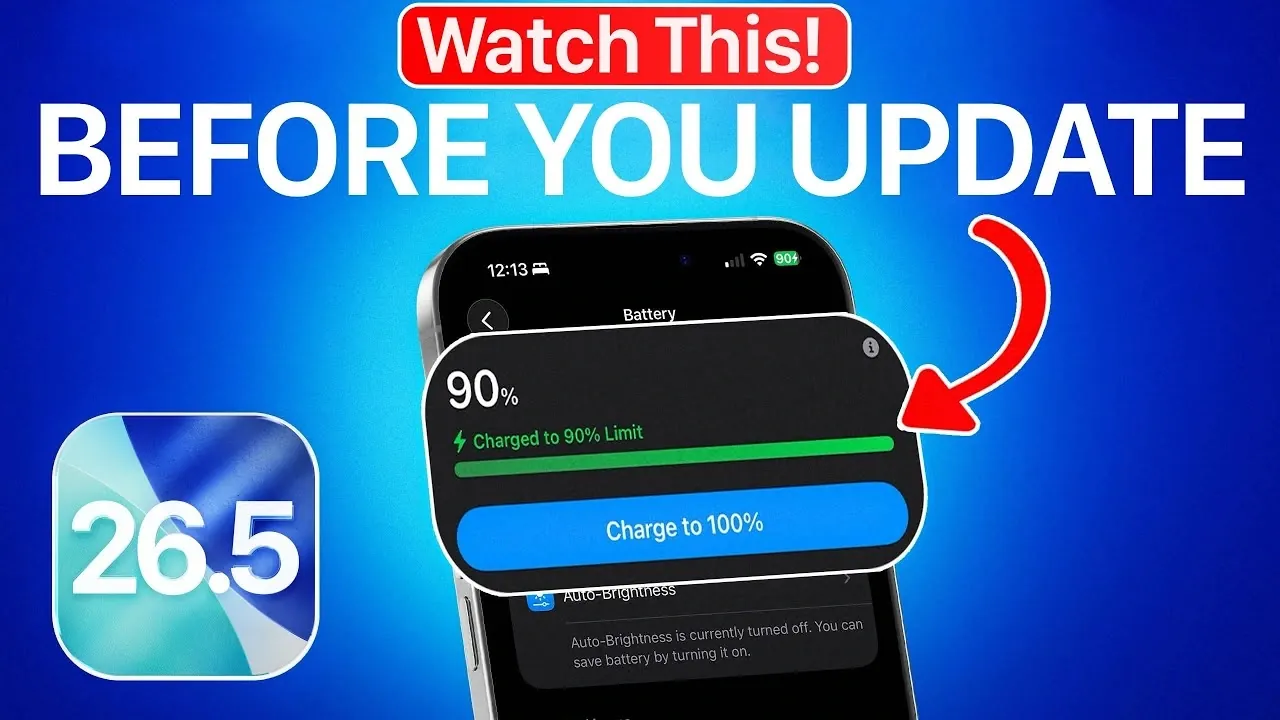
Apple’s iOS 26.5 is expected to land today or tomorrow, introducing a range of updates aimed at improving device performance, battery efficiency, and overall system stability. While the update resolves several longstanding issues, it also comes with minor drawbacks that may affect certain users. Below is a detailed analysis to help you determine whether upgrading is the right decision for your device in a new video from iDeviceHelp.

Performance Enhancements Across Devices
iOS 26.5 delivers significant performance improvements, benefiting both the latest iPhone models and older devices like the iPhone 11. These enhancements are designed to provide a smoother and more efficient user experience:
- Faster app launches and improved multitasking capabilities, thanks to substantial boosts in single-core performance.
- Incremental improvements in multi-core processing, allowing better handling of resource-intensive tasks such as video editing and gaming.
- Enhanced system navigation, making sure a fluid and responsive interface even on older devices.
If your device has been lagging or struggling with slowdowns, this update could offer the performance boost you’ve been waiting for.
Battery Life Optimizations
Battery life improvements are a standout feature of iOS 26.5, addressing common complaints such as excessive standby battery drain. Depending on your iPhone model, you may notice:
- Reduced battery drain during periods of inactivity, particularly on older models like the iPhone 11 and iPhone 13.
- Optimized battery usage on newer devices, such as the iPhone 17 Pro Max, making sure consistent performance even during heavy usage.
For users who rely on their devices throughout the day, these enhancements make the update especially appealing, offering a more reliable and longer-lasting battery experience.
Keyboard Functionality: Persistent Issues
Despite the overall improvements, iOS 26.5 has not fully resolved certain keyboard-related issues that some users may encounter:
- Auto-prediction errors that can disrupt typing accuracy and slow down communication.
- Occasional dictionary resets, requiring users to manually reconfigure their keyboard settings.
If these issues affect you, resetting the keyboard dictionary through the settings menu can serve as a temporary workaround. While these problems are not widespread, they may impact your typing experience until Apple provides a more permanent fix in a future update.
Bluetooth Connectivity: Improvements and Challenges
Bluetooth functionality in iOS 26.5 shows mixed results, with notable improvements alongside some lingering challenges:
- Most devices pair seamlessly, offering reliable connectivity for standard use cases such as wireless headphones and speakers.
- However, some users overview intermittent issues with CarPlay microphone input and third-party Bluetooth accessories.
If you frequently use Bluetooth for hands-free calls or audio streaming, re-linking your devices after the update often resolves these issues. However, occasional disruptions may persist, particularly with older or less compatible accessories.
Charging Stability and Overheating Fixes
Apple has addressed previous concerns related to overheating during charging, which often led to “charging on hold” prompts in high-temperature conditions. With iOS 26.5, users can expect:
- Improved charging stability, reducing the risk of overheating during prolonged use or in warmer climates.
- Safer and more reliable charging, even when using your device while it is connected to a power source.
These fixes enhance the overall safety and usability of your device, particularly for users who frequently charge their phones under demanding conditions.
Security Updates: Strengthened Protection
Security remains a top priority in iOS 26.5, with Apple introducing critical patches to address emerging threats and vulnerabilities. Key improvements include:
- Enhanced protection against potential exploits, safeguarding sensitive personal data such as passwords and financial information.
- Strengthened defenses against cyber threats, making sure your device remains secure in an increasingly connected world.
For users who prioritize data security, upgrading to iOS 26.5 is highly recommended to maintain the highest level of protection against evolving risks.
Should You Upgrade?
iOS 26.5 is a comprehensive update that brings meaningful improvements in performance, battery life and security. While minor issues with keyboard functionality and Bluetooth connectivity persist, the overall benefits far outweigh these drawbacks. For users seeking a smoother, more efficient experience on their iPhone, this update is a worthwhile consideration. With its release now available, take the time to prepare your device for the upgrade and enjoy the enhanced features iOS 26.5 has to offer.
Here are more guides from our previous articles and guides related to iOS 26.5 update that you may find helpful.
- iOS 26.4.2 vs. 26.5 RC: Should You Update Now or Wait for Next Week’s Release?
- Why You’ll Want to Install iOS 26.5 the Second It Launches
- iOS 26.5: Everything You NEED To Know Before You UPDATE !
- What’s New in iOS 26.5 Beta 1 V2? Fixes, RCS Security and Maps Changes
- Don’t install iOS 26.5 Beta 2 yet, unless you want to carry a charger for the first time this year
Source & Image Credit: iDeviceHelp
Disclosure: Some of our articles include affiliate links. If you buy something through one of these links, Geeky Gadgets may earn an affiliate commission. Learn about our Disclosure Policy.
